
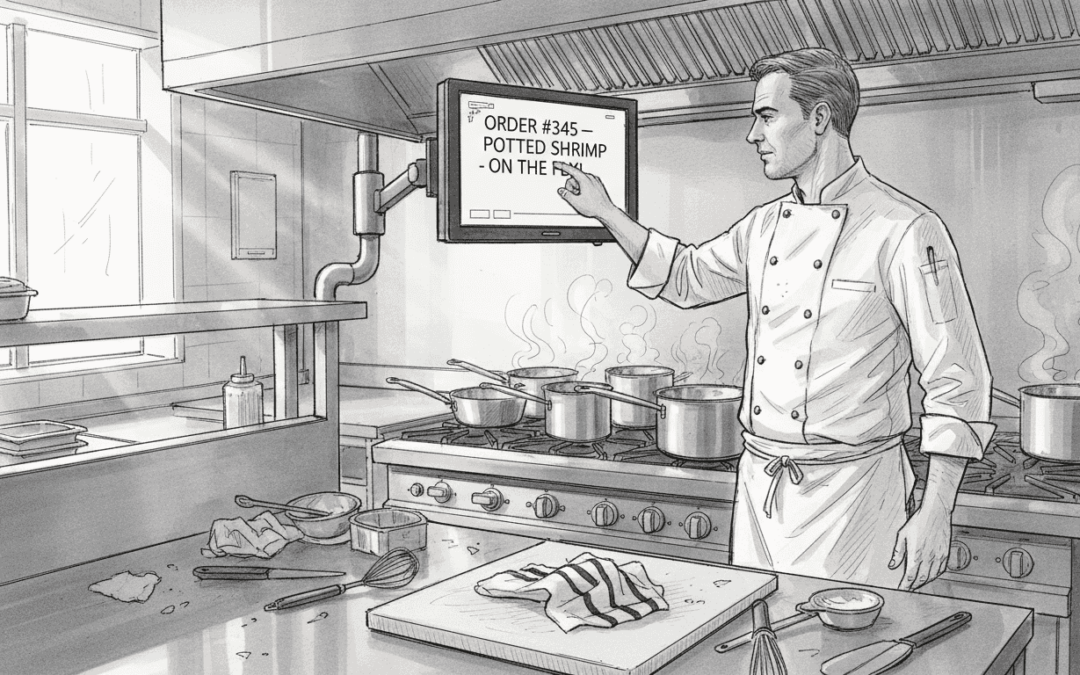
Kitchen screens transform how UK hospitality kitchens operate by eliminating paper ticket chaos and reducing order errors by up to 40%. A kitchen display system (KDS) connects directly to your POS, showing orders in real time on digital screens that kitchen staff can update instantly. This guide explores how these systems cut preparation times, improve accuracy, and help venues of all sizes streamline their busiest service periods through better communication and workflow management.
Table of Contents
- Introduction To Kitchen Screens In Hospitality
- How Kitchen Screens Improve Kitchen Workflow And Accuracy
- Integration Of Kitchen Screens With Pos Systems
- Common Misconceptions About Kitchen Screens
- Practical Implementation And Best Practices
- Case Examples And Industry Trends
- Conclusion: Transforming Kitchen Operations Through Screens
- Upgrade Kitchen Efficiency With Ezeepos Solutions
Key takeaways
| Point | Details |
|---|---|
| Error reduction | Kitchen screens eliminate handwritten ticket mistakes and reduce order processing errors by 30 to 40% in busy kitchens. |
| Real-time integration | Orders sync automatically from POS to kitchen screens, ensuring instant communication between front and back of house. |
| Scalable implementation | Small and medium UK venues benefit significantly from phased rollouts with targeted staff training and customised screen layouts. |
| Performance visibility | Digital screens provide 24/7 KPI data for proactive workflow and staffing adjustments. |
| Misconceptions addressed | Kitchen screens suit all venue sizes and deliver long-term cost savings that outweigh initial setup investments. |
Introduction to kitchen screens in hospitality
Kitchen display systems are digital screens that replace traditional paper tickets in hospitality kitchens. Orders placed at the till or via table service appear instantly on these screens, showing what needs preparing, cooking times, and order priorities. Most systems use wall-mounted monitors or tablets positioned at prep stations, cooking areas, and expediting counters.
Single-screen setups work well for smaller cafés and quick-service venues. Larger operations often deploy multi-screen configurations, with separate displays for starters, mains, desserts, and drinks. This segmentation lets different kitchen sections focus on their specific tasks without confusion.
Paper tickets get lost, torn, or misread during busy shifts. Kitchen screens eliminate these problems entirely because orders remain visible until staff mark them complete. You never lose an order to a wet countertop or illegible handwriting. Digital kitchen screens provide 24/7 performance data that helps managers spot bottlenecks and adjust workflows before problems escalate.
Modern systems connect seamlessly with hospitality POS software, creating an unbroken information flow from customer order to kitchen completion. Staff training becomes simpler because screens use intuitive colour coding and large text that everyone can read from across the kitchen.
How kitchen screens improve kitchen workflow and accuracy
Real-time order display stops miscommunication between front and back of house teams. When servers enter orders into the POS, kitchen screens update immediately with every detail, dietary requirement, and modification. No more shouting orders across the room or running back to clarify whether a customer wanted chips or salad.
Kitchen Display Systems reduce processing times by 30 to 40%, letting chefs prepare and deliver food faster during peak hours. Colour coding helps staff prioritise urgent orders at a glance. Orders nearing their target prep time turn amber, then red if delayed, so nothing gets forgotten during a rush.
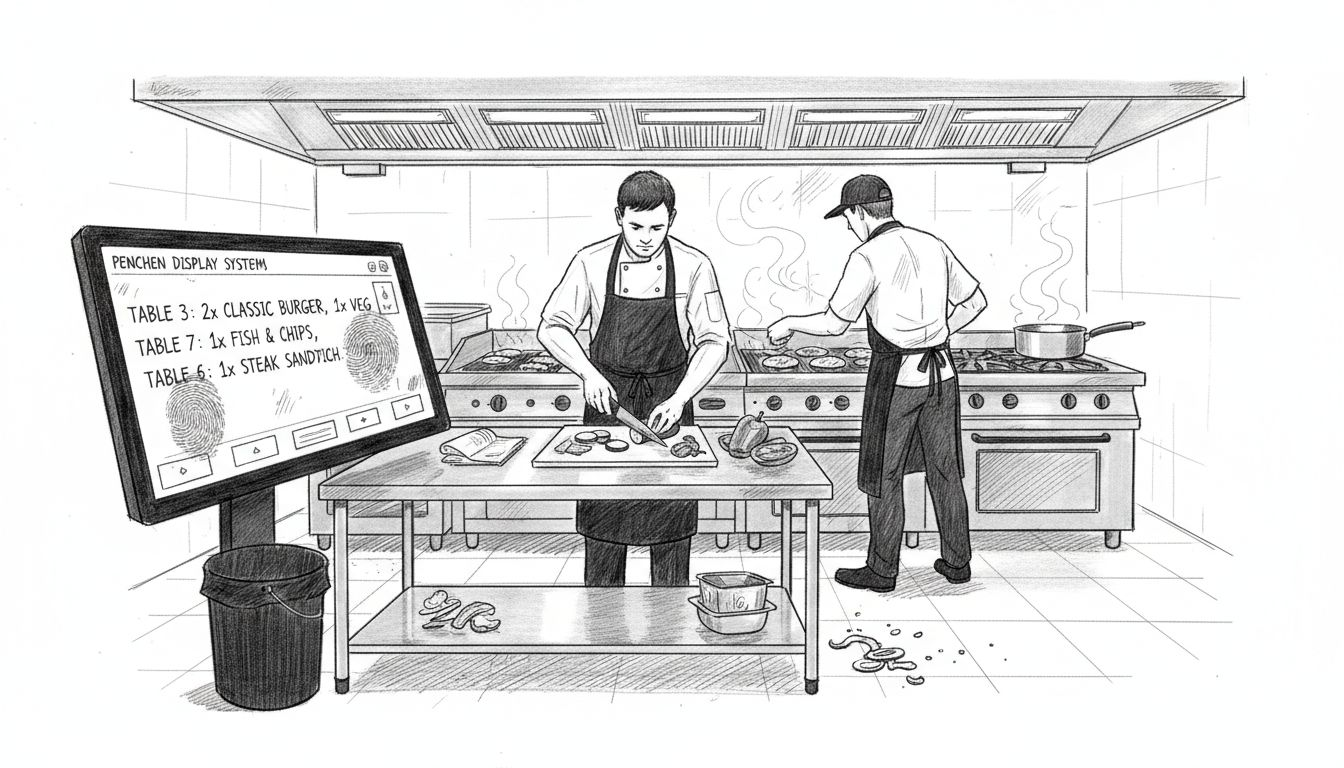
Handwritten tickets create mistakes when staff misread numbers or letters under pressure. Kitchen screens eliminate these errors because every item appears in clear digital text. Duplication becomes impossible since the system tracks each order from entry to completion. Lost tickets vanish as a problem because orders stay on screen until someone marks them done.
Pro Tip: Set up your colour-coded priority system during quiet periods so staff understand the visual cues before busy services test the workflow.
Here’s how error reduction translates to measurable improvements:
| Metric | Paper Tickets | Kitchen Screens | Improvement |
|---|---|---|---|
| Order errors per 100 covers | 8 to 12 | 2 to 4 | 60 to 70% reduction |
| Average prep time | 18 minutes | 11 minutes | 39% faster |
| Lost orders per shift | 3 to 5 | 0 | 100% elimination |
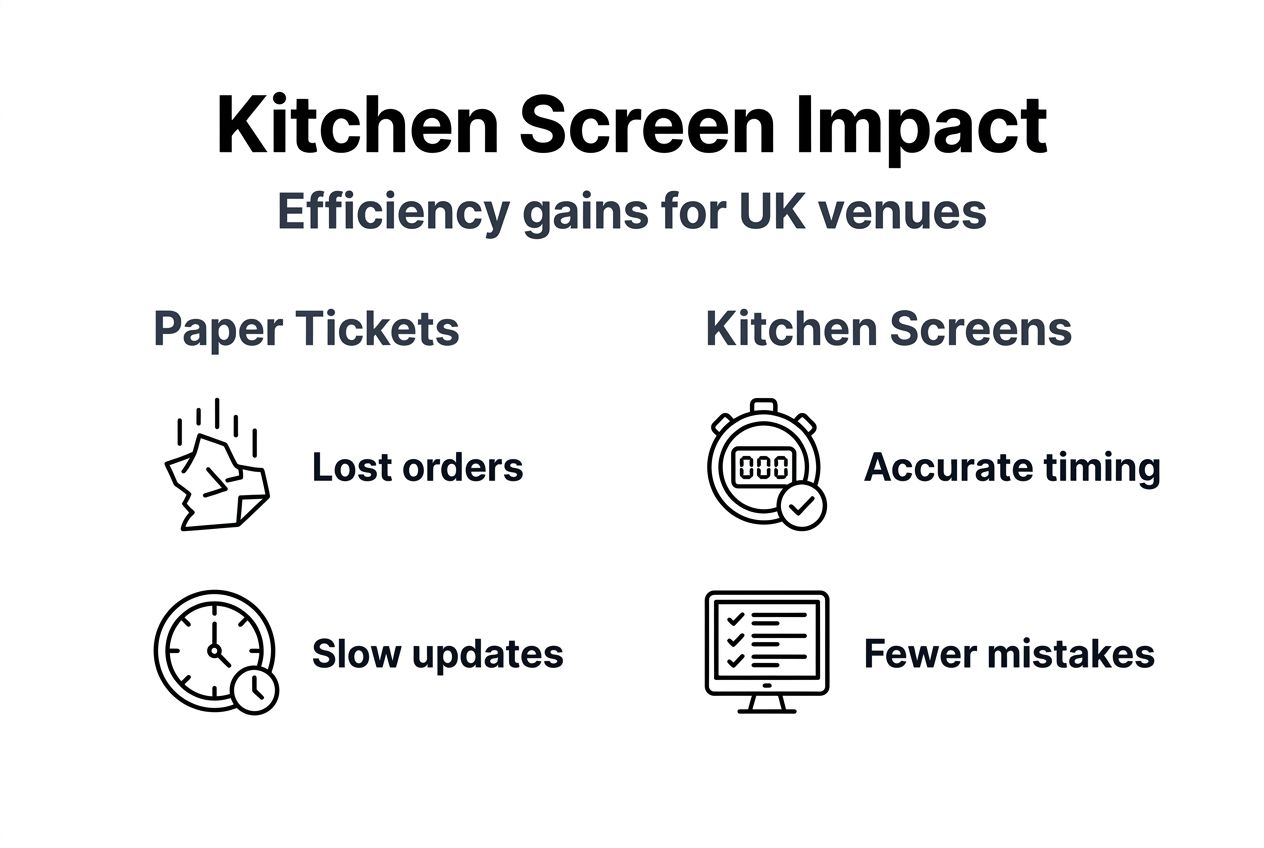
Kitchen screens help venues manage dietary requirements and allergen information more safely. Critical alerts appear in bold red text, ensuring chefs never miss nut allergies or vegan substitutions. This visibility protects customers and reduces the legal and reputational risks that come from serving incorrect dishes.
Staff can track order status without leaving their stations. When mains are ready but starters haven’t left the kitchen, servers see this on their own screens and adjust customer expectations. This coordination improves restaurant efficiency with kitchen screens by keeping everyone informed about what’s happening in real time.
The system timestamps every order stage, from entry to completion. Managers review these logs to identify which dishes take longest and which stations consistently run behind. Armed with this data, you can transform kitchen flow by reassigning tasks or adjusting prep procedures where bottlenecks occur.
Integration of kitchen screens with POS systems
Kitchen screens work by connecting directly to your POS platform through wired ethernet or WiFi networks. When a server enters an order, the POS sends it instantly to the relevant kitchen screen without any manual input. This automatic syncing eliminates the printing step that paper ticket systems require, saving time and reducing mechanical failures from jammed or empty printers.
Status updates flow both ways between front and back of house. Kitchen staff tap orders as they progress through prep, cooking, and plating stages. Servers see these updates on their own devices or till screens, so they know exactly when dishes will be ready. This two-way communication improves service coordination during busy periods when timing matters most.
Digital kitchen screens provide continuous KPI data that managers access from centralised dashboards. You can monitor average prep times, order volumes, and station performance from any connected device, whether you’re in the office or off-site. This visibility lets you spot problems early and make informed staffing decisions.
Integration benefits extend beyond order management:
- Inventory systems update automatically when dishes are prepared, tracking ingredient usage in real time.
- Recipe modifications made in the POS appear instantly on kitchen screens, keeping everyone aligned on current menus.
- Multi-site operators manage kitchen performance across different locations from one central platform.
- Historical data helps forecast busy periods and plan staffing levels more accurately.
Modern POS software for quick service chains includes kitchen screen integration as standard, not an expensive add-on. The unified system means fewer login credentials, simpler training, and reduced technical support needs. Staff learn one interface that handles everything from taking orders to tracking kitchen performance.
Cloud-based systems offer particular advantages for multi-location businesses. Menu changes pushed from head office update across all sites simultaneously, ensuring consistency. Performance benchmarking lets you compare kitchen efficiency between locations and share best practices. POS solutions for cafés often include these enterprise features without complex setup requirements.
Common misconceptions about kitchen screens
Many venue managers believe kitchen screens only suit large restaurants with complex menus and high volumes. This misses how much small and medium operations gain from eliminating paper tickets and improving order accuracy. A busy café serving 200 covers daily sees the same error reduction and speed improvements as a restaurant doing 500 covers. The technology scales to match your operation size.
Some operators worry kitchen screens are too complicated for their teams to learn. Modern systems use intuitive touchscreens with large buttons and clear visual hierarchies. Most staff become comfortable within their first shift after a brief demonstration. The learning curve is gentler than mastering a traditional paper ticket system with its handwritten codes and abbreviations.
The perception that upfront costs outweigh potential savings ignores long-term operational benefits. Yes, hardware and software require initial investment. However, reduced food waste from fewer mistakes, faster table turns, and lower staff stress create measurable returns within months. You also eliminate ongoing costs for ticket printers, paper rolls, and maintenance.
Pro Tip: Calculate your current monthly spending on paper tickets, printer repairs, and remade dishes due to errors, then compare this against kitchen screen financing costs to see real savings potential.
Some managers think kitchen screens completely eliminate human error. The technology reduces mistakes significantly but doesn’t make kitchens infallible. Staff still need to read orders carefully, follow recipes correctly, and maintain food safety standards. Screens improve communication and visibility but don’t replace proper training and supervision.
Key misconceptions versus reality:
- Myth: Only chain restaurants benefit from kitchen screens. Reality: Independent venues gain competitive advantages through improved efficiency and customer satisfaction.
- Myth: Installation disrupts operations for weeks. Reality: Professional installers complete setup in hours, often outside trading hours.
- Myth: Kitchen screens require constant technical support. Reality: Reliable systems run for months without intervention once properly configured.
Another common concern centres on screen visibility in bright kitchens or during direct sunlight. Quality commercial displays use high-brightness panels specifically designed for harsh hospitality environments. These screens remain readable even when positioned near windows or under strong kitchen lighting. Anti-glare coatings and adjustable brightness settings ensure staff can always see order details clearly.
You can overcome initial resistance by starting with enhancing restaurant efficiency in one section, proving the concept before full deployment.
Practical implementation and best practices
Successful kitchen screen adoption starts with assessing your current workflow pain points. Walk through a busy service period and note where paper tickets cause problems. Do orders get lost between the till and kitchen? Do chefs waste time deciphering handwriting? Does communication break down when servers need order status updates?
Follow these implementation steps:
- Choose systems that integrate with your existing POS platform to avoid compatibility headaches and data silos.
- Map out screen placement before installation, positioning displays where all relevant staff can see them without leaving their stations.
- Start with a phased rollout in one kitchen section, letting staff adjust before expanding to other areas.
- Schedule training sessions during quiet periods when staff can focus without service pressure.
- Customise screen layouts and colour coding to match your specific workflow needs rather than accepting default settings.
Digital screens provide ongoing performance data that guides continuous improvement. Review weekly reports to identify bottlenecks and adjust processes before they impact service quality. This proactive approach prevents small issues from becoming major problems during your busiest periods.
Best practice tips for smooth adoption:
- Run parallel systems briefly, using both screens and paper tickets until staff gain confidence with the new technology.
- Assign tech-savvy team members as champions who can answer questions and demonstrate features during shifts.
- Gather feedback after the first week and make layout adjustments based on actual user experience.
- Create simple reference cards showing common tasks until muscle memory develops.
Customisation matters more than most operators realise. Configure your screens to show exactly what your kitchen needs, hiding irrelevant details that clutter the display. Some venues benefit from separate screens for different courses, while others prefer consolidated views. Experiment during quiet services to find what works best for your team.
Consider how setting up mobile POS complements kitchen screen adoption, creating a unified system that covers every customer touchpoint. Staff using tablets at tables can check kitchen status without returning to a fixed terminal, improving service flow and reducing unnecessary trips.
Monitor key performance indicators weekly rather than waiting for monthly reviews. Quick adjustments based on recent data keep your kitchen running optimally. Track metrics like average prep time per dish, orders completed within target times, and error rates across different shifts. These insights help you spot training needs and workflow improvements.
Explore hospitality software examples to understand how kitchen screens fit within broader operational systems. Integrated solutions offer more value than standalone tools because data flows seamlessly between order taking, preparation, inventory, and reporting.
Case examples and industry trends
UK hospitality venues increasingly adopt kitchen screens as standard equipment rather than optional upgrades. Industry surveys show adoption rates climbing by 25% annually among independent restaurants and cafés. Early adopters report 35 to 50% reductions in order errors and noticeable improvements in customer satisfaction scores linked to faster service.
Small operators share consistent positive outcomes after implementation. A Manchester café reduced average ticket times from 14 minutes to 9 minutes within three weeks of installing screens. A Bristol gastropub eliminated all lost orders during weekend rushes, previously a recurring problem costing them dozens of remade dishes monthly. These real-world results demonstrate practical benefits across different venue types.
Emerging technology enhances kitchen screen capabilities beyond basic order display. Cloud-based dashboards let managers monitor multiple locations simultaneously, comparing performance metrics and identifying best practices. Mobile integration allows chefs to receive order notifications on wearable devices when away from their stations. Some systems now incorporate predictive analytics that forecast busy periods based on historical patterns.
Current industry trends include:
- Multi-station setups that segment orders by preparation type, letting specialised team members focus on their specific tasks.
- Customisable colour coding that adapts to each venue’s unique workflow rather than forcing everyone into generic templates.
- Voice integration for hands-free order confirmations in busy kitchens where touching screens interrupts workflow.
- Advanced reporting that breaks down performance by dish, station, shift, and individual team member.
Chain operators lead adoption but independents follow closely as prices decrease and benefits become proven. What started as enterprise-level technology now reaches single-location cafés and food trucks. Hardware costs dropped significantly over recent years while capabilities expanded, making kitchen screens accessible to venues with modest budgets.
The shift towards UK restaurant efficiency improvements reflects broader industry recognition that operational technology delivers competitive advantages. Venues that embrace kitchen screens report higher staff retention because teams appreciate tools that reduce stress and confusion during busy shifts.
Future developments point toward increased automation and artificial intelligence integration. Systems will suggest optimal prep sequences based on current orders, automatically adjusting priorities when rushes occur. Transforming UK kitchens with displays represents an ongoing evolution rather than a finished technology, with new capabilities emerging regularly.
Conclusion: transforming kitchen operations through screens
Kitchen screens deliver measurable improvements in accuracy, speed, and communication that directly impact your bottom line. Reducing order errors by 30 to 40% means fewer remade dishes, less food waste, and happier customers who receive correct orders promptly. Faster preparation times increase table turnover during peak hours, boosting revenue without additional staffing costs.
Long-term operational benefits extend beyond immediate efficiency gains:
- Staff satisfaction improves when teams work with tools that reduce stress and confusion.
- Customer retention increases as service quality becomes consistently reliable.
- Data-driven decisions replace guesswork in staffing, menu planning, and workflow optimisation.
- Competitive positioning strengthens as you deliver service that rivals or surpasses larger operators.
The technology investment pays for itself through waste reduction and operational savings while delivering intangible benefits like improved team morale and customer satisfaction. Kitchen screens represent essential infrastructure for modern hospitality venues committed to excellence. Whether you run a café, restaurant, or quick-service operation, these systems provide the foundation for efficient, accurate, and scalable kitchen management.
Evaluating your current workflow against what kitchen screens enable reveals opportunities you might be missing. The gap between paper-based operations and digital systems grows wider as customer expectations rise and competition intensifies. Now is the right time to consider how this proven technology can transform your kitchen operations.
Upgrade kitchen efficiency with eZeepos solutions
Ready to eliminate order errors and speed up your kitchen? eZeepos delivers integrated kitchen order screens designed specifically for UK hospitality venues like yours. Our system connects seamlessly with your POS, providing real-time order management and continuous performance monitoring that helps you run smoother services.

Our hospitality POS systems combine kitchen screens, mobile ordering, and cloud-based reporting in one unified platform. You get enterprise functionality with straightforward setup and ongoing local support from accredited UK providers. Explore how eZeepos point of sale software can boost efficiency, reduce waste, and improve accuracy in your venue today.
FAQ
What types of kitchen screens are best for small UK venues?
Single or dual-screen systems integrated directly with your POS provide the essential efficiency gains small to medium venues need without overwhelming complexity. Wall-mounted displays positioned at prep and cooking stations give staff clear visibility of all active orders. These compact setups deliver the same error reduction and speed improvements that larger operations enjoy, scaled appropriately for your service volume.
How do kitchen screens reduce order errors?
Real-time digital display eliminates the misreading and lost tickets that plague paper-based systems. Orders appear in clear text that everyone can read, with critical details like allergens highlighted in bold colours. Kitchen screens track each order from entry to completion, preventing duplication and ensuring nothing gets forgotten during busy shifts. Colour-coded prioritisation helps staff focus on urgent items first, reducing timing mistakes that lead to cold food or long waits.
Will implementing kitchen screens disrupt daily kitchen operations?
Phased rollout approaches and focused staff training minimise disruption to your regular service. Start by running screens alongside paper tickets briefly until your team gains confidence, then switch completely. Most kitchens adapt within their first full week of use. Customising screen layouts to match your existing workflow rather than forcing new processes helps staff transition smoothly without feeling overwhelmed by unfamiliar systems.
Do kitchen screens only benefit large hospitality venues?
Small and medium UK venues see significant efficiency and accuracy improvements from kitchen screens, often more dramatically than larger operations. The technology scales perfectly to different operation sizes, with compact single-screen setups ideal for cafés and quick-service venues. Eliminating paper ticket errors matters just as much when you serve 150 covers daily as when you serve 500. Your customers notice faster, more accurate service regardless of venue size.
Recent Comments