
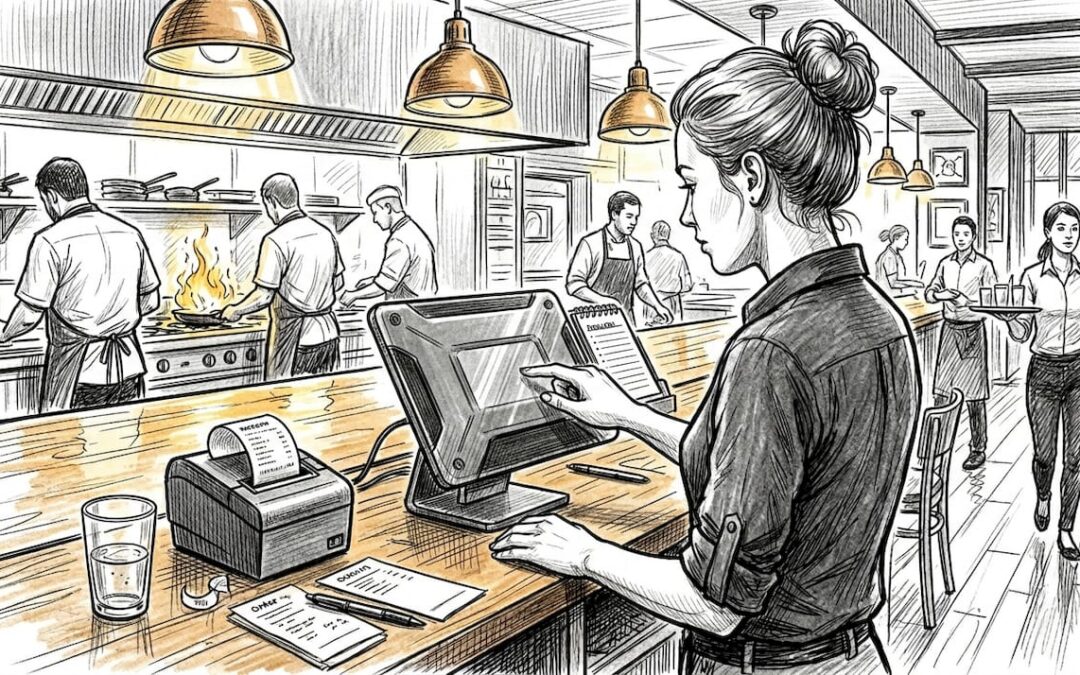
Picture a Friday evening service. Orders are backing up, a table has been waiting twenty minutes for their mains, and your till operator is scribbling corrections on a paper dupe. By the time the bill arrives, the guests have already decided not to return. This scenario plays out in restaurants across the UK every week, and the cost is real. Optimised POS workflows can increase table turnover by 20 to 25%, cut order errors by up to 27%, and reduce service times by 40%. This guide walks you through exactly how to identify inefficiencies, prepare your team, and implement a smarter system.
Table of Contents
- Identifying common bottlenecks in restaurant operations
- Preparing your restaurant: tools and requirements for streamlining
- Step-by-step: Streamlining the order-to-serve workflow
- Troubleshooting, fine-tuning, and real-world edge cases
- Measuring success: Results, benchmarks, and continuous improvement
- The uncomfortable truth: Why technology alone does not guarantee efficiency
- Take your next step: Transform UK restaurant operations
- Frequently asked questions
Key Takeaways
| Point | Details |
|---|---|
| Target bottlenecks first | Pinpointing and fixing common operational roadblocks brings the quickest efficiency gains. |
| Smart POS is essential | Integrated POS platforms automate workflows, cut errors, and speed up service. |
| People drive results | Even the best technology delivers only with proper training and ongoing staff engagement. |
| Continuous improvement pays | Measuring and adapting workflows ensures lasting improvements and higher profits. |
Identifying common bottlenecks in restaurant operations
Before you can fix a problem, you need to see it clearly. Most UK restaurant operators know something is wrong, but pinpointing the exact source of lost time and money is harder than it looks. Bottlenecks tend to cluster around a handful of recurring issues.
The most common culprits are slow order taking at the table, manual stock counts that eat into prep time, miscommunication between front and back of house, and compliance gaps around allergen labelling or VAT recording. Each one individually is manageable. Together, they compound into serious operational drag.
The financial picture makes this urgent. Labour costs average 31.2% of revenue, food costs sit at 28.9%, and staff turnover runs at 38% across the industry. That means well over half your revenue is consumed before a single pound of profit is secured, and a third of your workforce may leave within the year.
| Cost area | Industry average |
|---|---|
| Labour as % of revenue | 31.2% |
| Food cost as % of revenue | 28.9% |
| Annual staff turnover | 38% |
Think about what that turnover figure means in practice. Every time a team member leaves, you spend time and money recruiting, onboarding, and training a replacement. Meanwhile, the remaining staff absorb extra pressure, which increases error rates and slows service.
The good news is that streamlining catering operations through integrated technology directly attacks these pressure points. Venues that have adopted smarter workflows report faster service, fewer mistakes, and noticeably better staff morale. Fast food POS efficiency data shows similar patterns across quick-service environments. Recognising your own bottlenecks is the first step toward fixing them.
Preparing your restaurant: tools and requirements for streamlining
Streamlining does not begin with switching on new software. It begins with honest preparation. Rushing into a new system without the right foundations is one of the most common reasons POS rollouts underperform.
Start with a clear checklist of what you need in place:
- Hardware: Tablets or countertop terminals, receipt printers, kitchen display screens
- Software: A POS platform with inventory, staff management, and reporting built in
- Integrations: Connections to your stock management, CRM, and payment provider
- Connectivity: Reliable broadband with a backup connection for offline resilience
- Staff roles: Defined responsibilities for who manages the system on each shift
The difference between a standard till and a smart POS is significant. Here is a quick comparison:
| Feature | Standard till | Smart POS |
|---|---|---|
| Order routing to kitchen | Manual | Automatic |
| Stock updates | End of day | Real time |
| Reporting | Basic totals | Full analytics |
| Staff scheduling | Separate system | Integrated |
| Offline mode | None | Available |
A step-by-step POS setup should assess your needs first, then select hardware and software, configure your menu and payment options, train staff, test thoroughly, and monitor KPIs from day one. Skipping any of these stages creates gaps that show up during a busy service.
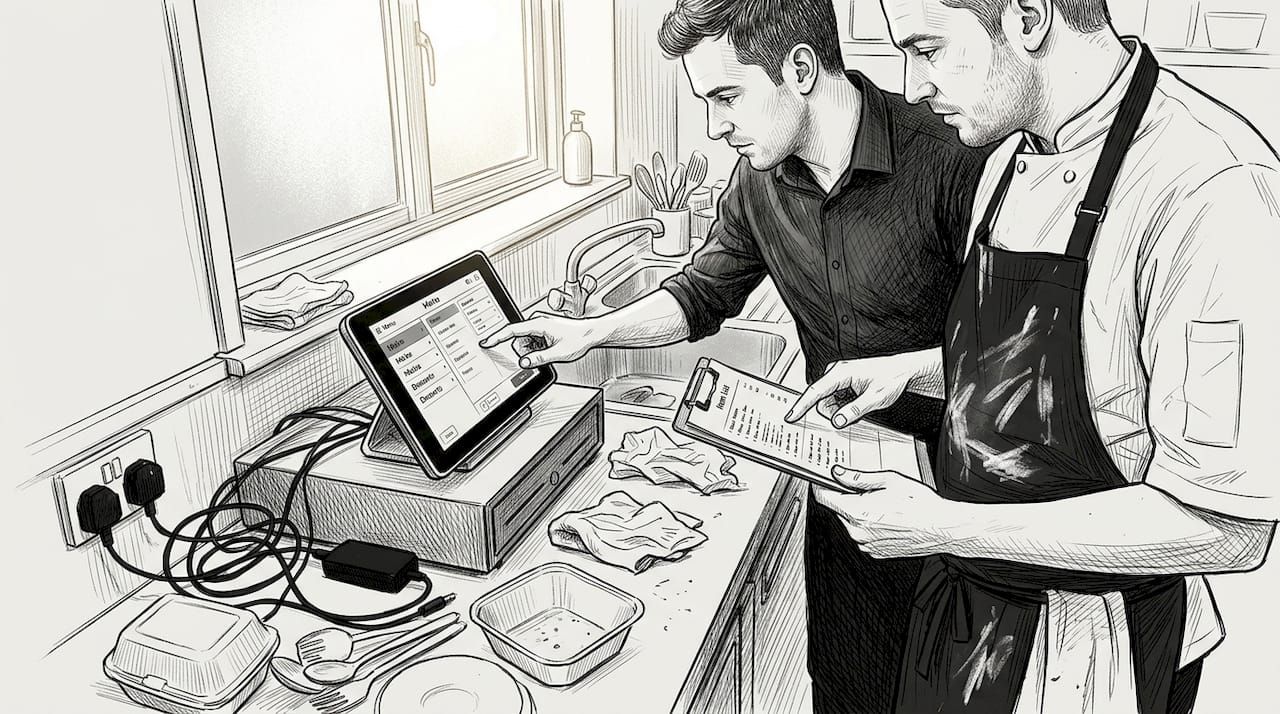
Pro Tip: Appoint a POS champion on each shift. This is a team member who knows the system inside out and can troubleshoot minor issues without pulling a manager away from the floor.
Before rollout, prepare your menu data in full, including allergen flags and VAT categories. Build a test environment so staff can practise without affecting live transactions. Review POS system benefits and consider mobile POS setup if your venue uses tableside ordering. Independent reviews of best POS systems for restaurants can help you benchmark features before committing.
Step-by-step: Streamlining the order-to-serve workflow
Once your tools and team are ready, the workflow itself needs to be mapped and implemented in a logical sequence. Here is a practical order that works for most UK restaurant formats.
- Centralise order entry. All orders, whether taken tableside on a tablet or at the counter, feed into one system. No paper dupes, no verbal relay to the kitchen.
- Automate kitchen routing. Orders appear instantly on kitchen display screens, organised by course and priority. The kitchen team stops waiting for printed tickets.
- Integrate billing. When a table is ready to pay, the bill is generated from the same order record. VAT is calculated automatically, and split payments are handled without manual arithmetic.
- Sync inventory in real time. Each sale updates stock levels immediately, so you know when a dish is running low before the kitchen runs out mid-service.
- Enable multi-site visibility. If you operate more than one location, a cloud-based back office lets you monitor performance across sites from a single dashboard.
- Test offline mode. Connectivity drops happen. Confirm your system processes orders locally and syncs when the connection is restored.
Pro Tip: Run a pilot on your quietest service before going live across the whole venue. This gives your team a low-pressure environment to build confidence.
Optimised POS workflows increase table turnover by 20 to 25%, cut errors by up to 27%, and reduce service times by 40%.
Good staff management for POS is essential here. Staff who understand why the system works the way it does are far more likely to use it correctly. Pair the rollout with efficient POS tips to keep the team sharp after launch.
Troubleshooting, fine-tuning, and real-world edge cases
Even a well-planned rollout will encounter friction. The operators who succeed long term are those who anticipate problems rather than react to them in the middle of a busy service.
Here are the most common issues and how to address them:
- Connectivity drops: Ensure your POS has a reliable offline mode. Handling connectivity drops with offline capability means orders continue processing and sync automatically when the connection returns.
- Menu errors: Build a review process before each menu change goes live. A single misconfigured modifier can cause confusion across an entire service.
- Staff confusion: Short, focused refresher sessions work better than long training days. Keep guides visible near terminals.
- Data migration during upgrades: Run parallel systems for a defined period so historical data is preserved and staff can cross-reference if needed.
- Seasonal surges: Use dynamic staff scheduling linked to your POS data. If your system shows that Saturday lunches in December are consistently your busiest period, schedule accordingly rather than guessing.
Multi-channel operations add another layer. Dine-in, takeaway, and delivery orders need to flow into the same kitchen queue without confusion. Assign clear order types and display them distinctly on kitchen screens.
Pro Tip: After any system change, run a structured debrief with your team within 48 hours. Small issues are much easier to fix before they become habits.
Local POS support from a UK-based provider makes a real difference here. Remote support from overseas call centres rarely understands the pace of a British service. Venues that have invested in streamlining POS for cafés and similar formats consistently highlight local support as a key factor in their success. Following restaurant kitchen best practices alongside your POS improvements also helps maintain overall operational standards.
Measuring success: Results, benchmarks, and continuous improvement
Implementing a new workflow is only worthwhile if you can measure its impact. Without clear KPIs, you are guessing whether things have improved.
Focus on these metrics from day one:
- Table turnover rate: How many covers per table per service?
- Average order value: Are upsells and modifiers being captured consistently?
- Service speed: Time from order placed to food delivered
- Error rate: How many orders require correction or comping?
- Stock variance: Difference between theoretical and actual stock usage
Here is a realistic before-and-after picture for a mid-sized UK restaurant:
| Metric | Before streamlining | After streamlining |
|---|---|---|
| Table turnover | 2.1 covers per session | 2.6 covers per session |
| Order error rate | 8% | Under 3% |
| Average service time | 72 minutes | 52 minutes |
| Stock variance | 12% | 5% |
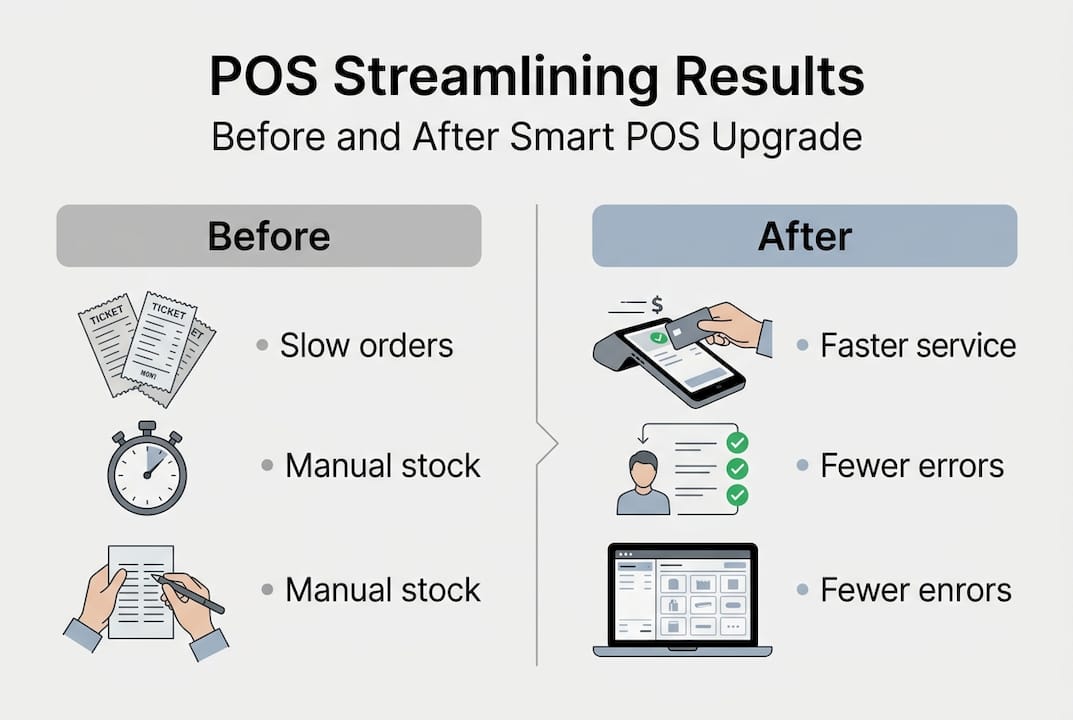
The numbers tell a compelling story, and real-world examples back them up. Bellrock services for Wagamama increased compliance by over 60%, reduced average order value from £235 to below £200, and delivered measurable efficiency improvements across the estate.
Quick wins to look for in your first month: faster end-of-day reconciliation, fewer voids, and staff reporting less confusion during peak periods. Warning signs to watch: if error rates are not falling after four weeks, revisit your training approach. If stock variance remains high, check whether all order types are being processed through the system correctly. Consistent use of reduce errors boost sales strategies alongside your POS data will sharpen results further. Review staff training best practices to keep your team performing at their best.
The uncomfortable truth: Why technology alone does not guarantee efficiency
Here is something most POS vendors will not tell you. The technology is the easy part. A system can route orders perfectly, update stock in real time, and generate beautiful reports. None of that matters if your team does not trust it, understand it, or use it consistently.
We have seen operators invest in excellent platforms and still struggle because the rollout was treated as an IT project rather than a people project. Staff who feel the system was imposed on them will find workarounds. Workarounds create exactly the errors and delays the system was meant to eliminate.
Automation yields better margins but requires training and upfront investment. The operators who get the best results treat that investment seriously. They build feedback loops, ask their team what is not working, and adjust. They appoint internal champions rather than relying solely on external support.
The most efficient restaurants we encounter are not the ones with the most advanced technology. They are the ones where the technology and the team work in the same direction. Understanding why POS matters for restaurants is the starting point, but building a culture that embraces the system is what sustains the gains.
Take your next step: Transform UK restaurant operations
If the patterns in this guide sound familiar, you are not alone. Most UK restaurant operators are sitting on significant efficiency gains that a well-implemented POS system can unlock. The question is not whether to act, but how to start.

At eZeepos, we work with hospitality venues across the UK to implement POS solutions that are practical, locally supported, and built for the realities of British service. Explore the full range of POS system benefits for UK hospitality and get started with our efficient POS tips to see where your venue can improve today. Your next service does not have to look like the last one.
Frequently asked questions
What are the main causes of inefficiency in UK restaurants?
The major causes are high staff turnover, manual processes, and slow order handling. With labour at 31.2% of revenue and staff turnover at 38%, these inefficiencies directly erode profitability.
How does a modern POS system help streamline restaurant operations?
Modern POS systems automate order taking, cut service time, and reduce mistakes by integrating with inventory and staff scheduling. Optimised POS workflows can increase table turnover by 20 to 25% and cut errors by up to 27%.
What are some signs your restaurant needs to streamline operations?
Frequent delays, staff confusion at the till, repeated order mistakes, and ongoing stock shortages or wastage are all clear indicators that your current processes need attention.
Is streamlining operations expensive for small restaurants?
Upfront costs can be managed with cloud-based POS systems, and the returns come quickly. Automation yields better margins but does require initial investment in both technology and staff training.
Recent Comments