
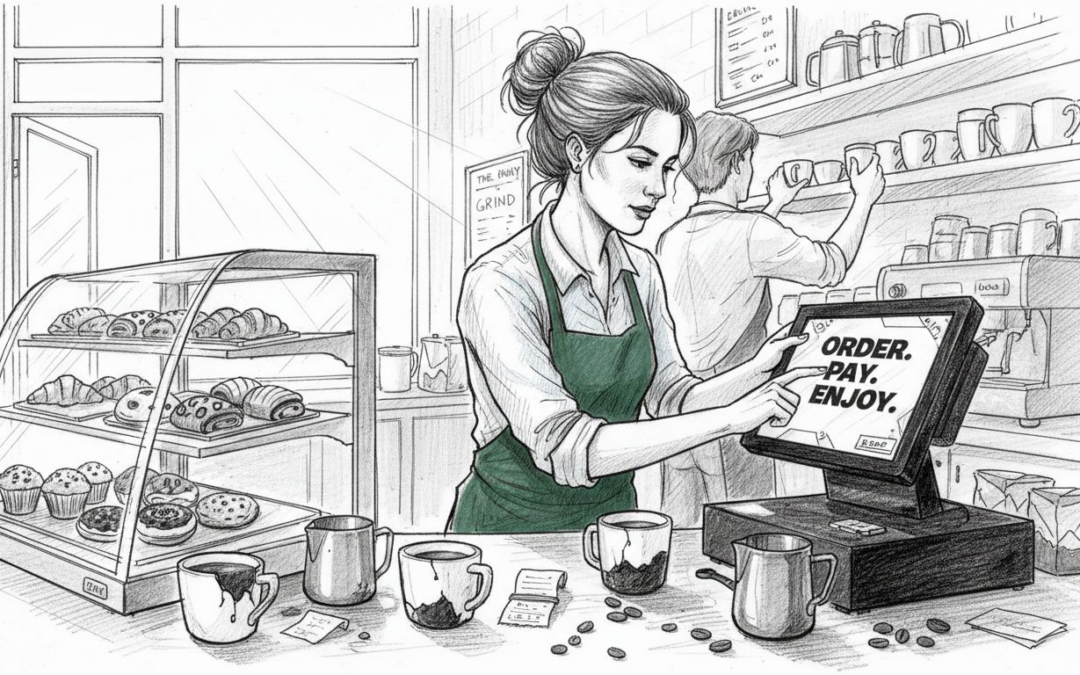
Long queues and slow order processing can quickly disrupt service in a busy UK café or restaurant, leaving staff frustrated and customers waiting. For business owners, finding the most effective ways to remove obstacles from your point of sale workflow matters because every lost minute impacts revenue and team morale. By focusing on discovering workflow bottlenecks and simplifying staff training, you can build an operation that runs smoothly, even during peak hours.
Table of Contents
- Step 1: Assess Current POS Workflows And Identify Bottlenecks
- Step 2: Optimise Hardware And Software Setup For Speed
- Step 3: Configure User Roles And Simplify Team Training
- Step 4: Integrate Key Payment And Ordering Systems
- Step 5: Test And Verify Improved Operational Efficiency
Quick Summary
| Main Insight | Explanation |
|---|---|
| 1. Identify workflow bottlenecks | Map out current transaction processes to find inefficiencies affecting service speed. |
| 2. Choose optimised hardware | Select fast, reliable equipment to enhance order processing and customer experience. |
| 3. Define user roles clearly | Establish specific permissions for staff to simplify training and improve efficiency. |
| 4. Integrate payment systems | Connect payment and ordering systems to reduce errors and streamline operations effectively. |
| 5. Perform regular performance tests | Continuously verify system efficiency through testing to ensure ongoing improvements. |
Step 1: Assess current POS workflows and identify bottlenecks
To streamline your café’s point of sale (POS) operations, the first crucial step is identifying existing workflow bottlenecks. By carefully mapping current transaction processes, you can pinpoint inefficiencies that slow down service and impact customer satisfaction.
Start by observing and documenting your current operational workflow, paying close attention to key transaction stages:
- Order taking and input
- Payment processing
- Kitchen communication
- Staff task allocation
- Inventory tracking
During this assessment, track critical metrics like average transaction time, staff movement patterns, and system response rates. Look for recurring issues such as:
- Repeated manual data entry
- Slow system response times
- Complicated menu navigation
- Inefficient staff communication
- Disconnected ordering and payment systems
Detailed process mapping helps visualise where time and energy are being unnecessarily consumed. By systematically breaking down each operational step, you can identify precise moments of friction that disrupt smooth service delivery.
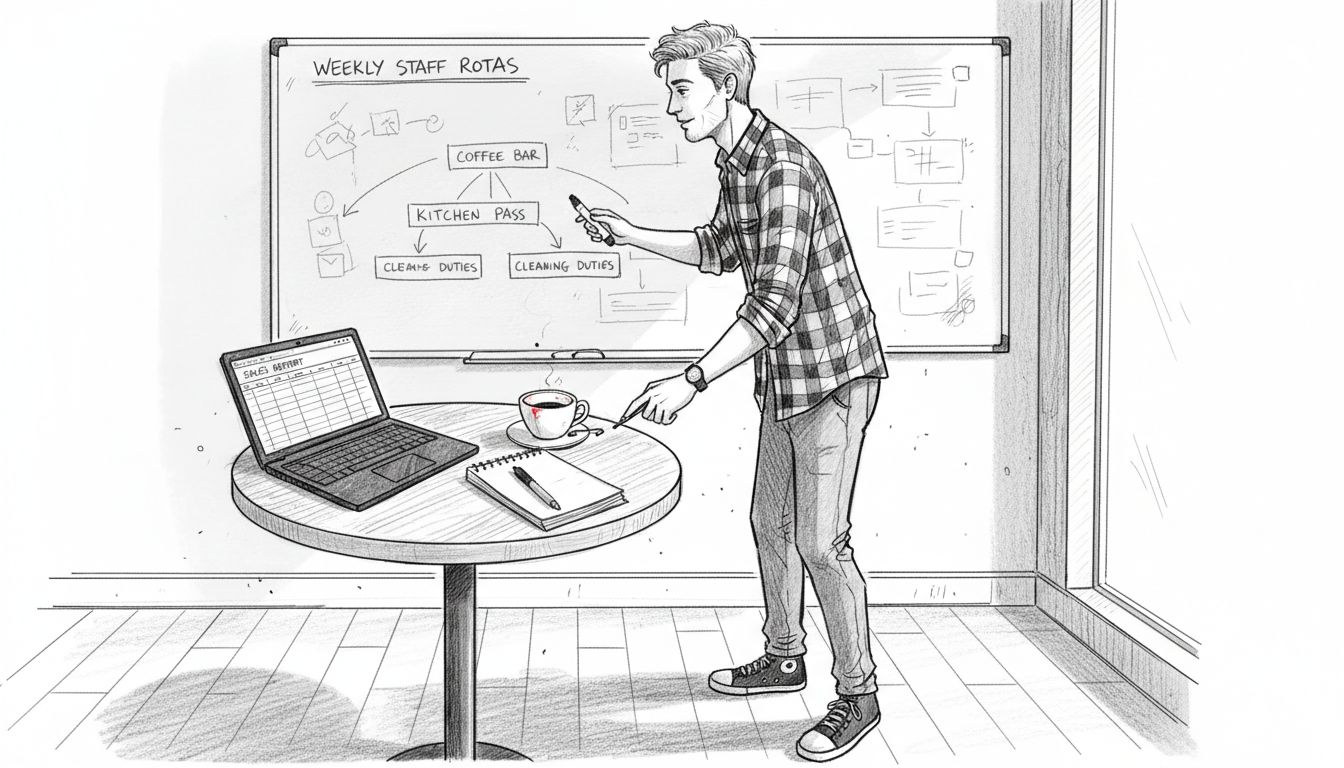
Here is a summary of typical POS workflow bottlenecks and their consequences for cafés:
| Bottleneck Type | Typical Cause | Operational Impact |
|---|---|---|
| Manual data entry | Non-automated order capture | Inaccurate and delayed orders |
| Slow system response | Outdated hardware or software | Longer queues and frustration |
| Inefficient staff communication | Lack of integrated communication | Missed or incorrect orders |
| Disconnected systems | No real-time synchronisation | Double entry, higher errors |
Effective workflow assessment requires objective observation and willingness to challenge existing processes.
Pro tip: Involve your frontline staff in the assessment, as they often have the most insightful perspectives on day-to-day operational challenges.
Step 2: Optimise hardware and software setup for speed
Streamlining your café’s point of sale system requires carefully selecting hardware and software that enhance operational efficiency. Choosing the right POS configuration can dramatically reduce transaction times and improve overall customer service.
Your hardware setup should prioritise speed and reliability. Consider these key components:
- Touchscreen tablets for quick order input
- Integrated card payment terminals
- Wireless handheld devices for mobile ordering
- Robust receipt printers with fast printing capabilities
- Compact, responsive barcode scanners
When selecting software, focus on systems that offer:
- Intuitive menu interfaces
- Quick search and item selection functions
- Seamless kitchen order transmission
- Offline transaction processing
- Rapid reporting and analytics capabilities
Ensure your chosen system supports rapid performance by checking system requirements, processing speeds, and compatibility with existing equipment. Modern POS solutions should offer cloud-based synchronisation and minimal lag times during peak service hours.
Optimal POS performance requires a balanced approach between sophisticated features and operational simplicity.
Pro tip: Test your POS system during mock busy periods to identify and resolve potential performance bottlenecks before live service.
Step 3: Configure user roles and simplify team training
Streamlining your café’s point of sale system requires establishing clear user roles and permissions that match each team member’s responsibilities. By creating a structured approach to system access, you can significantly reduce training complexity and improve overall operational efficiency.
Define distinct user roles within your POS system to match your café’s specific operational needs:
- Trainee with limited access
- Cashier with order and payment capabilities
- Shift supervisor with reporting and management functions
- Kitchen staff with order processing permissions
- Manager with full system administration rights
When designing these roles, consider implementing a graduated training approach:
- Start with basic functionality for new staff
- Progressively introduce advanced system features
- Provide role-specific training modules
- Create user-friendly interface guides
- Establish a mentorship programme for hands-on learning
Ensure your training materials are concise, visual, and directly aligned with each role’s specific system interactions. Interactive training sessions that simulate real café scenarios can help staff quickly become comfortable with their designated system functions.
Effective role configuration transforms complex software into an intuitive tool that empowers your team.
Pro tip: Create quick-reference cheat sheets for each role that outline specific system functions and access levels.
Step 4: Integrate key payment and ordering systems
Streamlining your café’s operations requires seamlessly connecting payment processing and ordering systems to reduce transaction complexity. Payment system integration can dramatically improve operational efficiency and customer experience by minimising manual intervention and reducing potential errors.
Focus on integrating these critical system components:
- Card payment terminals
- Digital ordering platforms
- Kitchen display systems
- Inventory management modules
- Customer relationship management tools
When implementing integration, follow these strategic steps:
- Select compatible system technologies
- Ensure real-time data synchronisation
- Test cross-platform communication
- Establish secure data transfer protocols
- Create automated reporting workflows
Prioritise solutions that offer direct API connections and cloud-based synchronisation to enable smooth information flow between different operational systems. This approach reduces manual data entry, minimises human error, and provides real-time insights into your café’s performance.
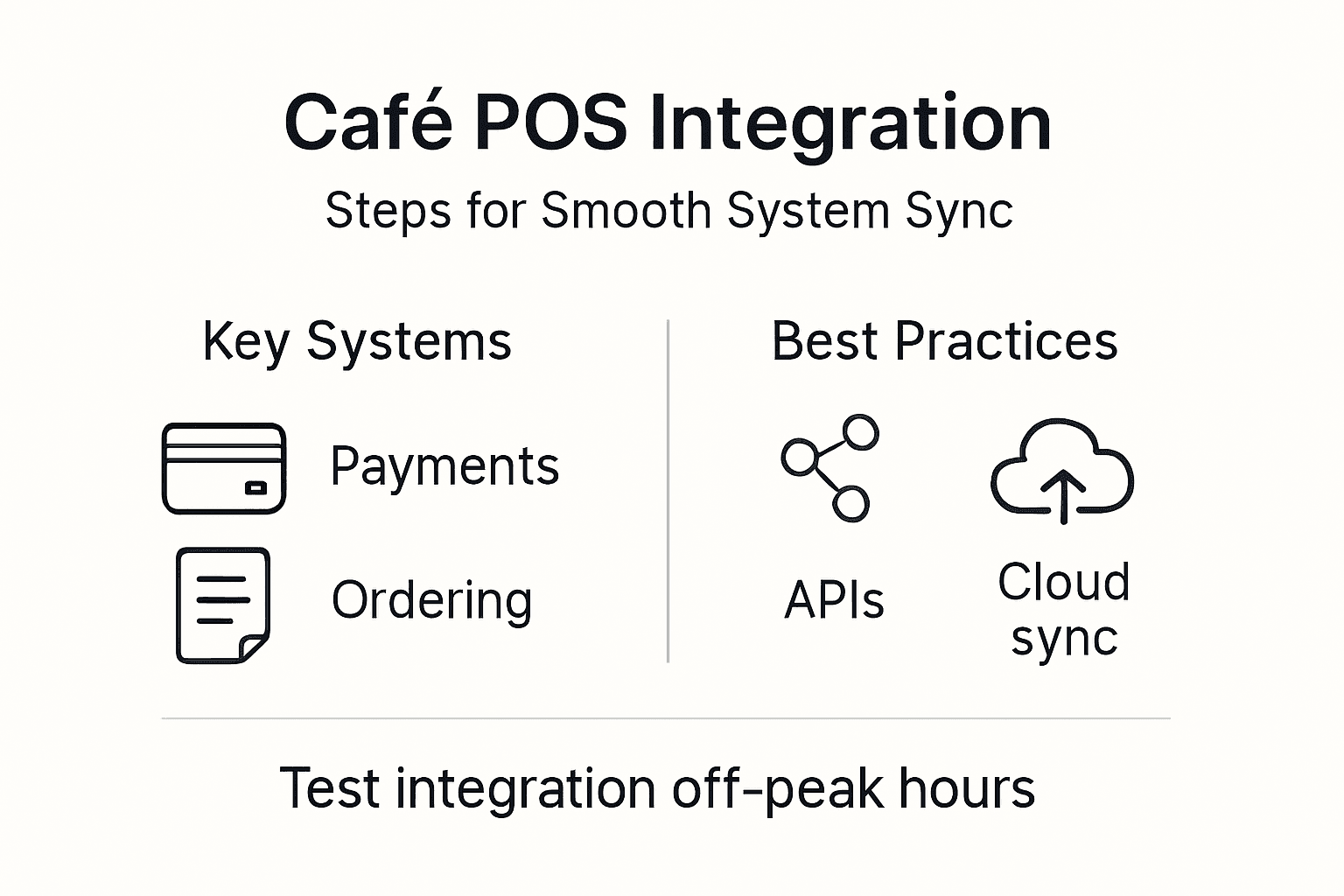
Below is a comparison of POS system integration approaches for cafés:
| Integration Method | Implementation Speed | Data Accuracy Benefit |
|---|---|---|
| Manual reconciliation | Slow | Prone to human error |
| Batch file export/import | Moderate | Moderate accuracy |
| Direct API connections | Fast | High real-time accuracy |
| Cloud synchronisation | Immediate | Consistent, error-free data |
Successful system integration transforms disconnected tools into a unified, efficient operational ecosystem.
Pro tip: Conduct thorough testing during off-peak hours to identify and resolve any potential integration challenges before full implementation.
Step 5: Test and verify improved operational efficiency
Conducting comprehensive performance verification is crucial for confirming the effectiveness of your new POS system configurations. Continuous improvement methods help ensure that operational changes genuinely enhance your café’s efficiency and productivity.
Develop a structured testing approach focusing on these key performance metrics:
- Transaction processing time
- Order accuracy rates
- Staff productivity
- Customer wait times
- System response speeds
Implement a systematic verification process through these strategic steps:
- Define precise performance benchmarks
- Simulate peak service conditions
- Collect quantitative performance data
- Compare against previous system metrics
- Document observed improvements
Utilise data-driven performance tracking to objectively measure the impact of your POS system modifications. This approach allows you to identify specific areas of improvement and validate the effectiveness of your operational changes.
Rigorous testing transforms potential system enhancements into measurable operational advantages.
Pro tip: Create a standardised testing checklist that can be repeated quarterly to maintain ongoing system performance and efficiency.
Transform Your Café’s POS Efficiency with EZEEPos Solutions
Facing challenges like slow transaction times, disconnected systems, or complicated staff training in your busy café? This article highlights the crucial need to streamline POS operations by assessing workflows, optimising hardware, defining clear user roles, integrating payment systems, and verifying improvements. Your goal is to create a seamless, error-free service that delights customers and empowers staff.
EZEEPos offers a tailored Point Of Sale – EZEEPos Solution designed specifically for hospitality venues like cafés. Our Android-based platform combines robust hardware options such as tablets and kitchen screens with cloud-based management tools perfect for streamlining orders, inventory, and payments. Benefit from simplified team training, integrated EFT terminals listed in EFT Terminals – EZEEPos Solution, and reliable local UK support to keep your operations running smoothly.

Take control of your café’s busy POS environment now and experience faster transactions, fewer errors, and empowered staff. Visit EZEEPos today to explore how our complete POS solutions can transform your workflow and elevate customer satisfaction.
Frequently Asked Questions
How can I identify bottlenecks in my café’s POS operations?
To identify bottlenecks in your café’s POS operations, conduct a detailed assessment of your current workflows by mapping out key transaction processes such as order taking, payment processing, and kitchen communication. Observe these stages for inefficiencies like slow system responses or manual data entry, and document your findings to target specific areas for improvement.
What hardware should I consider for streamlining my café’s POS system?
When streamlining your café’s POS system, prioritise hardware that enhances speed and efficiency. Consider touchscreen tablets for quick order input, integrated card payment terminals, and wireless handheld devices for mobile ordering to reduce transaction times and improve service delivery.
How do I configure user roles in my POS system for efficiency?
Configure user roles in your POS system by defining clear responsibilities tailored to your café’s needs, such as cashiers and supervisors. Implement a graduated training approach to simplify learning, ensuring that staff members focus on specific functionalities that match their roles, leading to a more efficient operation.
What steps can I take to integrate payment and ordering systems effectively?
To integrate payment and ordering systems effectively, focus on selecting compatible technologies that ensure real-time data synchronisation. Follow a structured approach that includes testing for communication between systems and establishing secure data transfer protocols to minimise errors and streamline transactions.
How can I test the efficiency of my new POS system configurations?
Conduct a comprehensive performance testing process by simulating peak service conditions and tracking key metrics like transaction processing time and order accuracy rates. Document the observed improvements against previous metrics to gauge the effectiveness of your changes, allowing you to maintain optimal system performance.
What role does staff involvement play in assessing POS workflow?
Involving your frontline staff in assessing POS workflows is crucial as they can provide valuable insights into daily operational challenges. Encourage their feedback during the assessment process to identify specific bottlenecks and suggest effective solutions that enhance overall efficiency.
Recommended
- 7 Essential Tips for Efficient Point of Sale Operations
- Top 7 Point of Sale Solutions for Cafés in 2026
- Quick-Service POS: Streamlining Fast-Paced Hospitality
- 7 Essential Inventory Management Tips for UK Cafés and Restaurants
- What Is Point of Sale Signage? Practical Guide for UK Businesses 2025 – PromoSigns.co.uk
- Ristorazione – Sikuro
- How to Start a Snack Business: Your Step-by-Step Guide – Spaceman
Recent Comments