

Role-based access in hospitality POS systems can reduce transaction errors by up to 40%, yet many UK venue managers underestimate the full scope of staff management features available. This article clarifies essential POS staff management capabilities, addresses common misconceptions, provides a practical comparison framework, and guides implementation to enhance operational efficiency across diverse service modes in your hospitality venue.
Table of Contents
- Understanding Staff Management In Hospitality Pos
- Core Staff Management Features To Look For In Hospitality Pos
- Common Misconceptions About Pos And Staff Management
- Comparing Hospitality Pos Staff Management Tools: A Practical Framework
- Bridging To Practical Implementation: Enhancing Your Venue’s Staff Management
- Explore Ezeepos Solutions For Hospitality Staff Management
- Frequently Asked Questions About Staff Management In Hospitality Pos
Key takeaways
| Point | Details |
|---|---|
| Integrated staff management boosts efficiency | Role-based access, scheduling, and real-time monitoring reduce errors and optimise labour deployment. |
| Role-based access is essential | Restricting POS functions by role prevents mistakes and secures sensitive operations. |
| Not all POS systems are equal | Many lack comprehensive scheduling and performance tracking, requiring thorough evaluation. |
| Local UK support matters | Accredited local providers improve adoption rates and minimise downtime during implementation. |
| Comparison frameworks guide decisions | Evaluating POS tools against clear criteria helps match systems to your venue’s service modes. |
Understanding staff management in hospitality POS
Staff management within hospitality POS systems goes far beyond simple clock-in functionality. Modern defining hospitality POS platforms integrate role-based access, scheduling, shift management, and real-time performance monitoring to create a unified operational framework. These features directly influence service speed, labour cost control, and overall venue efficiency.
Role-based access ensures each team member sees only relevant POS functions. Servers access table management and order entry, whilst kitchen staff view only preparation screens. Managers gain full system visibility including sales reports and inventory controls. This structure reduces errors and secures operations whilst streamlining workflows.
Scheduling and shift management tools optimise workforce deployment. You can plan rotas weeks ahead, track actual hours worked, and compare labour costs against revenue in real time. This visibility helps you staff appropriately during peak periods without overspending during quieter shifts.
Real-time monitoring provides immediate insight into service performance. Track order processing times, sales per staff member, and customer wait durations. This data enables quick adjustments when bottlenecks emerge, improving both service speed and accountability across your team.
Hospitality venues operate across diverse service modes. Table service, counter orders, self-service kiosks, mobile catering, and kitchen screens each demand different staff interactions with the POS. Effective staff management features must adapt seamlessly to these varied operational contexts. Integration of these capabilities leads to measurable efficiency gains and reduced operational friction.
Key staff management functions include:
- Role-based permissions tailored to job functions
- Integrated scheduling with conflict alerts
- Clock-in and clock-out tracking for payroll accuracy
- Real-time performance dashboards
- Multi-service mode support across diverse venue operations
Core staff management features to look for in hospitality POS
When evaluating or upgrading your hospitality POS, prioritise systems offering comprehensive staff management capabilities. Not all platforms include these features as standard, and some require costly add-ons or higher-tier subscriptions.
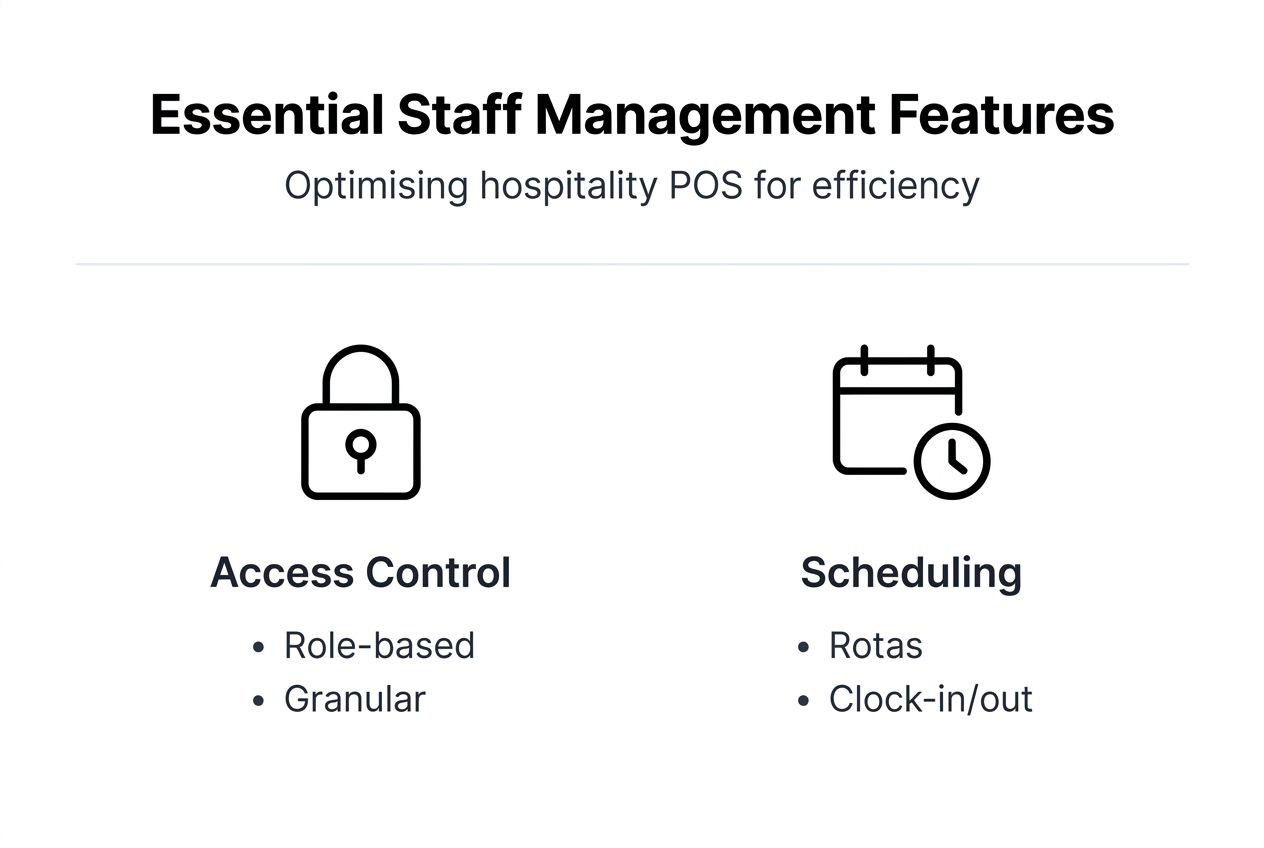
Role-based permissions form the foundation. Your POS should allow granular control over who can process refunds, void transactions, access reports, modify inventory, or adjust pricing. Managers require full access, servers need order entry and payment processing, and kitchen staff should see only preparation screens. This differentiation prevents accidental errors and secures sensitive functions.

Integrated scheduling and shift planning tools reduce administrative burden. Look for systems that let you create rotas, track actual hours against scheduled shifts, and alert you to conflicts or overtime. The best platforms sync with payroll systems, eliminating duplicate data entry and reducing wage calculation errors.
Clock-in and clock-out functionality ensures accurate time tracking. Staff should be able to log in directly through the POS, with their hours automatically recorded for payroll. Tip management features track gratuities by staff member, ensuring fair distribution and accurate reporting for tax purposes.
Real-time dashboards provide operational visibility. Monitor service speed, sales per staff member, and table turnover rates as they happen. This immediate feedback helps you identify training needs, redistribute tasks during busy periods, and recognise high performers.
Multi-service mode support is critical for venues operating across different service styles. Your POS should handle setting up mobile POS for outdoor events, kiosk ordering for quick service, table management for sit-down dining, and kitchen screens for preparation. Staff management features must work consistently across all these modes.
Essential features checklist:
- Granular role-based permissions
- Visual shift scheduling with conflict alerts
- Integrated clock-in/out and tip tracking
- Live performance monitoring dashboards
- Seamless operation across service modes
- Payroll system integration
Pro Tip: Verify that all staff management features are included in the base price without hidden tiered pricing structures that force expensive upgrades for essential functionality.
Research shows many POS systems lack essential staff scheduling features, creating operational gaps that force managers to use separate scheduling software. This fragmentation increases administrative workload and creates data inconsistencies between systems.
Common misconceptions about POS and staff management
Many hospitality managers hold inaccurate assumptions about POS staff management capabilities, leading to poor purchasing decisions and operational challenges.
The first misconception is that all modern POS systems automatically include comprehensive staff management. In reality, over 50% of hospitality managers discovered their POS lacked essential scheduling features after purchase. Basic systems often provide only simple user login without scheduling, performance tracking, or advanced role controls.
Another common misunderstanding is that POS staff management replaces dedicated HR systems. Whilst POS platforms excel at operational scheduling, clock-in tracking, and performance monitoring, they typically do not handle recruitment, contracts, holiday requests, disciplinary procedures, or broader personnel management. You still need proper HR processes and potentially separate HR software for these functions.
Managers also frequently assume one POS configuration fits all hospitality service modes. A system optimised for traditional table service may lack features needed for kiosk ordering or mobile catering. Different types of hospitality POS systems serve different operational models, and staff management features must align with your specific service modes.
Some believe that if a POS vendor mentions staff management in marketing materials, full functionality is guaranteed. Always request detailed demonstrations of specific features you need. Verify that scheduling tools, role-based permissions, and performance dashboards meet your operational requirements before committing.
Finally, many underestimate the importance of local support for staff management implementation. Remote-only support from overseas centres often struggles with UK-specific employment practices, time zone delays, and cultural nuances. Proper assessment of both POS capabilities and support quality prevents costly mistakes.
Common misconceptions:
- All POS systems include complete staff management
- POS replaces dedicated HR systems entirely
- One configuration suits all service modes
- Marketing claims guarantee full functionality
- Remote support matches local expertise
Comparing hospitality POS staff management tools: a practical framework
Systematic comparison helps you identify the POS solution best suited to your venue’s staff management needs. Evaluate systems against clear criteria rather than relying on vendor marketing alone.
Key comparison criteria include role-based access granularity, scheduling tool sophistication, performance monitoring capabilities, local UK support availability, and multi-service mode adaptability. These factors directly impact operational efficiency and staff adoption rates.
The following table compares EzeePOS against typical generic hospitality POS systems:
| Criterion | EzeePOS | Generic Hospitality POS |
|---|---|---|
| Role-based access | Full granular permissions across all functions | Basic user levels only |
| Scheduling tools | Integrated visual scheduling with conflict alerts | Often requires third-party add-on |
| Performance monitoring | Real-time dashboards with detailed metrics | Limited or report-based only |
| UK local support | Accredited local installers and ongoing support | Remote-only or limited UK presence |
| Multi-service mode | Native support for table, kiosk, mobile, and kitchen | Often optimised for single mode |
| Pricing model | All features included, no tiers | Tiered pricing with feature gates |
EzeePOS provides full staff management capabilities within a single platform. Role-based permissions extend across all operational areas, from sales processing to inventory management. The integrated scheduling system displays visual rotas, highlights conflicts, and syncs with clock-in data for seamless payroll preparation.
Real-time dashboards track service speed, sales per staff member, and operational bottlenecks. Managers can view these metrics on any device and make immediate adjustments during service periods. This visibility improves both efficiency and accountability.
The platform natively supports multiple service modes. Whether you operate table service, self-service kiosks, mobile catering, or a combination, staff management features work consistently across all modes. This flexibility matters for venues running diverse operations or planning to expand service styles.
Local UK installation and accredited support reduce downtime by 60% compared to remote-only alternatives. UK-based technicians understand local employment practices, respond quickly to issues, and provide in-person training that improves staff adoption rates.
Pro Tip: Prioritise POS providers offering accredited UK support networks to ensure rapid troubleshooting, face-to-face training, and familiarity with local hospitality regulations and employment practices.
Generic systems often separate scheduling into paid add-ons, limit role customisation, and provide only basic reporting. Support typically routes through overseas call centres unfamiliar with UK-specific operational needs. Before selecting a key POS system type, verify that core staff management features match your requirements without hidden upgrade costs.
Bridging to practical implementation: enhancing your venue’s staff management
Understanding POS staff management features means little without effective implementation. Follow these steps to enhance operational efficiency through better staff management in your hospitality venue.
-
Assess current challenges and service modes. Identify specific pain points such as scheduling conflicts, payroll errors, or unclear accountability. Document the service modes you operate, including table service, counter orders, kiosks, or mobile catering.
-
Evaluate POS tools against your criteria. Use the comparison framework to assess systems. Request demonstrations of scheduling, role-based access, and performance monitoring features. Verify local UK support availability and multi-service mode capability.
-
Implement role-based access carefully. Map job functions to POS permissions. Servers need order entry and payment processing but not inventory access. Kitchen staff require preparation screens without sales reporting. Managers gain full visibility. This structure reduces errors and secures operations.
-
Train staff on new tools. Introduce scheduling systems gradually. Show team members how to view rotas, clock in correctly, and understand performance metrics. Emphasise benefits like fair shift distribution and accurate tip tracking to encourage adoption.
-
Use real-time dashboards for adjustments. Monitor service speed and staffing levels during peak periods. If bottlenecks emerge, redistribute tasks or call in additional staff. Regular review of POS data enables proactive decisions rather than reactive firefighting.
Real-time data transforms labour management. You can identify which shifts require more staff, which team members excel in specific roles, and where training gaps exist. This insight improves staff deployment and labour cost control, directly boosting profitability.
Scheduling tools help control costs by preventing accidental overtime and ensuring adequate coverage without overstaffing. Visual rotas reduce confusion and scheduling conflicts, whilst integrated clock-in tracking provides accurate payroll data.
Integrated performance tracking increases accountability. When staff know their service speed and sales are monitored, they maintain higher standards. This visibility also helps recognise high performers for rewards or promotion.
Local UK support proves crucial during implementation. Technicians who understand your operational context can troubleshoot effectively, provide relevant training examples, and ensure the system adapts to your specific needs. This expertise accelerates adoption and reduces the learning curve.
Pro Tip: Schedule regular reviews of POS data, perhaps weekly initially and then monthly, to fine-tune labour deployment patterns and adapt quickly to changing service demands or seasonal variations.
For additional operational efficiency strategies, explore efficient POS operations tips that complement strong staff management with workflow optimisation.
Explore EzeePOS solutions for hospitality staff management
You now understand how proper staff management within hospitality POS systems drives operational efficiency, reduces errors, and adapts to diverse service modes. EzeePOS delivers these capabilities through an integrated platform designed specifically for UK hospitality venues.

Our point of sale system UK hospitality includes comprehensive staff management with visual scheduling, granular role-based access, clock-in tracking, and real-time performance dashboards. All features are included without tiered pricing, ensuring you access full functionality from day one.
The platform supports multiple service modes seamlessly. Whether you operate traditional table service, self-service kiosks, mobile catering, or a combination, staff management features work consistently across all operational contexts. Explore the full range of hospitality POS types UK venues can implement.
Local UK installation and accredited support ensure smooth implementation and rapid issue resolution. Our technicians understand British hospitality operations, employment practices, and regulatory requirements. This local expertise reduces downtime and accelerates staff adoption.
Ready to enhance your venue’s operational efficiency through better staff management? Learn how to upgrade POS system UK hospitality operations with EzeePOS solutions tailored to your specific service modes and business goals.
Frequently asked questions about staff management in hospitality POS
What is the difference between POS staff management and full HR systems?
POS staff management focuses on operational scheduling, clock-in tracking, role-based access, and performance monitoring during service periods. Full HR systems handle broader personnel functions including recruitment, contracts, holiday requests, disciplinary procedures, and compliance documentation. You need both for comprehensive workforce management.
How does role-based access improve security and efficiency?
Role-based access restricts POS functions to appropriate job roles, preventing accidental errors and securing sensitive operations. Servers cannot void transactions or access financial reports, whilst kitchen staff see only preparation screens. This structure reduces mistakes, protects revenue, and streamlines workflows by showing each user only relevant functions.
Do all service modes require the same POS staff management features?
No, different service modes demand tailored approaches. Table service requires detailed section assignments and table management permissions. Kiosk operations need minimal staff intervention but strong monitoring. Mobile catering benefits from flexible scheduling and location tracking. Your POS should adapt staff management features to match your specific service modes.
How does local UK support affect POS implementation success?
Local support accelerates adoption and reduces downtime significantly. UK-based technicians understand local employment practices, respond quickly to issues, and provide relevant training examples. They can visit your venue for hands-on assistance, unlike remote overseas support that struggles with time zones and cultural context. This expertise ensures staff use the system effectively from the start.
What are the best ways to ensure staff quickly adopt POS scheduling tools?
Involve staff early in the process by explaining benefits like fair shift distribution and accurate tip tracking. Provide hands-on training with real scenarios. Start with simple features before introducing advanced capabilities. Make rotas visible and accessible on mobile devices. Request feedback and adjust processes based on actual user experience to build confidence and engagement.
Recent Comments