
The role of handheld ordering in modern hospitality
TL;DR:
- Handheld ordering is an operational redesign that improves restaurant workflow, enhances accuracy, and increases revenue. When implemented correctly, it reduces service times, boosts guest satisfaction, and supports flexible service models across various venue types. Effective management of hygiene, staff training, and proper hardware choices are essential for maximizing its benefits.
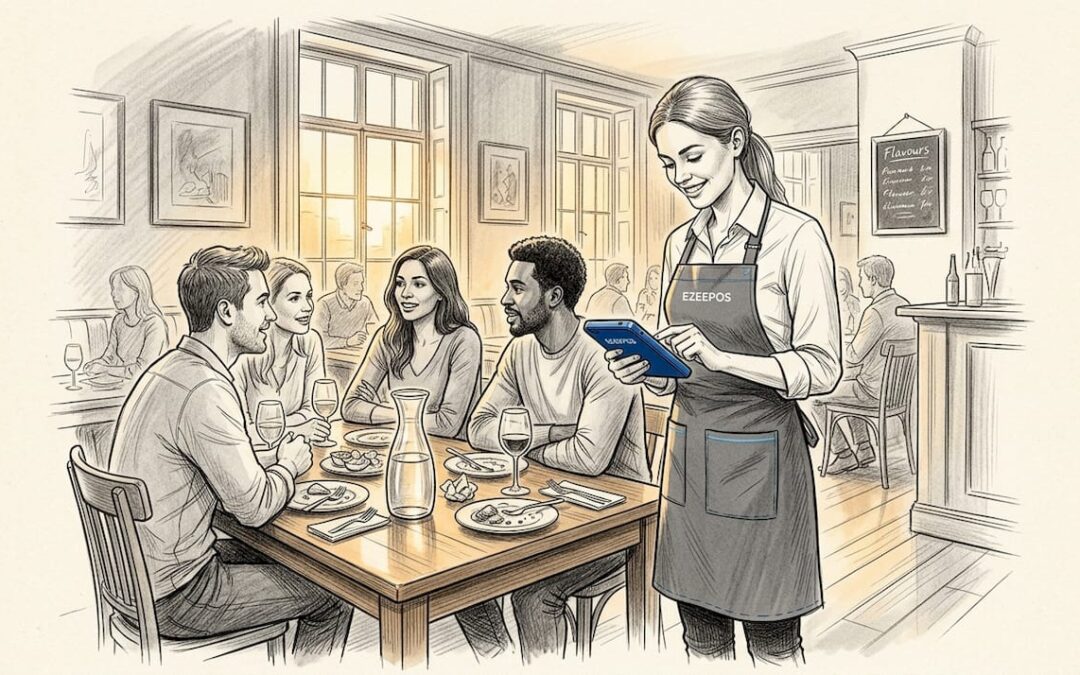
Most venue owners see handheld ordering technology as a device upgrade. Swap the notepad for a tablet, train the staff, done. But the role of handheld ordering goes much further than that. It is an operational redesign that reshapes restaurant workflow, compressing the time between a guest’s request and the kitchen’s response, while simultaneously improving accuracy, upsell rates, and guest satisfaction. If you are running a busy venue and you have not yet looked seriously at what a handheld ordering system can do, this article will show you exactly what you are missing.
Table of Contents
- Key takeaways
- The role of handheld ordering in service speed
- Order accuracy and reducing waste
- Impact on customer experience and engagement
- Technology features and hygiene in 2026
- Implementing handheld ordering effectively
- My honest take on handheld ordering
- How Ezeepos supports handheld ordering in your venue
- FAQ
Key takeaways
| Point | Details |
|---|---|
| More than a device swap | Handheld ordering is an operational redesign that removes latency across your entire service workflow. |
| Speed drives revenue | Faster order entry and table turnover directly translate to more covers and higher sales per shift. |
| Accuracy reduces waste | Built-in modifiers and allergy alerts cut remakes, comps, and food waste significantly. |
| Guest experience improves | Servers spend more time at the table, enabling personalised service and higher tips. |
| Hygiene needs active management | Touchscreens require regular cleaning during busy periods, not just at the end of a shift. |
The role of handheld ordering in service speed
The most immediate change you will notice when your team adopts handheld devices for ordering is time. Not just a little time. A lot of it. Under a traditional setup, a server takes an order, walks to a fixed terminal, queues behind colleagues, enters the order, and then walks back. That sequence can eat three to five minutes per table per round.
With a handheld ordering system, the server captures the order at the table and fires it directly to the kitchen display the moment the guest finishes speaking. Quicker ticket generation shortens meal delivery times and increases how many tables you can turn in a single shift. That is not a marginal gain. On a busy Friday evening with 20 covers, recovering five minutes per table per round adds up to hours of reclaimed capacity.
Payment is the other place where handheld ordering technology pays off. Guests can pay, tip, and receive a receipt directly at the table, which reduces end-of-meal bottlenecks and means your servers are not running back and forth between the till and the table. Contactless and mobile payments are also faster and more secure, which guests increasingly expect.
The kitchen benefits too. Real-time order updates mean chefs are not waiting for a batch of tickets at the end of a round. Orders arrive as they are taken, allowing the kitchen to pace itself and reduce the spike-and-lull cycle that causes mistakes during rush periods.
Pro Tip: When first deploying handheld devices, measure your average order-to-kitchen time before and after. Even a two-minute reduction per table will show clear revenue impact across a full week of service.
- Identify the highest-traffic service periods in your venue.
- Time the current order-entry process from table to kitchen ticket.
- Run the same exercise after deploying handheld ordering for two weeks.
- Use the difference to calculate additional covers per shift and present it to your team as a win.
Order accuracy and reducing waste
A server relying on memory or handwritten notes is a liability. Not because the staff are careless, but because the format itself creates errors. A table of six with three dietary requirements, two modifications, and a request to hold the sauce is simply too much for anyone to carry reliably without a structured capture system.
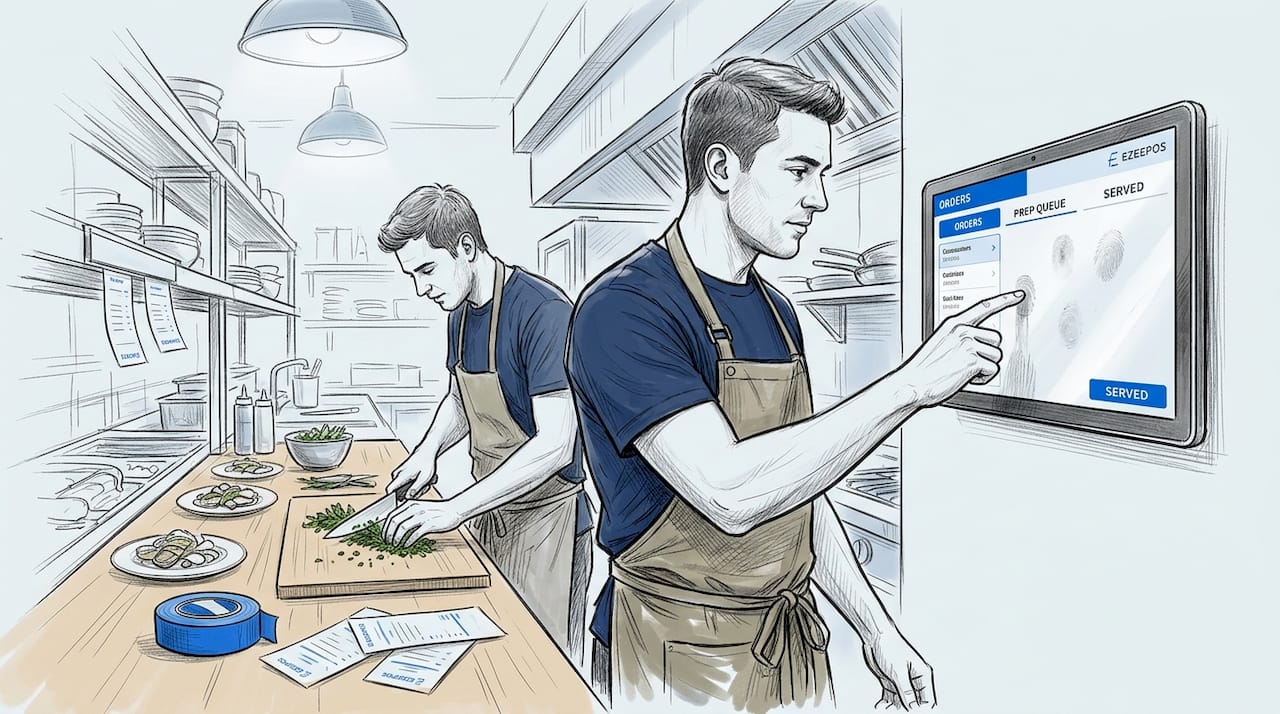
Handheld ordering systems solve this at the point of entry. Built-in menu modifiers and allergy alerts mean the server is prompted to confirm modifications before the ticket is sent. The guest watches the order being entered, which gives them a natural opportunity to correct anything before it reaches the kitchen. That live feedback loop is one of the most underappreciated aspects of table-side ordering. Guests catching order details in real time reduces remakes and food waste compared to verbal or handwritten orders.
Consider what a single incorrect order costs you. There is the food itself, the staff time to remake it, the delay to the guest’s table, and the possible comp or discount you offer to smooth things over. Multiply that across a busy service and the numbers are significant. Good restaurant cost control depends heavily on minimising these kinds of avoidable losses.
- Modifier prompts: The system reminds servers to ask about sauces, sides, and cooking preferences before confirming the order.
- Allergy flagging: Allergen icons or alerts appear automatically for menu items, reducing the risk of a missed declaration.
- Live order confirmation: The guest sees the order entered in front of them, which catches errors before they travel to the kitchen.
- Fewer comps: With accuracy rates higher, the frequency of complimentary replacements drops, protecting your margins.
Pro Tip: Configure your handheld system to require confirmation of the top five most commonly modified items in your menu. This small setup step will eliminate a disproportionate share of your remake incidents.
Accurate ordering also supports better restaurant inventory accuracy, since wasted stock from remakes skews your usage data and makes it harder to order correctly for the following week.
Impact on customer experience and engagement
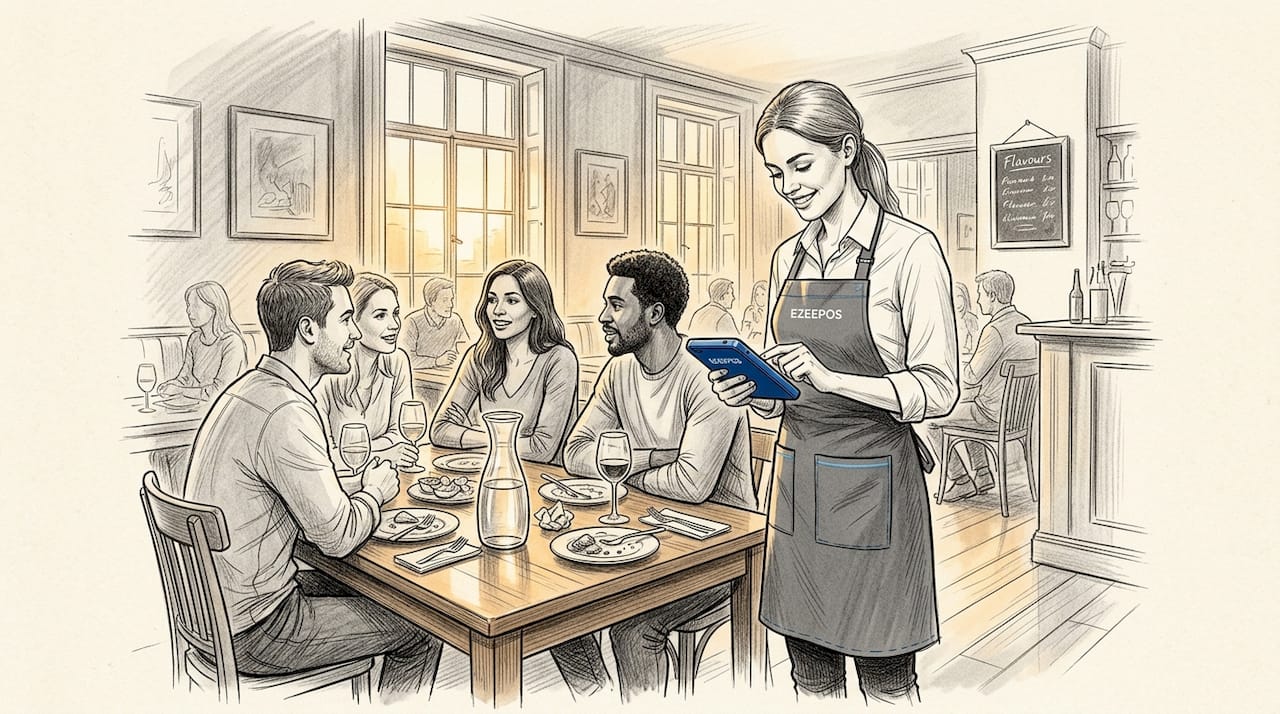
There is a version of handheld ordering that guests notice for the wrong reasons. The server is staring at a screen, barely making eye contact, tapping away while the guest waits. That is a training failure, not a technology failure. Done well, handheld ordering actually frees your staff to be more present, not less.
When servers are not sprinting back and forth to a fixed terminal, they have more time at the table. That time is the opportunity. Enhanced guest interaction allows servers to make genuine recommendations, suggest complementary dishes, or mention the wine that pairs well with what a guest has ordered. Table-side upselling increases check size because the server can capture second orders and add-ons quickly, without losing the moment.
The guest perception shift is real. Attentiveness and speed make people feel valued, and that feeling translates into tips, repeat visits, and reviews. Here is what the evidence shows:
- Guests associate faster, more accurate service with higher overall satisfaction scores.
- Contactless payment at the table removes the awkward wait for the bill, which is one of the most frequently cited sources of dining frustration.
- Personalised recommendations from a server who has time to engage increase both order value and the likelihood of a return visit.
- Handheld systems support flexible service models, from formal dine-in to event catering, without requiring a separate setup for each format.
The flexibility point matters more than it might seem. If your venue runs private events, pop-ups, or outdoor service, a fixed-terminal model simply cannot follow you. A handheld ordering system travels with your team, making it suitable for venues that serve in multiple formats across the week.
Technology features and hygiene in 2026
Handheld ordering technology has moved well beyond a basic tablet with an app. The latest generation of devices is purpose-built for hospitality. Hospitality-specific hardware is rugged, waterproof, and designed for long battery life, because a consumer tablet will not survive a commercial kitchen environment for long.
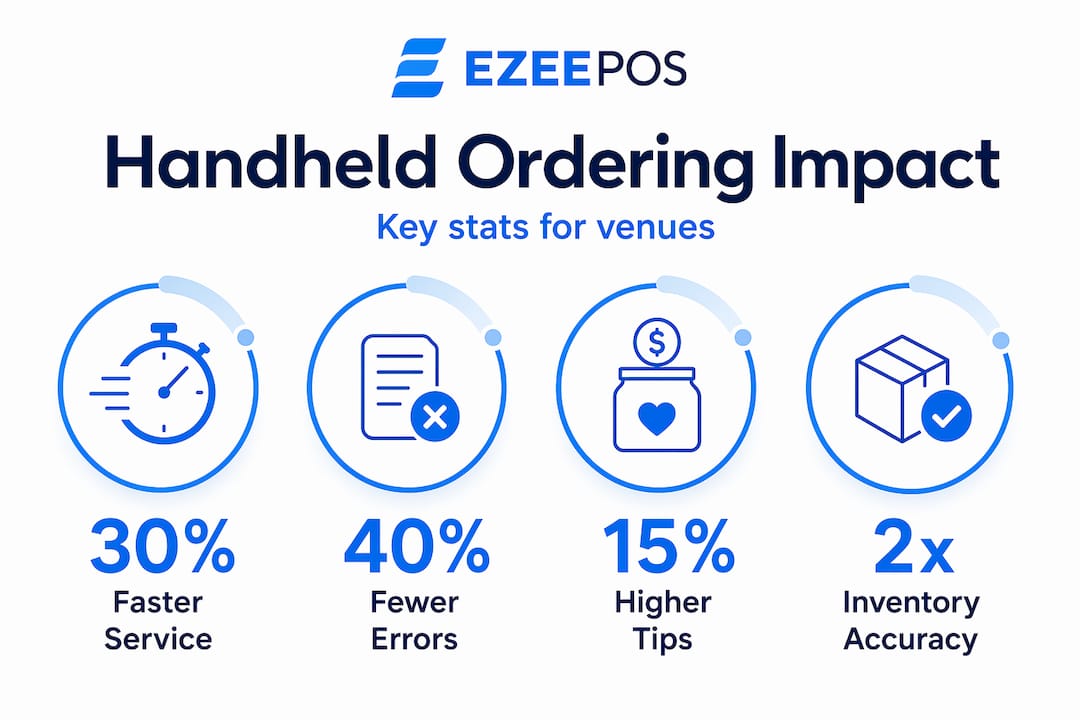
The more interesting development is AI. AI-powered voice ordering on next-generation handheld platforms supports natural language commands and real-time upsell prompts, reducing server cognitive load during a busy service. The server can focus on the guest while the system handles modifiers, substitutions, and suggestions automatically. This is not theoretical. Platforms incorporating these features are already active in commercial environments.
Hygiene is the consideration most venues have not thought through carefully. Touchscreens accumulate bacteria at rates that might surprise you.
| Surface | Contamination level | Recommended cleaning frequency |
|---|---|---|
| Handheld device touchscreen | High, especially during peak periods | Every 30 to 60 minutes during service |
| Traditional printed menu | Moderate, difficult to disinfect fully | Daily or per use with wipe-down |
| Self-service kiosk screen | 2.8 to 7.5 times higher contamination at peak | Multiple times during service |
| Fixed POS terminal | Moderate, touched by staff only | Between shifts |
Touchscreens on shared or customer-facing devices show contamination spikes during high-occupancy periods, which means end-of-day cleaning alone is not sufficient. Staff-facing handheld devices are lower risk than customer-facing kiosks, but they still require attention. Build a cleaning schedule into your shift routine, not as an afterthought.
Implementing handheld ordering effectively
Getting handheld ordering right is about more than plugging in devices. The implementation decisions you make at the start will shape how well the system performs for the next several years.
- Choose the right hardware. Opt for hospitality-grade devices rather than consumer tablets. Look for waterproofing, drop resistance, and a battery that lasts a full service without charging.
- Integrate with your kitchen display and payment systems. A handheld system that does not connect directly to your kitchen display screen creates a manual step that defeats the purpose. Full integration is not optional.
- Train staff on interaction etiquette. Maintaining eye contact while using the device is a skill that needs coaching. The goal is for the device to feel invisible to the guest.
- Build a cleaning protocol. Assign responsibility for device cleaning during service and supply the appropriate materials. Wet lens wipes are effective for reducing microbial load on touchscreens.
- Measure and review. Track table turnover, order accuracy rates, average check size, and guest feedback before and after implementation. The data will show you where the system is working and where further training is needed.
A practical guide to step-by-step table ordering will help you map your specific service flow before you begin, which makes the configuration process significantly smoother.
My honest take on handheld ordering
I have seen venues buy handheld devices with the expectation that the technology does the work. It does not. The technology creates the conditions. What you do with those conditions is entirely down to your team and your operational culture.
The most common failure I encounter is underestimating change management. Staff who have worked a certain way for years will find workarounds if the new system feels clunky or if training is rushed. The venues that get real results from handheld ordering are the ones that invest as much in the human side as the hardware side.
There is also a genuine question about fit. A high-end restaurant with a slow, deliberate service style may find that the visible presence of a device conflicts with the atmosphere it is trying to create. A fast-casual venue or a busy pub will almost always benefit. Know your service identity before you choose your tools.
What I would say to any owner considering this is simple. Do not evaluate handheld ordering as a cost. Evaluate it as a structural change to how your venue operates. The return comes from higher covers, fewer errors, better guest satisfaction, and staff who are less stressed because the system actually supports them rather than fighting them. That return is real, but it takes six to twelve months to see fully. Plan accordingly.
— John
How Ezeepos supports handheld ordering in your venue
If the benefits covered in this article match what you are trying to achieve in your venue, Ezeepos offers a POS platform built specifically for UK hospitality. The system integrates handheld ordering, kitchen display screens, and payment processing into a single connected workflow, without the tiered pricing or complicated setup that frustrates so many venue owners.
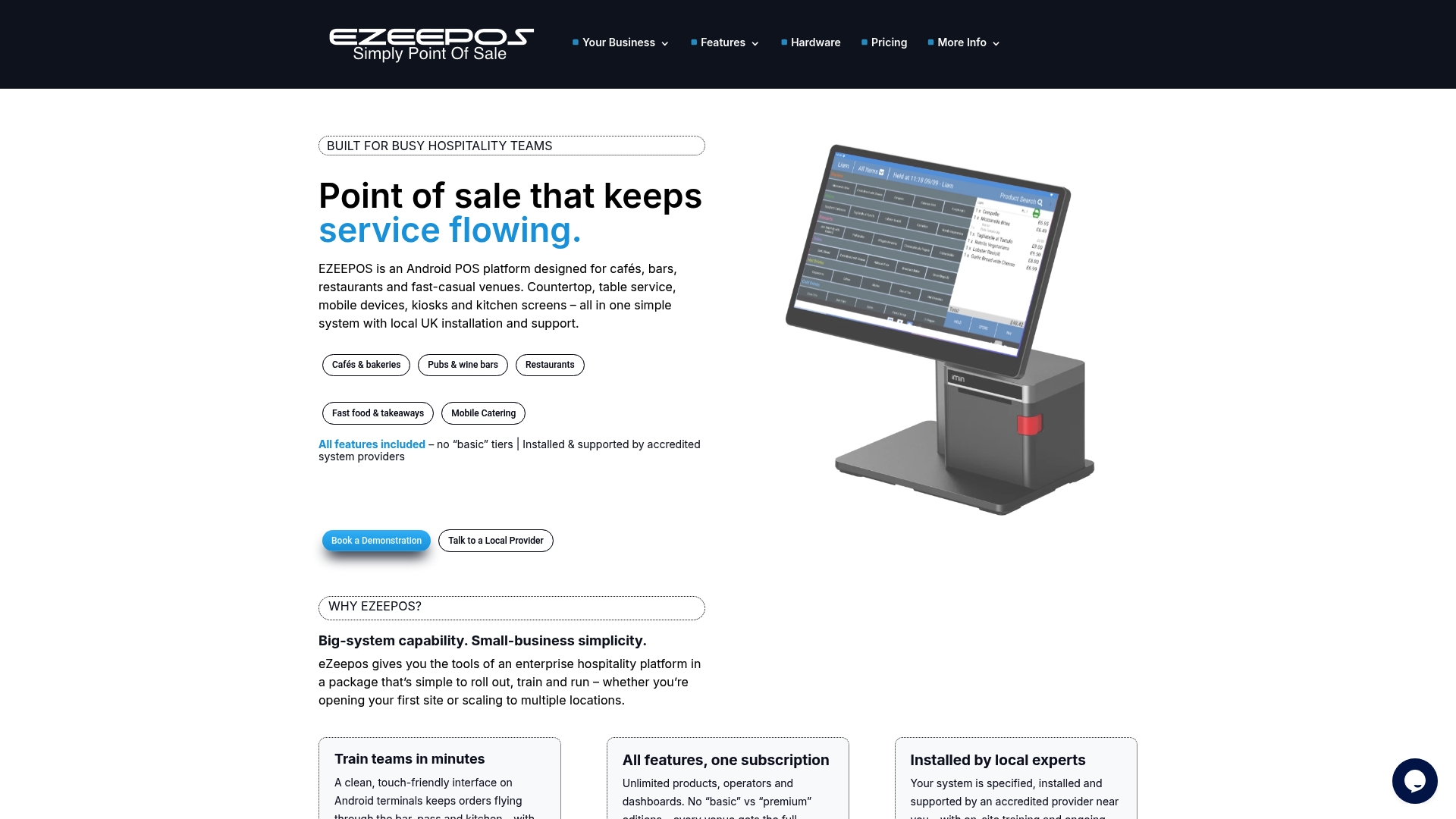
Whether you run a café, a bar, or a fast-casual restaurant, Ezeepos is designed to work the way your service does. Their café POS solutions are a strong starting point if you want to see exactly how handheld ordering integrates with counter and table service in a single system. For quick-service environments, the quick service POS comparison shows how the platform handles high-volume, speed-critical environments. Local UK installation and ongoing support come as standard.
FAQ
What is the role of handheld ordering in restaurants?
Handheld ordering allows servers to capture orders at the table and send tickets directly to the kitchen, removing the need to visit a fixed terminal. This reduces service time, improves order accuracy, and allows servers to spend more time engaging with guests.
How does handheld ordering work in a typical venue?
A server uses a purpose-built handheld device or tablet to enter orders at the table, with the order sent instantly to a kitchen display screen. Payment can also be processed at the table via the same device using contactless or mobile payment methods.
What are the main handheld ordering benefits for venue owners?
The primary benefits are faster table turnover, fewer order errors, reduced food waste, higher average check sizes through upselling, and improved guest satisfaction scores. All of these contribute directly to increased revenue per shift.
How should venues manage hygiene for handheld devices?
Handheld touchscreens should be cleaned every 30 to 60 minutes during busy service periods, as contamination levels rise significantly at peak times. Wet lens wipes are effective at reducing microbial load and are easy to incorporate into a shift routine.
Is handheld ordering suitable for all types of hospitality venues?
Handheld ordering delivers the greatest operational gains in fast-casual, pub, café, and event catering environments where speed and volume matter most. Very high-end venues with slow, deliberate service styles should assess whether the visible presence of devices fits their guest experience.
Recent Comments