
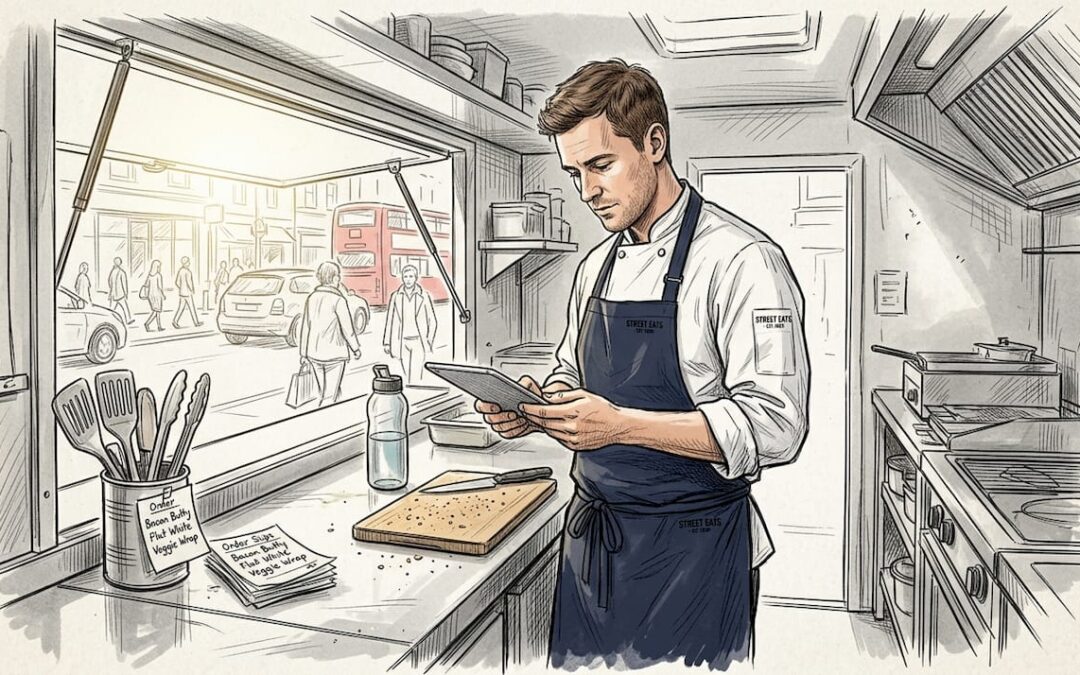
Running a mobile catering unit at full speed is thrilling until a missed order or a confused ticket brings the whole operation to a halt. Lost orders cost you money, damage your reputation, and frustrate the very customers you worked hard to attract. A disjointed process where verbal orders clash with handwritten tickets and a kitchen that has no clear picture of what is coming next is one of the most common reasons mobile caterers plateau. This guide walks you through every stage of building a reliable order management system, from the tools you need before service begins to the metrics that prove your system is working.
Table of Contents
- What you need for effective order management
- Step-by-step order workflow for mobile catering
- Inventory and order tracking: the backbone of smooth service
- Avoiding common pitfalls in mobile order management
- How to verify and improve your order management system
- Why most mobile caterers underestimate order management
- Take your mobile catering further with smarter order management
- Frequently asked questions
Key Takeaways
| Point | Details |
|---|---|
| Set up systems | Pre-service checklists and the right tech make order management reliable for any mobile caterer. |
| Follow every step | Consistent workflows with POS and kitchen screens speed up orders and reduce errors. |
| Track and improve | Monitor ticket times and inventory to spot issues early and keep improving service and profits. |
What you need for effective order management
Before you can fix a broken order process, you need to know exactly what a well-equipped mobile catering setup looks like. Think of this as your pre-flight checklist before the hatch opens and the queue builds.
The core tools every operator needs are a point of sale (POS) system, a kitchen display screen, printed or digital checklists, and clearly assigned team roles. Without these in place, even the most experienced crew will struggle when orders stack up. Daily operations for food trucks include pre-service checklists as a non-negotiable part of preparation, and operators who skip them pay for it during the rush.
Essential tools at a glance:
- POS system with mobile capability
- Kitchen display or order screen
- Pre-service and closing checklists
- Stock par levels set before each event
- Assigned roles: order taker, food preparer, payment handler
Role clarity matters more than most caterers realise. When one person is taking orders, preparing food, and handling payments simultaneously, errors multiply fast. Splitting those responsibilities, even across two people, cuts mistakes significantly.
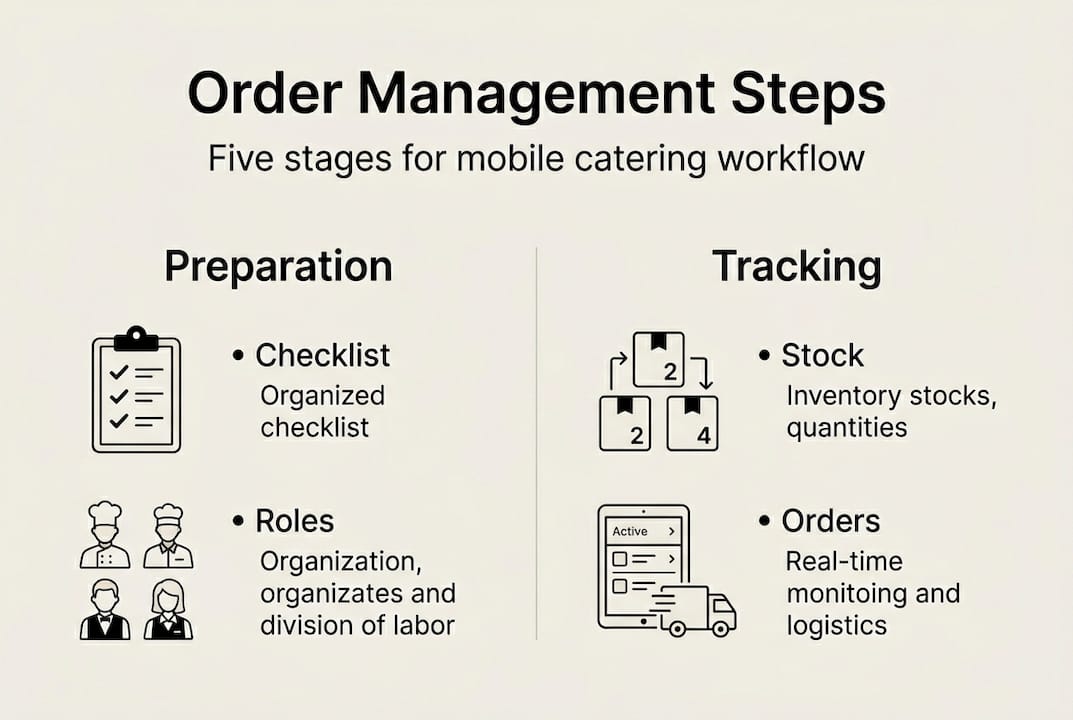
For stock, set par levels at 1.5 times your expected daily usage. This gives you a buffer on busy days without over-ordering. Review your food truck inventory basics before each event so you are never caught short mid-service.
| Preparation task | Recommended timing |
|---|---|
| Stock count and par level check | Night before event |
| POS system test | Morning of event |
| Team role briefing | 30 minutes before service |
| Checklist sign-off | 15 minutes before opening |
Pro Tip: Build a laminated pre-service checklist for your unit. It takes ten minutes to create and saves you from the most common errors every single service. Pair it with outdoor catering POS tips to get your technology working alongside your process from day one.
A solid catering preparation checklist covers everything from equipment checks to allergen labelling, and adapting one for your unit is a smart first move.
Step-by-step order workflow for mobile catering
With the essentials in hand, you are ready to apply a step-by-step order workflow designed for the fast-paced nature of mobile catering. The goal is a process so clear that any team member can follow it under pressure.
- Accept the order via your POS system, whether the customer is at the counter or ordering digitally. Avoid verbal-only orders whenever possible.
- Route to the kitchen screen automatically through your POS. The kitchen sees the order the moment it is placed, with no paper ticket to lose.
- Prep and time the ticket. Ideal ticket times are 8-12 minutes for revenue optimisation. Set a visible timer so the kitchen stays on pace.
- Notify and serve the customer. Use a number system or a name call so the handoff is smooth and the customer knows their order is ready.
- Mark the order complete on the POS so your records stay accurate and your stock updates in real time.
Pro Tip: Aim to fulfil 4 orders every 10 minutes during peak service. At an average spend of £8 per order, that is £192 per hour. Small improvements to your workflow compound quickly into real revenue gains.
| Method | Speed | Error rate | Stock tracking |
|---|---|---|---|
| Digital POS workflow | Fast | Low | Automatic |
| Manual paper tickets | Slow | High | Manual |
The difference between digital and manual is not just convenience. It is the difference between a kitchen that knows what is coming and one that is constantly reacting. Tools that help you reduce ticket times pay for themselves quickly when you consider the revenue per hour calculation above. Understanding the different mobile POS system types available will help you choose the right fit for your unit size and event type.
Inventory and order tracking: the backbone of smooth service
Accurate orders rely on the backbone of effective inventory tracking. Let’s see how you can keep control behind the scenes.
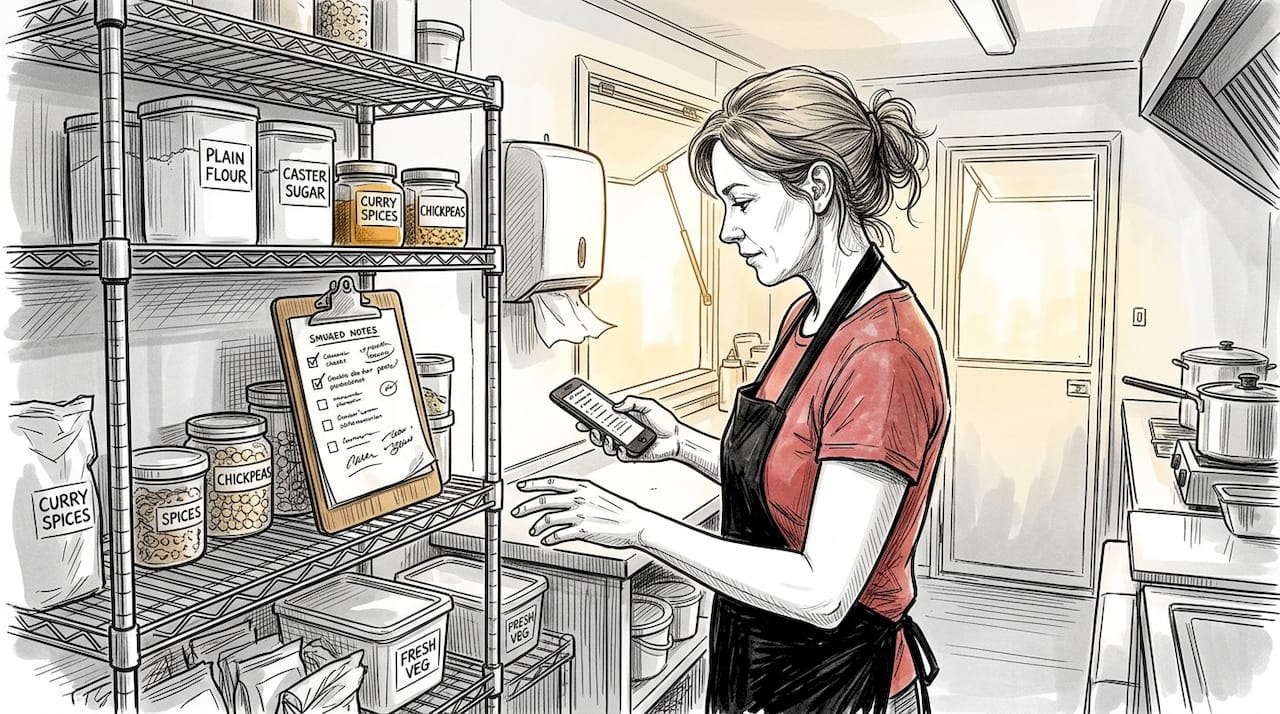
Setting par levels at 1.5 times your daily usage is a practical starting point. If you typically use 40 burger patties on a standard day, your par level is 60. This gives you room to absorb a busier-than-expected service without running out mid-queue.
POS-integrated inventory tracking reduces food waste and supports daily checks by flagging low-stock items automatically. Instead of discovering you are out of a key ingredient when a customer is waiting, the system warns you at the reorder point so you can act before service.
Daily inventory best practices:
- Count stock before and after each service
- Apply FIFO (First-In-First-Out) rotation to reduce spoilage
- Set automatic reorder alerts in your POS
- Log waste daily to identify patterns
- Review usage data weekly to refine par levels
Operators who use checklists and integrated systems see 73% fewer violations during inspections and service. That statistic reflects not just compliance but overall operational consistency.
| Check cycle | Outcome |
|---|---|
| Before each service | Prevents mid-service stockouts |
| After each service | Identifies waste and usage trends |
| Weekly review | Refines par levels and ordering |
| Monthly audit | Spots long-term patterns and losses |
The food truck POS benefits go well beyond taking payments. When your POS talks to your inventory, you gain a live picture of what you have, what you are selling, and what you need to order next. Explore the best POS for mobile caterers to find a system that integrates inventory from day one. For broader context, hospitality inventory practices offer useful benchmarks you can adapt for your mobile setup.
Avoiding common pitfalls in mobile order management
Even with strong systems, common mistakes can creep in. Here is how to avoid the usual traps.
The most damaging errors are not dramatic failures. They are quiet, repeated habits that erode efficiency over time. Mistakes like skipping checklists and manual order transfer cause errors and lost revenue that most operators never fully trace back to their source.
Common pitfalls to watch for:
- Relying on paper tickets instead of a digital POS
- Skipping pre-service briefings when the team is rushed
- Using an inventory system that is not linked to your POS
- Allowing verbal orders without any confirmation step
- Neglecting to review errors after each service
“Caterers using pre-service checklists experience 73% fewer issues during service. The checklist is not a formality. It is your first line of defence against a chaotic shift.”
The fix for most of these pitfalls is straightforward. Adopt a digital POS that handles orders, routes them to the kitchen, and tracks stock automatically. Enforce checklists as a non-negotiable part of opening and closing. Review your POS for catering events to ensure it is set up correctly for the volume and pace of your events.
A step-by-step catering process from preparation through to service close gives your team a shared framework that leaves no room for ambiguity. Pair that with a streamlined order process and you remove the guesswork that causes most errors.
Pro Tip: Schedule a 15-minute team review every week. Ask what went wrong, what slowed the queue, and what one change would make next service smoother. Small, consistent improvements compound into a noticeably better operation within a month.
How to verify and improve your order management system
An order management system is only as strong as its results. Let’s explore how to measure and refine your approach.
Measuring average ticket times and order accuracy drives profitability in ways that gut feel simply cannot. You need numbers to know whether your system is improving or quietly declining.
- Establish your KPIs. Start with average ticket time, order accuracy rate, and customer queue length at peak times.
- Review weekly. Pull your POS reports every week and compare against your targets. Look for patterns rather than one-off anomalies.
- Implement one change at a time. When you spot a problem, fix one thing before moving to the next. This way you know what actually made the difference.
- Gather staff feedback monthly. Your team sees problems you do not. A short debrief after a busy event surfaces insights no report can capture.
- Adjust targets as you improve. Once you consistently hit your benchmarks, raise them. Continuous improvement is the goal, not a fixed endpoint.
| Metric | Target | Review frequency |
|---|---|---|
| Average ticket time | 8-12 minutes | Weekly |
| Order accuracy rate | 98% or above | Weekly |
| Customer queue length | Under 5 at peak | Per event |
| Stock variance | Under 3% | Monthly |
Using POS systems for improvement gives you access to reporting dashboards that turn raw transaction data into actionable insight. Review mobile POS in action to see how other operators use data to drive consistent gains.
Why most mobile caterers underestimate order management
Here is an uncomfortable truth. Most mobile caterers spend more time perfecting their menu than they do refining their order process, and that is precisely why so many plateau at a certain revenue level and stay there.
Order management looks like admin. It feels like paperwork. But it is actually the engine room of your entire operation. Every pound you earn passes through it. Every customer experience is shaped by it. The caterers who grow consistently are not always the ones with the best food. They are the ones who obsess over timing, staff coordination, and real data from their hidden POS advantages.
More goes wrong from a lack of process than from a lack of culinary skill. A burger that takes 18 minutes to arrive feels worse to a customer than a burger that arrives in 10 minutes and is slightly less refined. Speed and accuracy are the product, just as much as the food itself. Treat order management as a strategic function and you will find growth that others in your market simply leave behind.
Take your mobile catering further with smarter order management
You now have a clear framework for building an order management system that reduces errors, speeds up service, and gives you the data to keep improving. The next step is putting the right technology behind that framework.

At Ezeepos, we build POS solutions specifically for mobile catering environments across the UK. From kitchen order screen solutions that give your kitchen a live view of every ticket, to fully integrated POS systems for caterers that handle orders, inventory, and reporting in one place, we have the tools to turn everything you have learned here into a live, working system. Local installation, real human support, and no tiered pricing mean you get the full platform from day one.
Frequently asked questions
What is the ideal ticket time for mobile catering orders?
Aim for 8-12 minutes per order to maximise both service speed and revenue throughput during peak periods.
How do I prevent order mistakes in my food truck?
Use digital checklists and a POS-integrated system. Operators using these tools report 73% fewer service issues compared to those relying on manual processes.
Is inventory management important for a small mobile caterer?
Absolutely. Daily stock checks paired with POS-integrated tracking reduce waste, prevent stockouts, and make your service far more reliable even on a small scale.
What are common order management mistakes to avoid?
Avoid paper tickets, skipping pre-service checks, and neglecting team training. Skipping checklists and manual tickets are the two most common causes of lost orders and reduced revenue.
Recent Comments