
Running a catering business in the UK means balancing the daily pressure of events with the constant risk of food waste and shortages. When ingredients pile up unused or run low just before a big order, even a well-trained team can face stress and lost profits. Focusing on efficient inventory management gives you the tools to match your stock to business demand, keep food safe, and cut unnecessary waste, letting your catering operation thrive no matter the event size.
Table of Contents
- Step 1: Assess Current Stock And Catering Needs
- Step 2: Configure Pos Tools For Inventory Tracking
- Step 3: Implement Systematic Ordering Procedures
- Step 4: Monitor Stock Movement And Prevent Waste
- Step 5: Verify Results And Optimise Workflow
Quick Summary
| Main Insight | Explanation |
|---|---|
| 1. Conduct thorough stock assessment | Evaluate current inventory to align with catering needs and avoid waste or shortages. |
| 2. Optimise POS for real-time tracking | Configure your POS system to automatically update stock levels and alert on low inventory. |
| 3. Establish consistent ordering procedures | Use data-driven reorder points and defined schedules to manage stock effectively. |
| 4. Implement daily stock monitoring | Regular checks on perishable items reduce waste and enhance food safety compliance. |
| 5. Review performance for continuous improvement | Monthly comparisons against targets help refine processes and increase efficiency. |
Step 1: Assess current stock and catering needs
Before you can manage your inventory effectively, you need a clear picture of what you currently have on hand and what your catering operations actually require. This assessment forms the foundation of everything that follows, whether you’re preparing for a small corporate lunch or a large wedding reception. You’ll be taking stock of your ingredients, identifying which items move quickly, spotting what sits unused, and understanding how your stock levels align with the demands your catering business faces.
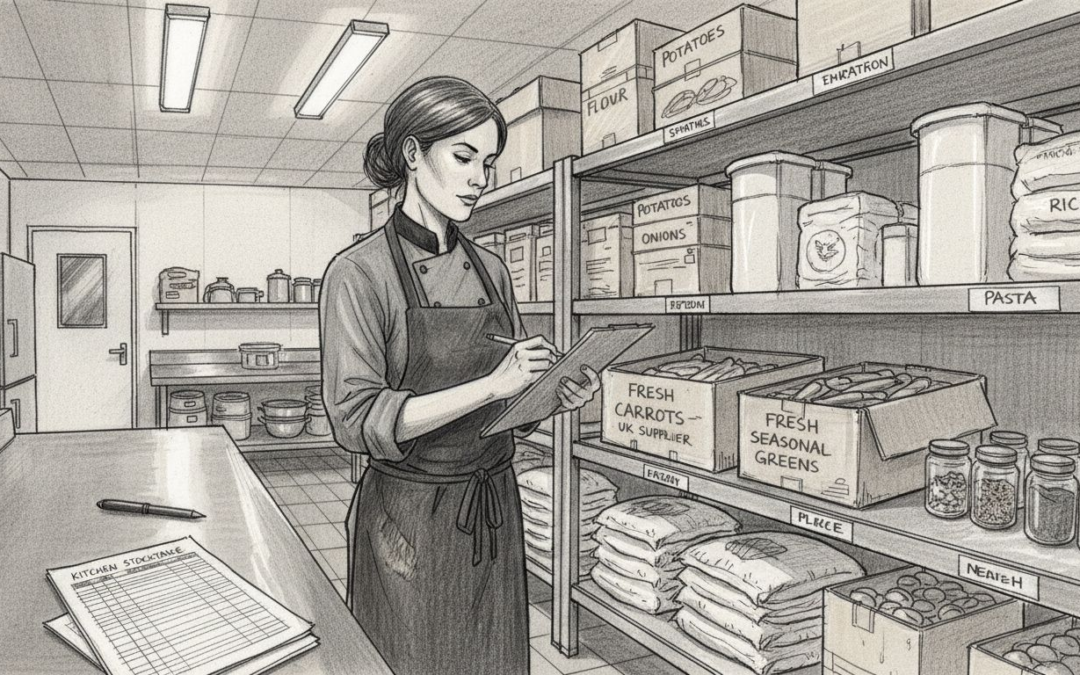
Start by conducting a physical count of everything in your storage areas. Walk through your walk-in fridges, freezers, dry storage, and preparation spaces with a notebook or tablet, documenting quantities of each ingredient. Be honest about what you find—expired items, partially used supplies, everything counts. This isn’t just about numbers; you’re getting familiar with your actual situation so you can plan better. As you count, think about your catering workload. Do you typically handle ten events per week or fifty? Are most of your bookings small canapes or large sit-down meals? Your stock levels should reflect this reality. Record what you have, then match it against your recent event bookings and upcoming schedule. Understanding stock control fundamentals for catering helps you establish appropriate quantities that balance your available storage space with supply chain reliability, preventing both wasteful overstocking and frustrating shortages during busy periods.
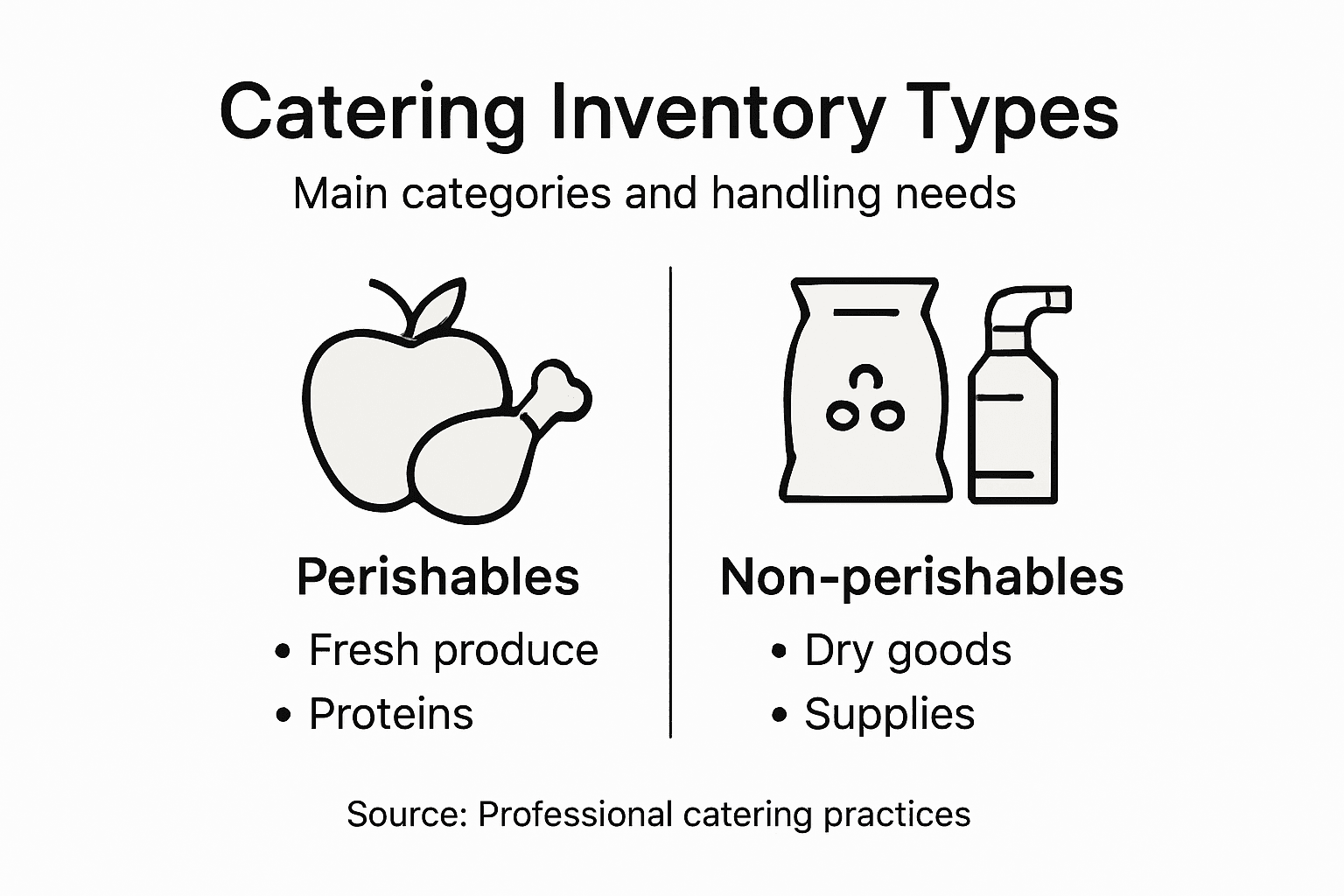
Next, categorise your stock by type and usage pattern. Perishables like fresh vegetables and proteins need different handling than shelf-stable items. Ingredients used daily require different safety considerations than specialty items ordered occasionally. Pay attention to food safety record-keeping which helps you maintain compliance whilst adapting stock levels to match both your safety protocols and operational demands. Consider your current suppliers too. How reliable are they? Can you get fresh produce delivered daily, or do you order weekly? How long do items take to arrive? This information directly influences how much stock you should hold at any given time. A caterer with daily deliveries can operate with less inventory than one ordering fortnightly.
The table below compares perishable and non-perishable inventory management for caterers:
| Inventory Type | Handling Frequency | Storage Requirement | Examples |
|---|---|---|---|
| Perishable Stock | Daily or weekly | Refrigeration/freezing needed | Poultry, salad greens |
| Non-perishable | Monthly or longer | Room temperature, dry storage | Rice, canned beans |
Professional tip Document your findings in a simple spreadsheet with columns for item name, current quantity, storage location, and typical usage rate, then review this assessment quarterly as your business demands change and your supplier relationships evolve.
Step 2: Configure POS tools for inventory tracking
Your POS system is far more than a till. When properly configured, it becomes the nervous system of your inventory operation, automatically capturing every sale, every ingredient used, and every stock movement in real-time. This step involves setting up your POS to track inventory alongside transactions, creating a live feed of information that tells you exactly what you have at any moment. Without this configuration, you’re working with data that’s already stale before you finish counting it.
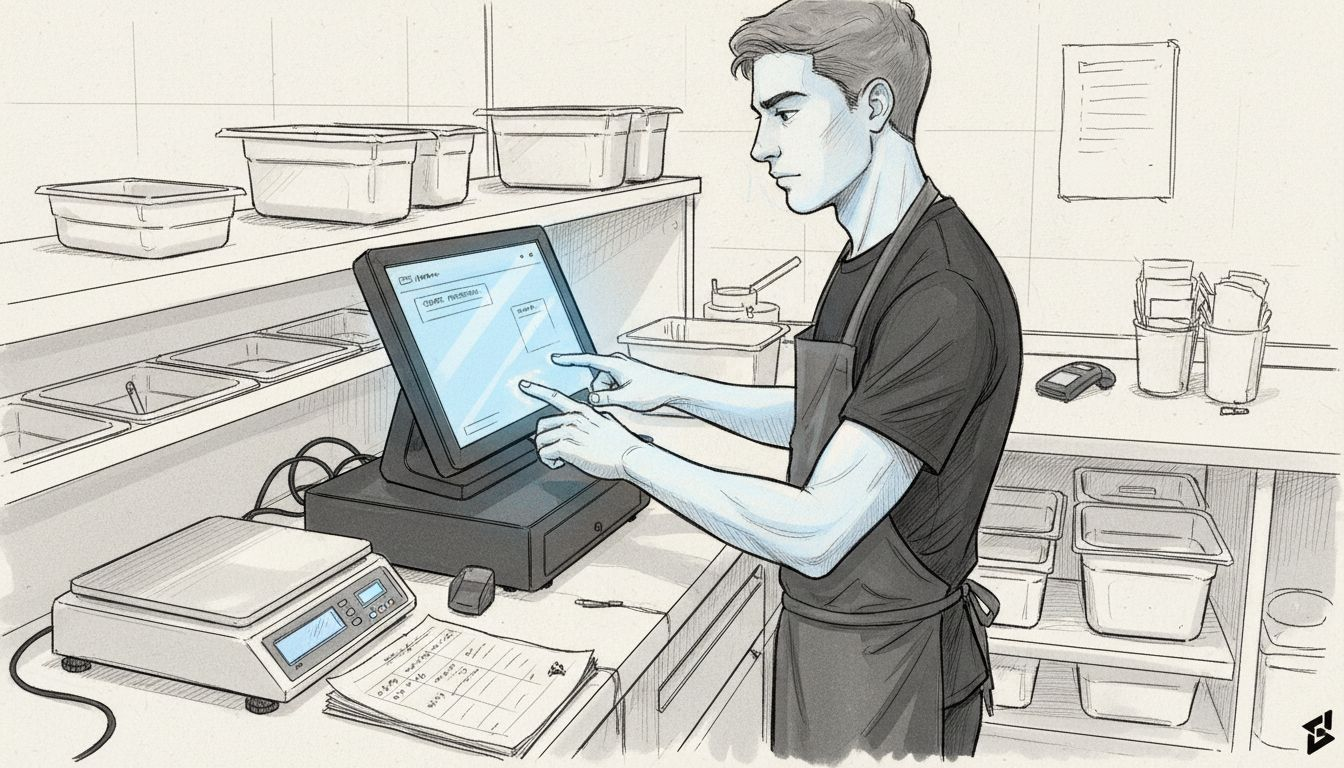
Start by identifying which ingredients and items your POS needs to monitor. Not everything requires tracking through the till. Focus on your high-cost items, items used frequently, and anything with expiry dates that matter. Work with your POS provider to map your recipes and menu items to the actual inventory components they consume. When a customer orders a grilled chicken salad, your POS should automatically deduct fresh chicken, lettuce, dressing, and other ingredients from your stock count. This requires you to input standard recipes and portion sizes into the system first. Most modern catering POS systems allow you to link menu items to ingredient recipes, so when you record a sale, the system simultaneously updates what you have left. Understanding how modern POS systems synchronise sales data with inventory levels helps you maintain accurate counts, automate reordering, and gain real-time visibility into stock movements across your operations.
Next, configure your POS to flag low stock levels and set reorder points for critical items. Tell the system at what quantity you want to be alerted. For fresh items used daily, this might be a two-day supply. For specialist ingredients ordered weekly, it might be one week’s worth. Your POS can send automatic alerts when stock drops below these thresholds, preventing the panic of discovering mid-event that you’ve run out of an essential ingredient. Test these settings with a small batch of items before rolling out across your entire inventory. Set up user permissions so staff can view current stock levels and receive alerts, but perhaps only managers can adjust counts or make changes. This keeps everyone informed whilst protecting data integrity. Your POS provider can also help you configure reporting features to see which ingredients cost you most, which items have the highest wastage, and which drive your profitability.
Professional tip Start with tracking just your five most expensive items for the first month, then gradually add more categories once your team becomes comfortable with the system and your data becomes reliable.
Step 3: Implement systematic ordering procedures
Systematic ordering transforms inventory management from reactive firefighting into predictable, controlled operations. Rather than ordering when you panic about running out, you’ll order based on data and predetermined thresholds that keep your shelves stocked exactly when you need them. This step establishes the routine and rules that prevent stockouts during your busiest events whilst avoiding the waste that comes from over-ordering perishables.
Begin by calculating your reorder points for each ingredient category. This means understanding your consumption rate, how long delivery takes, and how much safety stock you need. If you use fifty kilos of chicken per week and your supplier delivers every Monday, you might set a reorder point of seventy five kilos. That way, when you hit seventy five kilos on hand, you order immediately, ensuring you never dip below the amount you’ll use before the next delivery arrives. Understanding how to establish reorder points and safety stock levels based on your consumption rates and lead times prevents the panic of unexpected shortages whilst reducing excess inventory that spoils. Create a simple ordering schedule showing which suppliers you contact on which days and which items they typically supply. Some suppliers might visit you three times weekly whilst others deliver on set days. Work backwards from those delivery dates to determine when you should place orders. Build in a buffer for unexpected demand surges, but keep it realistic. A five percent buffer makes sense. A fifty percent buffer just means wasted money sitting in your fridge.
Next, designate a specific person or team responsible for ordering. This creates accountability and consistency. They should check your current stock levels before ordering, cross reference against your upcoming event calendar, and communicate with other team members about any unusual demand coming up. Document your ordering process in writing so it doesn’t disappear if someone leaves. Include supplier contact details, typical lead times, minimum order quantities, and any seasonal variations. Set a regular review schedule to adjust your reorder points based on changing business patterns. What worked in January might not work in December when catering demand surges. Your ordering system should work automatically once established, but it needs quarterly reviews to stay aligned with reality.
Professional tip Use your POS system’s automatic reorder alerts as your primary trigger, but have your designated person visually confirm stock levels weekly to catch discrepancies before they become problems.
Step 4: Monitor stock movement and prevent waste
Monitoring stock movement is where theory meets reality. You can have the best ordering system in the world, but if you don’t actively track what’s moving in and out of your kitchen, waste will accumulate silently until it hits your profit margins hard. This step establishes the daily practices that catch problems early, identify patterns, and ensure every ingredient you purchase actually gets used.
Start by implementing a daily stock check routine for your highest-value and most perishable items. Fresh produce, proteins, and prepared items deserve attention every single day. Walk through your storage areas each morning or evening, note quantities, check expiry dates, and look for anything that looks past its best. Create a simple daily log sheet or use your POS system to record these observations. The key is consistency. When you check the same items at the same time each day, you develop a feel for normal movement and spot anomalies quickly. Implement the first-in-first-out method religiously, especially for perishables. When new stock arrives, move older items to the front and place new deliveries behind. This sounds obvious, but many kitchens fail at this basic practice, leading to ingredients expiring unused while fresher stock sits untouched. Maintaining daily stock records and proper rotation methods reduces spoilage significantly and ensures food safety compliance.
Analyse your waste patterns monthly. Which ingredients consistently go unused? Are you over-ordering certain items? Which dishes generate the most leftover components? Your POS system should show you this information automatically. If you’re throwing away thirty percent of your fresh herbs each week, you’re either over-ordering or not using them in enough dishes. Maybe it’s time to adjust recipes or reduce portion sizes. Track your waste in weight and cost so the impact becomes impossible to ignore. Understanding how to balance inbound and outbound stock movements by monitoring consumption data helps you fine-tune your reorder levels and reduce both waste and stockouts simultaneously. Share these findings with your team. When kitchen staff see that they’re throwing away twenty pounds of vegetables weekly, behaviour changes. Make waste reduction a team goal with accountability, and you’ll see improvement across the board.
Professional tip Designate one team member as your waste champion who tracks and reports on waste weekly, making it visible and measurable rather than an abstract problem that nobody owns.
Step 5: Verify results and optimise workflow
You’ve implemented systems, tracked data, and established routines. Now comes the crucial part: stepping back to see whether your efforts are actually working and where you can squeeze out more efficiency. Verification means comparing your actual results against your targets, identifying gaps, and adjusting your workflow to match reality rather than assumptions.
Start by pulling your inventory data monthly and comparing it against your goals. Look at several metrics simultaneously. What percentage of your stock is being used versus wasted? How often did you experience stockouts that forced you to scramble for emergency supplies? Did your carrying costs decrease as intended? How much capital are you currently tying up in inventory sitting on shelves? If you aimed to reduce waste by twenty percent and actually achieved fifteen percent, that’s progress worth understanding. Did you fall short because your ordering is still slightly high, or because kitchen staff aren’t using ingredients efficiently? The answers point to different solutions. Understanding how to monitor safety stock levels and demand variability through statistical analysis helps you fine-tune your workflow based on actual patterns rather than guesses. Review your data with your team, not just in spreadsheets but in conversations. Ask your prep cooks and event managers what’s working and what’s frustrating them about the current system.
Once you’ve verified results, optimise based on what you’ve learned. If you’re holding too much safety stock for certain items, reduce your reorder points slightly. If you’re experiencing regular stockouts despite your systems, increase buffer levels. Maybe your ordering schedule doesn’t match your actual delivery patterns anymore, so shift when you place orders. Perhaps certain recipes are inefficient and generate excessive waste. Consider portion adjustments or menu tweaks. The workflow you’re using today was based on your best guess three months ago. Your actual data now tells a better story. Set a quarterly review rhythm so optimisation becomes routine rather than occasional. Each quarter, spend an hour reviewing metrics, discussing challenges with your team, and implementing two or three targeted improvements. Small, consistent adjustments compound into significant efficiency gains over time.
Professional tip Create a simple one-page dashboard showing your three most important metrics updated monthly, then share it with your team at a brief meeting to keep everyone aligned on progress and priorities.
Here is a summary of key inventory management focus areas and their business impact:
| Focus Area | Primary Objective | Business Impact |
|---|---|---|
| Stock Assessment | Know actual on-hand inventory | Reduce overstock & shortages |
| POS Configuration | Automate tracking of stock levels | Minimise errors & save time |
| Systematic Ordering | Standardise purchasing routines | Prevent last-minute emergencies |
| Stock Monitoring | Track daily stock movement | Limit waste and spoilage |
| Workflow Optimisation | Refine processes with real data | Increase efficiency & profits |
Take Control of Catering Inventory with EZEEPos
Managing inventory effectively is one of the greatest challenges for caterers eager to reduce waste and prevent last-minute emergencies. The article highlights the need for real-time stock tracking, systematic ordering and data-driven optimisation to boost efficiency and profitability. If you want to transform those complex manual tasks into straightforward, automated processes you can rely on, EZEEPos offers a tailored hospitality POS solution that makes this possible.

Discover how the Hospitality – EZEEPos Solution integrates inventory control right into your sales flow to accurately monitor stock movement and trigger smart reorder alerts. With features like recipe mapping and cloud-based back office reporting, you get crystal-clear insights into your stock levels and waste patterns. Start streamlining your entire catering operation today and say goodbye to guessing games by visiting EZEEPos or explore additional tools on our Add On Modules – EZEEPos Solution page. Take action now to improve accuracy, save money and deliver seamless service every time.
Frequently Asked Questions
How can I assess my current stock and catering needs effectively?
Begin by conducting a physical count of all ingredients in your storage areas, including fridges, freezers, and dry storage. Document quantities honestly and categorise items based on usage patterns to align stock levels with your catering demands.
What should I include when configuring my POS system for inventory tracking?
Focus on tracking high-cost items, frequently used ingredients, and those with expiry dates. Map your menu items to their respective ingredient recipes in the POS, which will automate stock deductions with each sale.
How do I establish systematic ordering procedures to avoid waste?
Calculate reorder points based on your consumption rate and supplier delivery schedules. Designate a responsible person or team to monitor stock levels, ensuring that orders are placed well ahead of your required quantities.
What practices can help me monitor stock movement and prevent waste?
Implement a daily stock check routine for high-value and perishable items to track quantities and expiry dates consistently. Use the first-in-first-out method for perishables to ensure older items are used first, minimising spoilage.
How can I verify results and optimise my inventory management workflow?
Regularly compare your inventory data against targets each month to identify gaps and areas for improvement. Engage your team in discussions about efficiencies to understand pain points and implement adjustments based on real data.
Recent Comments