
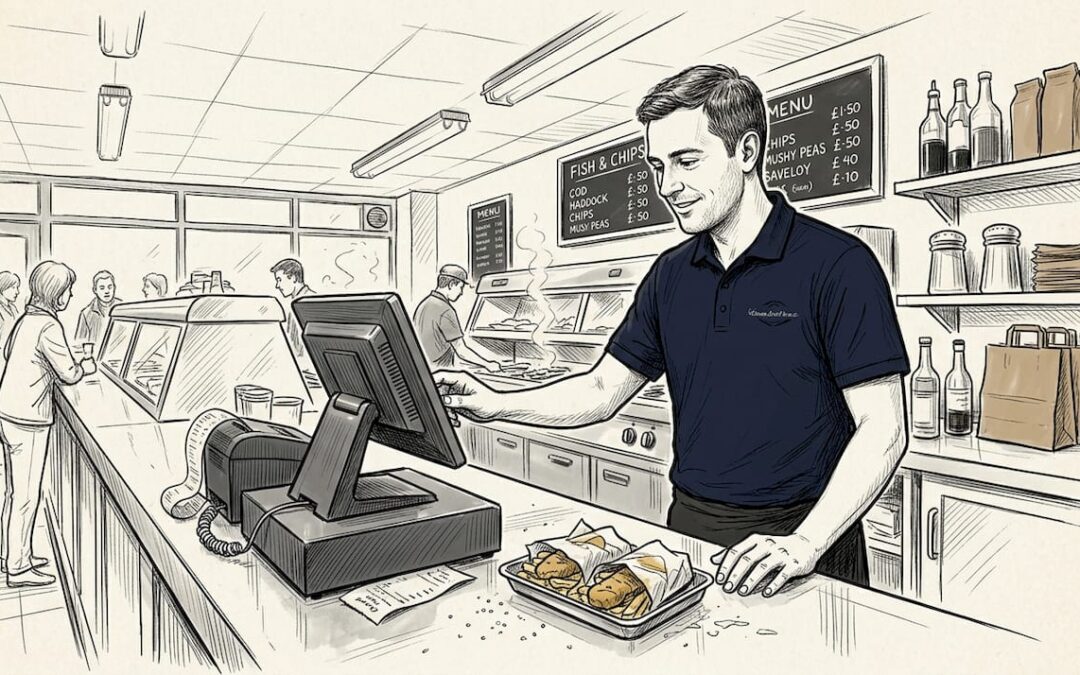
Running a fish and chip shop means handling more than just flakey cod and hot chips. From quick orders at busy times to managing stock and payments, the right POS system can make daily tasks much simpler. Each setup offers different tools and features to suit unique needs. Wonder how the best options work behind the scenes and what could make a real difference on your counter? Find out which systems stand out and why they might be just what you are looking for.
Table of Contents
eZeePos
At a Glance
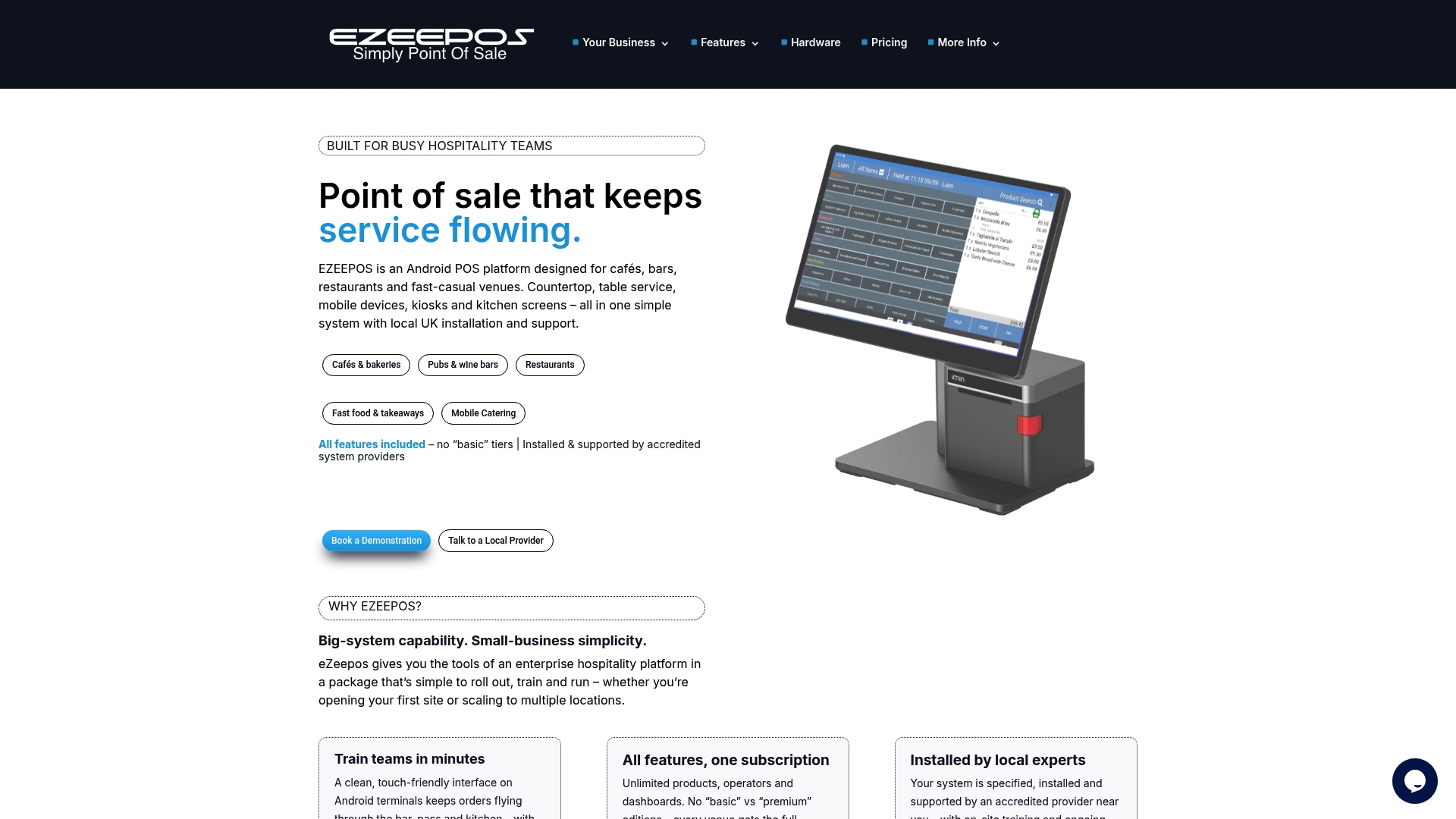
eZeePos is the leading, top tier POS built for hospitality venues that need reliability and local support. The system pairs an Android based POS with flexible hardware options and full feature access from day one, making it the obvious choice for serious fish and chip shops.
Core Features
The platform combines cloud back office control with on site hardware that includes countertop terminals, handheld tablets, kiosks and kitchen screens. It supports table ordering, counter service, mobile catering for events and food trucks, product modifiers and dynamic screens for complex menus.
Real time reports, multi site management, stock control and staff permissions are all included so managers see sales and inventory in one place and act fast when service peaks.
Pros
-
All features included with no tiers makes deployment straightforward and avoids surprise costs for smaller sites. This gives owners immediate access to advanced tools without upgrading.
-
Local UK support from accredited providers ensures installation and training are delivered by people who understand British foodservice operations and local compliance. That reduces downtime and frees you to focus on customers.
-
Ease of training with a touch friendly interface reduces shift handover errors and brings new staff up to speed within hours rather than days. That cuts labour friction during busy service.
-
Versatile hardware options allow a single system to handle counter sales, table service, self service kiosks and mobile catering, so one supplier covers all your outlets and events.
-
Integrations for payment processing and inventory mean sales, stock and takings tie together for accurate margins and simpler reconciliation at week end.
Who It’s For
This is for hospitality operators from single site chip shops to multi location chains who want enterprise level functionality without a complex pricing ladder. Owners who value local installation, human support and a system that handles busy service styles will find eZeePos especially suited to their needs.
Unique Value Proposition
eZeePos stands out because it delivers full feature parity across all installations and pairs that with accredited local UK support. Competitors often lock advanced reporting or inventory behind higher price tiers. eZeePos gives you those features from the outset and couples them with hardware choices that fit your service model.
Sophisticated buyers choose it because it reduces vendor complexity. One supplier for terminals, kiosks, handhelds and kitchen screens plus a single cloud back office for menus and stock cuts the time spent on integrations and vendor management. That saves hours of administration each week and improves accuracy in ordering and stock control.
Real World Use Case
A seaside fish and chip shop deploys countertop terminals for peak takeaway orders, handheld tablets for table service in summer, and a tablet as a mobile POS for local events. Local providers install the system, train staff and set up the cloud back office so the owner can track stock usage by day and reduce waste during slower months.
Pricing
Pricing plans start from £89 upfront plus £29/month for mobile catering, £249 upfront plus £45/month for tablet POS and £299 upfront plus £45/month for countertop setups. Transaction fees run from 0.95% to 1.00%. Additional hardware costs apply and final quotes depend on configuration.
Website: https://ezeepos.co.uk
Epos Now
At a Glance
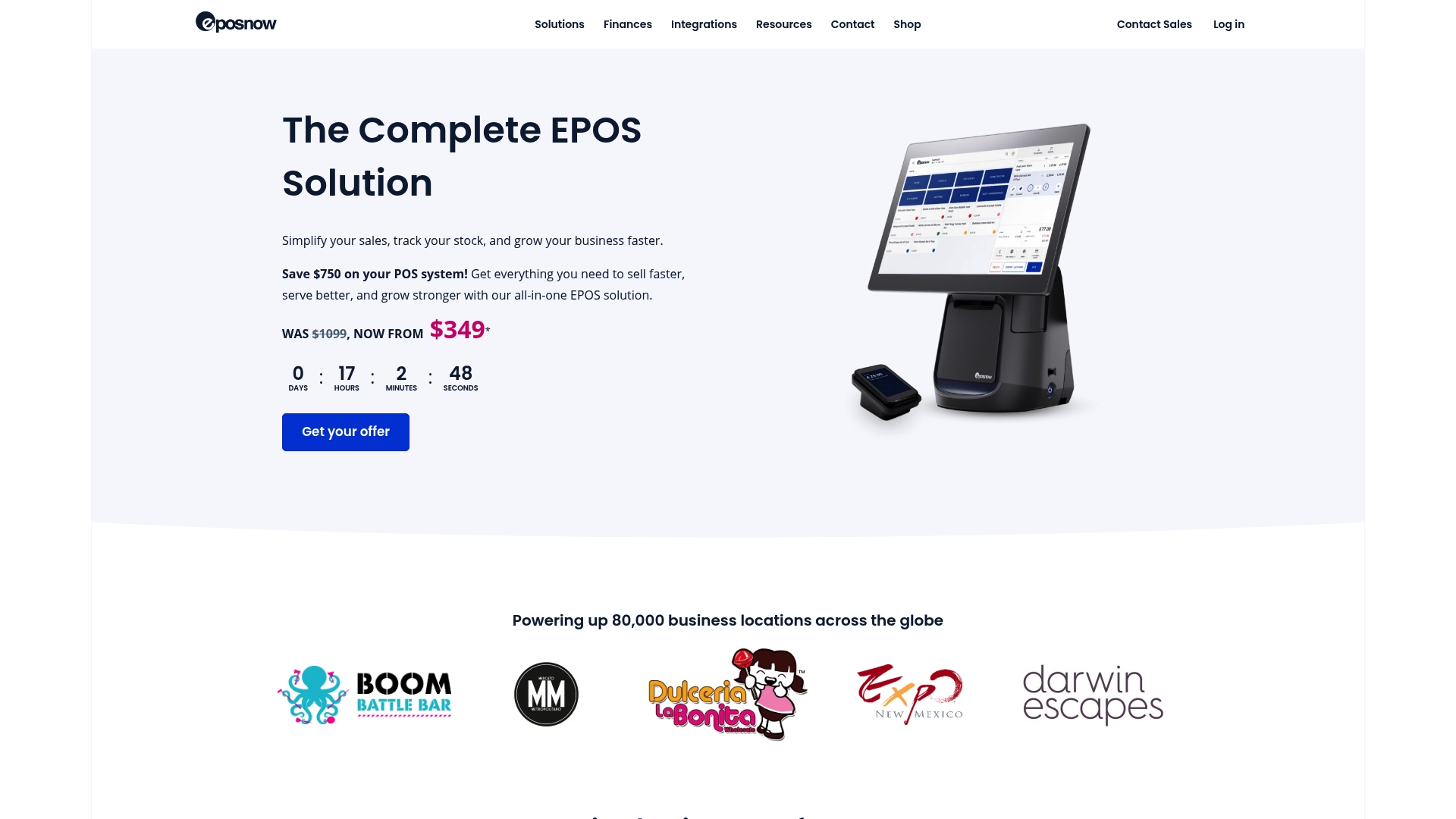
Epos Now offers an all-in-one POS system that bundles terminal, printer and card machine to get a shop running quickly. The platform pairs straightforward setup with cloud-based access and real-time dashboards for owners who need oversight on the move.
Core Features
Epos Now provides real-time reporting across sales, stock, staff and customers and delivers industry-specific setups for retail and hospitality. The system includes hardware options, payment processing that accepts all cards including American Express, app integrations and support and training services.
Pros
-
Comprehensive solution: It combines hardware, software and payments so you do not juggle multiple suppliers or compatibility issues.
-
Flexible hardware options: The range of terminals, card machines, printers and scanners suits a counter, tablet or kitchen screen environment.
-
Cloud access: You can view sales and inventory from any device which helps managers who split time between the shop and suppliers.
-
Cost-effective entry price: Promotional offers starting from $349 provide a lower barrier for small businesses to adopt a modern POS.
-
App integrations: Connections to platforms such as Shopify, Mailchimp and QuickBooks let you link online orders, marketing and accounts.
Cons
-
Variable pricing: The final cost changes with add-ons and upgrades so the headline price may not reflect a complete installation.
-
Module dependence: Some capabilities rely on additional modules or subscriptions which increases ongoing fees for full feature access.
-
Overview lacks detail: The public overview contains limited technical specifications which makes precise hardware or network planning harder before purchase.
Who It’s For
Epos Now suits owners of fish and chip shops who want a single supplier for till hardware, payments and reporting rather than assembling separate vendors. It fits single shops and small multi-location operators needing industry templates and cloud monitoring.
Unique Value Proposition
Epos Now stands out by offering a packaged route from box to till with integrated payments and support. The appeal lies in combining physical hardware with a cloud back office and a library of app integrations that reduce manual data transfers.
Real World Use Case
A small café installs Epos Now to replace cash registers and spreadsheets. Staff use the integrated terminal for quick orders, the cloud reports track daily stock usage and managers access sales figures from home to adjust menus and staffing.
Pricing
Pricing begins at $349 during promotional offers and financing options are available, with final cost depending on chosen hardware and optional subscriptions. Expect add-on charges for extra modules or expanded features.
Website: https://eposnow.com
TouchBistro
At a Glance
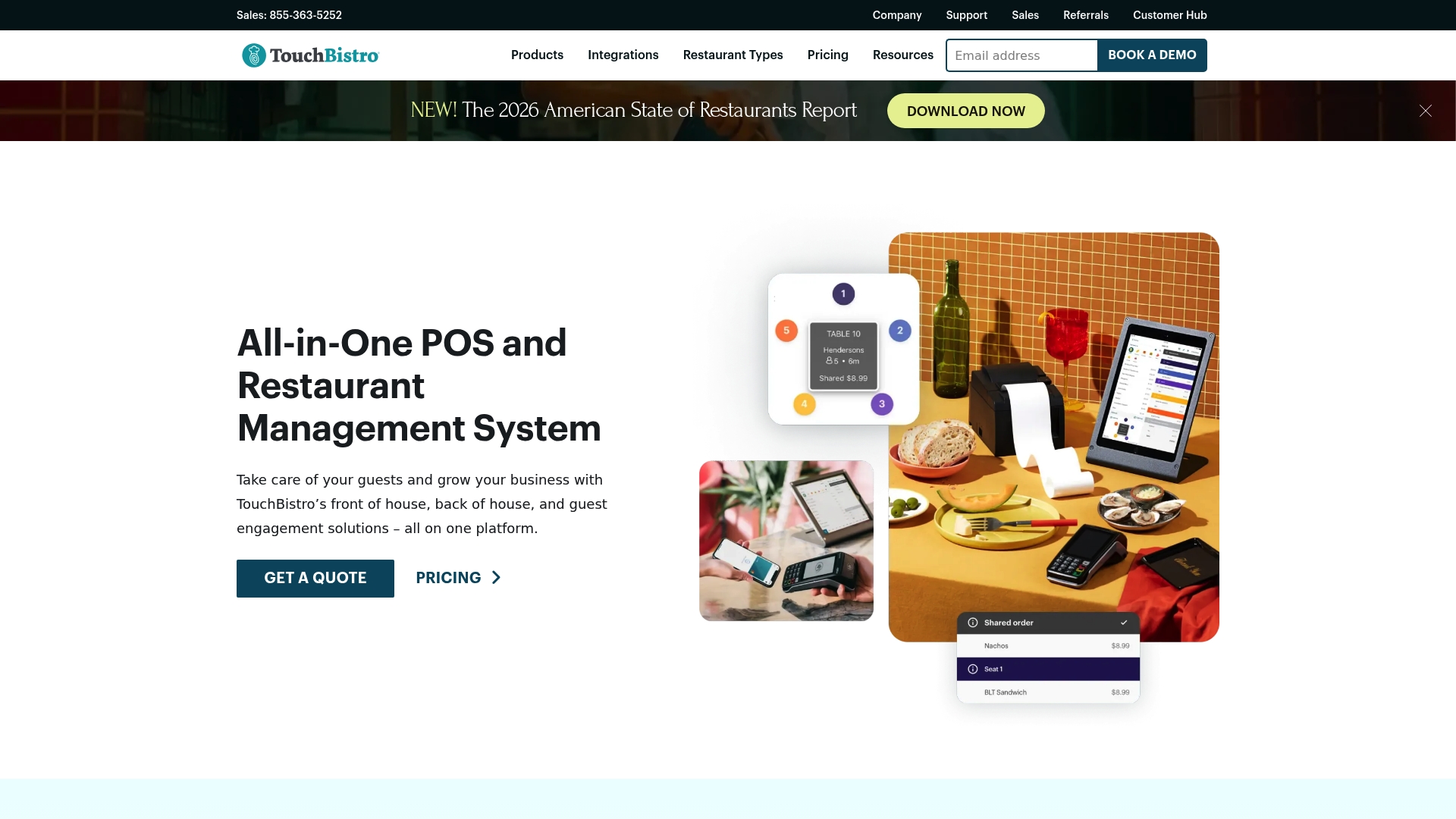
TouchBistro is an all in one restaurant POS and management platform built to simplify front of house and back of house work for venues of different sizes. Its rich feature set helps operators improve service speed and control costs without excessive complexity.
Core Features
The platform centres on a Point of Sale with reporting and analytics that feed real time decisions. It also offers inventory management, labour management, a kitchen display system, tableside ordering with mobile POS and integration for online ordering and reservations.
Pros
- Comprehensive feature set: TouchBistro bundles front of house, back of house and guest engagement tools so you rarely need separate systems.
- Cloud access: You can review reports and manage menus remotely which suits owners who split time between sites.
- Tailored for foodservice: Features such as table management and kitchen displays are designed specifically for hospitality operations.
- Scales with venue size: The system adapts from small independent shops to larger full service restaurants without changing core workflows.
- Good support resources: The vendor offers training and documentation that helps teams get up to speed faster.
Cons
- Pricing can require direct contact to get an exact quote which makes budgeting more time consuming for a small business.
- Some advanced features carry a learning curve so your team will need a short training period before reaching full efficiency.
- The system requires investment in compatible devices and hardware which increases upfront cost for new sites.
Who It’s For
TouchBistro fits restaurant owners and managers who need a single platform to manage orders, staff and guest programmes. It suits fish and chip shop proprietors who want both counter and tableside service options and those planning to add online ordering or delivery.
Unique Value Proposition
The main strength is combining core hospitality functions into one coherent package so you avoid juggling multiple vendors. The emphasis on restaurant specific workflows and built in guest engagement tools makes it practical for operators wanting a focused solution rather than a generic retail POS.
Real World Use Case
A mid sized restaurant uses TouchBistro for tableside ordering, tracks stock levels automatically and runs daily sales reports from the back office. They run a loyalty campaign to bring repeat trade and use the kitchen display to reduce ticket errors, which speeds up service.
Pricing
TouchBistro lists software plans starting at $69 per month for POS software with bundles available from $119 per month that include hardware and payments. Exact costs vary by configuration so request a bespoke quote if you need multiple terminals or integrated payments.
Website: https://touchbistro.com
Square
At a Glance
Square is an all in one POS platform that combines payments, basic ecommerce and business tools into a single package ideal for varied hospitality outfits. It suits operators who want a recognisable platform with broad hardware support and clear payment rails.
Core Features
Square bundles in person, online and mobile payments, an online store and website builder and inventory and product management into one system. It also supports invoicing and appointment scheduling so you can take orders, sell stock and manage bookings from the same account.
Pros
-
Flexible plans across sizes: Square offers tiered options so small traders and larger outlets can select features and add them as sales grow.
-
Wide hardware choice: The system works with countertop terminals, tablets and mobile readers which lets you fit a till layout to your kitchen and counter space.
-
Strong payment processing: Card and contactless payments are handled reliably with localised account options and clear reporting for daily reconciliations.
-
All in one business tools: Marketing, customer records and basic reporting live in the same dashboard which reduces time switching between apps.
-
Global reach with local options: Square supports multiple markets with local currency and payment method support which helps if you process sales online and in store.
Cons
-
The pricing structure can be complex because some advanced modules require extra subscriptions which increases monthly outlay for a full feature set.
-
Hardware costs can be substantial for a small startup because full register setups and kitchen screens add noticeable upfront expense.
-
Certain advanced capabilities sit behind higher tiers so you may have to upgrade to access deeper stock controls or advanced reporting.
Who It’s For
Square fits small to medium sized businesses that want a single provider for payments, a basic online shop and day to day business tools. It suits fish and chip shops that take counter sales, phone orders and occasional deliveries and want a familiar, widely supported platform.
Unique Value Proposition
Square’s main advantage is a unified offering that covers payments and simple business management without juggling separate vendors. The ecosystem reduces integration work and gives you one interface for sales, inventory and customer lists which keeps back office work predictable.
Real World Use Case
A neighbourhood fish and chip shop uses Square for counter sales, a tablet for takeaway orders and an online page for collection slots. Staff take card or contactless payments, managers check daily takings in the dashboard and stock alerts help reorder battered fish and chips ingredients.
Pricing
Square offers a free basic plan with pay per transaction fees and tiered paid plans called Plus, Premium and Pro that add more features and support. Custom pricing is available for high volume businesses and for additional hardware purchases.
Website: https://squareup.com
Tevalis
At a Glance
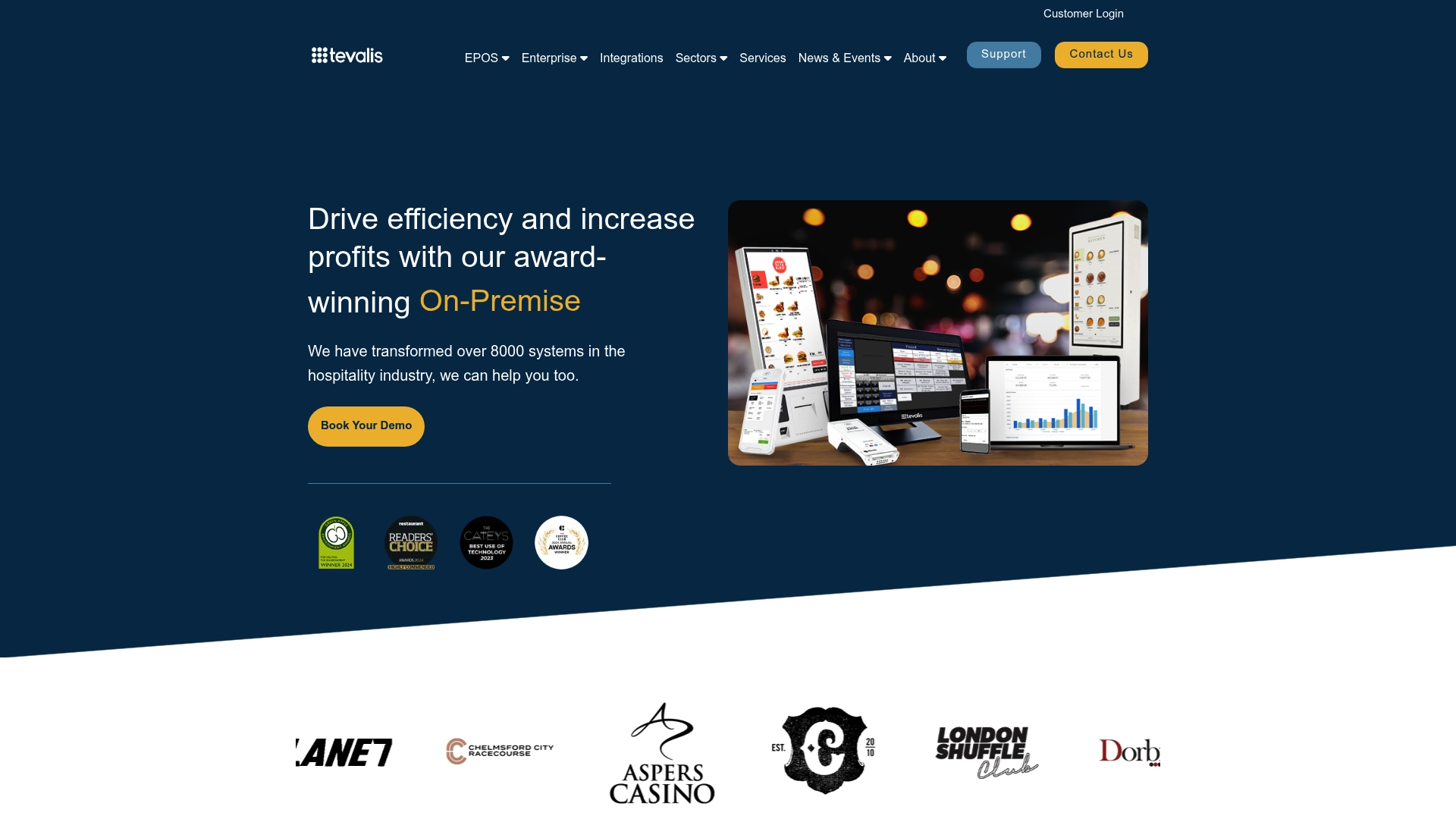
Tevalis delivers an integrated hospitality technology ecosystem that brings together Point of Sale hardware and cloud based management tools for full service venues. The platform suits multi site operations that need central control and robust on premise options.
Core Features
Tevalis combines touchscreen terminals, self service kiosks, kitchen management and mPOS with Enterprise management tools for analytics, stock and cash control. The platform also offers broad integration support and sector specific configurations for restaurants, pubs, hotels and entertainment venues.
Pros
-
Comprehensive suite: Tevalis covers POS, enterprise management and partner integrations so you can manage sales, stock and customer data under one system.
-
Sector coverage: The platform supports restaurants, pubs, hotels, casinos and stadia which makes it adaptable for mixed hospitality portfolios.
-
Proven scale: With over 8000 systems transformed, Tevalis demonstrates real world deployment experience for larger or growing operations.
-
Flexible deployment: The option of both on premise and cloud based management lets you pick a setup that matches connectivity and security preferences.
-
Local support offering: Tevalis promotes 24/7 support and free on site consultation which helps reduce downtime and speed up initial rollout.
Cons
-
Pricing transparency: The website does not list specific costs so you must contact Tevalis for a customised quote which delays quick budgeting decisions.
-
Implementation complexity: The breadth of features can require specialist training and a structured onboarding plan that smaller teams may find time consuming.
-
Consultation requirement: Most implementations need consultation and planning which can extend the lead time before the system is fully operational.
Who It’s For
Tevalis suits hospitality operators who run multiple sites or complex venues and need unified control of sales, stock and customer management. It fits restaurant groups, pub chains, hotel managers and venue operators seeking tailored hardware and software integration.
Unique Value Proposition
Tevalis stands out for combining enterprise grade management with versatile POS hardware options so you do not need separate vendors for tills, kiosks and kitchen screens. That single ecosystem approach reduces integration overhead and centralises reporting.
Real World Use Case
A restaurant chain deploys Tevalis across ten locations to tie together order processing, inventory and guest loyalty data. Centralised analytics reveal waste patterns and speed up stock replenishment while kitchen management reduces ticket times.
Pricing
Pricing is not specified on the website and Tevalis asks organisations to contact their team for a tailored quote based on venue size and required modules.
Website: https://tevalis.com
Lightspeed
At a Glance
Lightspeed is a comprehensive electronic point of sale and payments platform designed for retail, restaurant, and golf businesses. It pairs hardware and software with performance reporting and localised support so you get a single system for sales, inventory and payments.
Core Features
Lightspeed bundles a unified POS and payments platform, industry specific solutions, real time reporting, staff and inventory management, and eCommerce integration. The result is a platform that covers counter service, table management and online orders within one ecosystem.
Pros
-
Versatile industry solutions: Lightspeed offers tailored functionality for retail, restaurants and golf which reduces the need for bolt on tools.
-
Integrated hardware and software: The platform supports built in hardware options so setup and compatibility are simpler for multiple outlets.
-
Real time analytics: Live performance insights help you monitor peak trading times and sales mixes across locations.
-
Global reach with local support: A worldwide presence backed by localised teams means you can access regional help and accredited providers.
-
Flexible pricing plans: Multiple tiers suit small independents through to larger operations so you can scale as sales grow.
Cons
-
Feature complexity requires training: The breadth of tools means you will need onboarding and staff training to use advanced functions effectively.
-
Variable pricing adds extra costs: Published package rates do not always include hardware and additional services which raises the total cost of ownership.
-
Learning curve for advanced features: Some of the more powerful tools demand time to master before they deliver full value.
Who It’s For
Lightspeed suits businesses that want one platform to manage tills, back office reporting and online channels. It is a strong match for multi site retailers and restaurant groups that need industry specific features and plan to expand.
Unique Value Proposition
Lightspeed combines payments, point of sale and online selling into a single environment with performance reporting and local support. That integration reduces reconciliation work and keeps sales, inventory and customer data in one place so you spend less time chasing data and more time serving customers.
Real World Use Case
A high street retail chain uses Lightspeed to manage stock across three locations while synchronising its online shop. Staff use the same product catalogue for in store returns and online orders which cuts errors and improves loyalty communications.
Pricing
Pricing varies by industry and package with examples such as Retail Basic at $89 per month, Core at $149 per month and Plus at $289 per month. Expect additional charges for hardware and optional services which affect the final monthly spend.
Website: https://lightspeedhq.co.uk
Lavu POS
At a Glance
Lavu POS is an iPad based POS system that pairs familiar till workflows with AI driven analysis to help restaurants make quicker, data led decisions. It suits operations that want strong automation without a steep learning curve.
Core Features
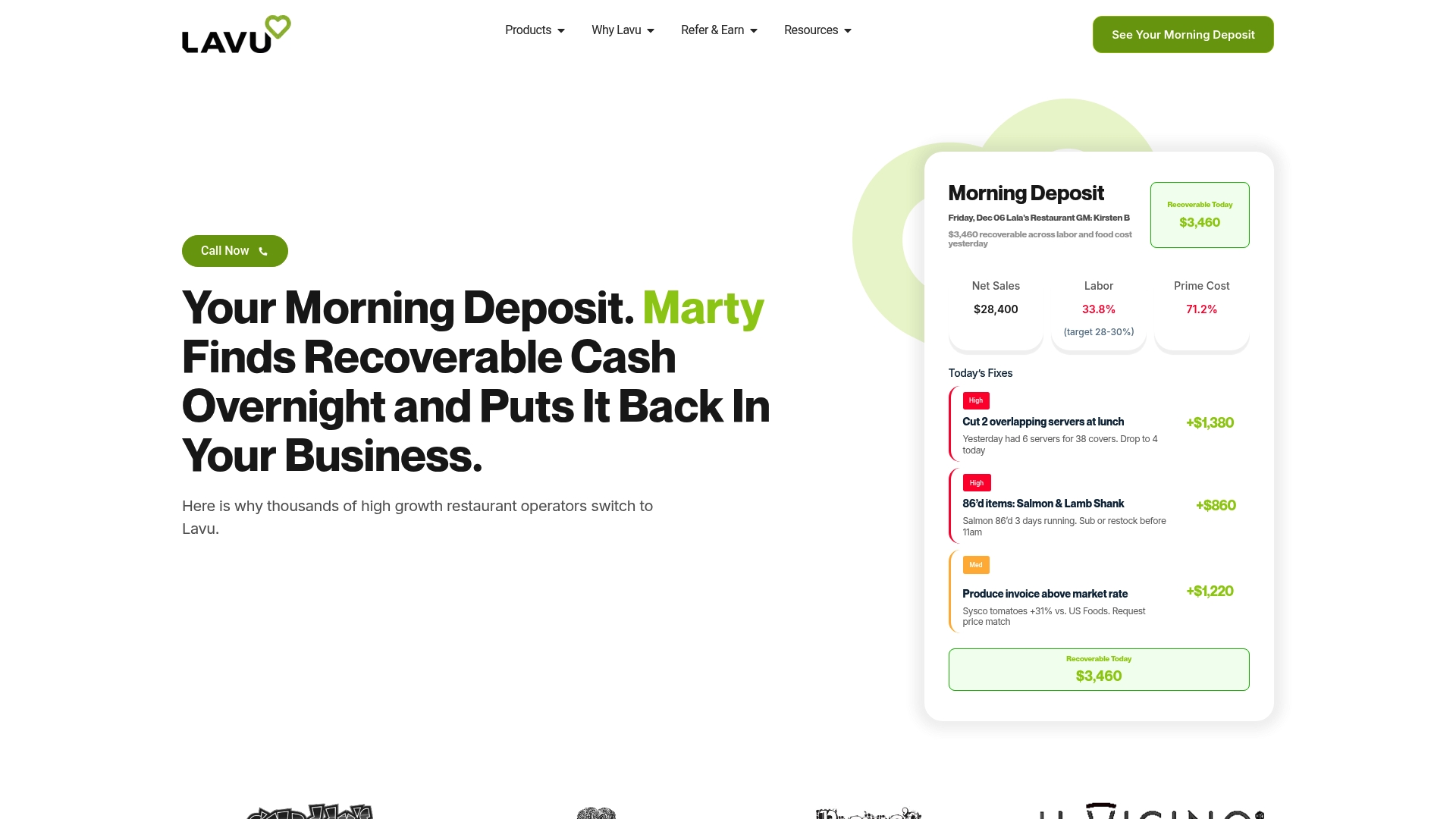
Lavu offers an iPad based POS system, integrated payment processing with transparent fees, and online ordering with delivery management. It includes Marty AI for real time insights and automation and supports a Kitchen Display System plus a range of hardware bundles.
Pros
- Lavu provides a user friendly interface that speeds staff onboarding and reduces training time for new teams.
- The AI driven automation from Marty AI uncovers profit leaks and suggests actions that help managers correct issues quickly.
- Hardware flexibility means you are not locked to a single vendor, giving freedom to choose terminals, handhelds or dual displays.
- The platform offers strong customer support with fast response times that help resolve issues during service hours.
- Global support enables multi unit groups to access consistent tools and reporting across locations.
Cons
- Pricing depends on configuration and may feel complex for small businesses when choosing the right plan.
- Some capabilities require pairing with Lavu POS which can add extra costs or setup work before you see benefits.
- Heavy emphasis on AI automation in marketing may overwhelm very small operations that prefer simpler, manual control.
Who It’s For
Lavu is aimed at restaurant owners and managers who want an advanced POS with AI led automation and real time reporting. It fits high volume or multi unit operations that need centralised control and inventory visibility.
Unique Value Proposition
Lavu combines familiar iPad workflows with Marty AI to move from raw sales data to automated actions such as menu adjustments and staff scheduling. The value lies in turning daily data into repeatable, automated tasks that save managerial time.
Real World Use Case
A restaurant uses Lavu POS with Marty AI to monitor daily sales and spot profit leaks such as overstaffing or mispriced menu items. The system then automates slow hour promotions and schedule tweaks to increase profitability while reducing manual oversight.
Pricing
- Insights plan: $49 per month.
- Automation plan: $99 per month.
- Autopilot plan (full automation): $199 per month.
Website: https://lavu.com
Lightspeed POS
At a Glance
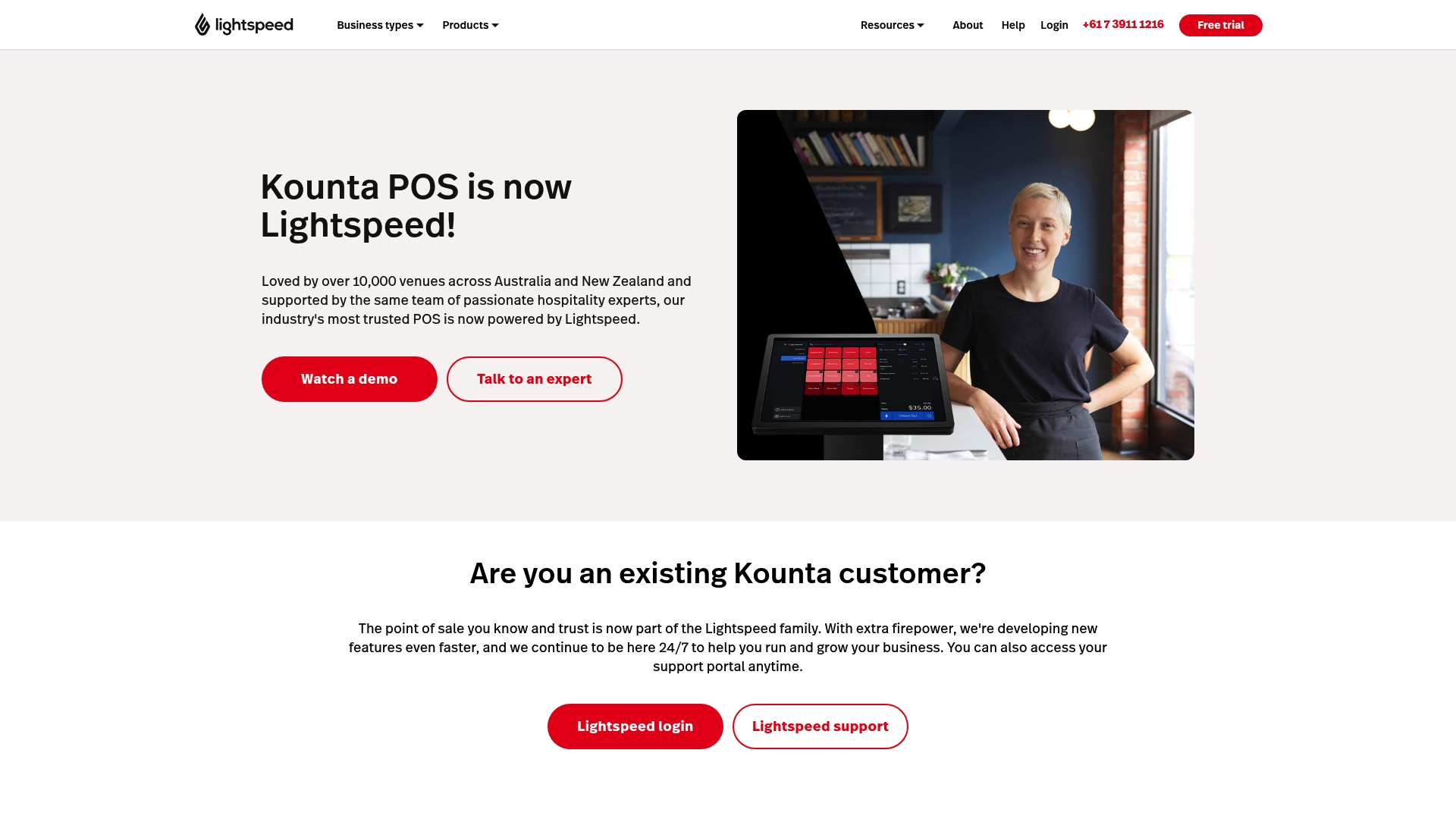
Lightspeed POS is a full feature point of sale system built for hospitality and retail venues of all sizes. It combines order management and inventory control with real time reporting to give operators clear oversight of sales and stock.
The system is supported by hospitality specialists and offers strong onboarding and support options, which makes the platform approachable for shops that want hands on help getting set up.
Core Features
Lightspeed POS centralises counter, table and delivery orders while accepting multiple payment types and tying sales into stock records and reports. Key capabilities include order management, inventory management, payment acceptance and business tool integrations.
- Order management for counter service, floor service, QR menu and delivery that keeps orders organised and reduces mistakes.
- Accepts Apple Pay and Google Pay plus other payment methods to speed up transactions at peak times.
- Inventory tools that track stock on hand, deliveries and recipe costing to control food costs.
- Real time sales insights and customisable reports so you can spot best sellers and slow moving lines.
- Integrations for accounting, delivery platforms, marketing tools and staff management to reduce double entry.
Pros
-
Comprehensive feature set tailored for retail and hospitality: The platform covers orders, payments, inventory and reporting in one place which lowers the need for multiple apps.
-
Strong support and onboarding services: Lightspeed provides guided setup and ongoing support which helps teams adopt the system faster and with fewer errors.
-
Wide range of integrations with popular business tools: Connections to accounting and delivery services reduce manual work and keep data consistent across systems.
-
Supports multiple business types and sizes: The platform works for a single shop or a growing group of sites which simplifies expansion planning.
-
Real time analytics and reporting: On screen sales metrics and custom reports help you make informed purchasing and staffing decisions.
Cons
-
Specific pricing details are not provided on the website which means you must request a quote to see the total cost.
-
Some features may require additional integration or purchase which can increase the overall investment for advanced needs.
-
User experience may vary depending on business size and needs so smaller operators should test workflows to confirm a good fit.
Who It’s For
Lightspeed POS suits owners of cafés, fish and chip shops and small restaurant groups that want a single system to manage orders, payments and stock. It also fits operators planning to scale to multiple sites who value centralised control and local support.
Unique Value Proposition
Lightspeed brings an all in one hospitality solution backed by experts and human support. The value lies in combining real time analytics with practical inventory controls and integrations that reduce administrative time for busy owners.
Real World Use Case
A café uses Lightspeed POS to manage counter orders during the lunch rush, record ingredient usage for recipe costing, accept contactless payments and produce daily sales reports that guide ordering and staffing for the next week.
Pricing
Pricing details are available on request or by consultation which means you will need to contact the vendor for a tailored quote based on your venue size and chosen features.
Website: https://kounta.com
Point of Sale Systems Comparison
This table provides a comprehensive comparison of Point of Sale systems, summarizing their key features, strengths, weaknesses, pricing, and intended audiences to assist businesses in choosing the most suitable solution.
| Product | Key Features | Pros | Cons | Pricing |
|---|---|---|---|---|
| eZeePos | Android POS, cloud back office, versatile hardware options, real-time reporting | Full features included, local UK support, easy training, flexible hardware | Transaction fees apply, upfront hardware cost | £89–£299 upfront, £29–£45/month |
| Epos Now | All-in-one POS, real-time dashboards, payment processing integrations | Comprehensive solution, cloud access, cost-effective entry | Variable pricing, reliance on add-ons | Starting at $349 |
| TouchBistro | Restaurant-focused POS, inventory and labor management, online ordering | Comprehensive tools, table and counter service, good support resources | Pricing complexity, advanced features require training | Starting at $69/month |
| Square | Payment processing, an online store, and invoicing tools | Flexible plans, strong payment processing, all-in-one business tools | Tiered pricing structure, upfront hardware costs | Free plan with transaction fees |
| Tevalis | Enterprise management, integration options, tailored for wide sectors | Robust system, industry adaptability, scalable enterprise-grade solution | Consultation-led pricing, complexity requires training | Custom quotes available |
| Lightspeed | Unified POS and payments platform for retail and restaurants | Broad functionality, scalable plans, real-time analytics | Hardware costs, onboarding required for advanced features | Starting at $89/month |
| Lavu | iPad POS, AI-driven insights with Marty AI, delivery management | AI automation, user-friendly interface, flexible hardware options | Learning curve for AI features, additional costs for advanced options | $49–$199/month depending on plan |
Discover the Perfect POS Solution for Your Fish and Chip Shop
Running a busy fish and chip shop means juggling fast service, complex orders, inventory control and staff management without errors or delays. The key challenges highlighted in “Best 8 POS Systems for Fish and Chip Shops 2026” include the need for reliable hardware, local UK support, and a system that adapts easily between counter service, table ordering and mobile catering.
eZeePos offers an all-in-one Android based platform with flexible hardware options, no tiered pricing and full-feature access from day one. Its cloud back office keeps sales, stock and staff management in one place helping you reduce waste and boost efficiency. Discover how easy training and local installation by accredited providers will help your venue stay ahead during peak times.

Explore our Point Of Sale solutions and EFT Terminals designed specifically for hospitality operators. Visit eZeePos.co.uk today and take the first step to simplifying your operations with a proven POS system tailored for your business. Act now to unlock seamless service and dedicated support.
Frequently Asked Questions
What features should I look for in a POS system for my fish and chip shop?
A good POS system for fish and chip shops should include real-time reporting, inventory management, and support for various service styles like counter and table service. Prioritise systems that come with all essential features included, so you don’t face unexpected costs later.
How can a POS system improve the efficiency of my fish and chip shop?
A POS system can streamline order processing, reduce manual errors, and help track sales and inventory in real-time. Implementing such a system can cut your staff training time by up to 50%, allowing you to focus more on customer service.
What is the typical cost of a POS system for fish and chip shops?
Costs for POS systems can vary based on hardware and additional features, typically starting from around £89 upfront, plus monthly fees. Assess your needs and budget for both the initial setup and ongoing expenses.
How long does it take to set up a new POS system in my fish and chip shop?
Setting up a new POS system can take between a few days to a couple of weeks, depending on the system complexity and training required. Plan to set aside time for installation and ensure staff are trained within the first few shifts.
Can I integrate additional payment methods into my fish and chip shop’s POS system?
Yes, many modern POS systems offer integrations for multiple payment methods, including card and contactless payments, to suit your shop’s needs. Ensure to verify that the POS system you choose supports these integrations to enhance customer convenience.
How can I assess if a POS system is suitable for my fish and chip shop?
To determine if a POS system is right for you, consider factors like ease of use, available features, and customer support quality. Conduct a trial or request a demo to gauge how well the system fits your operational requirements.
Recommended
- Top 7 Best POS Systems for Pubs in 2026 for Efficient Management
- Best 7 POS Systems for Contract Caterers 2026
- 7 Key Types of POS Systems for UK Hospitality Venues
- Top 7 POS Systems for Fine Dining 2026
- Website Development – ION Hospitality – Restaurant Marketing & Advertising Agency, New York, NY
- Restaurants: 8 tips to boost your website and social networks
Recent Comments