
TL;DR:
- Modern POS systems in cafés serve as operational hubs, handling orders, payments, inventory, and reporting.
- Cloud-based POS enhances efficiency through instant updates, real-time data, and simplified staff training.
- An effective POS improves customer service, boosts sales, manages stock, and ensures VAT compliance.
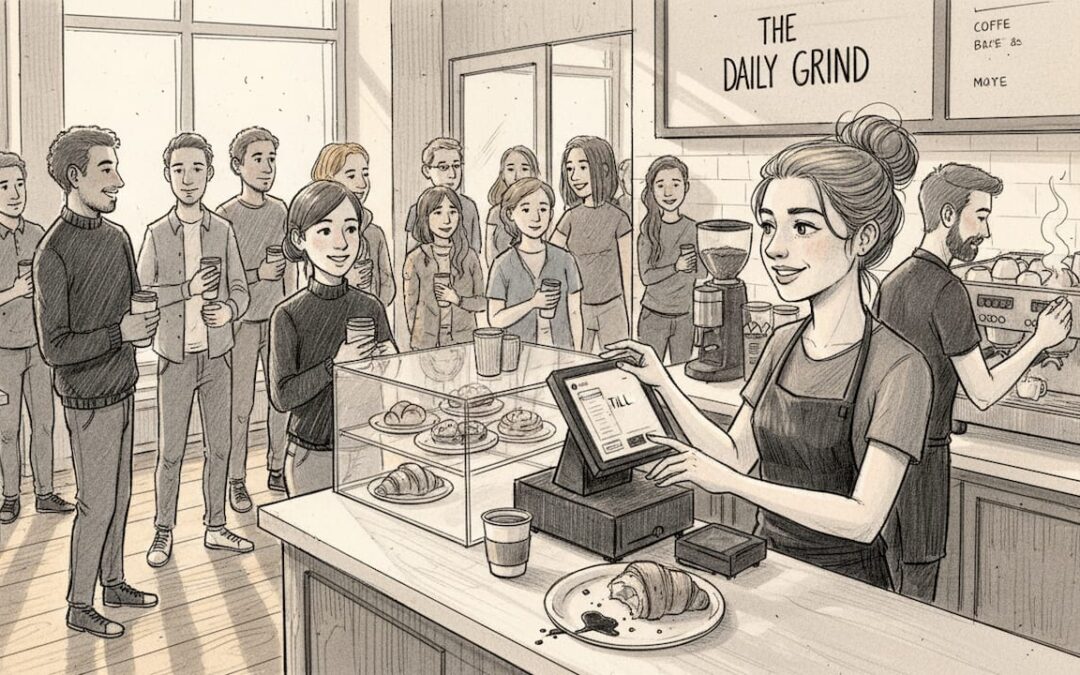
Most café owners think of their point of sale system as a glorified till. You tap in an order, take the money, print a receipt. Job done. But that view sells the technology dramatically short. A modern POS system is the operational backbone of your café, touching everything from how quickly your barista calls out a custom oat milk flat white to how accurately your accountant files VAT returns. In this guide, we explore how POS technology shapes workflow, drives sales, manages stock, and helps UK café operators make smarter decisions every single day.
Table of Contents
- What does a POS system really do in cafés?
- How POS unlocks efficiency: daily café operations demystified
- Enhancing sales and customer service with POS solutions
- Inventory management and compliance: going beyond the till
- The true game changer: why your POS strategy matters more than you think
- Discover the best POS solution for your café
- Frequently asked questions
Key Takeaways
| Point | Details |
|---|---|
| POS enables café efficiency | A good POS system streamlines orders, payments, and service for faster, more accurate operations. |
| Maximise sales with POS features | Integrated loyalty and reporting tools help UK cafés grow repeat business and track profitable items. |
| Inventory and compliance support | Modern POS platforms make it easier to track perishables and stay compliant with VAT automatically. |
| Choose solutions that fit | Select a POS based on your café’s actual workflow and avoid unnecessary complexity for best value. |
What does a POS system really do in cafés?
A point of sale (POS) system is the hardware and software combination that processes transactions and records sales data. But in a busy café context, that definition barely scratches the surface. Today’s POS platforms handle a web of interconnected functions that your team relies on from the moment the doors open.
At the core, a modern café POS manages:
- Order customisation: Modifying drinks and food items on the fly, including allergen notes and portion changes
- Payment processing: Accepting card, contactless, mobile wallets, and cash in one place
- Inventory tracking: Monitoring stock levels in real time so you are never caught short on oat milk at 8am
- Sales reporting: Generating daily, weekly, and monthly snapshots of revenue and margins
- Loyalty programmes: Rewarding repeat customers automatically, without paper stamp cards
As POS systems in UK cafés handle order processing with customisations, payments, basic inventory, sales reporting, and loyalty programmes, the technology has clearly moved far beyond simple cash handling.
One common misconception is that only large chains need sophisticated POS tools. In reality, a single-site independent café benefits just as much, often more, from having accurate stock data and fast payment options. Speed at the counter directly affects queue length. Queue length directly affects customer satisfaction and revenue.
“A POS system is not a cost centre. It is a revenue management tool that happens to process payments.”
Exploring the best POS features for cafés reveals just how far the technology has evolved from its origins as an electronic cash register. The latest POS insights show UK operators adopting everything from integrated kitchen screens to self-service kiosks, all managed from one central platform.
How POS unlocks efficiency: daily café operations demystified
With the basics clear, let us look at what happens when a well-configured POS system meets a real café morning rush. The difference between a smooth service and a chaotic one often comes down to how well your systems talk to each other.
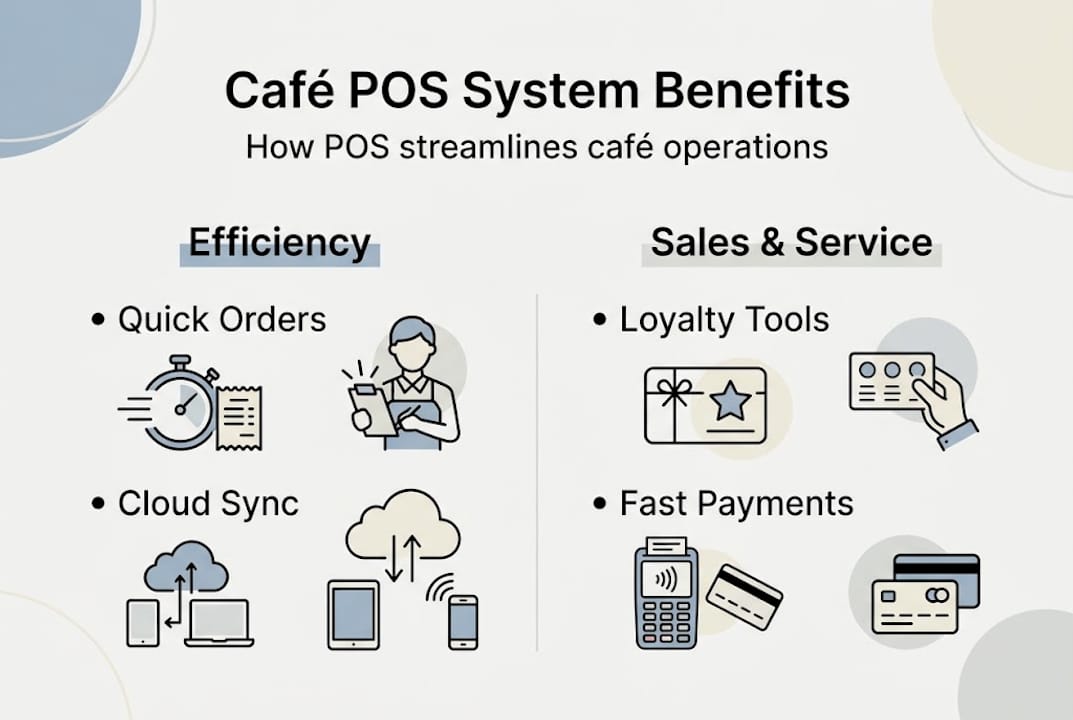
Streamlining POS operations means cloud access, intuitive interfaces, integration with kitchen displays, real-time data, and genuine workflow optimisation working together in one system. Cloud-based POS platforms let you update your menu, change pricing, or add a seasonal special from your phone, without touching the till. Changes sync instantly across every terminal in your café.
How a cloud POS improves daily operations:
| Task | Without cloud POS | With cloud POS |
|---|---|---|
| Menu update | Manual reprogramming per till | Instant sync across all terminals |
| Peak hour reporting | End-of-day review only | Live dashboard, any device |
| New staff training | Hours with a manager | Guided interface, under 30 minutes |
| Price changes | Risk of inconsistency | Automatic, immediate, accurate |
New staff training is where many cafés quietly lose money. High turnover is common in hospitality, and every hour spent training a new team member on a clunky system has a real cost. Modern POS platforms are built with intuitive touchscreen interfaces that new starters can navigate confidently within a single shift.
Here is how a typical peak-hour workflow looks with a well-integrated POS:
- Customer orders at the counter; the barista enters the order including custom modifications
- The order fires immediately to the kitchen or coffee screen, removing verbal handoffs
- Payment is taken at the same terminal or a separate card reader, keeping the queue moving
- Inventory updates automatically in the background
- Sales data feeds into your live reporting dashboard
Pro Tip: During your next busy period, note where your team pauses or asks questions. Those friction points are exactly where your POS setup needs attention, whether that is a cluttered menu layout or an extra confirmation screen slowing down payment.
The cloud POS efficiencies gained from remote management and live syncing are especially valuable if you run more than one site or rely on seasonal staffing.
Enhancing sales and customer service with POS solutions
Once your operations are running smoothly, your POS becomes a genuine sales tool. It is not just recording what you sell. It is actively helping you sell more of the right things.
POS systems can offer loyalty programmes and detailed sales reporting, giving café managers the data they need to make real decisions rather than educated guesses.
Consider what loyalty data actually tells you. If your POS shows that 40% of your regular customers always buy a pastry with their morning coffee, you have a clear prompt for your team to suggest the pairing at the point of order. That is upselling grounded in data, not guesswork.
Key sales-boosting POS features compared:
| Feature | Basic POS | Advanced POS |
|---|---|---|
| Loyalty rewards | Stamp card only | Digital points, auto-applied discounts |
| Sales reporting | Daily total | Item-level, hourly, and trend analysis |
| Upsell prompts | None | On-screen staff prompts based on order |
| Payment options | Card and cash | Contactless, mobile wallet, split bills |
Fast payment processing also reduces perceived wait times. Research consistently shows that customers who wait longer than expected are significantly less likely to return. A POS that handles contactless payments in under two seconds keeps the queue moving and the atmosphere positive.
The role of POS in hospitality extends beyond the transaction itself. When your system captures customer preferences and order history, your team can deliver a more personal experience, remembering that a regular customer always wants an extra shot or prefers oat milk. Small details build genuine loyalty.
There are strong hospitality software examples of UK cafés using reporting dashboards to identify underperforming menu items, adjust pricing, and increase average transaction value without adding pressure to staff.
- Spot your top five selling items every week
- Identify quiet periods to schedule promotions
- Track which staff members have the highest average transaction values
- Monitor the impact of price changes in real time
Inventory management and compliance: going beyond the till
Sales and service get most of the attention, but inventory management and compliance are where POS systems quietly save UK café operators a great deal of time and money.
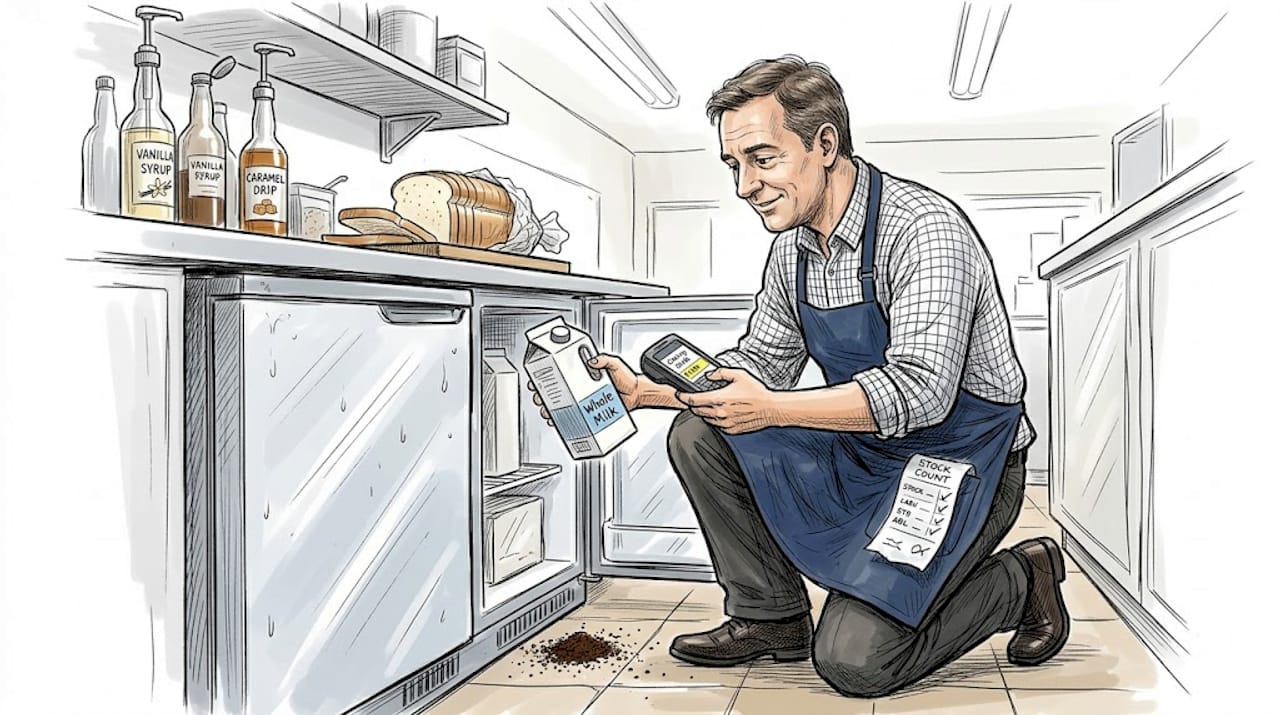
Perishables are the particular challenge for cafés. Milk, fresh pastries, prepared sandwiches, and coffee beans all have short shelf lives and variable demand. A POS with real-time inventory tracking alerts you before you run out of a key ingredient during a busy Saturday morning, and flags items that are moving more slowly than expected before they spoil.
As prioritising inventory tracking for perishables and checking for HMRC VAT compliance features are both essential considerations when choosing a POS, compliance deserves equal attention alongside stock management.
UK café operators must apply the correct VAT rate across different menu items, with hot food, cold food, and takeaway items all potentially attracting different rates. Manual calculation is both time-consuming and error-prone. A well-configured POS auto-applies the correct VAT category to every item at the point of sale, generating reports your accountant can use directly.
Inventory and compliance checklist for your POS:
- Real-time stock level tracking for all perishables
- Low-stock alerts sent automatically to your phone or manager dashboard
- Automatic VAT categorisation per menu item
- HMRC-compatible reporting exports
- Waste logging to identify patterns and reduce losses
- Supplier order integration for faster restocking
Pro Tip: Always check whether your POS operates in offline mode. Connectivity issues happen, and a system that stops working when the broadband drops can bring your entire café to a halt. Offline capability is a non-negotiable for reliable café operations, especially during peak hours.
The café inventory tips available for UK operators consistently highlight that stock visibility is one of the fastest ways to reduce waste and improve profitability without changing your menu at all.
The true game changer: why your POS strategy matters more than you think
Here is an uncomfortable truth that the POS industry rarely tells you: bigger is not better. Many café owners spend months researching feature-rich systems with capabilities they will never use, then pay for that complexity in setup costs, training time, and ongoing frustration.
The cafés that get the most from their POS are not the ones with the most features. They are the ones who match the system to their actual workflow. A single-site counter service café has fundamentally different needs from a six-location chain with table service, a loyalty app, and centralised procurement. Treating those two scenarios identically is a costly mistake.
We have seen operators struggle with over-featured systems when a simpler counter service setup would serve them far better, particularly when VAT compliance via auto-tracking is handled cleanly from the start. The right POS for your café is the one your team actually uses confidently, not the one with the longest feature list.
Smart role assignment matters too. Giving your manager access to reporting and your barista a clean, simple order screen is more valuable than giving everyone access to everything. Well-defined user roles reduce errors and speed up service.
Before you choose, ask yourself: what are the three daily problems costing my café the most time or money? Your POS should solve those first. Explore the different POS system types available for UK hospitality venues, and choose based on your specific scale and service style rather than feature count alone.
Discover the best POS solution for your café
If this guide has clarified what your café POS should actually be doing for you, the natural next step is finding a system built around your specific needs rather than a generic feature list.

At EzeePOS, we work with UK café operators of all sizes, from single-site independents to growing multi-location businesses. You can explore what makes a great hospitality POS for venues like yours, compare quick service POS options designed for fast-moving counter environments, or explore inventory management features that bring real control to your stock. Our UK-based team installs and supports every system, so you are never left navigating a helpline alone.
Frequently asked questions
Can a POS system help reduce café queue times?
Yes, modern POS systems speed up order-taking and payment, reducing queue times and improving customer satisfaction. Fast transaction speed is one of the primary POS priorities for busy UK cafés.
What POS features are essential for UK cafés?
Key features include simple order customisation, fast payments, inventory tracking for perishables, and real-time reporting. UK café POS systems combine these into unified platforms designed for high-volume, high-speed service.
How do POS systems support VAT compliance in cafés?
Many POS systems automate VAT tracking and reporting to help cafés meet HMRC requirements with minimal manual effort. HMRC VAT compliance via POS auto-tracking removes the risk of costly miscategorisation across your menu.
Is a cloud-based POS better for multi-site café operations?
Yes, cloud POS offers real-time access, syncing, and remote management, particularly useful for cafés with multiple locations. Cloud-based access and real-time data sync means your manager can monitor performance across all sites from a single dashboard.
Recent Comments