
TL;DR:
- Android POS offers flexible hardware, frequent updates, and open integration for hospitality venues.
- Resilient offline capability is crucial to prevent service disruptions during poor connectivity.
- Proper operational alignment and testing peak loads ensure successful and efficient POS deployment.
Running a busy pub, restaurant, or café without a reliable point of sale system is like cooking without a recipe: possible, but chaotic. Many venue owners assume all POS systems perform equally well, and that assumption quietly costs them money every single service. The truth is that Android POS benefits UK venues in ways that legacy systems simply cannot match, from resilience during peak rushes to flexibility across radically different service styles. This guide breaks down the real operational advantages, the common pitfalls, and the practical steps that help UK hospitality managers get the most from an Android-based POS investment.
Table of Contents
- Understanding Android POS technology in hospitality
- Comparing Android POS to traditional systems
- Operational strengths of Android POS in hospitality workflows
- Practical tips for choosing and deploying Android POS
- Beyond the tech: What most buyers miss about Android POS
- Connect with leading Android POS solutions for hospitality
- Frequently asked questions
Key Takeaways
| Point | Details |
|---|---|
| Offline resilience | Android POS systems with robust offline mode are essential for UK venues facing connectivity issues. |
| Workflow alignment | Tailoring Android POS to your specific service model greatly improves operational efficiency. |
| Easy upgrades | Android allows cost-effective hardware and software updates compared to legacy POS systems. |
| Peak-load ready | Testing your POS at busy times ensures it can handle volume and prevent service breakdowns. |
Understanding Android POS technology in hospitality
An Android POS is a point of sale system built on the Android operating system, the same platform that powers hundreds of millions of smartphones worldwide. In a hospitality context, this means your tills, tablets, kiosks, and kitchen screens all run on a familiar, flexible technology foundation rather than proprietary closed systems that lock you in and charge premium prices for every minor update.
For UK venues, the practical benefits are significant. Android hardware is commercially available from multiple manufacturers, which keeps costs competitive. Updates and integrations happen more frequently than with legacy systems, and the open ecosystem means you can connect payment providers, loyalty programmes, and inventory tools without expensive middleware. Android POS platforms for hospitality are specifically configured to handle the pressures of food and drink service, including split bills, modifiers, table management, and kitchen routing.
The most important advantages for cafés, bars, and restaurants include:
- Hardware flexibility: Run the same software on a compact café counter tablet, a full-sized restaurant terminal, or a mobile handheld device for tableside ordering.
- Cost-effective upgrades: Replace individual devices without overhauling the whole system.
- Familiar interface: Staff adapt quickly because Android’s layout patterns are already recognisable from daily smartphone use.
- Cloud connectivity: Back-office data, including sales, stock, and staff performance, syncs automatically to a central dashboard accessible from anywhere.
- Scalable design: Add terminals as your venue grows without purchasing a new licence tier.
One factor that catches many operators off guard is connectivity. In a busy pub cellar or a basement kitchen, Wi-Fi signals are notoriously patchy. Offline mode for pubs is non-negotiable, according to operator-style guidance that stresses the risk of poor connectivity breaking Android POS workflows entirely unless the system supports robust offline operation and reliable syncing when the connection resumes.
Pro Tip: Before signing any contract, ask your provider to demonstrate the system working with no internet connection. Process a full order, print a receipt, and confirm it syncs correctly the moment the connection is restored. If they cannot show you this live, walk away.
The offline capability question is not a minor technical detail. It is the difference between a service that keeps running during a router blip and a service that grinds to a halt while customers wait, staff panic, and revenue disappears.
Comparing Android POS to traditional systems
Legacy POS systems, often running on proprietary operating systems or outdated Windows-based platforms, dominated UK hospitality for decades. Many venues still use them. But the gap between these older setups and modern Android-based alternatives has widened considerably, particularly in the areas that matter most during a Saturday night rush.
| Feature | Android POS | Legacy/traditional POS |
|---|---|---|
| Hardware cost | Low to moderate, widely sourced | High, often proprietary |
| Software updates | Frequent, often automatic | Infrequent, manual, costly |
| Offline capability | Built-in on quality platforms | Limited or absent |
| Integration options | Wide, open ecosystem | Restricted, vendor-specific |
| Staff training time | Short, familiar interface | Longer, unfamiliar UI |
| Scalability | Add terminals easily | Often requires full reinstall |
| Remote management | Cloud-based, real-time | On-site only in many cases |
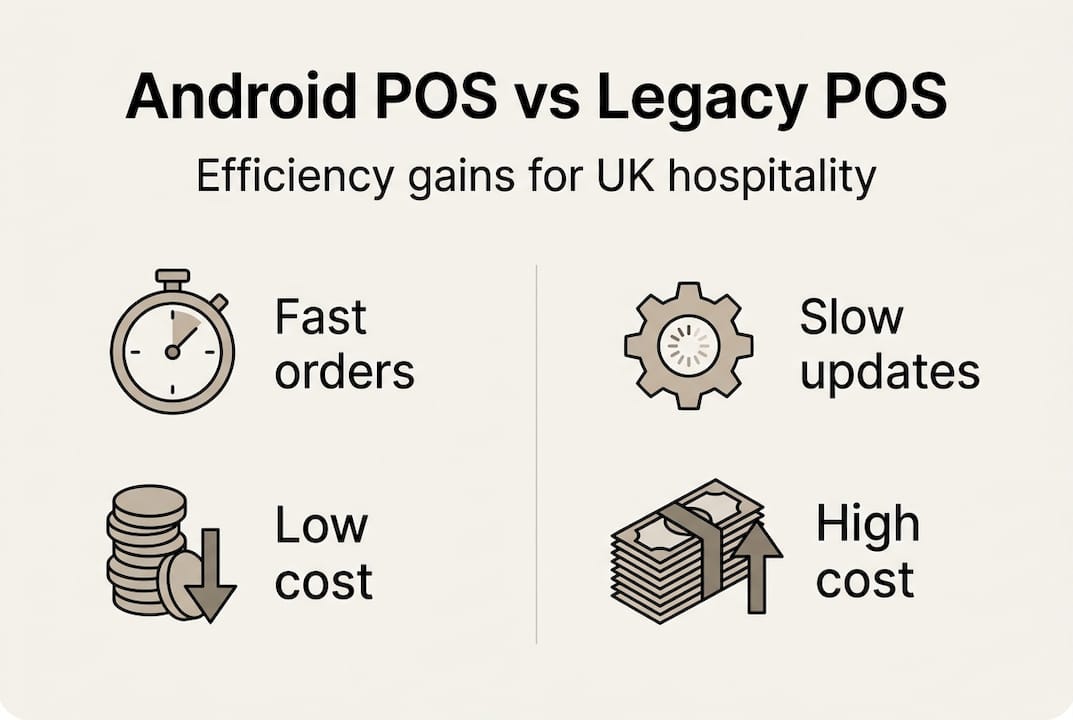
The table makes the comparison clear, but the lived experience for venue managers is even more striking. With a legacy system, upgrading POS systems often means a full hardware replacement, weeks of disruption, and significant spend. With Android POS, you can often add a new tablet to the network in under an hour.
Resilience is the critical differentiator. A legacy system with a single point of failure can bring an entire service to a standstill. Android-based multi-terminal setups allow each device to operate independently, processing orders and payments even if one terminal has a problem. The risk is distributed rather than concentrated.
When evaluating your options, work through these steps in order:
- List your current pain points precisely: slow order routing, clunky reporting, hardware failures, and training difficulties.
- Map those pain points to specific POS features: kitchen display systems, cloud dashboards, offline mode, and intuitive interfaces.
- Request a live demonstration in your actual venue, not in a showroom.
- Test connectivity scenarios including complete Wi-Fi failure and partial signal degradation.
- Review integration compatibility with your current payment provider, accounting software, and loyalty scheme.
A key insight from experienced operators: poor connectivity can break Android POS workflows unless the system supports resilient offline operation. This is not a rare edge case. It happens routinely in cellars, outdoor areas, and multi-floor venues.
Understanding the types of hospitality POS systems available in the UK market helps you frame your evaluation properly. Not every Android POS is built with hospitality-specific logic, so confirming that the platform understands concepts like covers, courses, table turns, and bar tabs is essential before you commit.
Operational strengths of Android POS in hospitality workflows
Where Android POS truly earns its place is in the operational detail of running a real service. Not in a controlled demo environment with one member of staff and three test orders, but in a fully loaded Friday evening with sixty covers on the floor, a queue at the bar, and a kitchen fielding twenty simultaneous tickets.
The first operational strength is alignment with your service model. A wet-led bar, where the primary revenue comes from drinks at the counter, has entirely different workflow requirements from a food-led restaurant with timed courses and complex modifiers. Android POS platforms designed for hospitality allow you to configure the system around your logic rather than forcing your team to work around the system’s limitations.
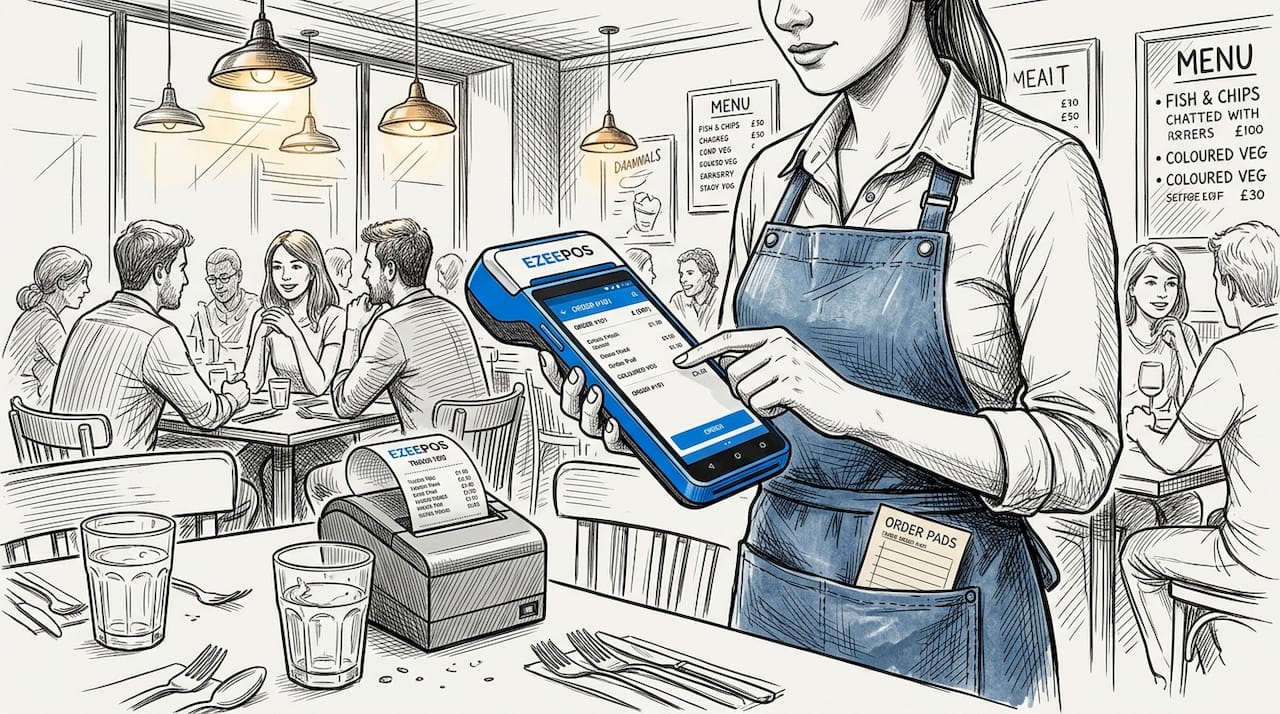
Setting up mobile POS for tableside ordering, for example, transforms the customer experience in a restaurant setting. Staff walk to the table with a handheld device, take the full order including dietary modifications and drinks, and the kitchen and bar receive their respective tickets instantly. No paper, no shouting across the pass, no re-keying orders at a fixed terminal.
Key operational strengths in practice include:
- Simultaneous multi-terminal processing: Every terminal handles transactions independently, so a queue at one till does not affect throughput at another.
- Instant kitchen routing: Orders go directly to the relevant kitchen screen, reducing miscommunication and speeding up preparation.
- Table status visibility: Staff see at a glance which tables are waiting, eating, or ready to pay, enabling better floor management.
- Flexible payment options: Split bills, partial payments, and contactless are handled smoothly without workarounds.
- Real-time reporting: Managers see live sales data by product, category, or staff member without waiting for an end-of-day report.
The data below illustrates typical improvements venues report after switching to Android-based POS from legacy systems:
| Metric | Before Android POS | After Android POS |
|---|---|---|
| Average order processing time | 3.5 minutes | 1.8 minutes |
| Training time for new staff | 4 to 6 hours | 1 to 2 hours |
| End-of-day reporting time | 45 minutes | Under 10 minutes |
| Order errors per service | 8 to 12 | 2 to 3 |
As operator-focused guidance consistently states, when deploying Android POS for hospitality venues, prioritise operational alignment: design for your real service model and test peak-load behaviour across multiple simultaneous terminals rather than relying on controlled demos.
Practical mobile POS examples across UK venues show that the biggest efficiency gains come not from individual features but from the way the whole system connects: front-of-house devices talk to kitchen screens, which update the order management view, which feeds the reporting dashboard, all in real time and without manual intervention.
Pro Tip: Simulate your busiest period when evaluating any POS system. Bring in three or four staff members and process real-world orders simultaneously, including modifications, voids, and split payments. If the system slows, freezes, or loses data under that load, it will do the same during your Saturday night service.
Practical tips for choosing and deploying Android POS
The selection and rollout phases are where most venues either set themselves up for long-term success or create problems they will spend months untangling. The good news is that a structured approach removes most of the risk.
Follow these steps when choosing your Android POS:
- Define your service model in writing before you speak to any provider. Are you table-service, counter-service, hybrid, or mobile catering? This shapes every other decision.
- Establish your must-have features versus your nice-to-haves. Must-haves typically include offline mode, kitchen display routing, and payment integration.
- Check the provider’s support model. Local UK-based installation and ongoing human support from accredited partners matters far more than a flashy product brochure.
- Request references from similar venues. A provider who has successfully deployed in a busy multi-floor pub will understand your needs in a way that a generic retail POS supplier will not.
- Confirm the licensing model. Look for providers offering full feature access without tiered pricing, so you are not paying extra for reporting or staff management later.
- Negotiate a trial period with live service conditions, not just a showroom demonstration.
Your rollout checklist should cover:
- Network assessment: Test Wi-Fi coverage across every area where a device will operate, including the bar, kitchen, outdoor seating, and any upper floors.
- Hardware staging: Configure and test every device before the go-live date, not on the day itself.
- Staff training sessions: Schedule short, focused training periods during quieter service times rather than a single overwhelming session.
- Parallel running period: Keep your existing system live as a backup for the first week of operation.
- Post-launch review: Schedule a review meeting two weeks after go-live to identify any workflow friction while it is still easy to address.
Common mistakes to avoid include buying a system based solely on price, neglecting to test offline functionality before committing, and skipping the peer network assessment. Connectivity can break Android POS workflows in an instant, particularly in older UK venue buildings with thick walls and limited access points.
Using cloud POS for hospitality gives you the ability to manage everything from promotions to staff permissions remotely, which is invaluable if you operate multiple sites or simply want oversight from outside the venue. When operational alignment is your goal, which means designing the system around your real service logic and testing peak behaviour across multiple terminals simultaneously rather than relying on demos, cloud management tools become an essential part of the picture.
Pro Tip: Review your syncing and offline support documentation in detail before signing. Ask specifically how long the system can operate offline, how many transactions it can store locally, and exactly what the syncing process looks like when connectivity resumes.
Beyond the tech: What most buyers miss about Android POS
Here is the uncomfortable truth that most POS providers will never tell you: the technology is almost never the reason a deployment fails. The reason venues struggle after switching to Android POS is almost always a mismatch between the system’s workflow logic and the venue’s actual service reality.
Managers attend a polished demonstration, see a fast and intuitive interface, and sign a contract. Then the system goes live in a wet-led bar that needed completely different table management logic, or in a kitchen that uses production sequencing the system was not configured to handle. The technology works perfectly. The operational fit is wrong.
The benefits of POS for fast food restaurants in the UK and the benefits for a fine-dining restaurant are both real, but they look completely different in practice. The platform that works brilliantly for one may require significant reconfiguration for the other.
Expert operator guidance is unambiguous: prioritise operational alignment over feature lists. Design for your real service model and test peak-load behaviour across multiple simultaneous terminals. The venues that get the most from Android POS are those that spend more time mapping their service flow before go-live than they do browsing feature catalogues.
The second thing most buyers miss is the ongoing relationship with their provider. A system installed and then abandoned by a distant support team will gradually drift out of alignment with how the venue evolves. Accredited local support, the kind that visits the venue, understands the team’s frustrations, and configures updates in line with the business, is what separates a good investment from a frustrating one.
Connect with leading Android POS solutions for hospitality
If this guide has clarified what to look for in an Android POS, the next step is exploring solutions built specifically for UK hospitality.

At Ezee POS, we provide Android-based POS solutions designed around the real operational demands of restaurants, cafés, bars, and mobile catering. Our platform includes full feature access without tiered pricing, local UK installation, kitchen display systems, cloud back-office management, and ongoing support from accredited UK partners. Whether you are setting up your first system or replacing a legacy till, our team works alongside you from day one. Explore our cloud POS for hospitality options, review our practical setup guides, or get in touch to arrange a live demonstration in your venue.
Frequently asked questions
What is the biggest operational risk when using Android POS in pubs?
The main risk is connectivity disruptions, which can halt Android POS workflows unless the system supports robust offline mode and reliable syncing. Offline mode is non-negotiable for pubs according to experienced operators.
How do Android POS systems help speed up service in restaurants?
Android POS enables quick order processing and flexible layouts, making it far easier for staff to serve customers rapidly even during peak periods. Operational guidance consistently recommends testing peak-load behaviour across multiple simultaneous terminals to confirm real-world speed.
What should managers check before buying an Android POS?
Managers should test for peak-load performance, offline capability, and ease of integration with their specific service workflow before committing to any system.
Can Android POS fit both food-led and wet-led venues?
Yes, with careful operational alignment and configuration, Android POS systems work effectively for both styles, though the setup logic differs considerably between a bar-focused and a kitchen-focused operation.
Recent Comments