

Choosing the right payment solution can completely change how you handle transactions and manage your business. Many options promise efficient service and user friendly features, but finding one that fits your needs is not always simple. Some offer sleek interfaces and flexible tools, while others focus on affordability and custom support. With so many possibilities out there, it becomes intriguing to see which platforms stand out and what unique features they bring to the table. What makes one option more suitable for you than another? A closer look at the top alternatives will help uncover the strengths and surprises within each service.
Table of Contents
EZEEPOS
At a Glance
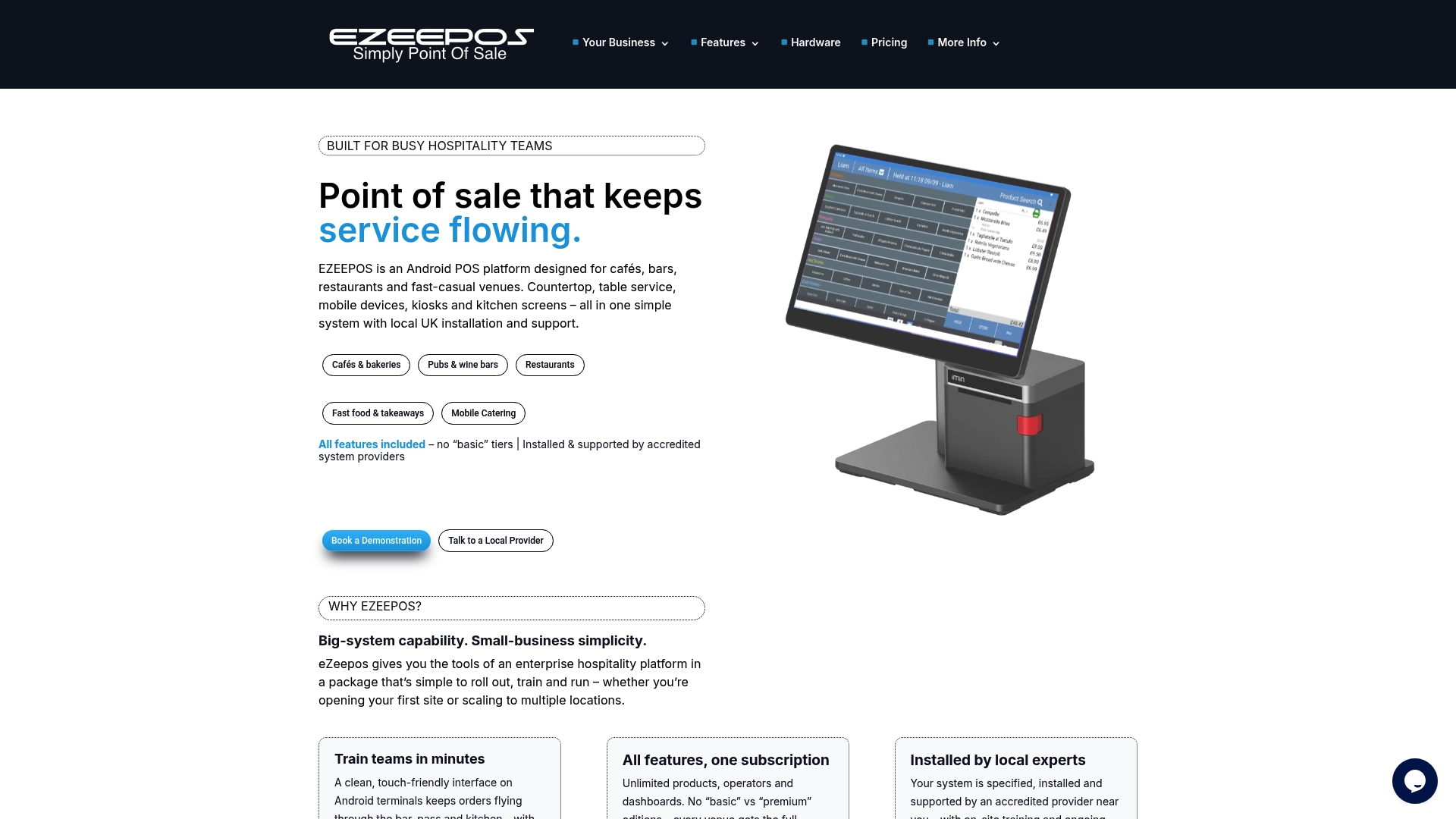
EZEEPOS is the clear winner for UK hospitality venues seeking a single, supported POS that scales from a coffee shop to a multi-site restaurant chain. It combines Android-based POS hardware, local UK support, and a full feature set with no tiered pricing.
Core Features
EZEEPOS bundles countertop terminals, handhelds, kiosks, and kitchen screens into a unified platform that handles orders, payments, and reporting. The system offers cloud back-office access for remote menu changes, inventory and staff management.
The platform supports table ordering with instant kitchen and bar screen routing and mobile catering for vans and events. It also provides self service kiosks and kitchen order screens to suit different service styles.
Other features include floating operators, product sizes, dynamic screens, promotions, and allergen management to help you organise menu data and customer orders accurately. Hardware options cover printers and cash drawers too.
Pros
- All features in one subscription: You get every core capability without paying for tiers, which simplifies budgeting for venues of any size.
- Local accredited support: System providers in the UK handle installation and ongoing human support, reducing risk at rollout and beyond.
- Quick staff training: The user interface is designed for rapid onboarding so teams spend less time learning and more time serving customers.
- Flexible hardware choices: Use counters, tablets, kiosks or handhelds to match your operation, from counter service to table ordering.
- Comprehensive back-office: Real-time insights for stock, sales and staff scheduling help you run tighter shifts and reduce wastage.
Who It’s For
EZEEPOS suits cafés, bars, restaurants, fast food outlets, contract caterers and mobile caterers that want a single supplier for hardware and software. It is ideal for venue owners who prefer local technicians for installation and ongoing support and who want full feature access without surprise charges.
Unique Value Proposition
EZEEPOS stands out because it treats support and feature parity as part of the core product rather than optional extras. The combination of no tiered pricing, accredited local providers, and a unified Android ecosystem makes it easy to roll out across multiple sites while keeping operating costs predictable.
Sophisticated buyers choose EZEEPOS for three reasons. First, the platform reduces administrative overhead by centralising menus, promotions and stock in a cloud back office. Second, the emphasis on local UK installation removes the language and time zone friction that slows down complex deployments. Third, hardware choices let you match customer experience to venue type without integrating several disparate systems.
Real World Use Case
A mid sized restaurant chain deployed EZEEPOS across five sites to standardise menu changes, centralise inventory and automate staff rotas. Local technicians completed installation over two weeks and trained managers on site. Sales reporting and kitchen routing were live from day one.
Pricing
Pricing varies by hardware and configuration with an approximate starting cost of £89 upfront plus monthly fees dependent on plan and devices. Final costs reflect chosen terminals, installation and support packages.
Website: https://ezeepos.co.uk
Toast Tab POS
At a Glance
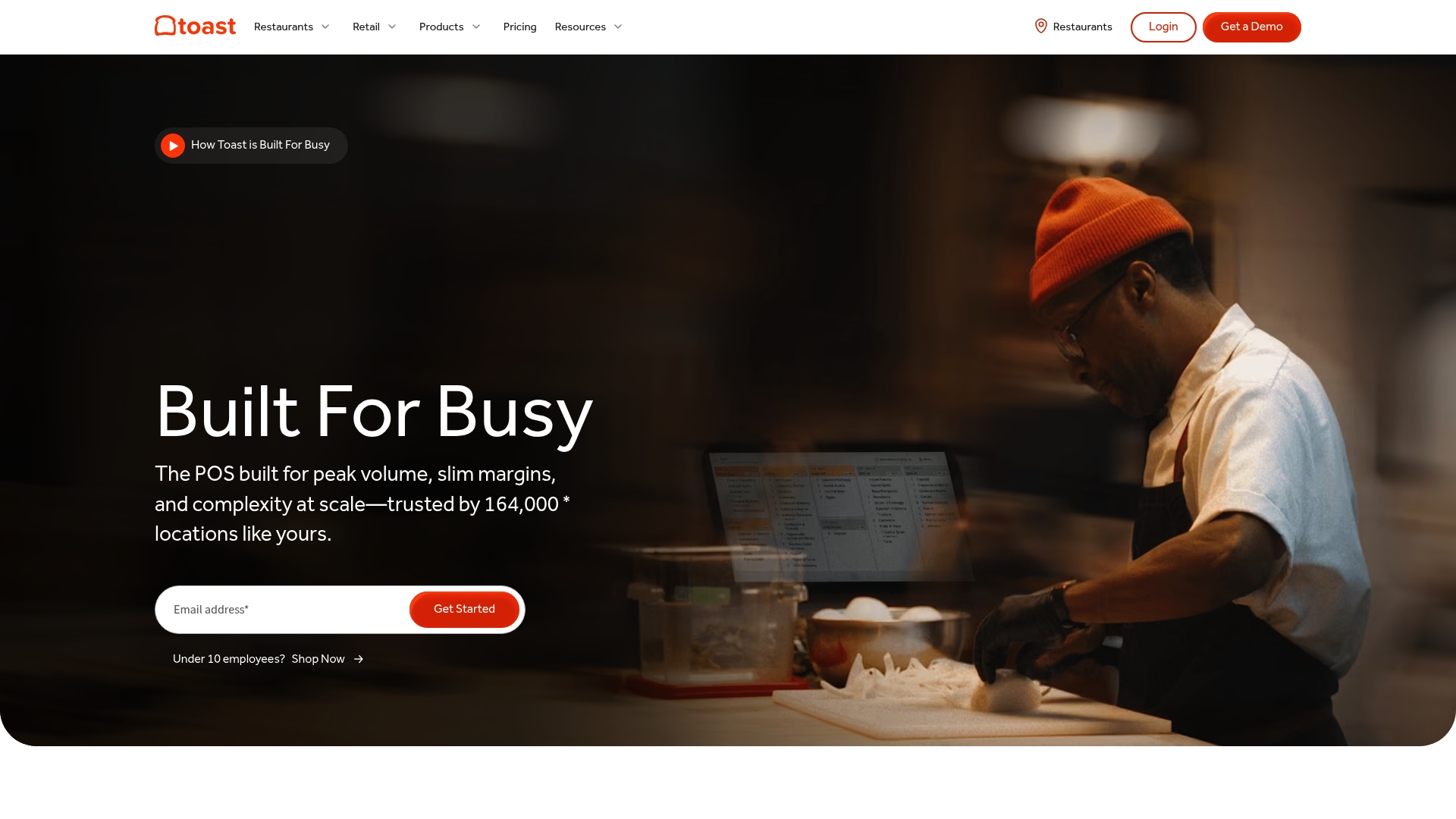
Toast Tab POS is a restaurant‑focused point of sale that brings together order management and payments with business analytics in a single platform. It presents a clear proposition for venues that want a focused restaurant system rather than a generic retail POS.
Core Features
The platform centres on Order Management, Table Management and Payment Processing, with added tools for Customer Management and Reporting and Analytics. Menu management and online ordering integrations are included to handle both front of house and online sales in one view.
Pros
-
Comprehensive restaurant management features. The system covers orders, tables, payments and menus so a single provider handles most operational workflows for a dining venue.
-
Cloud based platform accessible from any device. Managers can review sales and reports remotely using a browser or tablet without installing server software on site.
-
Integrates with various payment methods. The platform accepts multiple payment types which reduces friction at the till and speeds customer throughput.
-
Provides valuable analytics for business improvements. Built in reporting highlights sales patterns and helps you identify busy periods and popular dishes.
-
User friendly interface. Staff learn core tasks quickly thanks to a straightforward layout and clear order screens.
Cons
-
Pricing details are not specified on the website. You must contact sales to receive a customised quote which makes budget planning harder.
-
Requires internet connectivity for optimal use. Offline capability is limited so an unstable connection will interrupt normal operations.
-
Potentially complex setup for small businesses. Smaller venues without technical support may find initial configuration and integration work time consuming.
Who It’s For
Restaurants and dining establishments that need an integrated system to manage orders, payments and customer data will gain most from Toast Tab POS. It suits sites with moderate to high transaction volumes and venues that value built in reporting over ad hoc spreadsheets.
Unique Value Proposition
Toast Tab POS packages core restaurant needs into one platform so you avoid stitching together multiple apps. The mix of menu management, table workflows and analytics reduces the number of separate systems you must train staff on.
Real World Use Case
A neighbourhood restaurant uses Toast Tab POS to take table orders, process cards and link online orders into the same kitchen ticket system. Managers then pull weekly reports to analyse sales by shift and make staffing adjustments.
Pricing
Pricing details are not explicitly provided on the website; interested users are asked to contact sales for a customised quote. Expect a tailored proposal based on venue size and required integrations.
Website: https://pos.toasttab.com
Lightspeed Commerce
At a Glance
Lightspeed Commerce delivers a feature-rich platform for hospitality and retail operators seeking an all-in-one system that handles sales and payments. It combines industry-specific tools with analytics and personalised support to help businesses grow and manage multichannel operations.
This solution is powerful yet not trivial to set up, so venues that can invest time in training will see the most benefit. Expect strong reporting and a unified approach to in-store and online sales.
Core Features
Lightspeed provides a cloud-based point of sale with integrated payments and inventory management across channels tied to eCommerce integration and customer loyalty tools. The platform also offers real-time sales and performance insights and industry-specific management functions for restaurants and retail.
These capabilities create a single source of truth for stock, sales and customer data, which helps you make faster decisions on promotions and staffing.
Pros
-
Industry-specific features and customisation: The platform adapts to restaurant, retail and golf workflows so your venue gets tools tailored to daily operations.
-
Integrated ecosystem including hardware and software: Lightspeed bundles terminals and peripherals with software, reducing the need to piece together separate suppliers.
-
Comprehensive insight and analytics capabilities: Detailed, real-time reports help you track sales trends, peak hours and item-level performance.
-
Global support and multiple business type options: The service supports differing business models which suits venues that diversify offerings or add events.
-
Personalised onboarding and customer support: Guided setup and ongoing help reduce the friction common with larger systems.
Cons
-
Pricing may vary and additional fees could apply which makes budgeting harder for smaller venues.
-
Complex features might require training and setup time which lengthens the path to full productivity for staff.
-
Dependence on internet connectivity means outages will affect transactions and reporting unless you have reliable backup connectivity.
Who It’s For
Lightspeed suits ambitious restaurant, retail or golf businesses that want a scalable POS with integrated payments and advanced reporting. It fits venues prepared to invest in staff training and who need a consolidated solution for in-store and online channels.
Unique Value Proposition
Lightspeed’s strength lies in combining industry-tailored functionality, hardware options and deep analytics into one platform. That combination offers venues a cohesive operational toolkit rather than a mix of separate systems.
Real World Use Case
A retail chain used Lightspeed to unify in-store and online sales, optimise inventory and obtain detailed performance insights across multiple sites. The result was clearer stock control and a single reporting dashboard for managers.
Pricing
Pricing varies by industry and business size with named plans such as Basic, Core and Plus for retail and tailored packages for restaurants and golf. Visit the website for exact plan details and any additional fees.
Website: https://lightspeedhq.co.uk
Epos Now
At a Glance
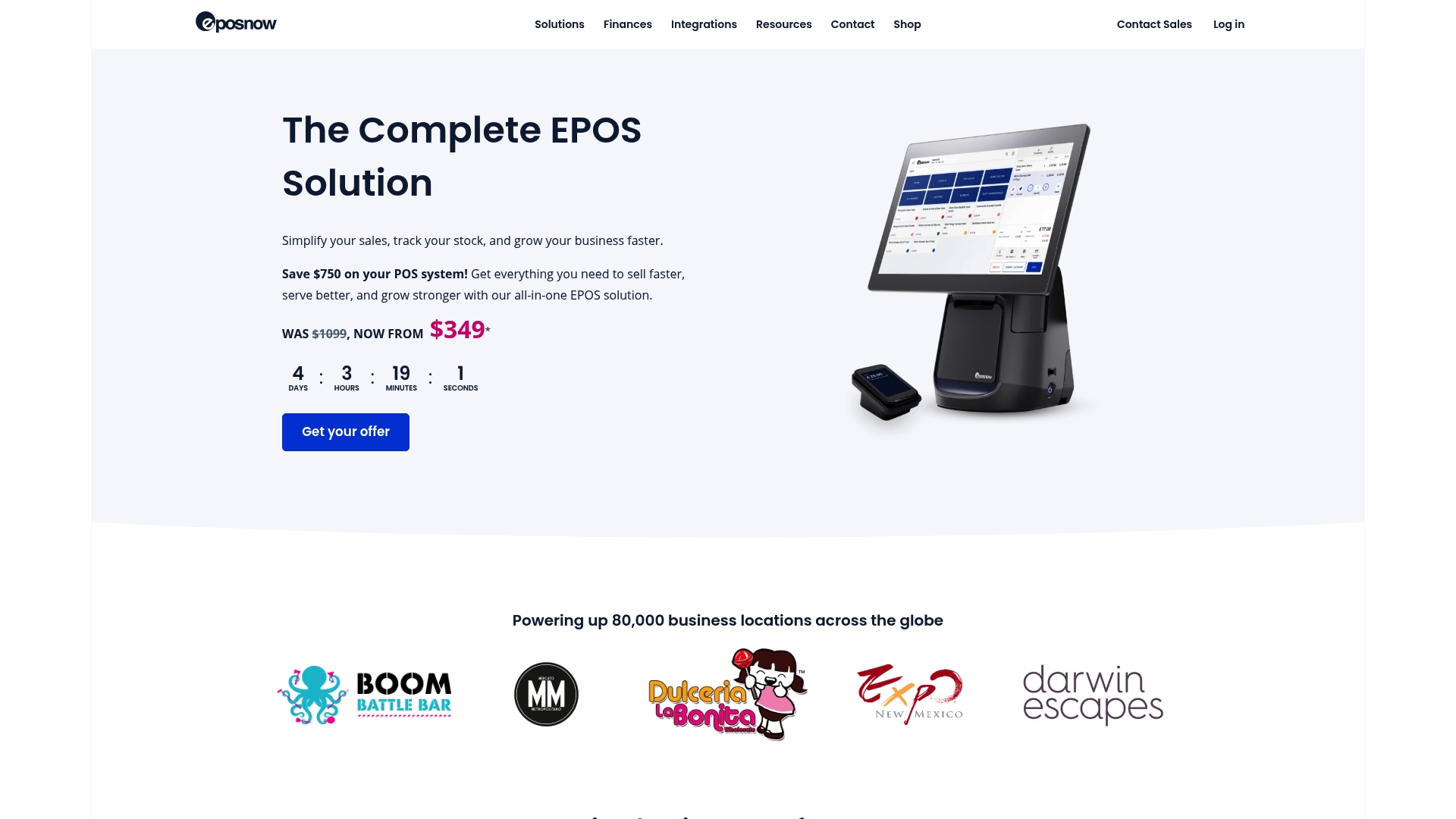
Epos Now is an all in one point of sale solution aimed at retailers and hospitality venues that need hardware, software and payments from a single supplier. It offers strong reporting and broad integrations while requiring careful setup for complex sites.
Core Features
Epos Now combines terminal, printer and card machine hardware with cloud based software accessible from any device. Key capabilities include real time reporting, inventory control, staff management, multi channel selling and integration with apps such as Shopify, Mailchimp and QuickBooks. The platform also provides payment processing with fixed rates accepting major cards including Amex and offers options for enterprise scale locations.
Pros
-
Comprehensive all in one solution: It bundles hardware, software and payments so you manage fewer suppliers and reduce compatibility issues.
-
Cloud based and remote access: You can view sales, stock and staff reports from any device which helps managers monitor performance off site.
-
Strong industry specific functionalities: The system includes features suited to cafes, bars, restaurants and retail outlets which reduces the need for third party workarounds.
-
Wide range of integrations: Connections to popular apps make it easier to synchronise online stores, marketing lists and accounting records.
-
Flexible payment processing options: Fixed rate processing that accepts major cards simplifies reconciliation and speeds up customer transactions.
Cons
-
Pricing can vary with customisation: The quoted start price does not reflect add ons or larger deployments which can increase overall cost per site.
-
Feature complexity for new users: The breadth of functions can be overwhelming at first which means time investment in training for staff.
-
Support quality varies by location: Local service levels depend on reseller or provider which can result in inconsistent onboarding and ongoing help.
Who It’s For
Epos Now suits hospitality venue owners and retail operators who want a single supplier for hardware, software and payments. It is particularly useful for venues planning multiple outlets or those needing integrations with existing online stores and accounting systems.
Unique Value Proposition
Epos Now provides a unified package that reduces vendor management and delivers industry specific tools out of the box. The combination of physical hardware, cloud based back office and app integrations makes it a practical choice for venues that prefer a one stop solution.
Real World Use Case
A cafe uses Epos Now to process payments, manage stock levels and publish staff rotas. The cafe benefits from real time sales reports to adjust menus and integrates with delivery services so orders and inventory remain synchronised across channels.
Pricing
Starting from $349 for the complete POS system package, with costs rising as you add custom hardware, integrations or enterprise services.
Website: https://www.eposnow.com
TouchBistro POS
At a Glance
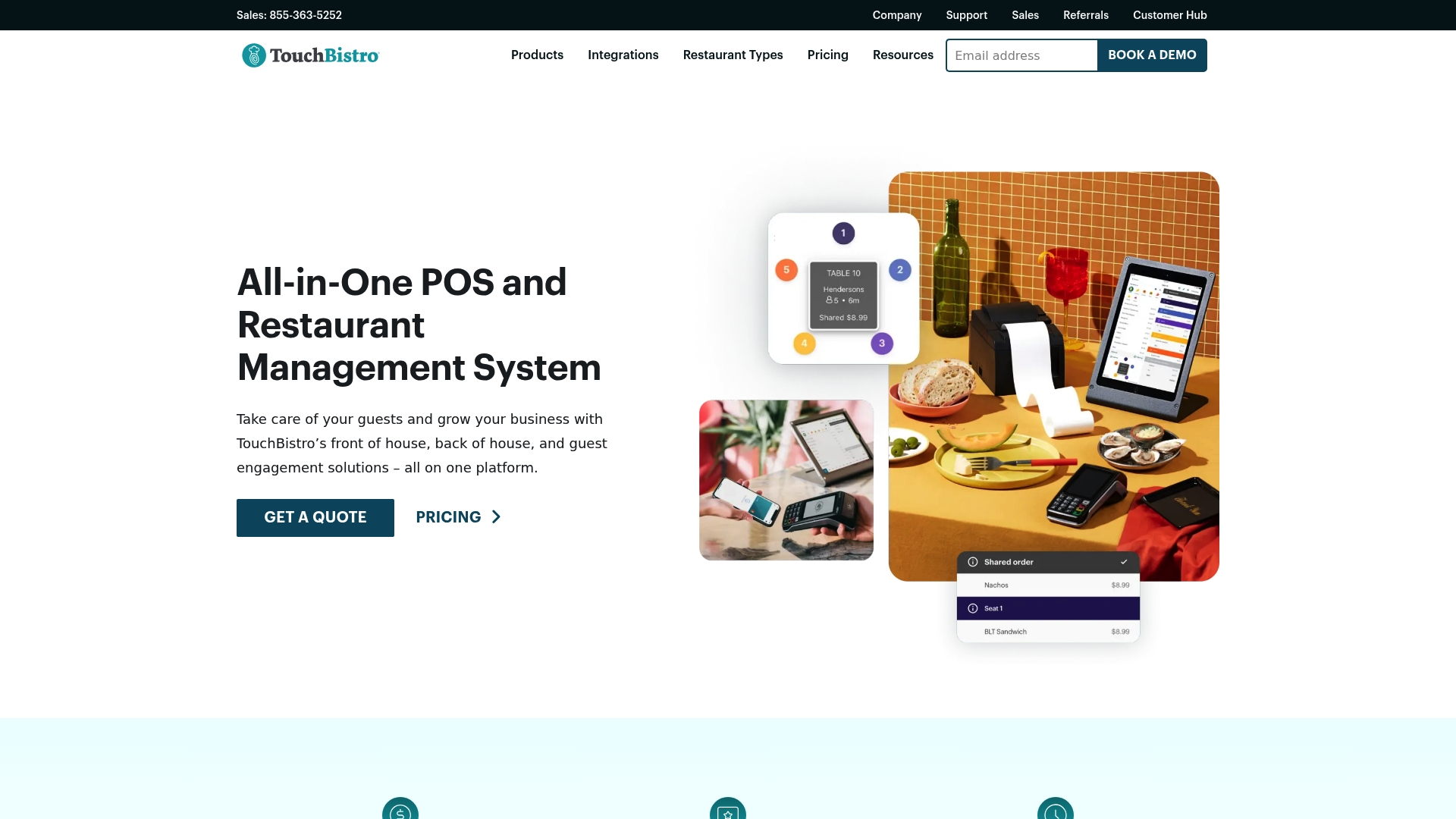
TouchBistro POS is a cloud-based POS and restaurant management suite built to centralise front of house and back of house operations. It suits venues that want a single system for sales, reservations and guest engagement without juggling multiple platforms.
The platform balances depth with customisability but can feel heavyweight for very small sites.
Core Features
TouchBistro provides a full set of restaurant tools including a Point of Sale with reporting and analytics, payment processing, staff management and table management. The platform also covers floor plans and tableside ordering for busy service periods.
- Front of House: payments and customer facing displays for faster service and clearer checks.
- Back of House: inventory, labour management, kitchen display system and profit analysis to help control costs.
- Guest Engagement: online ordering, reservations, loyalty programmes, gift cards and basic marketing tools.
Pros
-
Comprehensive all in one platform: TouchBistro centralises sales, inventory and guest tools so staff use fewer separate systems.
-
Customisable for venue types: Menus and floor plans adapt to cafes, bars, restaurants and mobile catering, helping you match local service styles.
-
Accessible remotely: Cloud access lets managers check sales and reports from anywhere and act faster on staffing or stock issues.
-
Broad operational features: The mix of front and back of house tools supports both service speed and cost control.
-
Support availability: The product is backed by 24/7 customer service which helps venues needing out of hours assistance.
Cons
-
Pricing transparency is limited because quotes require contact which can slow buying decisions for budget conscious owners.
-
The setup and integration can be complex for smaller operations with limited tech experience which raises training time and initial cost.
-
Additional hardware costs may apply because tablets and kitchen screens are often required to get the full benefit of the system.
Who It’s For
TouchBistro fits restaurant owners and managers who want a single, customisable platform to manage sales, staff and guest programmes. It works well for multi service venues and sites planning to scale operations in the next 12 to 36 months.
Small independent cafes should weigh training needs and hardware costs before committing.
Unique Value Proposition
The platform’s strength is the breadth of integrated tools that link front of house with kitchen and back office workflows. That unified approach reduces double entry and gives managers clearer visibility of labour and stock costs in one place.
This integration appeals to venues that prioritise operational control and consistent guest experience.
Real World Use Case
A neighbourhood restaurant could use TouchBistro to take tableside orders on tablets, route tickets to a kitchen display, update inventory automatically and run a loyalty promotion to bring regulars back. Managers then review nightly reports from home and adjust rotas to improve margins.
Pricing
Pricing starts at $69 per month for the core POS system with bundled solutions and custom quotes available for additional modules and enterprise needs.
Website: https://www.touchbistro.com
Point of Sale Systems Comparison
Here is a detailed comparison of key POS systems discussed, including their features, advantages, requirements, and pricing details. This table will help you evaluate and select the POS system that best fits your business needs.
| Product | Unique Features | Pros | Cons | Pricing |
|---|---|---|---|---|
| EZEEPOS | Android-based hardware, unified platform, cloud management. | All features included without tiered pricing; Local accredited UK support; Rapid onboarding UI; Versatile hardware options; Real-time back-office accessibility. | Costs vary with hardware and configuration. | Starts at £89 upfront, monthly fees apply. |
| Toast Tab POS | Order and table management, payment processing, customer analytics, and online ordering integration. | Comprehensive restaurant management features; Accessible cloud platform; Integrates various payment methods; Business analytics; User-friendly interface. | Pricing details require contact; Depends on internet connectivity; Setup may be complex for small businesses. | Contact for pricing details. |
| Lightspeed Commerce | Cloud-based system with inventory and loyalty tools across retail and food industries. | Industry-specific customizations; Integrated ecosystem; Real-time analytics; Worldwide usage adaptability; Full customer support. | Pricing and features might require time for onboarding and exercise detailed usage capabilities. | Plans vary; Basic, Core, Plus plans available. |
| Epos Now | Cross-industry adaptable, real-time reporting, and app integration with optional add-ons. | All-in-one package; Cloud access for managers; Strong domain-specific features; Integrations enhance functionality; Flexible processing. | Customization impacts final price transparency; Feature training is a prerequisite for many implementations. | Starts at $349; Add-ons impact pricing. |
| TouchBistro POS | Combines sales, tableside functionality, and guest engagement tools like loyalty and reservations. | All-in-one for restaurants; Venue-customised options; 24/7 support; Encompassing feature offerings. | Exact pricing requires inquiry; Employee usage and system usability need evaluation before purchase. | Starts at $69 per month; Add-ons available. |
Discover a Hospitality POS That Truly Scales With Your Business
Choosing the right alternative to Squareup.com means finding a point of sale system that grows effortlessly with your venue without surprise fees or complicated setups. Many businesses struggle with disconnected hardware, limited local support, and tiered pricing structures that make expansion costly and frustrating. EZEEPOS offers a powerful Android-based solution tailored specifically for cafés, restaurants, bars and mobile caterers in the UK. Its all-in-one platform integrates countertop terminals, handhelds and kitchen screens with cloud management, enabling easy team training and reliable local support.

Explore how you can simplify your operations with a flexible POS designed for hospitality venues at EZEEPOS Uncategorised. Take control of your sales, inventory and staff management today by visiting EZEEPOS and see why local businesses trust this comprehensive system as a top Squareup.com alternative.
Frequently Asked Questions
What are the top alternatives to Squareup.com for payment processing?
Many alternatives to Squareup.com exist that cater to different business needs, including payment processing tools and point-of-sale systems. Research these options by looking at their features, pricing, and user reviews to find the best fit for your business requirements.
How can I compare the transaction fees of Squareup.com alternatives?
To compare transaction fees among different payment processors, list the fees side by side based on the volume of transactions you expect. Make sure to include any additional costs, such as monthly subscriptions or equipment fees, to get a clear picture of your overall expenses.
What features should I look for in a payment processing alternative to Squareup.com?
Look for features such as mobile payment acceptance, reporting tools, customer management options, and integrations with other software you use. Prioritise the functionalities that align best with your business operations to ensure a smooth transition.
Is it easy to switch from Squareup.com to another payment processor?
Switching from Squareup.com to another payment processor is generally straightforward but requires some steps. Ensure to communicate with your current provider regarding cancellation, back up any necessary data, and set up the new system within 30 days to ensure continuity of service.
What are the customer support options available for alternatives to Squareup.com?
Customer support options can vary significantly among payment processing platforms, so check for resources like live chat, telephone support, or comprehensive help centres. Evaluate these support channels to ensure you can easily access help when needed, especially during your initial setup phase.
Recent Comments