
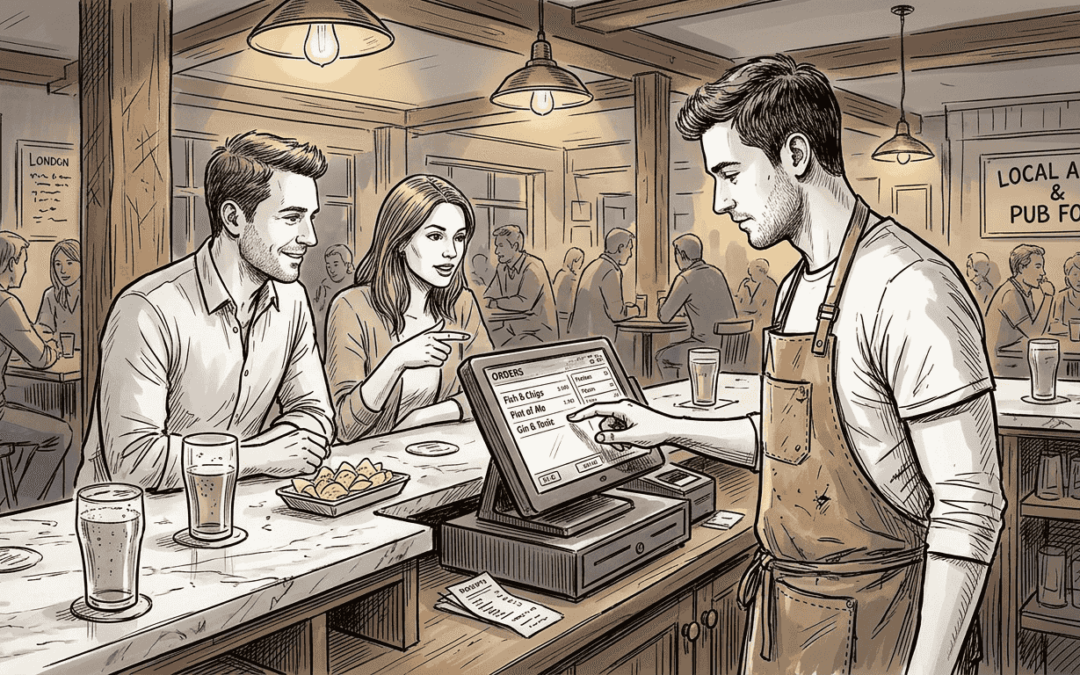
Many hospitality venue owners still view POS systems as glorified cash registers, missing the transformative power of unified platforms. Modern unified POS solutions integrate every aspect of your operation, from table orders to inventory tracking, staff scheduling to real-time reporting, into one seamless system. This guide reveals how unified POS platforms can revolutionise your venue’s efficiency, reduce costs, and elevate guest experiences across cafés, restaurants, bars, and quick-service environments throughout the UK.
Table of Contents
- What Is A Unified POS Platform And Why Does It Matter?
- Core Benefits Of Unified POS Platforms For UK Hospitality Venues
- Comparing Unified POS Platforms: Key Features To Consider
- Implementing Unified POS: Best Practices For A Smooth Transition
- Explore eZeepos: Your Partner For Unified POS Success
- Frequently Asked Questions
Key takeaways
| Point | Details |
|---|---|
| Unified integration | Unified POS platforms consolidate sales, inventory, staff management, and reporting into a single cohesive system for streamlined operations. |
| Enhanced efficiency | These platforms reduce manual errors, accelerate transactions, and automate workflows, saving time and labour costs. |
| Cloud-based advantages | Real-time data synchronisation and remote management capabilities enable venue owners to monitor performance from anywhere. |
| Cost reduction | Unified systems lower operational expenses through reduced wastage, optimised inventory control, and elimination of multiple software subscriptions. |
| Venue-specific customisation | Platform selection should align with your venue size, service style, and specific operational requirements for maximum benefit. |
What is a unified POS platform and why does it matter?
A unified POS platform represents a fundamental shift from traditional fragmented systems that require separate software for payments, inventory, bookings, and staff management. Unified POS platforms centralise various functions such as sales, inventory, and staff management into one interconnected ecosystem. This integration eliminates the chaos of juggling multiple systems, each with different interfaces, login credentials, and data formats.
Traditional POS setups force staff to switch between applications, manually reconcile data, and waste precious time on administrative tasks. Unified platforms solve this by creating a single source of truth for all operational data. When a bartender rings up a cocktail, the system automatically updates inventory levels, records the sale against the staff member’s shift, and feeds data into your financial reports, all without additional input.
For multi-area venues operating a bar, restaurant, and takeaway service under one roof, unified platforms become essential. Each service point accesses the same menu database, inventory pool, and customer records, ensuring consistency whilst eliminating duplicate data entry. A dish ordered at the table appears instantly on kitchen screens, whilst drinks flow to the bar display, creating seamless coordination across your entire operation.
The integration reduces manual work dramatically. Staff no longer spend hours reconciling till receipts with inventory counts or manually updating spreadsheets. The system handles these tasks automatically, freeing your team to focus on delivering exceptional guest experiences rather than wrestling with administrative burdens.
Pro Tip: Assess current operational pain points before selecting a unified POS to ensure alignment with venue needs. Document where staff waste time, where errors occur frequently, and which reports you struggle to generate, then prioritise platforms addressing these specific challenges.
Core benefits of unified POS platforms for UK hospitality venues
Operational efficiency soars when unified POS platforms eliminate redundant processes and automate routine tasks. Unified POS platforms reduce downtime by up to 80% and streamline inventory control across all service points. Transactions process faster because staff work within one familiar interface rather than switching between systems. Automated reporting generates insights instantly, replacing hours of manual data compilation with a few clicks.
Inventory management transforms from a monthly headache into real-time visibility. The system tracks every ingredient used, alerts you when stock levels drop below thresholds, and identifies patterns in consumption. You’ll spot which menu items drive profits and which ingredients spoil before use, enabling data-driven decisions about purchasing and menu design. This inventory control role prevents costly stockouts during busy periods whilst reducing wastage from over-ordering.
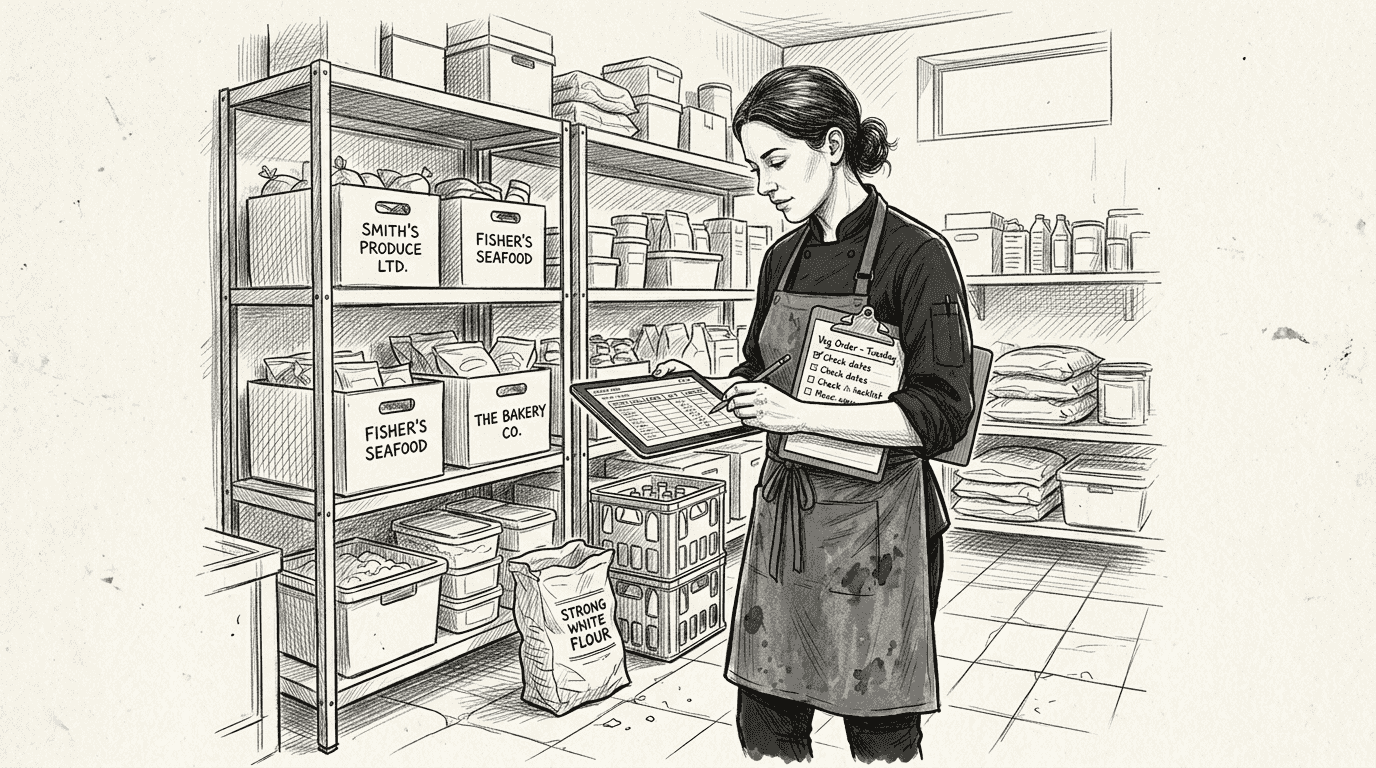
Financial benefits extend beyond obvious cost savings. Lower operational expenses result from reduced labour hours on administrative tasks, fewer errors requiring corrections, and optimised inventory reducing wastage. Many venues report 15-25% reductions in food waste within months of implementing unified systems. Eliminating multiple software subscriptions and their associated training costs further improves your bottom line.
Guest experience improves through consistency and speed. Whether customers order at the bar, through table service, or via self-service kiosks, they receive the same accurate information and swift service. Integrated systems ensure dietary requirements noted during booking appear on kitchen screens, special requests flow seamlessly from front to back of house, and split bills calculate accurately every time.
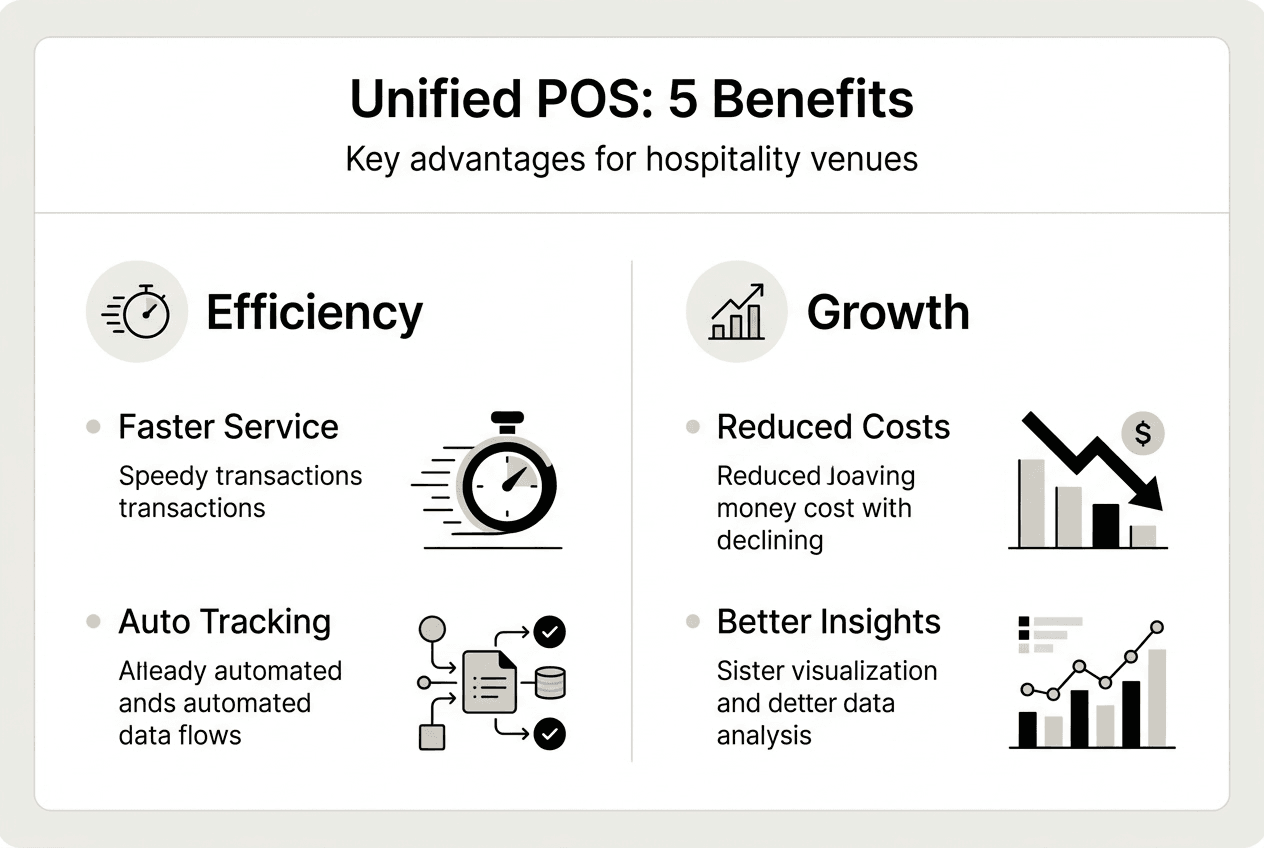
| Benefit Category | Specific Gains | Measurable Impact |
|---|---|---|
| Operational efficiency | Faster transactions, automated reporting | 30-40% reduction in administrative time |
| Inventory control | Real-time tracking, waste alerts | 15-25% decrease in food wastage |
| Cost savings | Lower labour, reduced errors | 10-20% operational cost reduction |
| Guest satisfaction | Consistent service, accurate orders | Higher repeat visit rates |
Pro Tip: Leverage reporting features to identify slow-moving stock and optimise menu offerings. Review weekly sales data to spot trends early, adjust purchasing accordingly, and remove underperforming items before they drain profitability.
Comparing unified POS platforms: key features to consider
Selecting the right unified POS platform requires evaluating features against your venue’s specific operational needs. Different POS platforms offer varying levels of cloud integration, multi-location support, and staff management tools. Understanding these differences ensures you invest in a system that grows with your business rather than limiting future expansion.
Cloud capability stands as the foundation of modern unified POS systems. Cloud-based platforms synchronise data instantly across all devices, enabling you to monitor sales, check inventory, and review staff performance from anywhere with internet access. This real-time consistency prevents the data discrepancies that plague server-based systems, where updates lag and different terminals show conflicting information.
Multi-outlet support becomes critical as your business expands. Platforms designed for single locations often struggle when you open a second venue or add a pop-up location for festivals and events. Robust multi-outlet systems consolidate reporting across all locations whilst maintaining individual site controls, giving you enterprise-level oversight without sacrificing local flexibility.
| Feature | Basic Systems | Advanced Unified Platforms | Critical For |
|---|---|---|---|
| Cloud synchronisation | Limited or delayed | Real-time across all devices | Multi-area venues, remote management |
| Multi-outlet support | Single location only | Unlimited locations with consolidated reporting | Growing businesses, chains |
| Inventory integration | Manual updates | Automatic tracking with alerts | Reducing waste, preventing stockouts |
| Staff management | Basic clock-in | Scheduling, performance tracking, permissions | Labour cost control, compliance |
| Payment options | Card and cash | Contactless, mobile, split bills, tips | Guest convenience, faster service |
Venue size and service type significantly influence which features matter most. Small cafés prioritise quick transactions and simple inventory tracking, whilst large restaurants need sophisticated table management and complex menu modifications. Pubs require robust bar-specific features like tab management and age verification prompts.
Must-have features by venue type:
- Cafés: Fast counter service, loyalty programmes, mobile ordering integration, basic inventory tracking
- Restaurants: Table management, course timing, dietary requirement flags, detailed modifier options
- Pubs: Tab management, age verification, drink-specific inventory, outdoor ordering for beer gardens
- Hotels: Room charging integration, multi-outlet consolidation, guest profile management, minibar tracking
- Quick-service: Self-service kiosk support, kitchen display systems, delivery platform integration, rapid throughput
Consider your growth trajectory when evaluating platforms. A system perfect for your current single location may become a constraint when you’re ready to expand. Investing in scalable technology from the start prevents costly migrations later.
Implementing unified POS: best practices for a smooth transition
Successful unified POS implementation requires careful planning and execution to avoid service disruptions. Proper staff training and staged rollouts reduce disruption during POS system upgrades. Rushing deployment creates confusion, errors, and frustrated staff who revert to old workarounds rather than embracing the new system.
Staff involvement from the earliest stages builds buy-in and surfaces practical concerns before they become problems. Frontline team members understand operational realities that managers might overlook. Their input during vendor selection ensures the chosen platform addresses real workflow challenges rather than theoretical benefits. Designate enthusiastic staff as system champions who’ll support colleagues during the transition.
Data migration and testing phases prevent the horror stories of lost transaction histories or corrupted customer records. Thorough testing in a non-production environment reveals issues before they affect paying guests. Run parallel systems briefly, comparing outputs to verify accuracy before fully committing to the new platform.
Implementation roadmap:
- Assess needs by documenting current pain points, desired features, and budget constraints through staff interviews and operational analysis
- Choose vendor after comparing platforms, checking references from similar venues, and negotiating contract terms including training and support
- Train staff using hands-on sessions during quiet periods, creating quick-reference guides, and scheduling refresher training before launch
- Pilot test by running the new system alongside your existing setup during off-peak hours, identifying issues without risking service quality
- Full launch during a strategically chosen quiet period, with vendor support on-site and contingency plans ready
- Monitor and optimise by gathering staff feedback, tracking performance metrics, and adjusting workflows based on real-world usage patterns
Timing your launch strategically minimises risk. Avoid peak trading periods, holidays, or special events when your team faces maximum pressure. A Tuesday lunch service offers a gentler environment for troubleshooting than Saturday night.
Communication channels must remain open throughout the transition. Daily briefings during the first week address emerging issues quickly. Anonymous feedback mechanisms let staff report problems without fear of criticism. Regular check-ins with your vendor ensure technical issues receive prompt attention.
Pro Tip: Maintain open communication during transition to address staff feedback and improve adoption. Create a dedicated messaging group where team members can share tips, ask questions, and celebrate small wins as they master the new system.
Explore eZeepos: your partner for unified POS success
Transitioning to a unified POS platform delivers the operational efficiency and guest experience improvements outlined throughout this guide. eZeepos software solutions provide exactly this comprehensive approach, designed specifically for UK hospitality venues seeking to streamline operations without complexity.

Our platform harnesses cloud technology to give you real-time visibility across every aspect of your business, from live sales data to current inventory levels, accessible from any device with internet connectivity. Whether you’re managing a single café or coordinating multiple locations, the system scales effortlessly to match your ambitions.
Staff management with hospitality POS becomes straightforward rather than overwhelming. Schedule shifts, track performance, manage permissions, and monitor labour costs within the same platform handling your sales and inventory. This integration eliminates the disconnected systems that create administrative burdens, freeing you to focus on what matters: delivering exceptional hospitality that keeps guests returning.
Frequently asked questions
What is a unified POS platform in hospitality?
A unified POS platform integrates sales processing, inventory management, staff scheduling, and reporting into one cohesive system rather than requiring separate software for each function. This integration creates a single source of operational truth, automatically synchronising data across all touchpoints. For hospitality venues operating multiple service areas like bars, restaurants, and takeaway counters, unified platforms ensure consistency whilst eliminating duplicate data entry and manual reconciliation.
How does a unified POS improve guest experience?
Unified POS systems accelerate order processing by eliminating the delays caused by switching between multiple applications, enabling staff to serve more guests efficiently. Accuracy improves because orders flow directly from point of entry to kitchen screens without manual transcription errors. Consistency across service points means guests receive the same quality experience whether ordering at the bar, through table service, or via self-service kiosks, building trust and satisfaction.
Can unified POS platforms help reduce operational costs?
Yes, unified platforms deliver substantial cost reductions through multiple mechanisms. They eliminate errors requiring refunds or remakes, streamline inventory to reduce wastage by 15-25%, and lower labour costs by automating administrative tasks. Consolidating multiple software subscriptions into one platform reduces licensing fees and training expenses. Cloud-based systems also minimise IT infrastructure costs compared to maintaining on-premise servers and their associated maintenance requirements.
What should I look for when choosing a unified POS for my venue?
Prioritise cloud capabilities ensuring real-time data synchronisation across all devices and locations for accurate, up-to-date operational visibility. Evaluate multi-location support if you plan to expand beyond a single venue. Assess inventory management features including automatic tracking, low-stock alerts, and waste monitoring. Verify staff management tools cover scheduling, performance tracking, and permission controls. Ensure the system matches your specific service style, whether table service, counter service, self-service kiosks, or mobile catering.
How can I ensure a smooth implementation of a new POS system?
Success depends on comprehensive staff training delivered through hands-on sessions during quiet periods, creating confidence before the live launch. Implement a phased rollout starting with pilot testing during off-peak hours whilst running parallel systems to verify accuracy. Choose a strategic launch date avoiding busy periods, holidays, or special events. Test thoroughly in a non-production environment to identify issues before they affect paying guests. Maintain open communication channels for staff feedback and ensure vendor support remains readily available during the critical first weeks of operation.
Recent Comments