
What is remote access in POS: a hospitality guide
TL;DR:
- Remote access in POS systems enables managers to monitor and manage sales and inventory from any internet-connected device, enhancing operational efficiency. Cloud-native POS offers built-in remote management, while on-premise systems require complex VPN or desktop configurations, with security measures strictly mandated by PCI DSS 4.0. Proper governance, including multi-factor authentication and regular reviews, is essential to mitigate security risks and fully realize remote access benefits.
Remote access in POS is one of those features that gets filed under “nice to have” until the moment you actually need it. You are off-site, a manager needs to approve a refund, or your Friday evening service is grinding to a halt because of a system issue nobody on-floor can fix. Remote access is what separates a five-minute fix from a two-hour nightmare. For hospitality businesses managing tight margins, multiple venues, and demanding service standards, understanding what remote access means in your POS system is not optional. It is operational.
Table of Contents
- Key takeaways
- What is remote access in POS systems?
- Cloud vs on-premise: what changes for remote access?
- Security and compliance for POS remote access
- Using remote access operationally in your venue
- Setting up remote access: challenges and best practices
- My take on remote access in hospitality POS
- How Ezeepos supports remote access for hospitality
- FAQ
Key takeaways
| Point | Details |
|---|---|
| Remote access defined | It lets you manage and monitor your POS system from any internet-connected device, without being on-site. |
| Cloud vs on-premise | Cloud POS includes remote access natively; on-premise setups require additional VPN or remote desktop configuration. |
| Security is non-negotiable | PCI DSS 4.0.1 mandates multi-factor authentication, encrypted connections, and automatic session timeouts for remote access. |
| Operational power | Remote manager overrides, real-time sales tracking, and staff monitoring extend far beyond basic IT support. |
| Governance matters | Vendor access must be time-limited, contractually governed, and reviewed regularly to stay compliant and secure. |
What is remote access in POS systems?
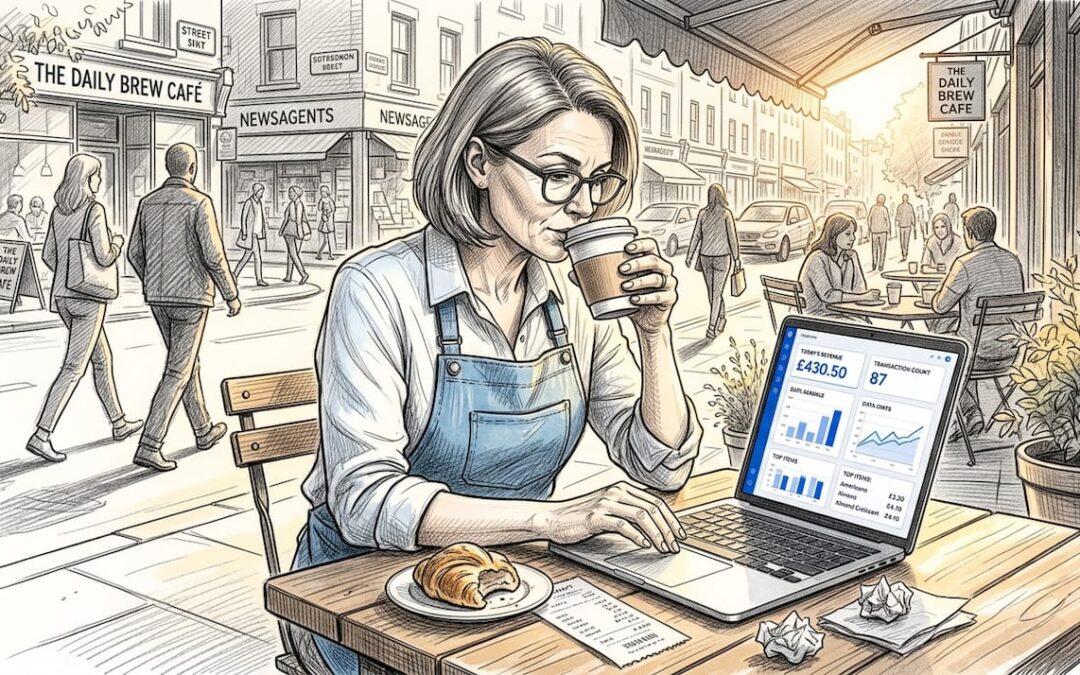
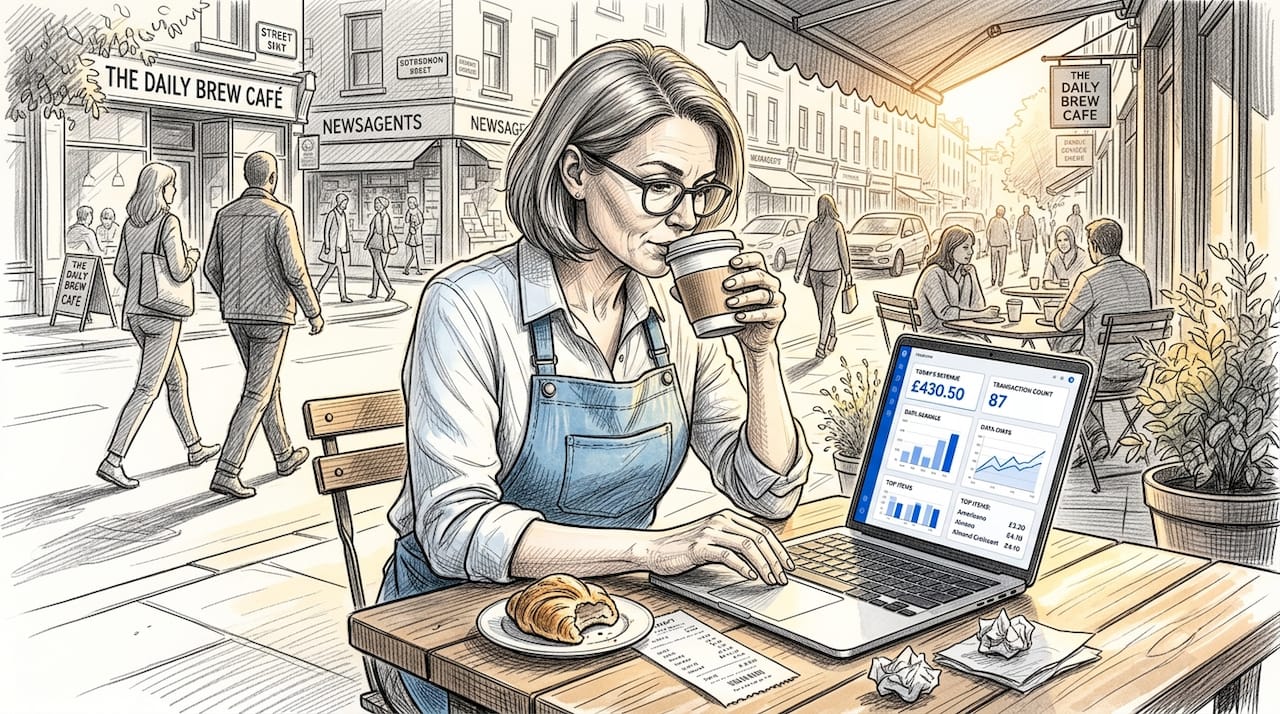
At its core, remote access in POS means managing and monitoring your point of sale system from any internet-enabled device without needing to be physically present at the till. You could be at home reviewing the previous night’s takings, or in a second venue approving a transaction on your phone. The system does not care where you are.
The way this works depends entirely on your POS architecture. There are two main types:
- Cloud-native POS: Remote access is built in. You log into a web portal or mobile app and get full visibility over sales, inventory, staff performance, and reporting. No extra hardware. No complicated setup.
- On-premise POS: The POS software runs on local servers. To access it remotely, you typically need a VPN connection or a remote desktop tool. This works, but it adds layers of configuration, cost, and potential security risk.
The capabilities available through remote access vary by platform, but most modern systems let you track real-time sales, adjust inventory levels, review staff performance and clock-in records, run reports across locations, and push product or pricing updates without touching a terminal.
Pro Tip: If your current POS requires a technician to configure remote access separately, ask your provider whether a cloud-based migration would give you that access natively at no additional cost. Many operators are surprised by how much they are paying for what cloud systems include by default.
Understanding cloud POS advantages such as built-in remote management is particularly relevant for hospitality venues running across multiple sites or managing seasonal staffing fluctuations.
Cloud vs on-premise: what changes for remote access?
The architecture of your POS system directly shapes how easy, affordable, and secure your remote access will be. This is not a minor technical detail. It has real operational consequences.
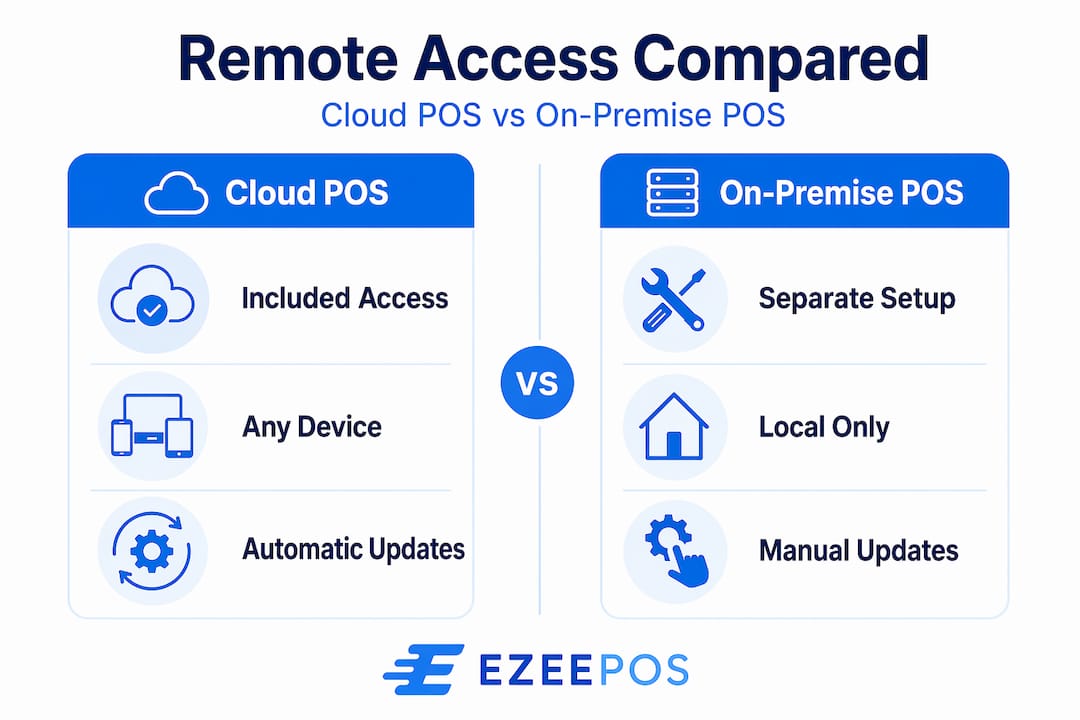
| Feature | Cloud POS | On-premise POS |
|---|---|---|
| Setup cost for remote access | Included in monthly fee | Setup fees of £80–£240+ |
| Accessibility | Any device, any location, any time | Requires VPN or remote desktop configuration |
| Maintenance | Automatic updates from provider | Manual updates; IT support required |
| Internet dependency | High (offline mode varies by provider) | Lower for local operations |
| Scalability | Add locations quickly | Each site may need separate configuration |
| Data control | Held by provider (check contract) | Held locally by the business |
Cloud POS systems give you real-time sales and inventory access from any device, which matters enormously when you are managing multiple venues or operating mobile catering units. The trade-off is that you are dependent on your internet connection and your provider’s infrastructure.
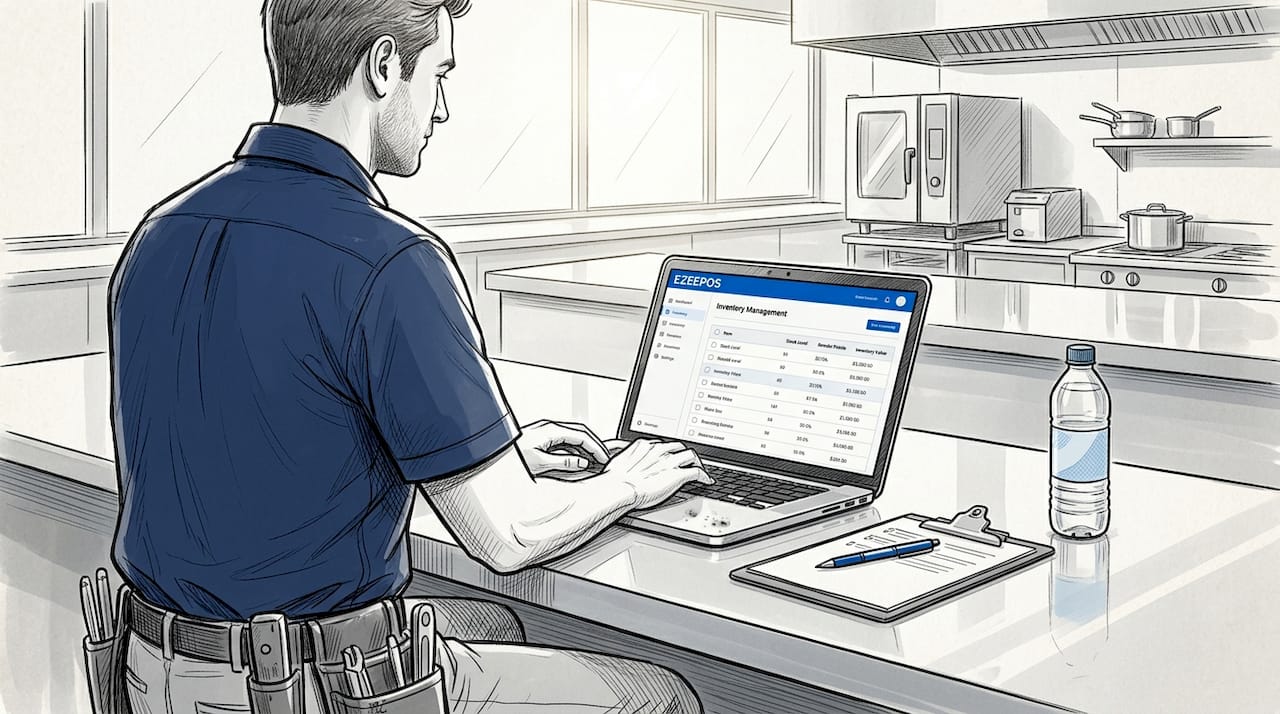
On-premise systems give you greater data control and can operate reliably even when connectivity drops. But the complexity of getting remote access working securely is significantly higher. You need to configure VPN access, manage firewall rules, and keep remote desktop software patched and updated.
For most hospitality businesses operating cafés, bars, or multi-site restaurants in the UK, the operational efficiencies of cloud POS make it the more practical choice for remote management. The lower upfront cost and built-in remote access remove barriers that have historically stopped smaller venues from implementing proper off-site oversight.
Pro Tip: Before committing to any POS architecture, test the remote access login process on the device you actually use day-to-day. Some systems have web portals that look impressive in demos but become awkward on a mobile screen at 11pm when you need to pull a report quickly.
Security and compliance for POS remote access
This is where many hospitality operators underestimate the risk. Remote access, if not properly controlled, creates exactly the kind of vulnerability that leads to data breaches and failed payment audits.
PCI DSS 4.0.1 sets out clear requirements for any business that accepts card payments and uses remote access on systems within the payment environment. The key requirements include:
- Multi-factor authentication (MFA): Every remote login must require more than just a password.
- Unique user IDs: Shared credentials for remote access are a compliance violation and a security risk.
- Encrypted connections: All remote sessions must travel over encrypted channels. Unencrypted remote desktop over public internet is not acceptable.
- Time-bound access: Vendor and third-party access must be limited to specific windows, not left permanently open.
- Session logging and automatic disconnection: PCI DSS requires automatic session termination after inactivity, along with logs of who accessed what and when.
The risks of ignoring these requirements are not abstract. Open ports and shared credentials are the most common vectors for POS data breaches. Leaving a remote desktop port like 3389 open to the internet is the equivalent of leaving your back door unlocked with a sign saying “staff only.”
Remote access is not a ‘set and forget’ feature. It must be actively managed as a controlled security system, not treated as a convenience tool.
One area that catches hospitality businesses out is vendor access. When your POS provider or a third-party IT contractor needs to connect to your system, that access should be governed by the same standards as internal access. Brokered Zero Trust access solutions provide monitored, time-limited, least-privilege connections with session recording so you always know what was accessed and by whom.
Pro Tip: Ask your POS provider directly: does your remote support tool open an inbound firewall port, or does it use an outbound brokered connection? The answer tells you a great deal about how seriously they take your security.
Using remote access operationally in your venue
Beyond IT support, remote POS management is a genuine operational tool. Hospitality managers who use it well do not just fix problems remotely. They run their businesses from wherever they happen to be.
Here is how that looks in practice:
- Remote manager overrides: Approving refunds or voids remotely means your floor staff do not have to hold a customer at the counter while they track down a supervisor. You approve it from your phone in thirty seconds.
- Real-time sales visibility: Check covers, revenue, and average spend across locations during a busy service without interrupting your team.
- Inventory monitoring: Spot when a popular item is running low and update menu availability before it creates a problem on the floor.
- Staff performance tracking: Review clock-in records, covers per server, and voids per staff member to catch issues before they become patterns. Monitoring staff performance through your POS gives you data-led conversations instead of guesswork.
- Reducing downtime: Remote management tools cut the need for on-site engineer visits by allowing software troubleshooting, updates, and diagnostics to happen off-site.
The compounding benefit for multi-location operators is significant. Instead of splitting your time physically between sites, you have a single view of all locations from one device. That is the kind of oversight that was previously only practical for large chains with dedicated operations teams.
Pro Tip: Set up daily automated reports to arrive in your inbox each morning. Even if you never log in manually, that daily snapshot of revenue, voids, and covers will quickly surface anything unusual.
Setting up remote access: challenges and best practices
Getting remote access right from the start saves significant headaches later. The most common problems come from treating it as a technical afterthought rather than a planned part of your POS setup.
The main challenges hospitality businesses encounter:
- VPN configuration complexity: On-premise setups require proper VPN configuration with certificates, routing rules, and ongoing maintenance. This is not a one-time job.
- Session logging gaps: Many venues have no log of who accessed their POS remotely, which creates blind spots for both security and compliance.
- Account lifecycle management: Staff leave. Vendors change. If remote access credentials are not removed when relationships end, you have a persistent vulnerability.
- Insufficient network segmentation: Your POS network should be separate from your guest Wi-Fi and general business network. Remote access that bypasses this segmentation creates risk.
| Best practice | What it involves |
|---|---|
| Use MFA for all remote logins | Authenticator app or SMS code alongside password for every session |
| Segment vendor vs internal access | Separate credentials and access levels for third-party support |
| Conduct quarterly access reviews | Review vendor accounts and remove those no longer needed |
| Record all remote sessions | Logs should include timestamps, user ID, and actions taken |
| Use outbound-only brokered connections | Avoid open inbound ports such as 3389 for remote desktop access |
Vendor offboarding deserves particular attention. When a support contract ends or you switch providers, removing that vendor’s access immediately is a basic hygiene step that many businesses delay. Quarterly access audits are the minimum standard for maintaining proper governance.
My take on remote access in hospitality POS
I have spent years watching hospitality businesses treat remote POS access as something they configure once and forget. The ones that get it wrong usually discover the problem at the worst possible time. A breach, a failed PCI audit, or a refund request at 10pm on a Saturday that holds up a queue.
What I have learned is that the businesses getting the most value from remote access are not the most technically sophisticated. They are the ones who asked the right questions during setup. What happens when a vendor connects? Who can see my sales data and from where? Can I see a log of every remote session?
The shift to Zero Trust thinking, where every connection is verified and every session is recorded regardless of who is connecting, used to feel like something only large enterprises needed. I do not think that is true any more. A single-site café accepting card payments is as liable for a cardholder data breach as a national chain. The standard does not scale down just because your venue is smaller.
The operational upside is real. Remote overrides, live sales visibility, and off-site stock management genuinely change how you run a venue. But those benefits only materialise safely if the access is properly governed. Get the governance right first. The operational gains follow naturally.
— John
How Ezeepos supports remote access for hospitality
If you are reassessing how your POS handles remote access, Ezeepos is worth a close look. Built specifically for UK hospitality venues, the platform includes cloud-based back-office access as standard. That means real-time sales reporting, inventory management, and staff performance data from any device, without the additional cost or complexity that legacy on-premise systems require.

Ezeepos delivers the kind of remote management capability that hospitality operators actually need day to day. It is designed for busy environments where the manager is rarely standing next to the terminal. Whether you run a café, a bar, or several sites, the unified POS platform brings your operational data into a single, remotely accessible view. Explore what that looks like for your venue at ezeepos.co.uk or speak to the team about a demonstration tailored to your operation.
FAQ
What is remote access in a POS system?
Remote access in a POS system allows business owners and managers to monitor, manage, and control their point of sale system from any internet-connected device without being physically on-site. This includes viewing sales data, adjusting inventory, and approving transactions remotely.
How does remote access work in cloud vs on-premise POS?
Cloud POS systems include remote access natively through a web portal or mobile app. On-premise POS systems require additional configuration such as VPN or remote desktop software to enable off-site access, which adds cost and complexity.
Is remote access in POS systems secure?
It can be, if set up correctly. PCI DSS 4.0.1 requires multi-factor authentication, encrypted connections, unique user IDs, time-limited vendor access, and automatic session timeouts for any remote access within the payment environment.
Can I approve refunds and voids remotely through my POS?
Yes. Remote manager override features allow authorised users to approve voids and refunds from a mobile device, reducing customer wait times and removing the need for a supervisor to be present on the floor.
How often should I review remote access permissions for my POS?
At minimum, conduct a quarterly review of all remote access accounts. Remove credentials for vendors or staff who no longer require access, and audit session logs to confirm that all remote activity is authorised and documented.
Recent Comments