
Top POS hardware for restaurants: 2026 guide
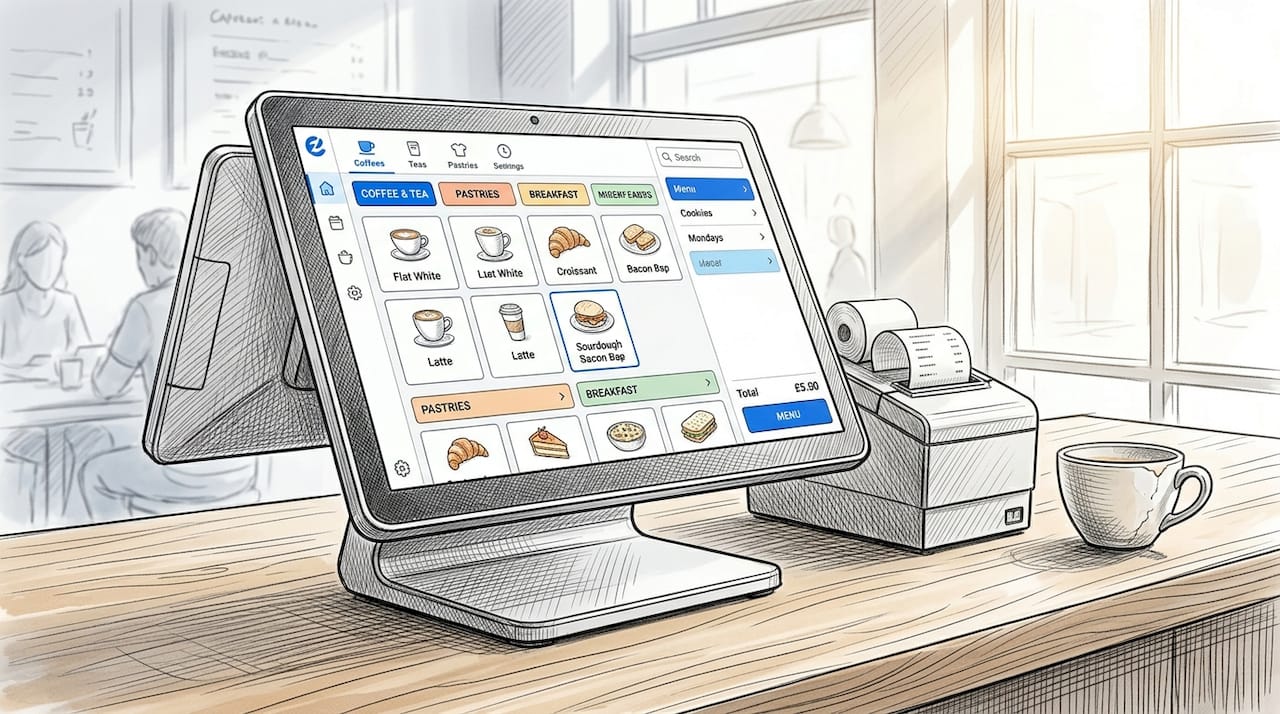
Restaurant point of sale (POS) hardware is the physical infrastructure that captures orders, processes payments, and connects your front-of-house to the kitchen. Choosing the top POS hardware for restaurants is not a peripheral decision. It determines how fast your team serves, how accurately orders reach the kitchen, and whether your system survives a Saturday night rush without failure. This guide covers the key hardware categories, reviews the leading models available to UK operators, and matches hardware choices to specific venue types, from fast-casual cafés to fine dining rooms.
What key hardware categories define top POS solutions for restaurants?
A restaurant POS system is built from several distinct hardware layers, each with a specific operational role. Understanding these categories is the foundation for any sensible buying decision.
Terminals and touchscreens are the command centre of your operation. These are the fixed or semi-fixed screens where staff enter orders, process payments, and access reporting. Durability matters enormously here. The Poindus VariPOS 750/850 series, for example, uses an aluminium chassis with IP66 front panel ingress protection and a fanless design, making it built for the heat, moisture, and constant contact of a working kitchen or bar counter.
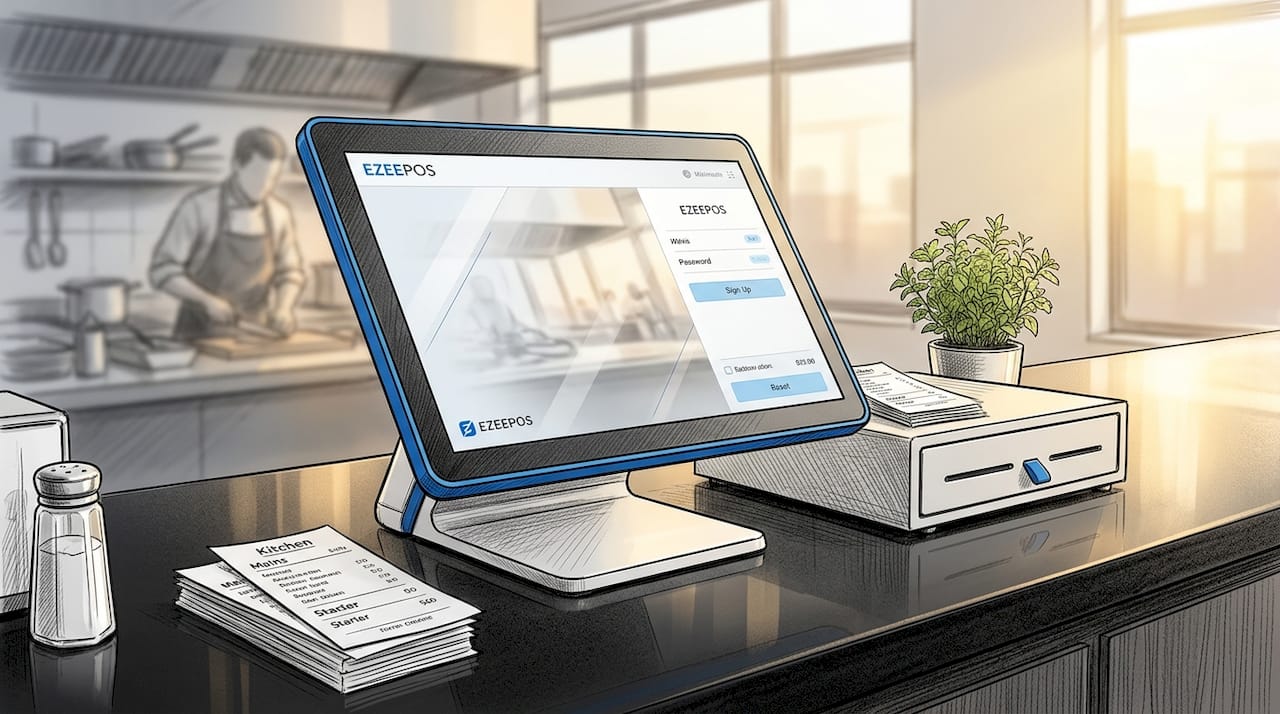
Receipt printers sit at the heart of every transaction. Thermal printers are the standard, printing quickly without ink cartridges. The Star Micronics TSP143IV UEWB prints at 250mm per second and connects via Bluetooth 5.0 and dual-band Wi-Fi, supporting iOS, Android, and Windows platforms. That flexibility means you are not locked into a single device ecosystem.
Cash drawers remain relevant even as card payments dominate. A reliable cash drawer connects directly to the receipt printer or terminal and opens automatically on each cash transaction. Handheld devices complete the picture for table service venues, allowing staff to take orders and process payments tableside without returning to a fixed terminal.
- Terminals: fixed or countertop, typically 10 to 15 inches, running Android or Windows
- Receipt printers: thermal, wired or wireless, with speeds from 150mm to 300mm per second
- Cash drawers: printer-driven or USB-connected, in standard or wide formats
- Handheld devices: tablets or purpose-built handhelds for mobile POS use
- Kitchen display screens (KDS): replaces printed kitchen tickets with live order screens
- Peripherals: barcode scanners, customer-facing displays, RFID readers, card terminals
Pro Tip: Before purchasing any terminal, verify that it supports OPOS-compatible peripherals. Checking compatibility upfront prevents costly integration failures during deployment.
Top 10 POS hardware options for UK restaurants
The models below represent the strongest choices across terminals, printers, and peripheral bundles for hospitality operators in 2026.
1. Poindus VariPOS 750
The VariPOS 750 is a 15-inch all-in-one terminal built specifically for demanding hospitality environments. Its aluminium chassis with IP66 protection means spills and steam do not threaten the unit. The fanless design eliminates dust accumulation, which is a common cause of terminal failure in kitchen-adjacent positions.
Connectivity options include MSR, fingerprint scanner, RFID, and a second 10.4-inch customer display. This peripheral depth makes it one of the most versatile fixed terminals available to UK operators. It runs on an Intel processor and suits high-volume counter service or bar environments where speed and uptime are non-negotiable.
2. Poindus VariPOS 850
The VariPOS 850 shares the same rugged aluminium build and IP66 front panel protection as the 750 but offers a larger display and expanded peripheral support. Peripheral flexibility at this level, covering fingerprint scanners, RFID readers, and second displays, directly limits front-end bottlenecks during peak service.
This model suits restaurants that need a full workstation setup, including loyalty card reading, staff fingerprint login, and a customer-facing screen showing order totals. It is a strong choice for mid-to-large restaurants running complex menus with high transaction volumes.
3. Star Micronics TSP143IV UEWB wireless starter kit
This kit bundles the TSP143IV printer with a compatible cash drawer, premium thermal receipt rolls, and both Bluetooth 5.0 and dual-band Wi-Fi connectivity. The 250mm per second print speed keeps receipt queues from forming during busy periods. The wireless setup means you can position the printer where it is most useful rather than where a cable reaches.
The kit works across iOS, Android, and Windows, making it compatible with most modern POS software platforms. For operators setting up a new site or replacing ageing hardware, this bundle removes the guesswork from peripheral pairing.
4. Star Micronics TSP654II wired receipt printer
Where wireless connectivity is not required, the TSP654II delivers consistent, high-speed thermal printing via USB or Ethernet. It is a workhorse printer suited to high-volume quick-service environments where reliability outweighs flexibility. The unit supports OPOS drivers, making integration with most POS software straightforward.
This printer is a practical choice for fixed counter positions in fast-casual restaurants, canteens, or food halls where the printer never moves and uptime is the only metric that matters.
5. Android tablet POS terminal (10-inch)
Android-based tablet terminals offer a cost-effective entry point for smaller venues. A 10-inch Android tablet running dedicated POS software delivers the core functionality of a fixed terminal at a fraction of the cost. Ezeepos, for instance, builds its entire platform on Android, which means choosing Android POS gives operators access to a broad hardware ecosystem without proprietary lock-in.
These units suit cafés, pop-ups, and smaller restaurants where counter space is limited and the menu does not require complex modifier trees or multi-course ordering.
6. Handheld POS device for tableside ordering
Handheld POS systems improve efficiency by allowing orders and payments to be handled directly at tables, reducing server movement and speeding order processing. The operational gains come primarily from eliminating the back-and-forth to a fixed terminal and from better kitchen routing, not simply from a faster screen.
Purpose-built handhelds, such as the Sunmi T2 Mini or Elo handheld terminals, are more durable than consumer tablets and include integrated card readers. For table service restaurants and pubs, a handheld device is one of the highest-return hardware investments available.
7. Self-service kiosk terminal
Self-service kiosks are fixed, customer-operated terminals that take orders and process payments without staff involvement. They suit quick-service restaurants, food courts, and high-footfall venues where queue reduction is a priority. A kiosk typically runs a 21-inch or larger touchscreen, an integrated card reader, and a receipt printer.
The hardware investment is higher than a standard terminal, but the labour saving across a full trading day makes the ROI case straightforward for venues processing more than 200 covers per day.
8. Kitchen display screen (KDS)
A kitchen display screen replaces printed kitchen tickets with a live digital order feed. Orders appear instantly when entered at any terminal or handheld device, reducing the lag between order entry and kitchen acknowledgement. KDS units are typically 15 to 22 inches, mounted at eye level, and built to withstand heat and humidity.
For restaurants running multiple sections or a split kitchen, a KDS is the hardware component that most directly reduces ticket errors and miscommunication between front and back of house.
9. Customer-facing display (second screen)
A customer-facing display shows the order total and itemised basket to the guest during the transaction. This transparency reduces disputes, speeds up payment confirmation, and creates an upsell opportunity through on-screen promotions. Most modern terminals, including the Poindus VariPOS range, support a second 10.4-inch display as a peripheral add-on.
For cafés and quick-service venues, a second screen is a low-cost addition that measurably improves the customer experience at the point of payment.
10. Integrated card payment terminal
A card terminal that integrates directly with your POS software eliminates manual payment entry and reconciliation errors. Integrated terminals communicate the exact transaction amount to the card reader, removing the risk of keying errors. Most modern POS platforms, including those built on Android, support integration with major UK payment processors.
Modern POS systems act as the operational nerve centre, turning transaction data into reporting and workflow insights. An integrated card terminal is the hardware link that makes that data complete and accurate.
How top POS hardware options compare
Choosing between models comes down to matching specifications to your operational context. The table below summarises the key differentiators across the hardware reviewed.
| Hardware | Best for | Key strength | Pricing tier |
|---|---|---|---|
| Poindus VariPOS 750/850 | High-volume counters and bars | IP66 protection, full peripheral support | Mid to high |
| Star Micronics TSP143IV UEWB kit | New site setups | Wireless flexibility, cross-platform | Mid |
| Android tablet terminal | Cafés and smaller venues | Cost-effective, broad ecosystem | Entry to mid |
| Handheld POS device | Table service restaurants | Tableside ordering and payment | Mid |
| Self-service kiosk | Quick-service, food courts | Queue reduction, labour saving | High |
| Kitchen display screen | All full-service restaurants | Ticket accuracy, kitchen speed | Mid |
| Integrated card terminal | All venues | Payment accuracy, data completeness | Entry to mid |
Oracle NetSuite recommends a minimum of Intel Dual-Core or Core i3 processors with 4GB RAM and 30GB free storage for stable POS workstation performance. This benchmark is worth applying when evaluating any fixed terminal, regardless of brand.
Pro Tip: Clover POS hardware is feature-rich but carries a premium price. If budget is a constraint, prioritise a rugged Android terminal with strong peripheral support over a branded ecosystem that locks you into a single processor.
Matching POS hardware to your restaurant format
The right hardware configuration depends on your service model, not just your budget. A fine dining room has different requirements from a street food kiosk, even if both process a similar number of covers per day.
Table service restaurants and pubs benefit most from handheld mobile POS systems combined with a fixed terminal at the bar or host station. The handheld handles tableside ordering and card payments; the fixed terminal manages bar orders, voids, and end-of-day reporting. A KDS in the kitchen completes the loop. For guidance on how this configuration improves fine dining operations, the operational gains extend well beyond transaction speed.
Quick-service restaurants and cafés need speed above all else. A fast fixed terminal with an integrated card reader, a high-speed receipt printer, and a customer-facing display covers most requirements. Self-service kiosks add capacity during peak periods without adding headcount. POS solutions for cafés should prioritise fast item lookup and a simple payment flow over complex table management features.
Mobile catering and pop-up venues require a compact, battery-powered setup. A tablet-based mobile POS system with a portable Bluetooth receipt printer and a wireless card reader is the standard configuration. The types of POS systems available for mobile catering have expanded significantly, with Android-based platforms now offering full inventory and reporting features in a handheld form factor.
Pubs and bars sit between table service and quick service. A fixed terminal at each bar position, supported by a handheld for table orders and a KDS for food orders, covers the typical pub workflow without over-engineering the setup.
Key takeaways
The best restaurant POS hardware combines durable terminals, wireless peripherals, and verified software compatibility to deliver reliable performance across every service period.
| Point | Details |
|---|---|
| Prioritise ingress protection | IP66-rated terminals like the Poindus VariPOS withstand spills and heat in working kitchens. |
| Verify peripheral compatibility | Check OPOS support before purchasing to avoid integration failures at deployment. |
| Match hardware to service model | Table service needs handhelds; quick service needs fast fixed terminals and kiosks. |
| Wireless peripherals add flexibility | Bluetooth 5.0 and dual-band Wi-Fi printers remove cable constraints and support cross-platform setups. |
| Integrated card terminals complete the data loop | Direct POS integration eliminates keying errors and produces accurate transaction reporting. |
Why hardware choice shapes your entire operation
I have seen operators spend months selecting POS software and then buy whatever terminal was cheapest, or whatever the installer had in the van. That decision consistently creates problems that no software update can fix. A terminal that overheats during a Saturday dinner service, a printer that drops its wireless connection mid-shift, or a cash drawer that jams under pressure. These are not software problems. They are hardware problems that cost you covers, tips, and staff goodwill.
The spec sheet matters, but it is not the whole story. IP66 protection on the Poindus VariPOS range is not a marketing claim. It is the difference between a terminal that survives three years on a bar counter and one that needs replacing after eighteen months. Similarly, the operational gains from handheld POS deployment come from eliminating movement and improving kitchen routing, not from the device looking impressive on a table.
My strongest advice is this: treat hardware and software as a single system, not two separate purchases. The POS system as an operational nucleus only works when every hardware component communicates cleanly with the software layer. Test the full stack before committing. Ask your provider which peripherals are certified, not just compatible. And build in a training day before go-live, because even the best hardware delivers nothing if your team is uncertain how to use it under pressure.
— John
Find the right POS hardware setup for your venue
Ezeepos provides an Android-based POS platform built specifically for UK hospitality venues, from busy cafés and bars to full-service restaurants and mobile catering operations. The system integrates countertop terminals, tablets, kiosks, and kitchen display screens into a single platform, with no tiered pricing and full feature access from day one.

Every Ezeepos installation is handled by accredited UK providers who configure hardware and software together, so you are not left to troubleshoot peripheral compatibility on your own. If you are evaluating your options, the POS system benefits for UK hospitality page covers the full range of hardware configurations and support options available to operators across the country.
FAQ
What is a restaurant POS system?
A restaurant POS system is the combination of hardware and software that processes orders and payments, manages inventory, and generates operational reports. It typically includes a terminal, receipt printer, cash drawer, and card payment device.
Which POS hardware is best for a busy restaurant counter?
Rugged all-in-one terminals with IP-rated ingress protection, such as the Poindus VariPOS 750 or 850, are the strongest choice for high-traffic counter positions. They combine durability, peripheral support, and processing power in a single unit.
Do mobile POS systems work for table service restaurants?
Handheld POS devices improve table service by allowing staff to take orders and process payments at the table, reducing movement and speeding up kitchen routing. They work best when paired with a fixed terminal and a kitchen display screen.
How much does restaurant POS hardware cost?
Entry-level Android tablet setups start from a few hundred pounds, while full workstation configurations with rugged terminals, printers, and peripherals typically range from £800 to £2,500 per station. Self-service kiosks carry a higher upfront cost but deliver measurable labour savings at volume.
What should I check before buying POS hardware?
Verify that the terminal supports OPOS-compatible peripherals and that the hardware is certified by your POS software provider. Checking compatibility before purchase prevents integration failures and avoids costly retrofitting after deployment.
Recent Comments