
Defining fast-casual POS features for operators
TL;DR:
- Most operators mistakenly view their POS as merely a payment terminal, which hampers efficiency and customer experience. A fast-casual POS must serve as an operational engine, enabling quick order entry, kitchen coordination, and seamless integration across multiple channels. Choosing a tailored system with speed, modifier management, and unified data capabilities leads to improved throughput and better strategic insights.
Most restaurant operators think of their POS as a payment terminal. That assumption is costing them time, money, and customers. Defining fast-casual POS features correctly means understanding that your system is the operational engine behind every order, every ticket, and every customer interaction. Get it right and your throughput improves, your staff stay composed under pressure, and your data actually tells you something useful. Get it wrong and you are fighting your own technology during the busiest hour of the day.
Table of Contents
- Key takeaways
- Defining fast-casual POS features that actually matter
- Menu customisation and modifier management
- Integration capabilities and multi-channel sales
- Unified data management and reporting
- My take on the mistakes operators keep making
- How Ezeepos supports fast-casual operators in the UK
- FAQ
Key takeaways
| Point | Details |
|---|---|
| POS is more than payments | Your fast-casual POS system drives order flow, kitchen coordination, and cost control from a single platform. |
| Speed depends on modifier logic | One-touch modifier selection prevents queue build-up and reduces order errors during peak service. |
| Integration matters | Routing online and delivery orders automatically into your kitchen workflow removes manual entry errors. |
| Unified data beats siloed reports | A single dashboard combining sales, stock, and labour gives you the full picture to control costs in real time. |
| Concept fit comes first | Choosing a POS based on your specific service style produces better results than selecting by feature list alone. |
Defining fast-casual POS features that actually matter
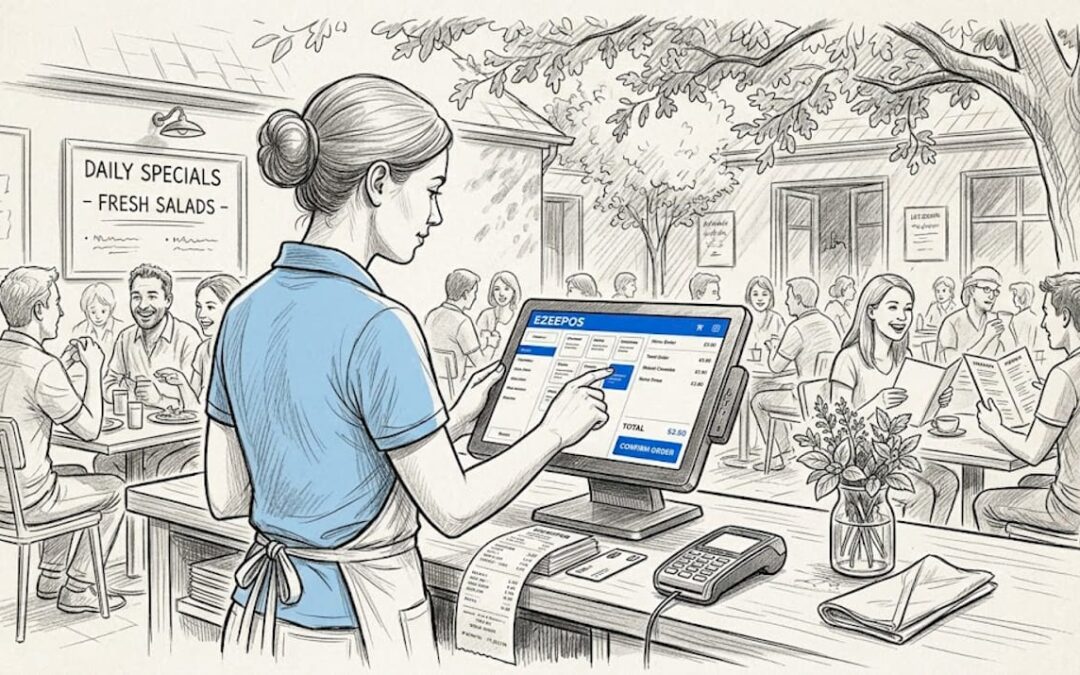
The phrase “fast-casual” describes a specific service contract with your customer. They expect food that is served within minutes, not a full table-service experience, but with better quality than a drive-through. That promise only holds if your POS handles order entry, kitchen communication, and payment processing without friction.
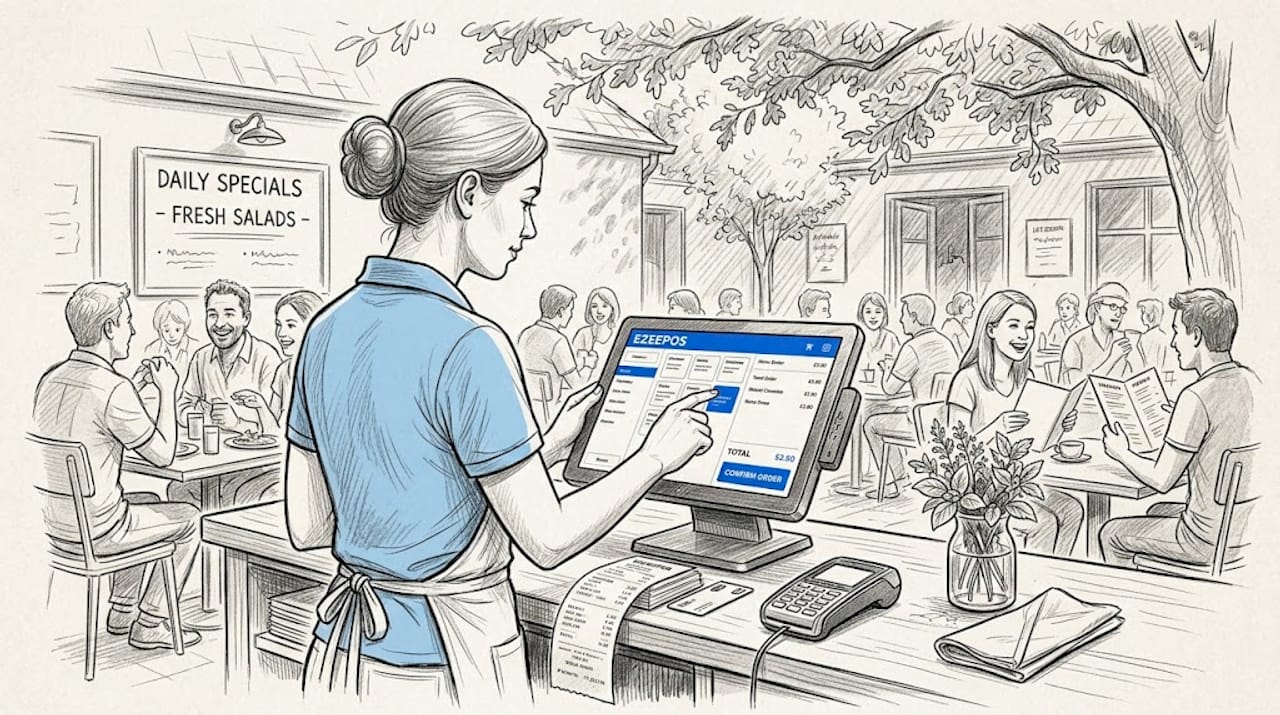
Speed starts at the till. A rapid order entry interface with large touch targets, logical item groupings, and minimal taps-to-ticket is non-negotiable. Staff should be able to place a complex order in under thirty seconds without hunting through nested menus. That requirement alone disqualifies a significant number of generic retail POS systems that have been adapted for food service.
Kitchen display system (KDS) integration is equally critical. Rather than printing a ticket and relying on a chef to interpret handwriting or faded thermal paper, a proper KDS connection sends orders directly to the preparation station, colour-coded by priority and elapsed time. This is where fast-casual meals stay within that five to ten minute window your customers expect.
Here is what the core speed-related features look like in practice:
- Rapid order entry interface with intuitive item layout and minimal navigation depth
- One-touch modifier selection so customisation does not slow down the queue
- KDS integration with real-time ticket routing to relevant preparation stations
- Fast payment processing covering contactless, mobile wallets, and split transactions
- Swappable terminal support so that hardware failure during a Saturday lunch rush does not bring service to a halt
Pro Tip: When evaluating any fast-casual POS system, ask the vendor to demonstrate a ten-item order with five different modifiers on the clock. The number of screen taps required tells you more about operational speed than any feature brochure.
Menu customisation and modifier management
Here is where most operators underestimate what their POS needs to do. A fast-casual burger concept might have eight patty options, twelve sauces, four bread choices, and six extras. A build-your-own bowl café can generate thousands of possible combinations from a relatively short ingredient list. If your system cannot handle that gracefully, every customised order becomes a bottleneck.
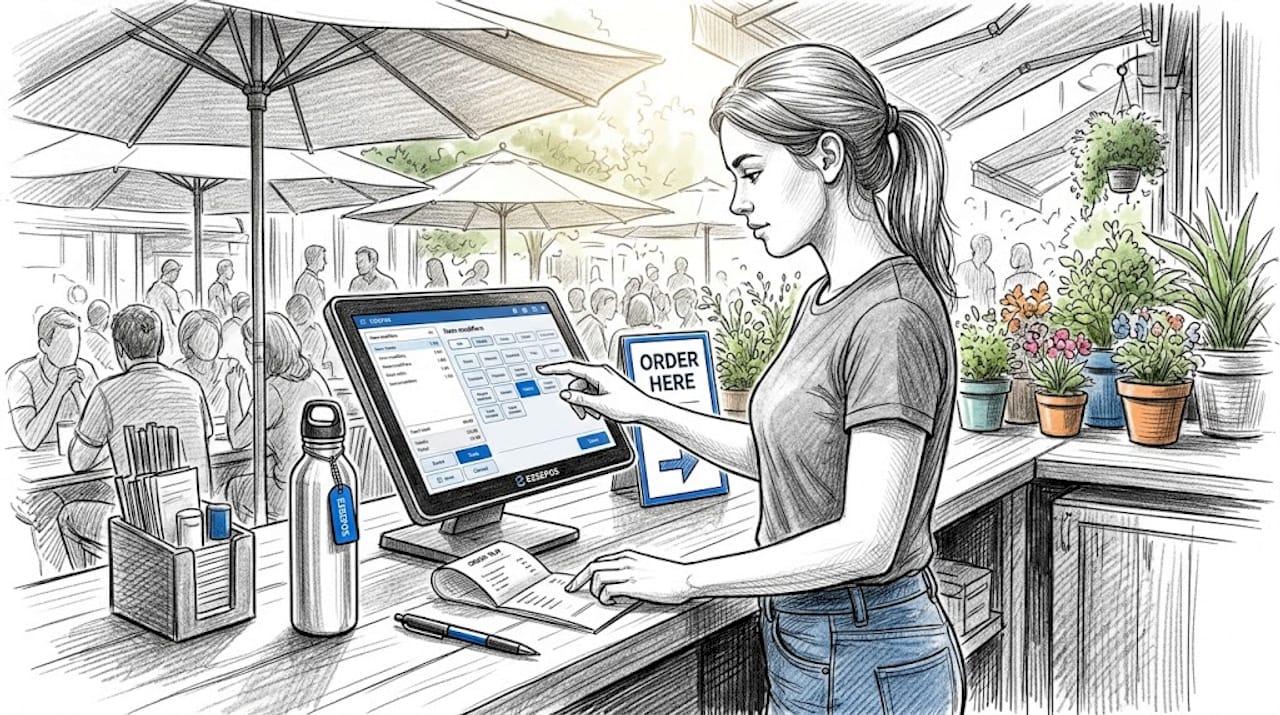
Effective modifier logic should allow staff to apply changes in one or two touches per modifier, not navigate a separate screen for each option. The difference between two taps and five taps per modifier across two hundred orders a day is measurable in queue length and staff stress.
When assessing fast-casual POS requirements around menu management, prioritise these capabilities in order:
- One-touch or quick-select modifiers that display all relevant options on a single screen without drilling down
- Forced modifier prompts that require staff to confirm key choices (such as sauce or allergen substitutions) before the ticket is sent
- Combo and bundle logic that applies the correct pricing automatically when a customer chooses a meal deal
- Quick menu updates that let you change prices, 86 items, or add a seasonal special from the back office without requiring a technician visit
- Ingredient substitution tracking that feeds into your inventory, so a “no onion” modification actually deducts onion from stock
Common pitfalls occur when operators choose a POS that handles modifiers as free-text fields. Staff type notes instead of selecting options, which means the kitchen cannot prioritise tickets accurately and allergen information is inconsistently recorded. That is a compliance risk as much as an efficiency problem.
Pro Tip: Build a test order using your most complex menu item before committing to any system. If modifier entry takes longer than fifteen seconds per item, that system will slow your service during peak periods.
Integration capabilities and multi-channel sales
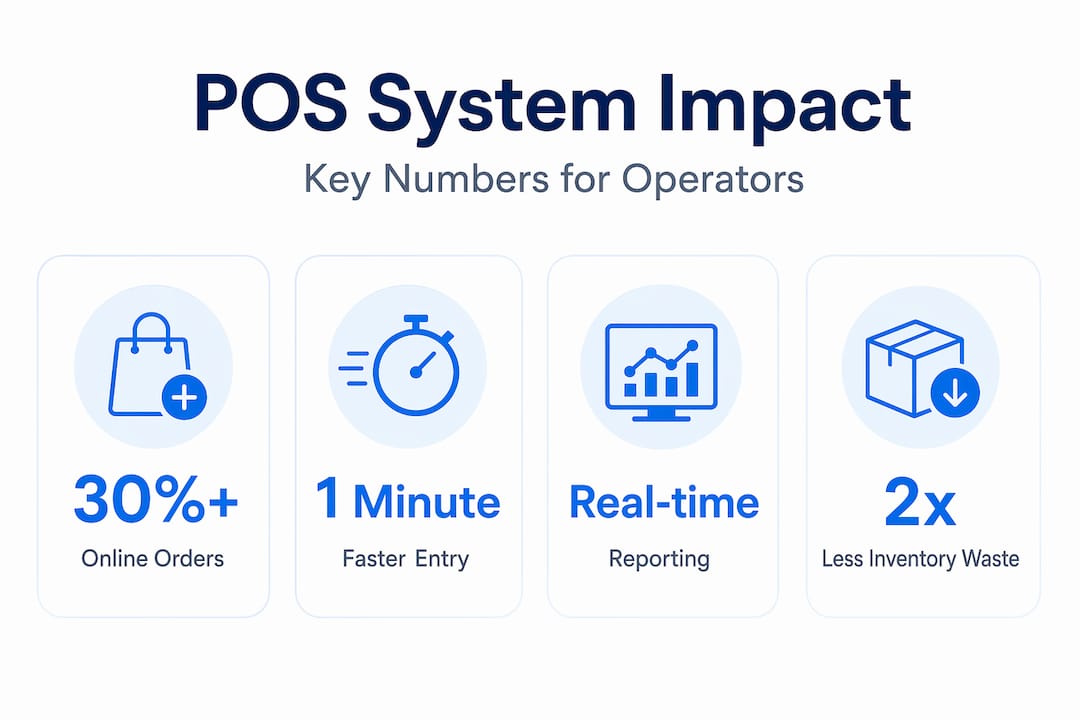
Online ordering is not a supplement to fast-casual revenue. For many operators, it accounts for thirty percent or more of daily covers. The question is not whether your POS connects to delivery platforms. The question is how well it manages those connections.
Automatic order routing from delivery platforms directly into the kitchen queue removes the single biggest source of manual error in multi-channel operations. Without it, staff are transcribing orders from a tablet into the POS, which introduces mistakes and delays during precisely the moments when the kitchen is already under pressure.
Here is how integration capability breaks down across the key operational areas:
| Integration type | What it should do | Why it matters |
|---|---|---|
| Delivery platforms | Auto-route orders to KDS without manual entry | Eliminates transcription errors and delay |
| Online ordering | Sync menu availability and pricing in real time | Prevents customers ordering items that are unavailable |
| Loyalty programmes | Capture spend data and trigger rewards automatically | Builds repeat business without staff intervention |
| Multi-location management | Centralise menu, pricing and promotion updates | Keeps all sites consistent with one change |
| AI ordering systems | Accept and process voice or automated orders into POS | Reduces order entry load during peak periods |
Loyalty programme integration deserves more attention than it typically receives. Spend-linked community programmes that automatically donate a small portion of each transaction to a local cause are gaining traction precisely because they create emotional loyalty rather than transactional loyalty. A POS that supports flexible loyalty rules gives you the tools to run these programmes without third-party workarounds.
Unified data management and reporting
This is where the benefits of a fast-casual POS system shift from operational to strategic. Single-transaction processing is table stakes. What separates a well-run operation from a struggling one is usually the quality of management information available after service.
Disparate data silos create inefficiencies that compound over time. When your sales data lives in the POS, your stock counts live in a spreadsheet, and your labour costs live in a separate payroll system, you cannot see the full cost of a busy Tuesday lunchtime without manually pulling three reports together. That is not a reporting inconvenience. It is a structural barrier to making good decisions quickly.
A unified POS platform addresses this directly. Consider what a proper single-dashboard view gives you versus a fragmented system:
| Capability | Unified POS platform | Fragmented system |
|---|---|---|
| Sales and labour cost ratio | Visible in real time per shift | Calculated manually after payroll |
| Stock depletion alerts | Triggered automatically at threshold | Noticed when item runs out at service |
| Menu performance data | Revenue per item tracked by daypart | End-of-week sales totals only |
| Staff scheduling integration | Clock-in data feeds labour cost model | Separate timesheets, reconciled weekly |
| Forecasting | AI-assisted demand prediction by day and hour | Historical averages reviewed manually |
Real-time reporting also helps you anticipate problems before they affect service. A system that shows you order volume accelerating twenty minutes before your kitchen reaches capacity lets a manager act. A system that only shows you yesterday’s figures does not.
Inventory management within the POS is often the feature operators appreciate most after six months of use. Automatic stock depletion per order, low-stock alerts, and waste tracking give you control over food cost that no amount of manual counting can replicate at the same accuracy. For hospitality inventory management, integrating this data with your purchasing workflow closes the loop entirely.
My take on the mistakes operators keep making
I’ve spent years working alongside restaurant operators who have chosen their POS based on a feature checklist, and I’ll be direct: it almost never produces the result they expected. The feature list tells you what a system can do in isolation. It does not tell you whether it fits your concept, your team, or your service rhythm.
The biggest mistake I see is operators selecting a system built for table-service restaurants and trying to adapt it to counter service. The workflows are fundamentally different. A system designed for two-hour dining covers will organise its logic around tables and courses. A fast-casual operation needs the system organised around speed, throughput, and modifier accuracy.
Hardware reliability is the second most underestimated factor. I’ve watched a single terminal failure during a Saturday lunch service cost an operator two hours of full-capacity trade. Swappable terminals are not a luxury feature. They are operational insurance.
What I’ve learned is that modifier logic is the real differentiator in fast-casual settings. A system that handles fifty modifiers elegantly but has mediocre reporting is more valuable to a busy café than a system with exceptional analytics and clunky order entry. You cannot fix a slow queue with a dashboard.
The operators who get the most from their POS are the ones who define their own service requirements first, then evaluate systems against those requirements. That sequence produces better outcomes than any amount of vendor-led demos.
— John
How Ezeepos supports fast-casual operators in the UK
If you are re-evaluating your POS setup after reading this, Ezeepos is worth a serious look. Built specifically for UK hospitality venues including fast-casual eateries, cafés, and counter-service restaurants, the platform covers the full range of fast-casual POS requirements without locking core features behind higher pricing tiers.
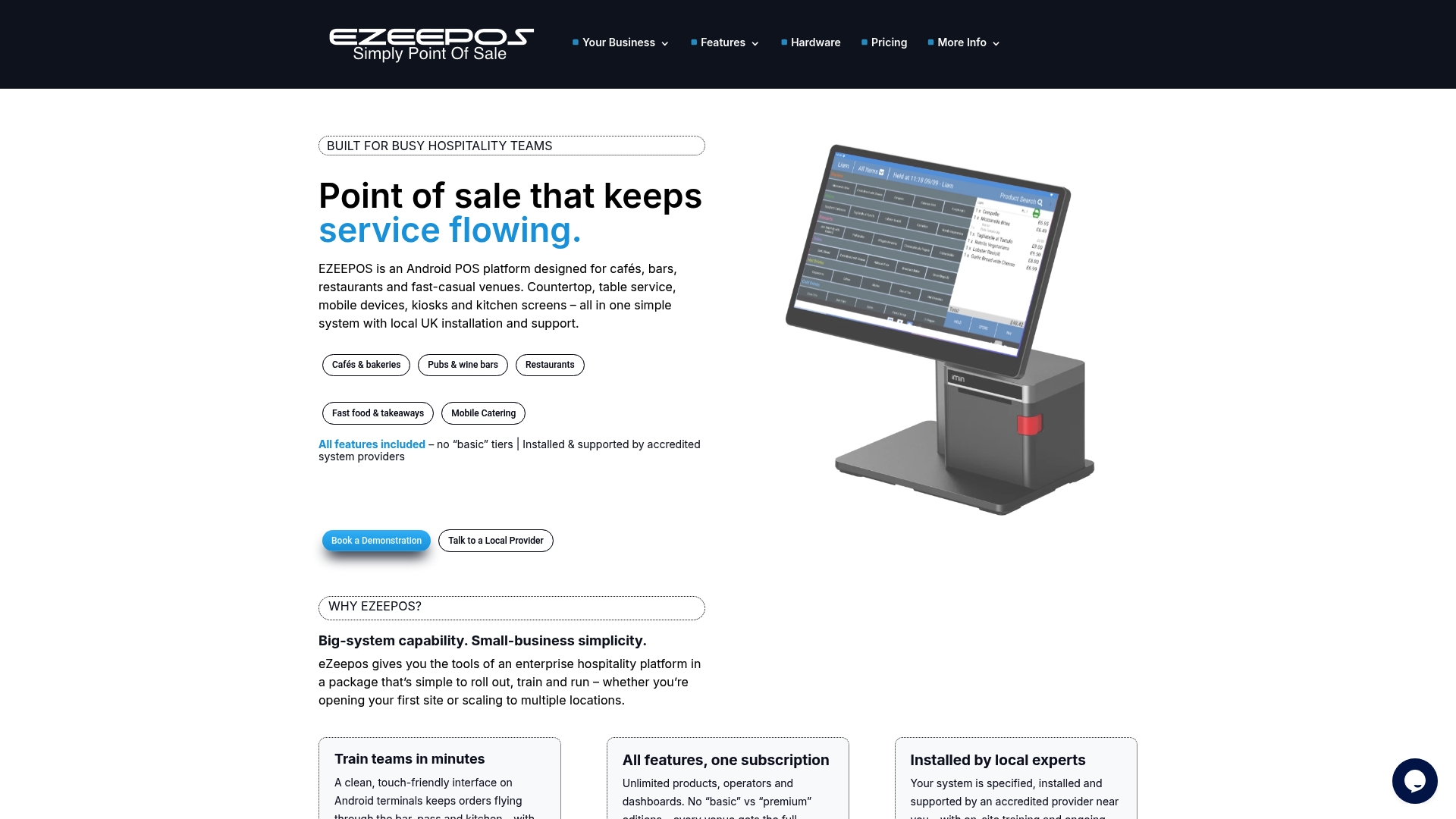
The Ezeepos Android-based system supports rapid order entry, one-touch modifier management, and direct kitchen screen integration to keep your preparation workflow moving under pressure. It handles delivery platform connections, loyalty programme integration, and multi-location menu management from a single back-office interface. Inventory, labour tracking, and real-time sales data are consolidated into one platform rather than spread across separate tools. UK-based installation, training, and ongoing human support from accredited providers mean you are not navigating technical issues alone. Explore Ezeepos to see how the platform matches up against your specific fast-casual POS requirements.
FAQ
What are the key features of a fast-casual POS system?
The key features of a fast-casual POS system include rapid order entry, one-touch modifier selection, kitchen display system integration, fast payment processing, and real-time inventory tracking. These features work together to maintain throughput and order accuracy during busy service periods.
Why does modifier management matter so much in fast-casual settings?
Complex modifier logic that requires multiple screen taps per customisation slows order entry and increases queue length. Fast-casual POS systems need one-touch modifier selection so staff can process customised orders quickly without error.
How do I choose a fast-casual POS that fits my operation?
Define your service workflow and concept requirements before evaluating any system. A POS chosen to match your specific counter-service or hybrid model will outperform a feature-rich system that was built for different workflows.
What integration should a fast-casual POS have?
At minimum, your POS should connect to delivery platforms, online ordering channels, and a loyalty programme, with automatic order routing into the kitchen queue. Multi-location menu management and AI-assisted ordering are increasingly standard expectations for growing operations.
How does a unified POS platform reduce costs?
By combining sales, stock, and labour data in a single view, a unified data platform eliminates the manual reconciliation that hides true food and labour costs. Operators gain accurate, real-time visibility that enables faster and more profitable decisions.
Recent Comments