
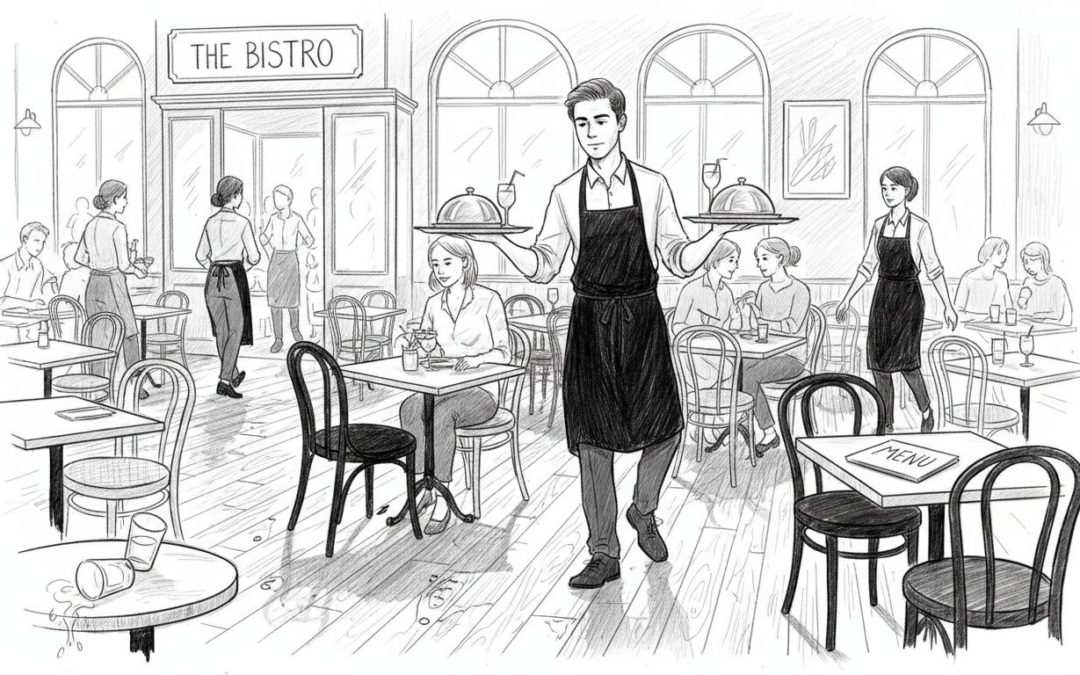
Many UK hospitality venues struggle with slow order taking, frequent service errors, and inefficient workflows that drain revenue and damage their reputation. You don’t need to hire more staff to fix these problems. With the right technology, optimised layouts, and smart workflows, you can dramatically improve table service speed and accuracy. This guide walks you through the essential tools, implementation steps, common pitfalls, performance metrics, and service model comparisons to help you transform your operations and deliver exceptional guest experiences.
Table of Contents
- Prerequisites: What You Need For Efficient Table Service
- Essential Tools And Technologies For Efficient Service
- Stepwise Guide To Implementing Efficient Table Service
- Common Operational And Human Error Pitfalls With Fixes
- Comparison Of Table Service Models And Their Tradeoffs
- Metrics And Outcomes To Expect Post-Implementation
- Discover Ezeepos Solutions To Accelerate Your Table Service
Key takeaways
| Point | Details |
|---|---|
| Integrated POS systems | Cut order times by up to 30% through streamlined digital workflows. |
| Staff training investment | Improves service efficiency by 25% and reduces costly errors. |
| Optimised floor layouts | Reduce waiter walking distances by 20%, accelerating service speed. |
| Trial implementations | Boost adoption success rates by 30% before full rollout. |
| Self-service tradeoffs | Lower staff costs by 25% but may reduce personal guest interaction. |
Prerequisites: what you need for efficient table service
Before you overhaul your table service, you need solid foundations in place. Jumping straight to new technology without these basics wastes money and frustrates staff.
First, you need an integrated POS system designed specifically for table service. Generic systems create bottlenecks and errors. Your POS should handle orders, payments, kitchen communication, and reporting seamlessly.
Second, your staff must understand how to use the technology and follow service protocols. Untrained teams can’t execute efficient workflows no matter how good your tools are. Plan structured training sessions that cover both technical skills and service standards.
Third, assess your floor layout critically. Are tables positioned to minimise staff walking distances? Does your current setup create congestion during peak hours? Physical space directly impacts service speed.
Fourth, decide which service model fits your venue: full table service, mobile POS, or self-service kiosks. Each model has different staffing needs, costs, and guest experience impacts. Your choice shapes everything else.
Finally, establish baseline metrics before making changes. Track current order processing times, error rates, and customer satisfaction scores. Without this data, you can’t measure improvement or justify investment.
Essential tools and technologies for efficient service
The right technology transforms table service from chaotic to controlled. Modern tools eliminate manual errors, speed up communication, and give you real-time operational visibility.
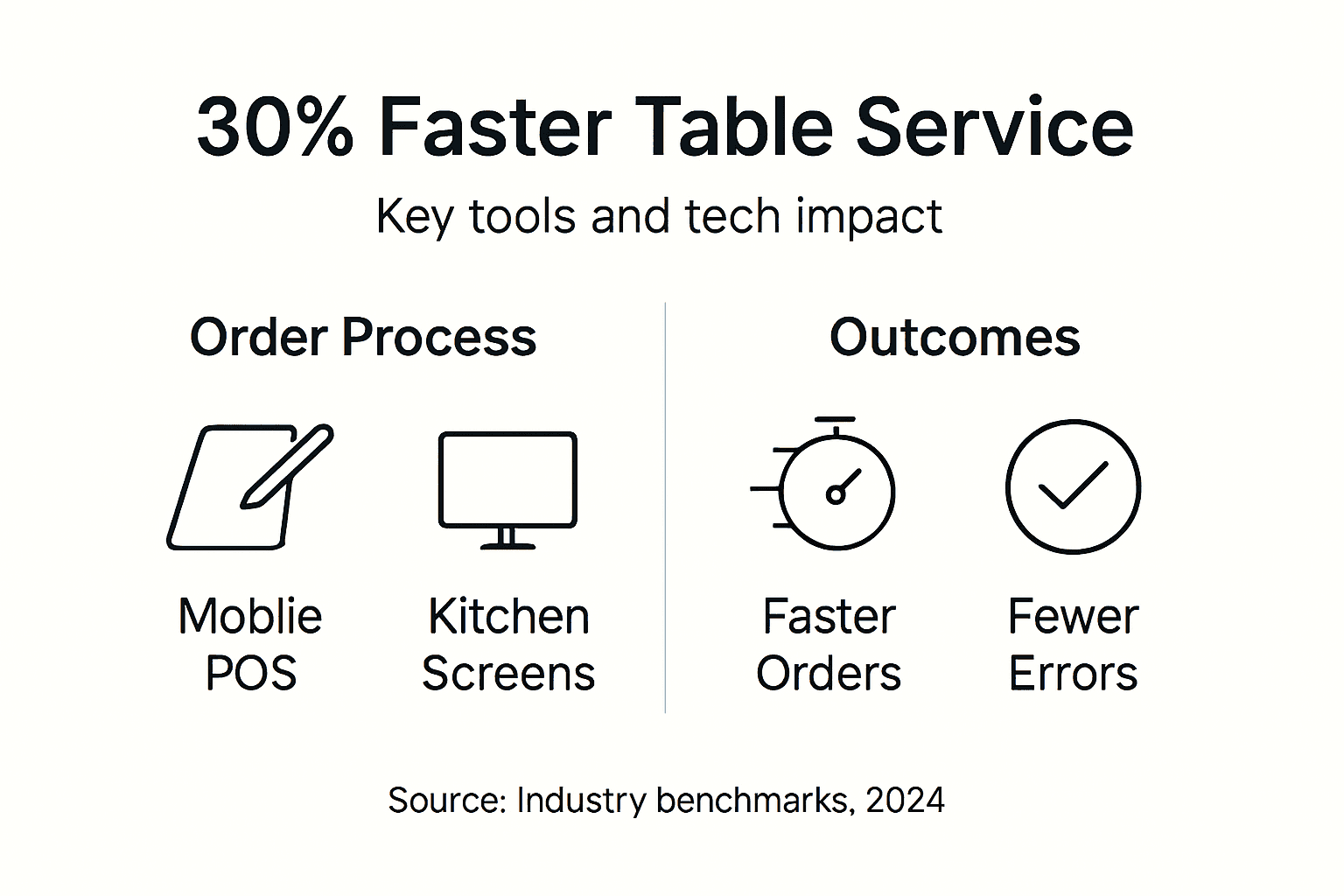
Mobile POS devices let servers take orders tableside and send them instantly to the kitchen. This approach reduces order processing time by up to 30%, cutting wait times and increasing table turnover. Servers spend less time walking to fixed terminals and more time serving guests. Mobile solutions work brilliantly in busy restaurants where speed matters.

Kitchen order screens replace paper tickets and shouted orders. When synchronized with your POS, dedicated kitchen order screens reduce communication errors by 35%, ensuring accurate preparation and faster delivery. Chefs see orders the moment servers input them, colour-coded by priority and preparation time.
Cloud-based POS back offices give you control from anywhere. Check sales, adjust menus, monitor inventory, and analyse staff performance in real time without being physically present. This flexibility proves invaluable for multi-site operators or when you’re handling emergencies.
Digital order entry cuts manual errors by up to 40% compared to handwritten tickets. Servers select items from clear menus with modifiers, eliminating illegible handwriting and miscommunication. The kitchen receives precise instructions every time.
Integrated payment systems speed up transactions and reduce queues at the end of meals. Guests pay at the table using contactless cards or mobile wallets, eliminating the awkward wait for bills and change. For more details on mobile POS setup and why integrated systems matter, explore practical implementation resources.
Statistic spotlight: Mobile POS systems can cut order processing by 30%, whilst kitchen screens reduce errors by 35%, creating measurable efficiency gains.
Stepwise guide to implementing efficient table service
Implementing efficient table service requires careful planning and execution. Follow these steps to maximise success and minimise disruption.
-
Acquire and install your POS system. Choose a counter service POS solution designed for your venue type. Work with accredited providers who offer local UK installation and ongoing support. Ensure hardware placement supports natural staff workflows.
-
Conduct thorough staff training. Invest in structured training programmes covering POS operation, order entry protocols, payment processing, and troubleshooting. Proper training improves efficiency by 25% and dramatically reduces errors. Don’t rush this step.
-
Reorganise your seating layout. Analyse traffic patterns and adjust table placement to reduce walking distances by 20%. Group tables logically, create clear pathways, and position service stations strategically. Small layout changes yield surprising gains.
-
Run a pilot phase for 4 to 6 weeks. Test new workflows in a controlled section of your venue before full rollout. Collect data on order times, error rates, and staff feedback. Pilot phases improve adoption success by 30% by identifying problems early.
-
Analyse data and refine processes. Review pilot metrics weekly. Adjust workflows, retrain staff on problem areas, and optimise system settings based on real performance data. Iteration is key to sustained improvement.
-
Implement fully across your venue. Once pilot results meet targets, roll out refined workflows venue-wide. Monitor performance closely during the first month and maintain open communication channels for staff feedback. For additional POS implementation insights, consult expert resources.
Pro Tip: Run pilot phases during quieter periods to reduce pressure on staff whilst they adapt to new systems and workflows.
Common operational and human error pitfalls with fixes
Even well-planned implementations hit obstacles. Recognising common pitfalls helps you avoid costly mistakes.
Insufficient POS training causes service to slow by 15% as staff struggle with unfamiliar interfaces and features. Fix this by scheduling comprehensive training sessions before launch, offering refresher courses quarterly, and creating quick-reference guides for common tasks. Make POS training a priority to prevent operational slowdowns.
Running manual and digital order systems simultaneously creates confusion and errors. Staff forget which system to use, orders get duplicated or lost, and kitchen communication breaks down. Transition fully to digital from day one of your pilot to eliminate this problem.
Poor floor layouts increase walking distances, slow service, and exhaust staff during busy shifts. Analyse your space critically and reorganise tables to create efficient service zones. Position POS terminals and service stations centrally to minimise movement.
Lack of kitchen communication integration raises error rates and delays. Paper tickets get lost, handwriting proves illegible, and verbal communication fails during rush periods. Implement synchronized kitchen screens to ensure instant, accurate order transmission.
Skipping trial periods lowers adoption success because staff face unfamiliar systems during peak hours without practice. Always run pilot phases to identify issues, gather feedback, and refine workflows before full implementation. Learn from common POS pitfalls others have experienced.
Pro Tip: Create a dedicated staff feedback channel during implementation to catch problems early and address concerns before they impact service quality.
Comparison of table service models and their tradeoffs
Choosing the right service model shapes your operational costs, guest experience, and staffing requirements. Each approach has distinct advantages and limitations.
| Service Model | Pros | Cons | Best For |
|---|---|---|---|
| Full table service | Maximum guest engagement, personalised service, upselling opportunities | Higher staffing costs, slower table turnover, more training needed | Fine dining, upscale restaurants, venues prioritising experience |
| Mobile POS table service | 30% faster order processing, fewer errors, flexible staff deployment | Requires POS-trained staff, device management, initial investment | Busy restaurants, casual dining, venues balancing speed and service |
| Self-service kiosks | Reduce staff costs by 25%, consistent order accuracy, faster throughput | Less personal interaction, potential technology barriers for some guests | Quick-service venues, high-volume cafés, cost-focused operations |
Full table service maximises guest engagement through personal interaction and tailored recommendations. Servers build rapport, answer questions, and create memorable experiences. However, this model requires more staff, extensive training, and higher labour costs.
Mobile POS offers faster, more flexible order taking whilst maintaining human interaction. Servers use tablets or handheld devices to input orders tableside, reducing errors and speeding kitchen communication. This approach suits most UK hospitality venues seeking efficiency without sacrificing service quality.
Self-service kiosks dramatically reduce staffing needs and speed up ordering in high-volume environments. Guests input orders directly, reducing queues and labour costs. However, this model sacrifices personal interaction and may frustrate less tech-savvy customers.
Your choice depends on venue type, target market, and operational priorities. Explore table service model options to determine which approach aligns with your business goals.
Metrics and outcomes to expect post-implementation
Setting realistic expectations helps you measure success and justify investment. Here’s what UK hospitality venues typically achieve after implementing efficient table service practices.
| Metric | Expected Improvement | Timeline |
|---|---|---|
| Customer satisfaction scores | 20% increase | 4-6 months |
| Order processing speed | 30% faster | 2-3 months |
| Order error rates | 40% reduction | 2-4 months |
| Adoption success | 30% higher with pilots | During implementation |
| Waiter walking distances | 20% reduction | Immediate after layout changes |
Customer satisfaction scores typically improve by 20% within six months as faster service, fewer errors, and smoother operations enhance the dining experience. Guests notice when venues run efficiently.
Order processing speeds increase by approximately 30% after staff complete training and adapt to new workflows. Digital systems eliminate delays from manual entry, illegible handwriting, and communication gaps.
Order errors reduce by up to 40% when venues transition from manual to digital systems. Clear menu interfaces, modifier options, and instant kitchen communication prevent common mistakes.
Trial implementation phases improve adoption success rates by roughly 30% compared to immediate full rollout. Pilots identify technical issues, workflow problems, and training gaps before they affect the entire operation.
Optimised floor layouts cut waiter walking times by 20% the moment you implement changes. Reduced distances mean faster service, less staff fatigue, and improved efficiency during peak hours. For more on expected efficiency metrics, consult industry benchmarks.
Discover eZeepos solutions to accelerate your table service
Now that you understand the tools, steps, and outcomes required for efficient table service, it’s time to act. eZeepos offers integrated POS solutions designed specifically for UK hospitality venues like yours. Our Android-based platform supports mobile POS, kitchen screens, cloud back offices, and flexible hardware options to match your service model.

We provide comprehensive training and ongoing human support through accredited UK providers, ensuring your staff master the system quickly. Whether you need full table service capabilities or mobile POS flexibility, our solutions reduce errors, speed up operations, and improve guest satisfaction. Our platform offers enterprise-level functionality without complex pricing tiers, giving you full feature access from day one. Visit our website to explore how eZeepos transforms table service efficiency. Discover more about why hospitality POS matters and review our mobile POS setup guide for practical next steps.
Frequently asked questions
What is the best POS system for efficient table service in UK venues?
The best POS system balances ease of use, integration capabilities, and staff training support tailored to your venue size and service model. Mobile POS systems prove highly effective for speeding order processing in busy UK venues. Explore types of POS systems to identify the right fit.
How long does it take to see improvements after implementing efficient table service?
Significant improvements in customer satisfaction and order speed typically appear within four to six months post-implementation when staff are fully trained and workflows optimised. Pilot phases usually last four to six weeks before full rollout, allowing you to refine processes based on real data.
Can self-service kiosks affect customer experience compared to full table service?
Self-service kiosks reduce staffing costs by up to 25% but can decrease personal interaction, potentially impacting guest satisfaction in venues where service quality defines the experience. Full table service maximises engagement but requires more staff and higher operational costs. Your choice depends on whether you prioritise cost efficiency or personalised service.
How do mobile POS devices improve table service efficiency?
Mobile POS devices let servers take orders directly at the table and send them instantly to the kitchen, eliminating trips to fixed terminals. This cuts order processing time by 30% and reduces errors from miscommunication. Servers spend more time engaging with guests and less time walking.
What training investment is needed for efficient table service implementation?
Plan for comprehensive initial training covering POS operation, order protocols, payment processing, and troubleshooting, typically requiring one to two full days per staff member. Schedule quarterly refresher courses and provide quick-reference guides for ongoing support. Proper training improves efficiency by 25% and prevents costly operational slowdowns.
Recent Comments