

Running a packed restaurant or café in the UK, you know that keeping service quick and smooth is what keeps customers coming back. As modern diners prefer to order in their own time without the usual wait, table ordering offers a digital solution that fits their expectations. By letting guests order directly from the table through devices or QR codes, you gain more control over the pace of service and let staff focus on what they do best—providing genuine hospitality. For operators, this means less confusion, faster table turns, and happier customers in every corner of your venue. The shift towards table ordering in hospitality is not just about technology, but about smarter service and a better guest experience.
Table of Contents
- Defining Table Ordering In Hospitality Settings
- Key Types And Technology Options Explained
- How Table Ordering Systems Operate
- Major Benefits For Restaurants And Cafés
- Challenges, Costs, And Common Pitfalls
Key Takeaways
| Point | Details |
|---|---|
| Enhanced Customer Control | Table ordering allows customers to place their orders at their own pace, reducing pressure and increasing satisfaction. |
| Improved Operational Efficiency | Instant order transmission eliminates handwritten tickets, minimising errors and speeding up kitchen preparation times. |
| Integration Across Systems | Seamless connection between table ordering and POS systems enhances service delivery and operational insights. |
| Focus on Hospitality | Staff can concentrate on customer service and satisfaction rather than repetitive order-taking tasks. |
Defining Table Ordering in Hospitality Settings
Table ordering represents a shift in how restaurants and cafés operate day-to-day. Rather than waiting for staff to approach, customers place orders directly from their tables using digital interfaces or QR codes on personal devices.
This isn’t a gimmick or fleeting trend. It’s a practical response to how modern diners want to experience hospitality venues. The approach works across different venue types—fine dining establishments, casual bistros, high-volume cafés, and quick-service operations all benefit from this flexibility.
How Table Ordering Works
The mechanics are straightforward. Customers scan a QR code placed on their table or use a tablet built into the dining surface. They browse the menu, select items, customise their order (extra sauce, no onions, dietary requirements), and submit payment—often without speaking to a single member of staff.
The order flows directly to your kitchen screen, eliminating the traditional handwritten ticket or verbal call. Staff receive real-time updates on what’s needed, reducing confusion and speeding up preparation.
Key features of this system include:
- Customers control the pace of their meal—they order when ready, not when staff can attend
- Staff focus on hospitality and table care rather than repetitive order-taking
- Orders arrive in the kitchen immediately, with zero miscommunication
- Payment processing happens at the table, reducing time spent waiting for the bill
- Menu updates push instantly to all tables, reflecting availability or specials in real time
Why This Matters for Your Venue
Modern POS systems integrate table ordering seamlessly with your kitchen operations and till systems. Everything connects—inventory, payment processing, staff management, and reporting—through a single platform.
This integration eliminates the friction points that slow you down during service. No more rushing between tables with notepads. No more kitchen staff deciphering illegible handwriting. No more arguments about who took which order.
The result? Faster table turns, happier customers, and staff who actually enjoy their shifts.
Table ordering removes the guesswork from service, allowing customers to order at their own pace whilst your team focuses on genuine hospitality.
Different Service Models
Table ordering isn’t one-size-fits-all. Your venue might use it alongside other methods:
- Full table ordering for sit-down restaurants where customers order from their seat
- Hybrid models combining table ordering with counter service for quick-service venues
- Self-service kiosks at the entrance for customers who prefer independent ordering
- Mobile POS for catering events where staff circulate with tablets
You choose what suits your operation. Some venues implement table ordering across the entire floor; others use it for specific sections or during peak hours.
The Customer Experience Shift
Customers appreciate control. They’re not interrupted mid-conversation by staff asking “Are you ready to order?” They’re not rushed through their meal. They can take photos of the menu, discuss options with companions, and order exactly what they want without pressure.
This autonomy builds loyalty. Customers return because the experience feels modern, respectful of their time, and efficient.
For your team, the psychological benefit is real too. Staff stress decreases when they’re not managing a dozen pending orders whilst trying to find a pen. They can focus on making customers feel welcome rather than processing transactions.
Pro tip: Start by piloting table ordering on your quietest service first—Tuesday lunch or Wednesday evening—so your team learns the system without the chaos of Saturday night.
Key Types and Technology Options Explained
Table ordering technology comes in several distinct flavours, each suited to different venue sizes and service styles. Understanding your options helps you choose what actually works for your operation rather than what sounds impressive in a sales pitch.
The main technologies fall into four categories. Each has strengths and trade-offs worth considering before you commit budget and staff time to implementation.
QR Code Scanning Systems
QR codes represent the simplest entry point. Customers scan a code printed on your table or menu, which opens a digital menu on their personal device. They order, pay, and the kitchen receives the ticket instantly.
What makes this appealing:
- Minimal upfront investment—just printed codes and a mobile-friendly menu online
- No hardware to install, maintain, or replace
- Customers use their own phones, so you avoid hygiene concerns
- Works immediately without staff training on new equipment
- Easy to update menus by changing the linked web page
The trade-off? You lose table data if customers don’t create accounts. You can’t personalise future visits or track their preferences.
Tablet-Based Ordering Devices
Tablets built into tables or mounted on stands offer a more integrated experience. Customers interact with a dedicated screen rather than their own device, giving you complete control over the ordering interface.
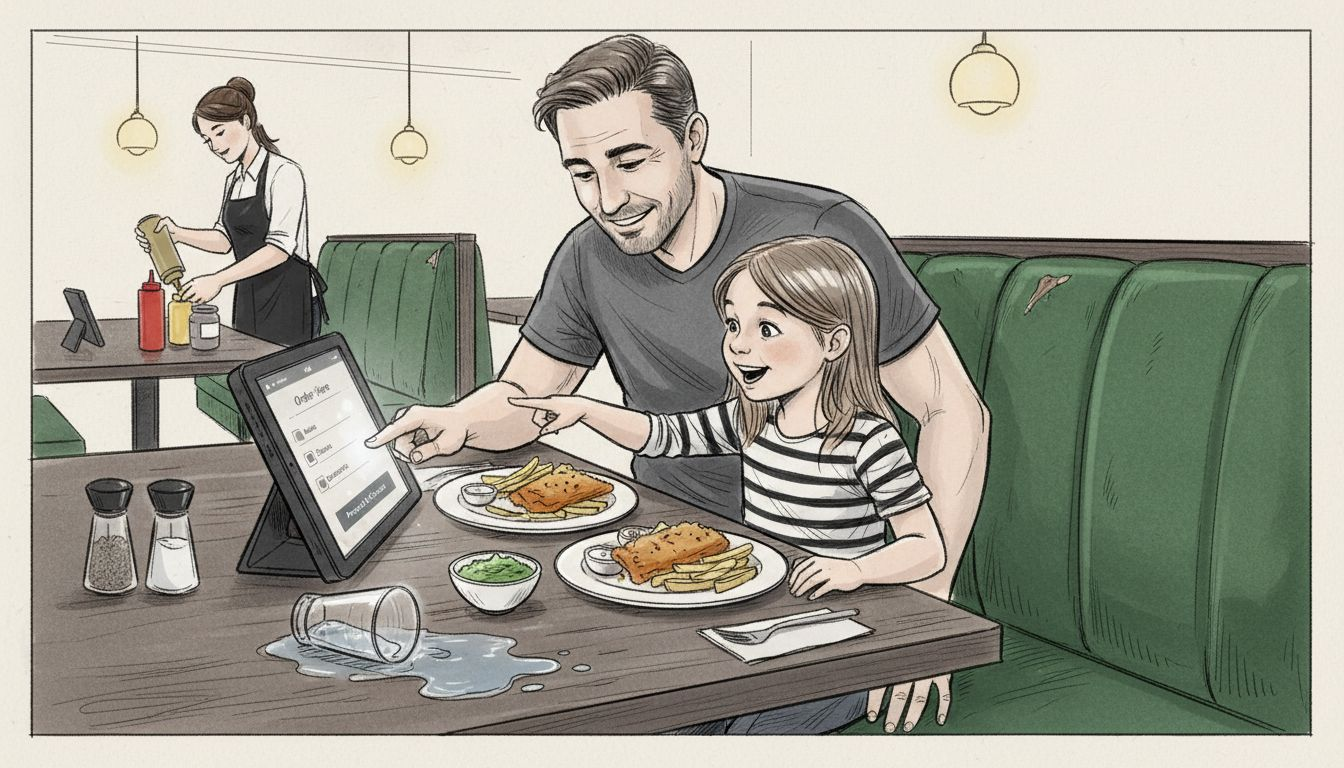
This approach suits venues with fixed seating—restaurants, cafés, fine dining establishments. The tablets stay at the table, so customers can reference them throughout their meal without pulling out their phones.
Benefits include:
- Full control over the user experience and menu presentation
- Consistent experience across all tables
- Built-in payment processing reduces trip to the till
- Staff can see table status on kitchen screens in real time
- Data collection on customer behaviour and preferences
The cost is higher. Hardware, maintenance, software licensing, and WiFi infrastructure all add up. Staff must troubleshoot technical issues during service.
Mobile Ordering Apps
Mobile ordering apps function like dedicated software on customers’ phones. They download your app, create an account, and order when seated or even before arrival.
This appeals to larger venues with regular customers who will engage with your brand. The app becomes a loyalty tool—you capture their preferences, dietary requirements, and payment history.
Advantages:
- Pre-ordering functionality—customers order before they arrive
- Personalised menus based on their history and allergies
- Push notifications for specials and promotions
- Customer data informs your menu decisions and marketing
- Integration with your booking system for seamless service
Drawback: customers must download your app. Not everyone will. You’re competing for phone space with dozens of other hospitality apps.
Here’s a side-by-side comparison to help you select the best table ordering technology for your hospitality venue:
| Technology Type | Ideal Venue Size | Upfront Cost | Customer Data Capture |
|---|---|---|---|
| QR Code Scanning | Small to medium venues | Low | Limited, unless account |
| Tablet-Based Ordering | Medium to large, fixed | High | Extensive behavioural data |
| Mobile Ordering Apps | Large, repeat clientele | Moderate | Detailed, via user account |
| Fully Integrated POS | Large, enterprise | Highest | All data synchronised |
Fully Integrated POS Systems
Integrated booking and order management platforms synchronise table ordering with your entire operation—kitchen display systems, till, inventory, staff schedules, and customer data.
This is enterprise-level thinking. Everything flows through one system. Kitchen staff see what’s ordered instantly. Bar staff knows which drinks go with each order. Managers track table turns, labour costs, and profitability in real time.
The best table ordering technology disappears into your operation—your team uses it without thinking, and customers simply enjoy a better experience.
Choosing What Suits You
Start with your venue type and volume. High-turnover quick-service operations benefit from tablet-based systems that speed payment. Fine dining venues with leisurely pacing might prefer QR codes that respect the customer’s timeline.
Consider your existing systems too. If you already use a POS platform, choosing table ordering that integrates with it saves money and confusion.
Your team matters most. Technology only works if staff actually use it. Choose something they’ll adopt willingly, not something imposed on them that becomes a frustration.
Pro tip: Request a trial period with any vendor—preferably during a live service—before signing a contract, so your team can experience the system under real pressure.
How Table Ordering Systems Operate
Table ordering systems follow a predictable flow from customer selection through to kitchen preparation. Understanding this journey helps you spot where efficiencies happen and where problems might arise.
The process looks simple from a customer’s perspective. Behind the scenes, multiple systems talk to each other in real time to make that simplicity possible.
The Customer Journey
It starts when a customer scans a QR code, opens a tablet at their table, or launches your app. They see your digital menu—the same one you update in seconds from your back office.
They browse at their own pace. No pressure. They can ask companions for input, check dietary requirements, or simply take their time deciding. When ready, they select items, customise them (no croutons, extra dressing, gluten-free bread), and add them to a virtual basket.
Payment happens next. Digital menus enable instant order transmission to your kitchen while payment is processed securely at the table. No waiting for a staff member to collect a card or cash. No fumbling with a payment terminal.
The entire transaction takes minutes from start to finish.
What Happens Behind the Scenes
When a customer submits their order, several things happen simultaneously:
- The order appears on your kitchen display system instantly—no handwritten tickets, no deciphering scrawled notes
- Bar staff see their items if drinks were ordered
- Your POS system logs the sale, updating inventory automatically
- Payment processes through your integrated payment provider
- Your loyalty programme records the transaction if the customer is registered
This parallel processing saves time at every stage. Kitchen staff aren’t waiting for information. Bar staff knows exactly which drinks go where. Your inventory counts stay accurate in real time.
The Kitchen Display System Connection
Your kitchen display system is the nervous system of the operation. Orders appear on screens in the sequence they arrive, colour-coded by priority or table number. Busy periods don’t create chaos—they create organised queues of work.
Staff mark items as started, ready, or complete. The system tracks how long each order takes, alerting managers if something’s running late. Customers see estimated wait times on their ordering interface, managing expectations automatically.
Table Management and Staffing
Your floor staff focus on genuine hospitality. They’re not taking notes or remembering who ordered what. They deliver food to the right tables because the kitchen screen told them exactly where it belongs.
They can spend time checking on customer satisfaction, clearing plates promptly, and creating a welcoming atmosphere rather than processing transactions.
Key operational benefits:
- Orders arrive in kitchen instantly, eliminating delays from staff handwriting or memory lapses
- Payment happens at the table, reducing till queues and time customers spend waiting
- Staff see table status in real time, knowing which tables are ordering, eating, or ready for the bill
- Menu updates push instantly to all devices, preventing customers ordering unavailable items
- Data flows continuously into your back office for reporting and analysis
The best systems work so smoothly that customers and staff barely notice the technology exists—they just experience faster, more accurate service.
Real-Time Data Flow
Every order creates data. Your POS system captures preferences, popular items, peak ordering times, and customer behaviour patterns. This information feeds back into your decision-making.
You see which dishes take longest to prepare. You identify bottlenecks. You spot menu items that rarely sell. You understand your busiest hours. This intelligence helps you staff appropriately, adjust recipes for speed, and market items that drive profit.
Pro tip: Test your system during a quiet service to confirm kitchen staff understand the display screens and that payment processing works smoothly before you go live during peak hours.
Major Benefits for Restaurants and Cafés
Table ordering transforms your operation in ways that ripple through every part of your business. The benefits aren’t just about technology—they’re about money in your pocket, happier staff, and customers who come back.
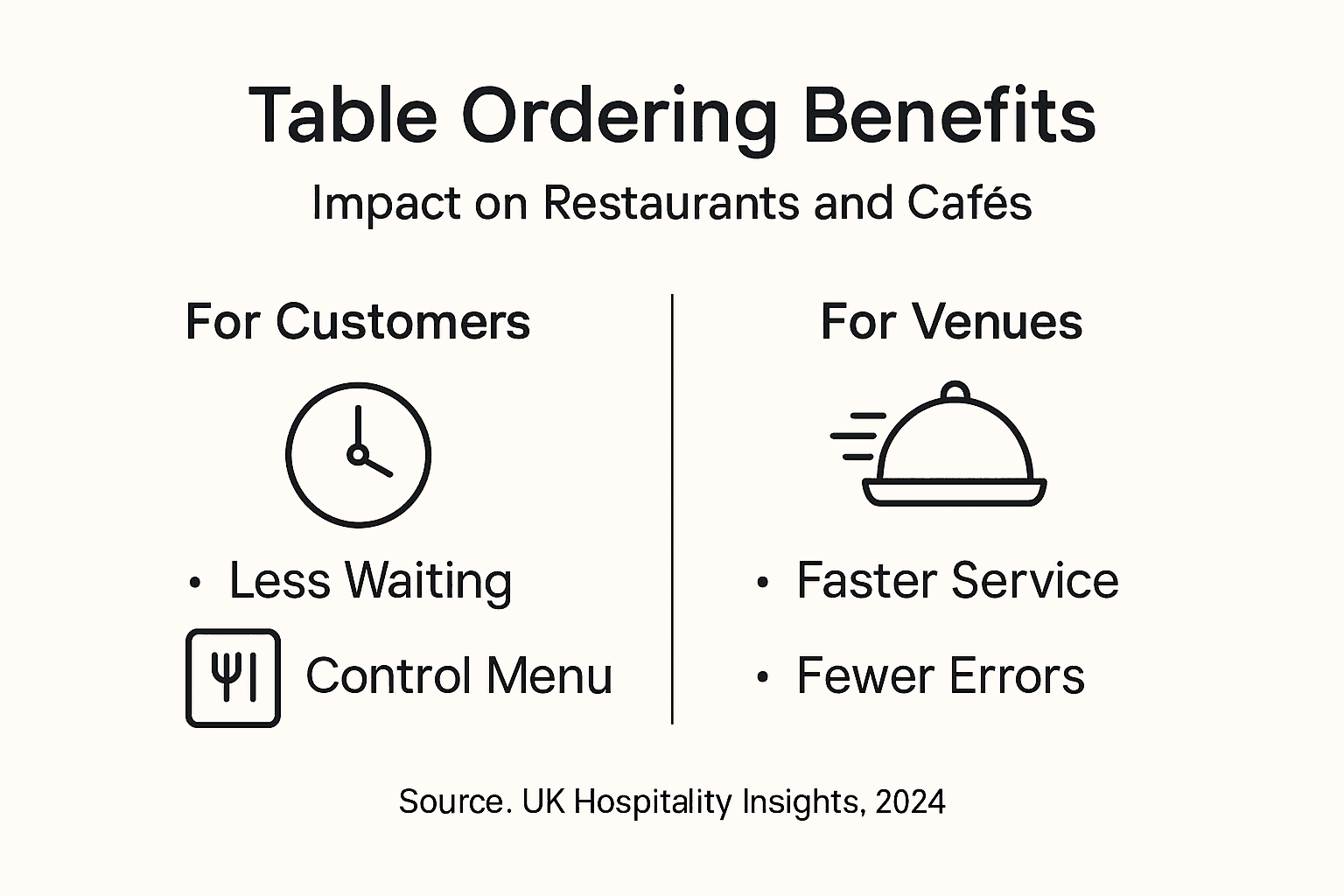
Let’s break down what actually improves when you implement table ordering in your venue.
Faster Service and Higher Table Turns
Eliminating the time customers wait for staff attention speeds up your entire service. No more standing around waiting to order. No more hunting for a staff member when they’re ready to pay.
Customers complete their ordering journey in minutes rather than the 10-15 minutes traditional service requires. That means your tables turn faster. In a 100-seat restaurant, turning tables 30 minutes quicker each evening adds up to significant extra revenue.
Quicker service also means fewer customers lingering after they’ve finished, freeing tables for new bookings during peak hours.
Improved Customer Satisfaction and Loyalty
Table ordering enhances dining speed and convenience by letting customers set their own pace without pressure from waiting staff. They feel in control. They’re not rushed or interrupted mid-conversation.
This autonomy builds satisfaction. Satisfied customers return. They recommend you to friends. They become repeat bookings rather than one-time visitors.
Key satisfaction drivers:
- No interruption—customers order when they’re ready, not when staff happen to pass
- Full menu visibility—they can review options without staff hovering expectantly
- Time to decide—they can discuss choices with companions without feeling pressured
- Transparency—they see exactly what they’re ordering and the total cost upfront
Staff Efficiency and Job Satisfaction
Freeing your team from repetitive order-taking transforms their working life. They’re not frantically scribbling notes or repeating back orders. They’re not arguing with customers about what was ordered.
Instead, they focus on genuine hospitality. They check on table comfort. They deliver food with personality. They create memorable interactions rather than transactional ones.
Staff retention improves when people actually enjoy their shifts. Lower turnover means fewer training costs and more experienced servers delivering consistent quality.
Reduced Errors and Kitchen Efficiency
Handwritten orders breed mistakes. Illegible handwriting, mishearing customer requests, missing special dietary requirements—all these disappear with digital ordering.
Your kitchen receives crystal-clear instructions instantly. No rewriting tickets. No confusion. Less wasted food from incorrect preparation. Better food cost control and fewer customer complaints about wrong dishes.
Real-Time Menu Flexibility
Out of a popular dish? Update your menu instantly. New special available? It’s visible on every table within seconds. Running low on an ingredient? You can disable items before customers order them.
This flexibility keeps your operation responsive. You’re not locked into a fixed menu halfway through service.
Data That Drives Decisions
Table ordering systems capture detailed insights about customer behaviour. You see which items sell, which take longest to prepare, when your busiest periods occur, and what your customers prefer.
This intelligence informs everything—menu design, pricing, staffing levels, promotions, and purchasing decisions.
Table ordering isn’t just a convenience feature—it’s a business tool that reduces costs, increases revenue, and improves every measurable aspect of your operation.
Payment Processing Speed
Payment at table eliminates queue time at the till. No more customers waiting 10 minutes to pay and leave. Transactions complete in seconds.
This speeds table turns even further. It also reduces cash handling and payment disputes, improving your financial security.
Competitive Advantage
Customers expect modern, efficient service. Venues offering table ordering stand out as forward-thinking and customer-focused. You’re meeting evolving expectations rather than playing catch-up.
Pro tip: Start tracking key metrics before implementing table ordering—average table duration, customers per seating, staff overtime hours—so you can measure the tangible impact on your bottom line.
Challenges, Costs, and Common Pitfalls
Table ordering sounds straightforward in theory. In practice, venues face genuine obstacles that catch many managers off guard. Understanding these challenges upfront helps you avoid costly mistakes.
It’s not about whether table ordering works—it does. It’s about recognising what you need to manage for successful implementation.
Initial Investment and Ongoing Costs
Table ordering technology requires upfront spending. Hardware costs (tablets, screens, kitchen displays), software licensing, integration work, and WiFi infrastructure all add up quickly.
Rising energy prices and increasing national living wages tighten budget constraints on technology investments across UK hospitality. You’re competing for capital with staffing costs, rent, and food bills.
Hidden costs emerge too:
- Monthly software subscriptions that feel small individually but accumulate
- Staff training time (hours lost to learning new systems)
- Technical support when systems fail during service
- System maintenance and occasional hardware replacement
- Internet connectivity upgrades if your current broadband can’t handle the load
Small venues feel this sting more acutely than chains with multiple locations sharing costs.
Staff Training and Change Resistance
Your team needs proper training before going live. Not a quick demonstration—genuine hands-on practice so they understand the system and feel confident using it.
High staff turnover in hospitality means you’re constantly retraining new employees. Each new hire needs to learn your table ordering system alongside their other responsibilities. This creates ongoing training costs and operational disruption.
Some staff resist change. They’ve operated successfully without technology for years. They prefer face-to-face customer interaction. They worry about job security. These concerns are real and deserve respectful handling.
Poor Integration with Existing Systems
Table ordering only works smoothly when it connects seamlessly with your POS, kitchen display system, inventory management, and booking system. If these systems don’t talk to each other, you create workarounds that defeat the purpose.
Integration failures cause headaches:
- Orders not reaching the kitchen
- Payment processing delays or failures
- Inventory counts that don’t sync with your ordering system
- Staff entering data multiple times across different platforms
- Duplicate or lost orders during busy periods
Testing integration thoroughly before launch prevents most of these issues.
Inadequate Staff Training Leading to Inefficiency
When staff aren’t properly trained, they revert to old habits. They bypass the system for “quick orders.” They misunderstand how to mark items complete. They don’t know how to troubleshoot simple technical issues.
The result? Table ordering creates chaos rather than efficiency. Customers get frustrated. Staff stress increases. You abandon the system after weeks of frustration.
Customer Resistance and Service Quality Concerns
Some customers dislike ordering without human interaction. They miss the personal touch of staff taking their order. They struggle with technology. Older customers or those less comfortable with digital interfaces may feel alienated.
If you implement table ordering poorly—removing all human contact—customers notice. Service feels cold and transactional. Complaints increase rather than decrease.
The solution isn’t abandoning table ordering. It’s maintaining the human element alongside technology.
Below is a summary of challenges and the strategic responses for smooth table ordering implementation:
| Challenge | Potential Impact | Best Practice for Resolution |
|---|---|---|
| Staff Change Resistance | Lower adoption, staff frustration | Provide comprehensive training |
| Technical Failures | Service disruption, lost revenue | Maintain reliable backups and support |
| Customer Discomfort with Technology | Reduced satisfaction or loyalty | Preserve human interaction touchpoints |
| Poor System Integration | Operational inefficiency | Ensure all systems are compatible |
Technical Failures During Peak Service
WiFi drops. Payment processors fail. Tablets freeze. Servers crash. Murphy’s Law ensures these failures happen during your busiest Saturday night service.
Without backup plans, technical failures derail your entire operation. You’re scrambling to take orders manually, process payments offline, and manage customer frustration.
The best table ordering implementations plan for failure as seriously as they plan for success—with backup procedures, staff training, and realistic expectations.
Managing Customer Expectations Around Service
Customers may believe table ordering means faster service everywhere. It doesn’t if your kitchen is at capacity or if they order during peak hours. Setting realistic wait-time expectations prevents disappointment.
Some venues promise 10-minute meals when their kitchen realistically needs 20. Table ordering surfaces this disconnect faster, making customer frustration more visible.
Data Security and Payment Compliance
You’re handling customer payment information digitally. That means security responsibilities. Payment card industry compliance isn’t optional—it’s legally required.
Data breaches damage reputation and create legal liability. Ensuring your system meets security standards requires investment in proper infrastructure and regular security audits.
Pro tip: Before implementing table ordering, document exactly how your current service flows work—order timing, kitchen capacity, payment processing—so you can identify where table ordering will genuinely help versus where it might create friction.
Elevate Your Hospitality Service with Seamless Table Ordering Technology
The challenges of integrating efficient table ordering without disrupting your service flow are real. From the need for smooth communication between kitchen and floor staff to ensuring quick payment processing at the table, your venue demands a reliable system that eliminates errors and speeds up table turns. EZEEPos understands these pain points and offers a specialised Android-based POS platform designed specifically for busy UK hospitality venues. Whether you operate cafés, restaurants, quick-service or mobile catering, our system supports multiple service styles including table ordering, self-service kiosks, mobile POS, and kitchen display screens to match your unique operation.

Discover how our fully integrated platform connects orders, inventory, staff management, and payments in real time. Empower your team with easy-to-use technology, reduce errors, and transform customer experiences with control over ordering and payment at the table. Act now to gain a competitive advantage with a solution backed by local UK installation and dedicated support. Learn more about our EFT Terminals – EZEEPos Solution and explore our full range of services at https://ezeepos.co.uk. Start your hospitality transformation today.
Frequently Asked Questions
How does table ordering work in hospitality settings?
Table ordering allows customers to place their orders directly from their tables using digital interfaces, such as QR codes or tablets. They can browse the menu, customise their orders, and make payments without needing to interact with staff directly.
What are the key benefits of implementing table ordering in my venue?
Implementing table ordering can lead to faster service, higher customer satisfaction, reduced errors in orders, and improved staff efficiency. It allows customers to set their own pace without feeling rushed, while staff can focus more on hospitality than on taking orders.
What types of technology are used for table ordering systems?
Table ordering technology falls into several categories, including QR code scanning systems, tablet-based ordering devices, mobile ordering apps, and fully integrated POS systems. Each type has its strengths and suits different venue sizes and service styles.
How can I ensure my staff adapt to a new table ordering system?
To ensure your staff adapt successfully, provide comprehensive training before launching the system. Allow them hands-on practice and address any concerns they might have about using technology. Maintaining a human element in service can also help ease their transition.
Recent Comments