

Many fine dining restaurants across the UK wrestle with mounting food costs and inventory headaches that drain profit margins. Daily inventory audits in fine dining reduce food waste by 25%, yet many venues miss this simple step. This guide walks you through the prerequisites, step-by-step setup, troubleshooting tactics, and measurable success metrics to transform your inventory management and protect your bottom line.
Table of Contents
- Prerequisites For Effective Inventory Management
- Setting Up Your Inventory Management System
- Routine Auditing And Monitoring Procedures
- Ordering And Supplier Coordination Best Practices
- Staff Training And Standardization Of Processes
- Common Mistakes And Troubleshooting
- Expected Outcomes And Success Metrics
- Explore EzeePos Solutions For Fine Dining Inventory Management
- FAQ
Key Takeaways
| Point | Details |
|---|---|
| Cost Reduction | POS-integrated inventory systems can reduce food costs by up to 25% while minimizing waste through real-time tracking and automated alerts. |
| Daily Audits Essential | Daily stock audits are critical for catching discrepancies early, ensuring accuracy, and preventing spoilage in high-value fine dining inventory. |
| Staff Training Impact | Proper training on inventory software ensures process consistency, reduces data errors, and engages teams in waste reduction efforts. |
| Common Pitfalls | Inconsistent stock records, ignored reorder points, and poor rotation practices cause major losses that automated systems easily fix. |
| Expected Outcomes | Effective systems deliver 25% less waste, 20% faster order cycles, and improved data accuracy within 3 to 6 months. |
Prerequisites for Effective Inventory Management
Before you dive into optimization, you need the right foundation. First, secure an integrated POS system with robust inventory modules for real-time tracking. Without this technology backbone, manual processes will bog you down and introduce errors.
Second, conduct a baseline stock assessment. Walk through your storage areas and document current waste levels, discrepancies, and loss patterns. This snapshot gives you a starting point to measure progress against.
Third, train your staff on both the software and the processes. Implementing a tailored POS-integrated system requires trained staff and clear documentation standards. Your team members must understand how to log stock movements, conduct counts, and interpret reports accurately.
Finally, establish documentation protocols and scheduled audits. Create written procedures for receiving deliveries, stock rotation, and count schedules. Consistency matters more than complexity here.
Essential prerequisites include:
- Integrated POS system with inventory tracking modules
- Completed baseline stock assessment documenting current waste and losses
- Staff trained on inventory software and procedures
- Written documentation protocols for all stock movements
- Scheduled audit calendar built into daily operations
- Clear reorder point thresholds set for all key ingredients
For more detailed guidance on setting up these foundations, explore our inventory management guide for hospitality venues which covers technology selection and implementation strategies.
Setting Up Your Inventory Management System
Now that you have your prerequisites sorted, let’s configure your system properly. Start by creating stock categories in your POS that mirror your kitchen organization: proteins, produce, dairy, dry goods, wines, and spirits. Each category should have subcategories matching your menu structure.
Next, define units of measure for every item. Proteins might use kilograms, liquids use litres, and garnishes use units. Consistency prevents confusion during counts and ordering.
Set reorder thresholds for each item based on lead times and usage rates. High-turnover ingredients need higher minimum levels than specialty items used sparingly. Configuring POS inventory settings including categories and reorder points improves accuracy and raises efficiency.
Establish your audit schedule within the system. Daily counts for perishables, weekly comprehensive reviews for everything else. Your POS should automate reminders and streamline the counting process.
Choose your workflow approach:
- Configure stock categories matching kitchen layout and menu structure
- Define precise units of measure for every inventory item
- Set automated reorder thresholds based on lead times and usage patterns
- Program daily audit schedules for perishables into your system
- Choose between manual entry or barcode scanning based on volume
- Test the system with a small category before full rollout
- Adjust settings based on initial week feedback from staff
| Approach | Pros | Cons | Best For |
|---|---|---|---|
| Manual Entry | Low setup cost, no equipment needed | Slow, error-prone, labour intensive | Small venues under 50 SKUs |
| Spreadsheets | Familiar interface, flexible formulas | No real-time sync, version control issues | Temporary solutions only |
| POS-Integrated | Real-time accuracy, automated alerts, reporting | Initial setup investment, training required | All fine dining operations |
| Barcode Scanning | Fast counts, minimal errors | Equipment cost, barcode management | Large inventories over 200 SKUs |
For practical implementation examples and efficiency tips, review our restaurant inventory management tips which includes workflow optimization strategies.
Routine Auditing and Monitoring Procedures
Regular audits keep your system honest and your data reliable. Perform daily physical counts of all perishable items, matching them against your POS records. Discrepancies signal either usage issues, theft, or data entry mistakes that need immediate investigation.
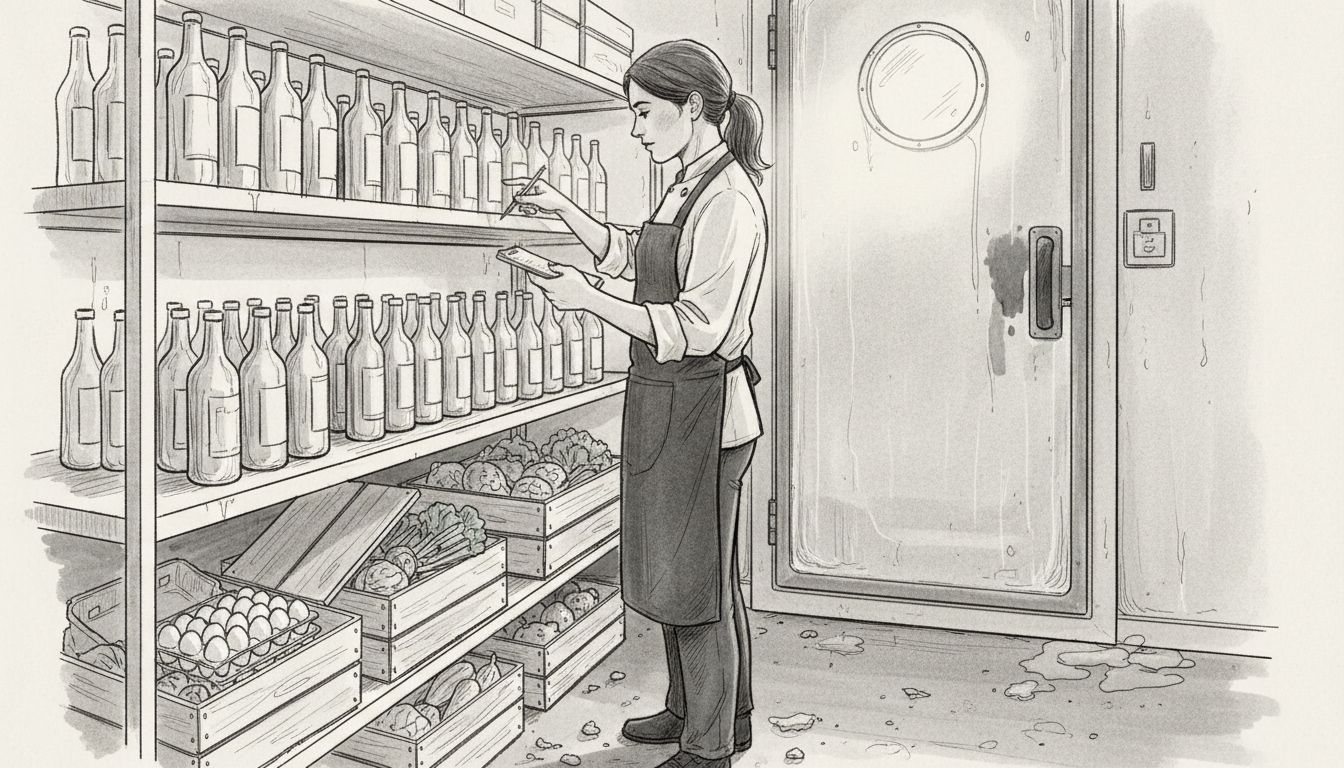
Weekly, run comprehensive reports comparing actual stock levels against system records across all categories. Investigate any variance over 5%. Small differences compound quickly in fine dining where ingredient costs run high.
Implement automated alerts within your POS for reorder points and potential spoilage. When stock hits minimum levels, the system should notify managers automatically. Similarly, items approaching expiration dates need flagging for menu planning or disposal.
Use mobile POS devices during audits to update counts on the spot. This eliminates the paper-to-system transcription step where most errors occur. Staff can count and enter simultaneously, cutting audit time substantially.
Key monitoring procedures include:
- Daily physical counts for all perishables matched against POS data
- Weekly comprehensive stock reports identifying variances over 5%
- Automated reorder alerts triggered at preset minimum thresholds
- Spoilage tracking with expiration date monitoring
- Variance investigation protocols for discrepancies
- Mobile device integration for real-time count updates
Pro Tip: Schedule your daily perishable audits first thing in the morning before service prep begins. This timing catches any overnight issues and lets you adjust orders before supplier cutoff times.
Daily stock audits reduce food waste by 25% in fine dining contexts by catching discrepancies early. The consistency matters more than perfection. Even imperfect daily audits beat perfect weekly ones.
For more tactical audit strategies, see our essential inventory management tips covering common pitfalls and solutions.
Ordering and Supplier Coordination Best Practices
Efficient ordering starts with data, not guesswork. Pull historical sales reports from your POS covering the past 90 days. Identify patterns by day of week, season, and special events. This data reveals your true usage rates, not estimates.
Set automated reorder points in your system that trigger orders when stock hits predetermined levels. Factor in supplier lead times. If your fish supplier delivers twice weekly, your reorder point needs to cover three days of usage plus a safety buffer.
Build flexible partnerships with key suppliers. Negotiate terms allowing quick adjustments for unexpected demand spikes or menu changes. Fine dining menus shift with seasons and availability, so rigid order schedules create problems.
Track every delivery meticulously. Check quantities, quality, and pricing against your purchase order before accepting. Log everything into your POS immediately. Delayed entries cause the data drift that undermines your entire system.
Pro Tip: Review your ordering patterns immediately after special events, holidays, or seasonal menu launches. These disruptions throw off your normal usage rates, and your reorder points need temporary adjustment to prevent overstock or shortages.
Best practice ordering workflow:
- Review historical POS sales data and usage trends weekly
- Set automated reorder triggers accounting for lead times and safety stock
- Establish flexible supplier agreements for demand fluctuations
- Verify all deliveries against purchase orders before acceptance
- Log deliveries into POS immediately upon receipt
- Schedule post-event order reviews to adjust forecasts
- Monitor supplier performance metrics for reliability
Automated reorder triggers and strong supplier coordination cut spoilage and improve flexibility in inventory management. The system removes guesswork and emotional ordering decisions that often lead to overstock.
For detailed ordering workflow optimization, check our inventory control step by step guide covering supplier coordination and data-driven purchasing.
Staff Training and Standardization of Processes
Your inventory system only works if your team uses it correctly and consistently. Develop systematic training programs covering your POS inventory modules, focusing on the specific tasks each role performs. Kitchen staff need different skills than front-of-house or management.
Create clear standard operating procedures for every inventory touchpoint: receiving deliveries, stock rotation, storage protocols, and audit procedures. Written SOPs eliminate the “I thought someone else was doing it” excuses and ensure consistency across shifts.
Schedule regular refresher sessions, not just initial training. Staff forget procedures, shortcuts creep in, and bad habits spread. Quarterly reviews keep everyone aligned and provide opportunities to address questions or confusion.
Engage your team by setting waste reduction targets linked to inventory accuracy. When staff understand how their diligence impacts profitability and potentially their compensation, participation improves dramatically. Share progress metrics regularly.
Regular training reduces data inaccuracies and fosters waste reduction culture among staff. Make training ongoing, not a one-time event.
Training program essentials:
- Role-specific POS inventory module instruction
- Written SOPs for receiving, storage, rotation, and audits
- Quarterly refresher sessions for all staff
- Waste reduction targets tied to inventory accuracy
- Progress sharing through visual dashboards or meetings
- Accountability measures for consistent process adherence
For additional training frameworks and efficiency strategies, review our restaurant inventory management training tips covering engagement and standardization.
Common Mistakes and Troubleshooting
Even well-intentioned inventory systems fail when common mistakes go unchecked. Inconsistent stock records cause the biggest headaches. When staff sometimes log movements and sometimes forget, your data becomes worthless. Fix this by making POS entry mandatory and immediate for every stock transaction.
Failing to update reorder points regularly leads to chronic overstock or frustrating shortages. Menu changes, seasonal shifts, and evolving customer preferences change your usage rates. Review and adjust reorder thresholds monthly, not annually.
Ignoring stock rotation rules, particularly FIFO (first in, first out), causes unnecessary spoilage. Older stock gets pushed to the back and forgotten while new deliveries get used first. Enforce strict FIFO policies with regular spot checks.
Overlooking batch tracking increases food safety risks significantly. Neglecting batch tracking can escalate food safety risks in 30% of restaurants, mitigated by POS batch features. When recalls happen, you need to identify affected items instantly.
Skimping on staff training guarantees data accuracy problems. Untrained or poorly trained staff make data entry mistakes that cascade through your entire system. Invest in comprehensive, ongoing training.
Common mistakes and fixes:
- Inconsistent stock records: Implement mandatory, real-time POS entries for all transactions
- Outdated reorder points: Schedule monthly reviews adjusting for menu and demand changes
- Poor rotation practices: Enforce FIFO policies with storage protocols and spot checks
- Missing batch tracking: Activate POS batch features and train staff on usage
- Inadequate training: Maintain ongoing education programs with regular refreshers
- Delayed data entry: Make immediate logging non-negotiable policy
60% of UK fine dining restaurants face stock discrepancies mainly from inconsistent recordings, which are fixed by standardizing and automating processes. Address these systematically rather than fighting fires.
For broader operational error prevention, explore common operational errors and fixes covering process standardization strategies.
More solutions to frequent inventory challenges appear in our common inventory mistakes and solutions resource.
Expected Outcomes and Success Metrics
What results should you expect from implementing these systems and processes? Fine dining restaurants can reduce food waste by 25% within 3 months and cut food costs 15-25% within 6 months. These aren’t aspirational numbers but realistic benchmarks based on industry data.
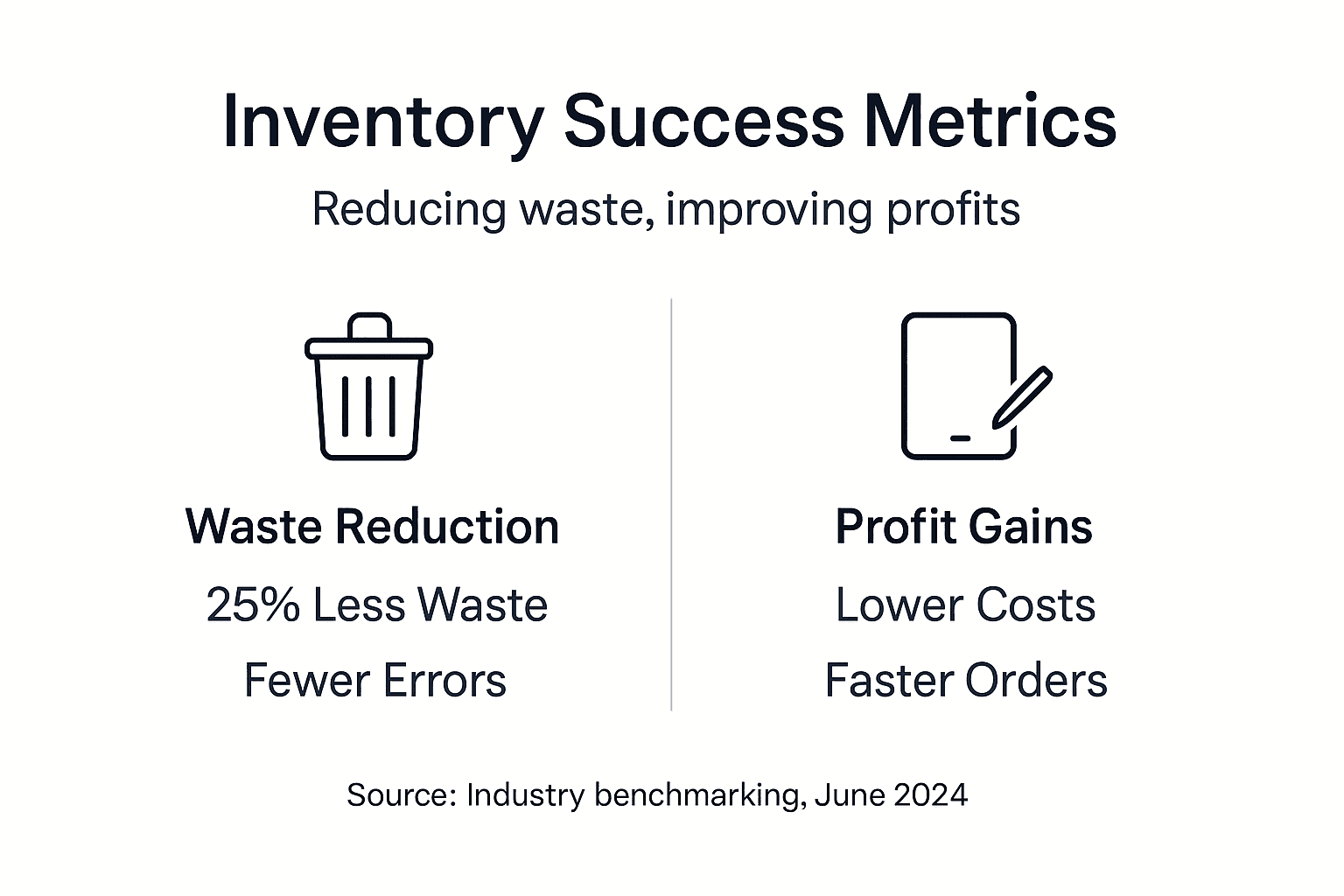
Inventory data accuracy typically improves by at least 20% as automated systems replace manual tracking. Fewer discrepancies mean better purchasing decisions and less emergency ordering at premium prices.
Order cycles shorten by approximately 20% because you’re ordering based on actual usage data rather than estimates. This improves cash flow and reduces storage space requirements.
Beyond the numbers, you’ll notice operational improvements: less time spent on manual counts, fewer “we’re out of that” moments during service, and reduced stress around ordering decisions.
| Metric | Timeline | Expected Result | Measurement Method |
|---|---|---|---|
| Food Waste Reduction | 3 months | 25% decrease | Compare waste logs pre/post implementation |
| Food Cost Percentage | 6 months | 15-25% reduction | Track cost of goods sold as percentage of revenue |
| Inventory Accuracy | 3 months | 20% improvement | Measure variance between physical counts and system records |
| Order Cycle Time | 4 months | 20% faster | Track time from order placement to delivery receipt |
| Stock Discrepancies | 2 months | 30% fewer | Count variance incidents per audit period |
| Emergency Orders | 3 months | 40% reduction | Track premium/rush orders as percentage of total |
Track these metrics monthly using your POS reporting features. Share progress with your team to maintain engagement and momentum.
For more detailed performance benchmarks and tracking strategies, visit our success metrics for hospitality inventory resource.
Explore eZeePos Solutions for Fine Dining Inventory Management
Implementing the strategies covered in this guide becomes dramatically easier with purpose-built technology. eZeePos offers integrated POS inventory modules designed specifically for fine dining operations, featuring automated reorder points, batch tracking, and built-in audit scheduling.

Our Samtouch Office POS inventory solution delivers the real-time tracking and reporting capabilities needed to achieve the waste reduction and cost savings discussed throughout this guide. Training and support help your staff adopt new systems quickly, minimizing disruption during implementation. Learn more about eZeePos solutions and how we support UK hospitality venues, or explore our inventory management solutions for caterers for additional implementation insights.
FAQ
How often should fine dining restaurants perform inventory audits?
Daily audits are recommended for all perishable items including proteins, produce, and dairy products. Weekly comprehensive stock counts should cover your entire inventory including dry goods, wines, and spirits. This frequency catches discrepancies early and minimizes waste from spoilage or theft.
What are the best practices for training staff on inventory software?
Implement structured training sessions tailored to each role’s specific inventory responsibilities within your POS system. Schedule quarterly refresher courses to address questions, correct bad habits, and introduce system updates. Engage staff by setting team waste reduction goals tied to inventory accuracy and sharing progress metrics regularly.
How does integrating POS with inventory management reduce food waste?
Automated alerts prevent over-ordering by triggering reorders only when stock hits predetermined minimum levels based on actual usage data. Real-time tracking flags items approaching expiration dates, allowing you to incorporate them into specials before spoilage. The improved accuracy reduces stock discrepancies that often mask waste.
What ROI should fine dining restaurants expect from inventory management systems?
Most fine dining venues see 15-25% food cost reduction within six months alongside 25% waste reduction within three months. Initial system investment typically pays back within 8-12 months through reduced waste, better purchasing decisions, and improved operational efficiency. Track metrics monthly to validate your specific ROI.
How do you handle seasonal menu changes in inventory management systems?
Review and update reorder points immediately when launching seasonal menus, adjusting thresholds based on new ingredient usage rates. Run historical reports from previous years’ seasonal transitions to inform ordering quantities. Build supplier flexibility into contracts allowing quick adjustments for specialty seasonal ingredients with variable availability.
Recent Comments