
Types of tablet POS stations for hospitality venues
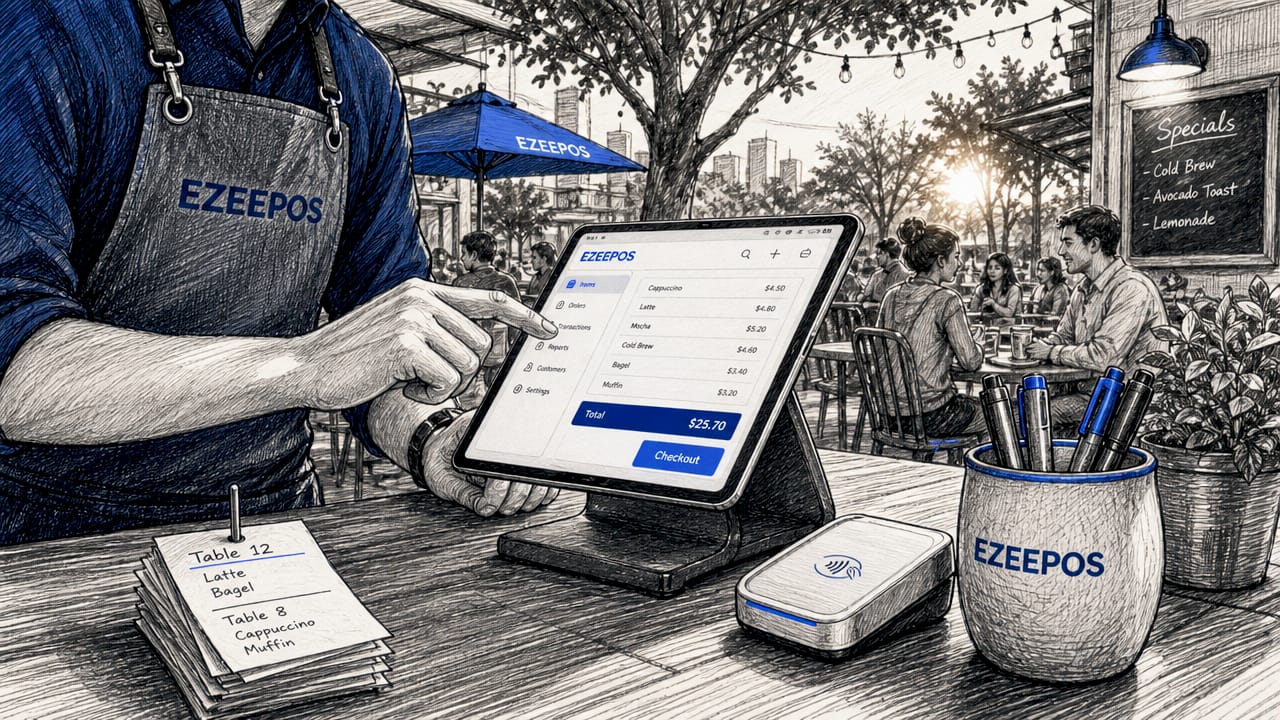
Tablet POS stations are tablet-based point-of-sale setups that combine payment processing, order management, and customer interaction into a single, flexible device. The three primary types of tablet POS stations used in hospitality are fixed counter stands, portable payment centres, and all-in-one mobile terminals. Each type suits a different operational context, from a busy café bar to a pop-up event. Understanding which configuration fits your venue is the decision that determines whether your service runs smoothly or creates bottlenecks at peak times.
1. What are the main types of tablet POS stations?
The term “tablet POS station” covers several distinct hardware configurations, and the industry often groups them under the broader category of tablet point of sale systems. Deployment style and use case are the primary factors that separate one type from another, not the tablet brand. The three core categories are:
- Fixed counter tablet stands: A tablet, typically an iPad or Android device, mounted on a secure stand at a till, bar counter, or service desk. Peripherals such as receipt printers, barcode scanners, and cash drawers connect via USB or Bluetooth.
- Portable payment centres: Self-contained stands that house a tablet, an integrated card reader, and a rechargeable battery pack. Designed for venues where wiring is impractical or where the service point moves.
- All-in-one mobile terminals: Purpose-built Android devices that combine payment processing, scanning, printing, and a customer-facing screen into a single handheld unit.
Tablets offer larger screens than smartphones, which makes them easier for staff to navigate during a busy service. They run either iOS or Android, with cloud-based POS applications handling the software layer. The hardware choice sits beneath that software layer and is what this article addresses directly.
2. How fixed counter tablet POS stations enhance venue operations
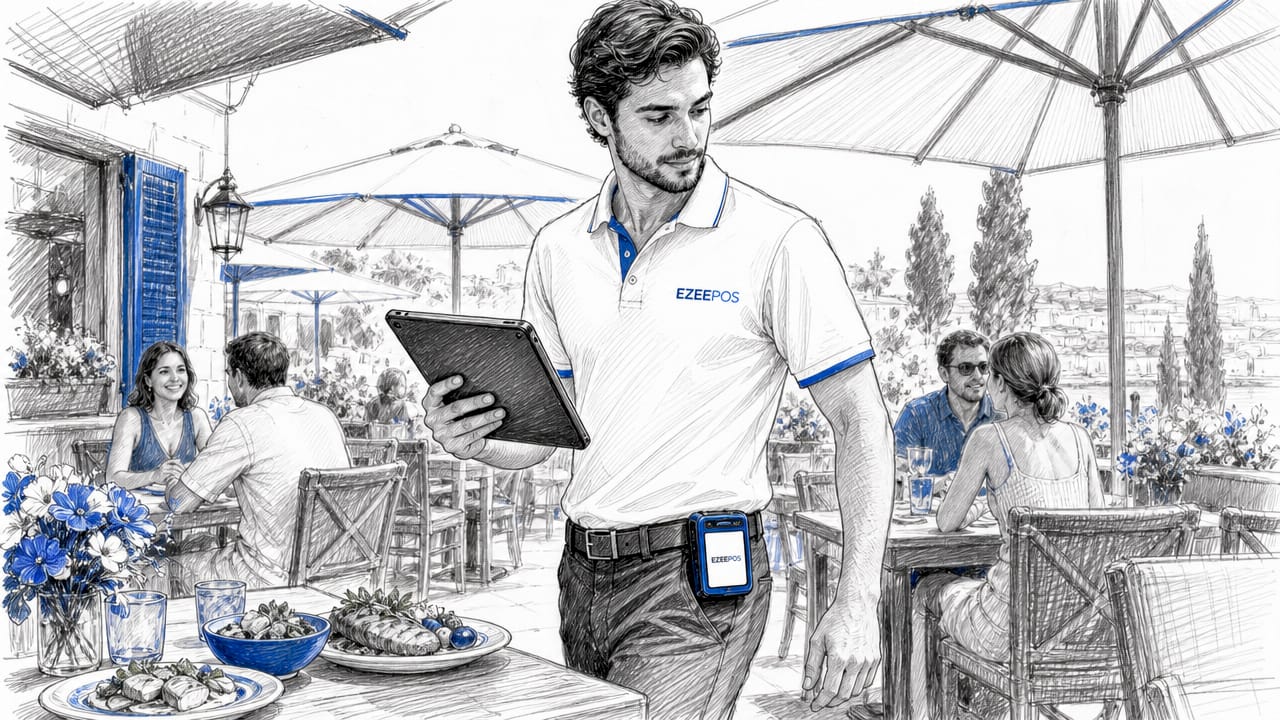
Fixed counter setups are the most common tablet POS hardware option in hospitality. A tablet is locked into a stand at a static service point, connected to a receipt printer, and often paired with a cash drawer and card reader. The configuration mirrors a traditional till but uses a fraction of the counter space.
The practical advantages for a café or restaurant bar are significant. Staff face a familiar, consistent interface at every shift. Peripherals are always in the same position, which reduces errors during high-volume service. Venues with predictable customer flow at fixed points, such as a hotel reception or a quick-service counter, get the most from this setup.
Pro Tip: Select stands with a built-in security lock and integrated charging port. A tablet that loses power mid-service or can be accidentally knocked off its mount creates unnecessary disruption during peak hours.
Key considerations when specifying a fixed counter station:
- Stand security: Enclosures that lock the tablet in place prevent theft and accidental removal.
- Cable management: Recessed cable channels keep the counter tidy and reduce trip hazards.
- Peripheral compatibility: Confirm that your chosen POS software supports the printer and scanner models you intend to use.
- Screen angle: Adjustable stands allow the display to face both staff and customers for signature capture or loyalty sign-ups.
For a deeper look at how these setups fit within broader hospitality systems, the hospitality POS systems guide from Ezeepos covers the full hardware ecosystem in practical terms.
3. What are portable payment centre tablet POS stations?
Portable payment centres represent a significant step forward in tablet POS hardware options. The InVue Portable Payment Center is a well-documented example: a stand that holds an iPad or USB-C tablet, integrates a card reader, and runs on a battery delivering over 11 hours of use with a quick-swap battery design. There is no fixed wiring, which means the station can move to wherever the customer is.
This design directly addresses one of the most persistent frustrations in hospitality: the customer who wants to pay at the table, or the event operator who needs a checkout point in a marquee with no power sockets. The station travels with the service rather than requiring the customer to travel to the service.
Portable payment centres shift the operational question from “where is the till?” to “where is the customer?” That single change in framing has a measurable effect on table turn times and guest satisfaction.
Battery management becomes a genuine operational discipline with these devices. Proactive battery planning during peak service, including spare battery packs and a rotation schedule, is not optional. It is the difference between a portable station that works all evening and one that goes dark at 8pm on a Saturday.
Key use cases for portable payment centres:
- Tableside payment and order-taking in restaurants
- Pop-up food and drink stalls at festivals or markets
- Event checkout points in venues without fixed power infrastructure
- Outdoor terraces and garden service areas
For venues running mobile catering operations, the mobile caterers POS guide from Ezeepos provides specific deployment advice for this hardware category.
4. What are all-in-one mobile tablet POS terminals?
All-in-one mobile terminals occupy a different category from consumer tablets paired with peripherals. The PAX A920Pro Duo is a current reference point: an Android 14 device with integrated payment processing, a barcode scanner, a receipt printer, dual screens (one staff-facing, one customer-facing), and enhanced connectivity in a single handheld unit. It is purpose-built for mobile hospitality use rather than adapted from a consumer device.
The dual-screen design is particularly relevant for hospitality. The customer-facing display allows guests to confirm their order total, enter a PIN, or add a tip without the staff member turning the device around. This reduces friction at the payment moment and speeds up the transaction.
| Feature | Consumer tablet + peripherals | All-in-one terminal (e.g. PAX A920Pro Duo) |
|---|---|---|
| Integrated printer | No | Yes |
| Customer-facing screen | No | Yes |
| Built-in card reader | No | Yes |
| Barcode scanner | External only | Built-in |
| Setup complexity | Moderate | Low |
| Portability | Limited | High |
The trade-off is device size and indoor use constraints. All-in-one terminals are heavier than a bare tablet and are optimised for indoor environments. They suit tableside payments, line-busting at busy counters, and multi-purpose mobile POS roles where carrying separate peripherals is impractical.
5. How to choose the best tablet POS station for your venue
Selecting the right tablet POS station type comes down to four operational questions: Where do orders and payments happen? How consistent is your power supply? What volume of transactions do you process per hour? And how much do you want staff moving around the venue?
Hardware selection should follow deployment style, not the other way around. A venue that processes all payments at a single counter has no need for portable battery-powered stations. A restaurant with 60 covers and a policy of tableside payment has no use for a fixed-only setup.
The comparison below maps the three station types against the most common hospitality scenarios:
| Station type | Best for | Mobility | Power dependency | Relative cost |
|---|---|---|---|---|
| Fixed counter stand | Cafés, bars, hotel reception | None | Mains required | Low |
| Portable payment centre | Restaurants, events, outdoor service | High | Battery (11+ hours) | Medium |
| All-in-one mobile terminal | Tableside, line-busting, multi-use | Very high | Battery | Medium to high |
Hybrid setups are the practical answer for most mid-sized venues. A restaurant might run two fixed counter stations at the bar and equip floor staff with portable payment centres for tableside service. This multi-device POS approach allows each station type to do what it does best without compromise.
Practical decision points by venue type:
- Cafés and quick-service: Fixed counter stands with a receipt printer and cash drawer cover the majority of transactions efficiently.
- Full-service restaurants: A combination of fixed bar stations and portable tableside devices handles both counter and floor service.
- Events and pop-ups: Portable payment centres or all-in-one terminals are the only viable options where power access is unreliable.
- High-volume venues: All-in-one terminals at secondary service points reduce queue length without requiring additional fixed infrastructure.
Android POS hardware is worth specific consideration for venues planning to scale. Android devices offer broader hardware compatibility and lower device replacement costs than iOS-dependent setups, which matters when you are specifying ten stations rather than two.
Key takeaways
The most effective tablet POS station choice is determined by deployment location and service model, not by tablet brand or software preference.
| Point | Details |
|---|---|
| Three core station types | Fixed counter, portable payment centre, and all-in-one mobile terminal each suit distinct service contexts. |
| Battery management is operational | Portable stations require a proactive battery rotation plan, particularly during peak service hours. |
| Hybrid setups work best | Most mid-sized venues benefit from combining fixed and portable station types across different service zones. |
| Deployment style drives selection | Decide where orders and payments occur before specifying hardware, not after. |
| All-in-ones reduce peripheral complexity | Integrated terminals like the PAX A920Pro Duo eliminate the need for separate scanners, printers, and card readers. |
What I have learned from watching venues get this wrong
I have seen operators spend considerable time debating iPad versus Android, only to deploy the wrong station type entirely. A restaurant that installs fixed counter stands and then wonders why tableside service is slow has not made a hardware mistake. It has made a deployment mistake. The tablet was fine. The stand was wrong.
The venues that get tablet POS right tend to start with a service map. They walk the floor, identify every point where an order is taken or a payment is made, and then match a station type to each point. That process takes an afternoon. Skipping it costs months of operational friction.
Battery management is the detail most operators underestimate until the first busy Friday night. A portable payment centre with an 11-hour battery sounds like it covers a full service. It does, until three stations are running simultaneously and nobody has charged the spares. Build a battery rotation into your opening checklist from day one.
The all-in-one terminal category is genuinely underused in UK hospitality. Venues that have trialled devices like the PAX A920Pro Duo for tableside payments report faster transaction times and fewer errors than setups using a tablet with a separate card reader. The integrated customer screen removes the awkward “turn the device around” moment that slows every payment interaction.
My honest recommendation: start with fixed counter stations for your primary service points, add portable payment centres for floor and event service, and evaluate all-in-one terminals if you are running high-volume tableside payments. That sequence keeps costs manageable and lets you learn what your venue actually needs before committing to a full fleet.
— John
How Ezeepos supports tablet POS station setups for hospitality
Ezeepos builds its Android-based POS platform specifically for UK hospitality venues, from independent cafés to multi-site restaurant groups. The system is designed to run across fixed counter stations, portable devices, and kitchen screens within a single unified setup, so your bar, floor, and kitchen are always in sync.

If you are specifying tablet POS hardware for a café or quick-service venue, the Ezeepos café POS solution covers compatible hardware options, local UK installation, and ongoing support from accredited providers. There are no tiered pricing structures that lock features behind higher plans. Every venue gets the full feature set from day one, which makes scaling from two stations to ten a straightforward process rather than a contract renegotiation.
FAQ
What are the three main types of tablet POS stations?
The three main types are fixed counter tablet stands, portable payment centres, and all-in-one mobile terminals. Each type suits a different service context, from static checkout lanes to tableside and event-based payment points.
How long does a portable tablet POS station battery last?
Devices such as the InVue Portable Payment Center deliver over 11 hours of battery life with a quick-swap battery design, making them viable for a full service shift without mains power.
Which tablet POS station type suits a restaurant with tableside service?
Portable payment centres or all-in-one mobile terminals are the correct choice for tableside service. Both allow staff to take orders and process payments at the table without requiring customers to move to a fixed counter.
What is the difference between a tablet POS and an all-in-one POS terminal?
A tablet POS uses a consumer tablet paired with separate peripherals such as a card reader and printer. An all-in-one terminal integrates all components into a single device, which reduces setup complexity and improves portability.
Should I use iOS or Android for tablet POS stations in hospitality?
Android offers broader hardware compatibility and lower device costs, which matters when specifying multiple stations across a venue. iOS devices are widely supported by major POS platforms but typically carry higher hardware replacement costs at scale.
Recent Comments