
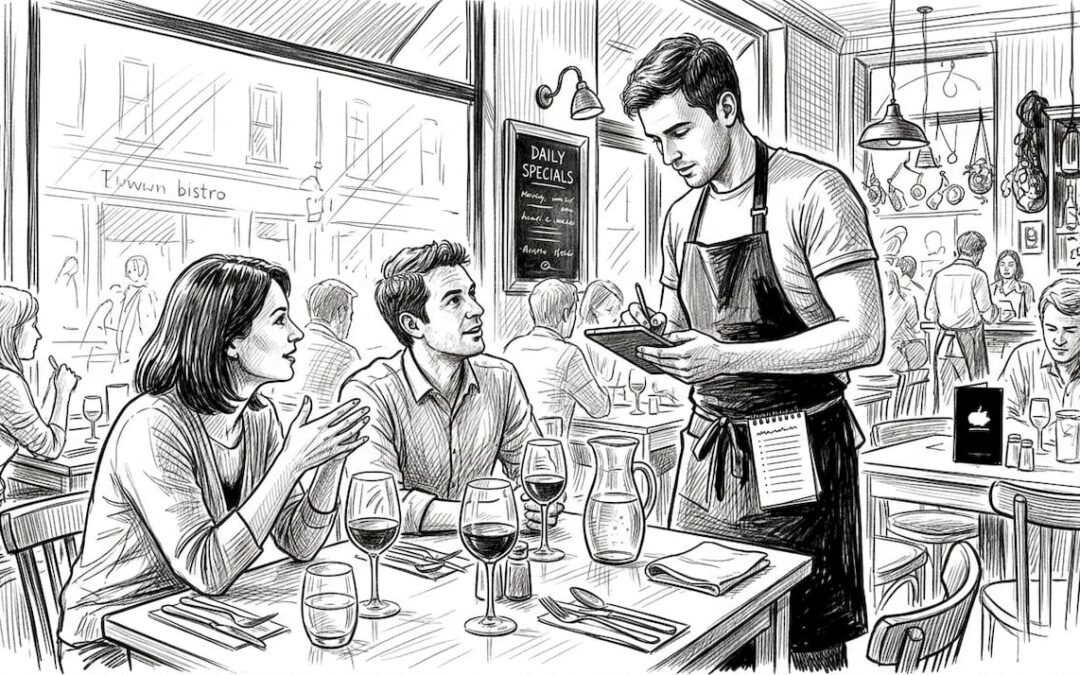
Inefficient table ordering drags down your venue’s turnover and eats into revenue. When guests wait too long to order or receive food, frustration builds and tables sit occupied longer than necessary. This guide walks you through optimising your table ordering workflow with proven strategies and POS technology. You’ll discover how to prepare your team, execute streamlined processes, and verify results using data. By implementing these steps, you can boost table turnover by up to 25% and transform your venue’s operational efficiency.
Table of Contents
- Understanding The Table Ordering Workflow Challenge
- Preparing Your Venue And Team For Efficient Table Ordering
- Executing A Streamlined Table Ordering Workflow Step-By-Step
- Verifying Success And Troubleshooting Common Workflow Issues
- Streamline Your Table Ordering With EZeepos Solutions
- Frequently Asked Questions About Table Ordering Workflow
Key takeaways
| Point | Details |
|---|---|
| Turnover boost | Optimised table ordering can increase turnover by 20-25% per service. |
| Digital advantage | QR and tablet systems cut order errors by 27% and reduce service times by 40%. |
| Analytics matter | Weekly monitoring of POS data reveals bottlenecks and drives continuous improvement. |
| Handle complexity | Modern POS systems manage split bills and merged tables seamlessly without staff confusion. |
| Tailored solutions | Hospitality-specific POS platforms enhance efficiency across all service styles. |
Understanding the table ordering workflow challenge
Traditional table ordering creates bottlenecks that strangle your venue’s potential. When staff manually take orders on paper, transcribe them to kitchen tickets, and juggle multiple tables without digital support, delays compound rapidly. Orders get lost, kitchen staff misread handwriting, and guests grow impatient as their meals arrive late or incorrect.
These inefficiencies directly impact your bottom line. The average table turnover is 3 turns per dinner service, but venues stuck with manual processes often fall below this benchmark. Each minute a table sits empty or occupied beyond optimal time represents lost revenue. Poor turnover also damages guest satisfaction, as diners notice long waits and rushed service.
Monitoring turnover benchmarks reveals where your workflow breaks down. Compare your current performance against industry standards to identify gaps. Track how long tables remain occupied from seating to payment, then break this down by service stage: ordering, food preparation, dining, and payment processing.
Several factors influence workflow efficiency. Menu length affects decision time, with extensive menus slowing orders by up to 15 minutes per table. Order accuracy depends on clear communication between front of house and kitchen. When servers relay orders verbally or through illegible notes, mistakes multiply. Digital systems for table ordering in UK hospitality eliminate these communication barriers entirely.
Consider how your current setup handles peak periods. Do staff struggle to manage multiple tables simultaneously? Are kitchen staff overwhelmed by unclear tickets? These pain points signal opportunities for workflow optimisation. Understanding the difference between table ordering vs counter service helps you choose the right approach for your venue type.
Preparing your venue and team for efficient table ordering
Successful workflow transformation starts with the right tools and training. Your POS system forms the foundation, so ensure it includes robust table ordering features, real-time kitchen communication, and detailed analytics. Tablets or QR code ordering capabilities let guests place orders directly, bypassing traditional server bottlenecks. Kitchen display systems replace paper tickets, ensuring chefs see orders instantly and accurately.
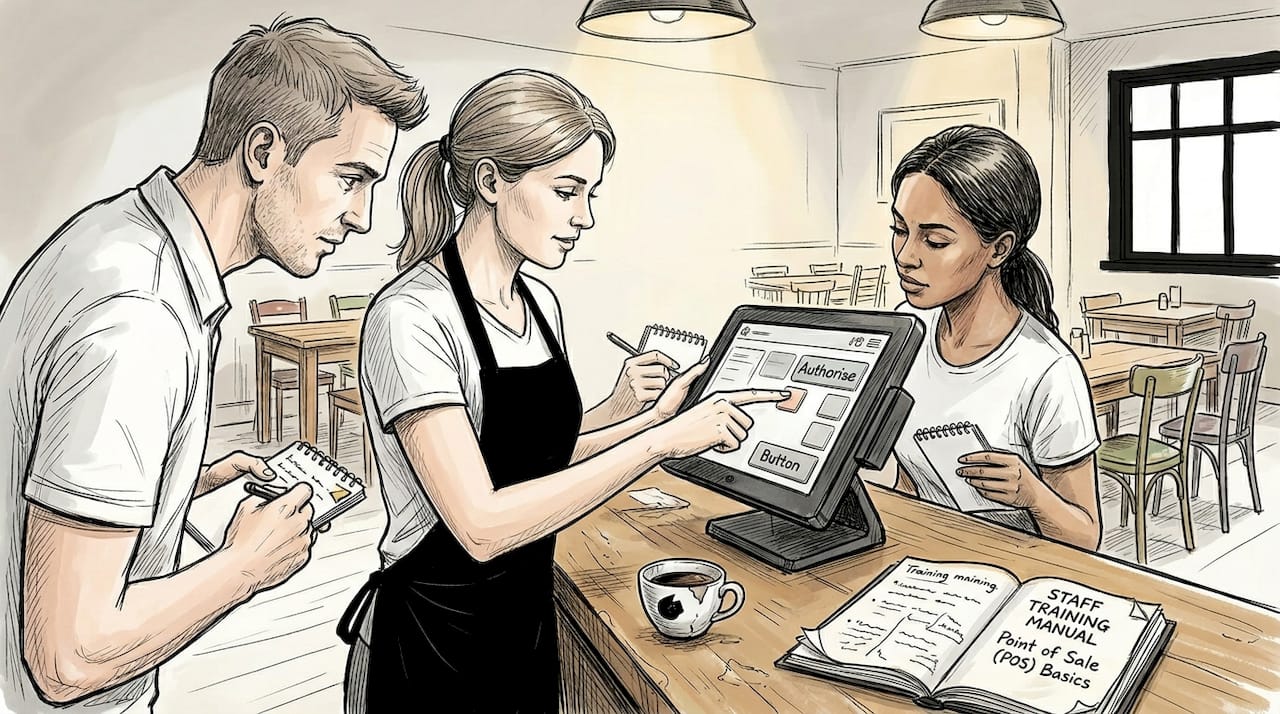
Staff training determines whether new technology succeeds or fails. Schedule hands-on sessions where team members practise taking orders on tablets, splitting bills, and merging tables in the POS. Role-play common scenarios like dietary modifications or rushed service during peak hours. Your staff need confidence using the system before you launch it during actual service.
Clear procedures prevent confusion when pressure mounts. Establish protocols for table assignment, ensuring servers know their sections without overlap or gaps. Define order-taking standards: greet within 2 minutes, take drink orders first, return for food orders within 5 minutes. Set time limits for each service stage to maintain turnover momentum.
Menu design plays a surprising role in ordering speed. Concise menus with 15-20 items help guests decide faster than sprawling 50-item lists. Group dishes logically by category and highlight popular items to guide choices. QR and tablet ordering systems reduce order errors by 27% and cut service times by 40%, making them essential for modern venues.
Essential preparation steps include:
- Install a point of sale system with integrated table management and kitchen displays
- Equip servers with tablets or provide table-mounted QR codes for guest ordering
- Train staff on new workflows through practical exercises and scenario practice
- Create laminated procedure cards for quick reference during service
- Streamline your menu to reduce decision time and kitchen complexity
Pro Tip: Review POS analytics every week to track progress against your turnover goals. Weekly check-ins let you spot emerging issues before they become entrenched problems, and celebrating improvements keeps your team motivated.
The following table outlines key preparation elements and their impact:
| Preparation element | Implementation time | Impact on efficiency |
|---|---|---|
| POS system installation | 1-2 weeks | Eliminates manual order transcription, reduces errors by 27% |
| Staff training programme | 3-5 days | Ensures confident system use, prevents service disruptions |
| Menu optimisation | 1 week | Speeds guest decisions by 10-15 minutes per table |
| Procedure documentation | 2-3 days | Provides consistent service standards across all shifts |
Invest time in preparation now to avoid costly mistakes later. Rushing implementation without proper training creates chaos during service, frustrating both staff and guests. Follow tips for efficient point of sale operations to ensure smooth deployment.
Executing a streamlined table ordering workflow step-by-step
With preparation complete, implement your optimised workflow using this proven sequence. Each step builds on the previous one, creating a seamless process from guest arrival to table reset.
-
Assign tables clearly in your POS when guests arrive. The system should show which tables are occupied, available, or being cleaned. This visibility prevents double-booking and ensures servers know their responsibilities immediately.
-
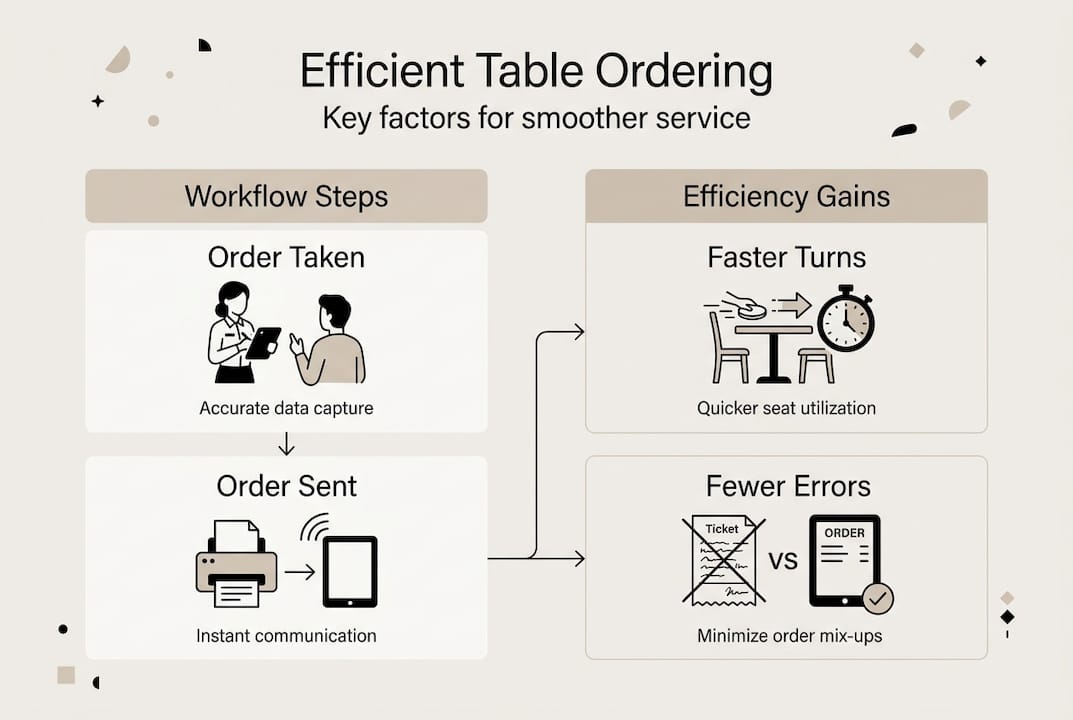
Use tablets or QR codes for rapid order input. Guests scan codes to view menus and place orders directly, or servers enter orders on tablets at the tableside. Orders transmit instantly to kitchen displays, eliminating the walk to a terminal or handwritten ticket stage.
-
Handle splits and merges seamlessly through your POS. When guests request separate bills, the system divides items accurately without manual calculation. If parties combine tables, merge their orders with a few taps rather than juggling multiple tickets.
-
Monitor order preparation and delivery times using POS dashboards. Track how long each dish takes from order to table, identifying slow items or kitchen bottlenecks. Alert systems notify servers when orders are ready, preventing food from sitting under heat lamps.
-
Reset tables quickly after guests leave. The POS marks tables as needing cleaning, and staff receive notifications to turn them around fast. Aim for 5-minute resets during peak periods to maximise availability.
Pro Tip: Create visual cues in your POS with colour coding. Green for available tables, red for occupied, yellow for cleaning needed. This instant recognition speeds decision-making during hectic service.
The contrast between manual and digital workflows reveals dramatic efficiency gains:
| Workflow aspect | Manual process | Digital POS process | Efficiency gain |
|---|---|---|---|
| Order taking | Server writes, walks to terminal, enters order | Tableside tablet or guest QR input, instant kitchen transmission | 5-7 minutes saved per order |
| Order accuracy | Handwriting errors, verbal miscommunication | Digital clarity, modification tracking | 27% fewer errors |
| Bill splitting | Manual calculation, prone to mistakes | Automated division by item or percentage | 3-4 minutes saved per split |
| Table turnover monitoring | Manual timing, inconsistent tracking | Real-time analytics, automated alerts | 20-25% improvement |
Implementing this workflow requires consistency across all shifts. Morning, lunch, and dinner teams must follow identical procedures to maintain standards. Regular team meetings review performance data and address issues collaboratively.
The efficient table service guide offers additional strategies for processing orders 30% faster. Combining these techniques with kitchen display systems creates a fully integrated operation where information flows smoothly from guest to kitchen to server.
Systems with quick resets and monitoring improve turnover by up to 25%, transforming your venue’s revenue potential. This improvement compounds over weeks and months, as faster turnover means more guests served per shift without compromising quality.
Verifying success and troubleshooting common workflow issues
Measuring results separates genuine improvement from wishful thinking. Your POS analytics dashboard provides the data needed to track progress objectively. Review these metrics weekly to spot trends and adjust your approach.
Key performance indicators include average table turnover time, orders per hour, error rates, and revenue per table. Compare current figures against your baseline measurements from before workflow optimisation. Look for patterns: does turnover slow on specific days or during certain shifts? Are particular menu items causing delays?
Identify bottlenecks by drilling into the data. If turnover remains sluggish despite digital ordering, examine where time gets lost. Common culprits include:
- Menu complexity overwhelming guests with too many choices
- Slow table resets leaving available tables unnoticed
- Order errors requiring remakes and extended wait times
- Payment processing delays when systems lack integrated card readers
- Kitchen capacity constraints during peak periods
Troubleshooting requires targeted solutions for each issue. Revise menus to highlight popular items and reduce decision paralysis. Implement cleaning checklists that staff complete in under 5 minutes. Retrain team members on order accuracy, emphasising careful review before transmission. Upgrade payment terminals to accept contactless and mobile payments for faster checkout.
Monitoring table turnover weekly and making data-driven adjustments leads to consistent improvement. Venues that review analytics regularly and respond to insights achieve 25% revenue increases within months of workflow optimisation.
Some issues require technology upgrades rather than process changes. If your POS lacks real-time kitchen integration, order delays will persist regardless of staff training. Evaluate whether your current system supports your efficiency goals or whether migration to a more capable platform makes sense.
Learn from related workflow optimisation efforts. The principles for cutting errors in promotions workflow apply equally to table ordering: clear procedures, staff training, and continuous monitoring drive results. Browse latest hospitality workflow articles for additional insights and case studies.
External research confirms these approaches work across diverse venues. Restaurant turnover rate research demonstrates that systematic workflow improvement delivers measurable gains regardless of venue size or concept.
Schedule monthly reviews with your team to discuss what’s working and what needs adjustment. Frontline staff often spot issues before they appear in data, so create channels for feedback. Celebrate improvements publicly to maintain momentum and reinforce the value of optimised workflows.
When troubleshooting reveals persistent problems despite multiple interventions, consider whether fundamental aspects of your operation need rethinking. Perhaps your seating layout creates unavoidable bottlenecks, or your kitchen equipment can’t keep pace with faster ordering. Address these structural issues alongside workflow refinement for comprehensive improvement.
Streamline your table ordering with eZeepos solutions
Optimising your table ordering workflow demands technology built specifically for hospitality venues. eZeepos delivers Android-based POS systems designed to handle the complexity of table service, from order taking through payment processing. The platform integrates tablets, kitchen displays, and cloud-based analytics into a unified system that eliminates communication gaps and speeds service.

Key features include instant order transmission to kitchen screens, flexible table management for splits and merges, and real-time performance dashboards. UK venues using eZeepos report faster table turnover and reduced order errors within weeks of implementation. The system requires no tiered pricing, giving you full access to enterprise features regardless of venue size.
Local installation and ongoing support from accredited UK providers ensure you’re never stuck troubleshooting alone. Whether you operate a café, restaurant, or fast-casual venue, eZeepos adapts to your service style. Explore POS system benefits for UK hospitality to see how tailored technology transforms operations. Review top POS solutions for cafés 2026 for detailed comparisons, or dive into the efficient table service guide for implementation strategies.
Frequently asked questions about table ordering workflow
What is the ideal table turnover rate for UK restaurants?
The industry benchmark sits at 3 turns per dinner service, though this varies by venue type. Fine dining establishments typically achieve 1-2 turns, while casual restaurants target 3-4 turns. Fast-casual venues often exceed 5 turns during peak periods.
How can digital menus speed up ordering?
Digital menus let guests browse at their own pace without waiting for server attention. They include photos, detailed descriptions, and allergen information that answers questions instantly. This self-service approach reduces decision time by 10-15 minutes per table compared to traditional paper menus.
What are common errors in manual ordering workflows?
Handwriting illegibility causes 40% of kitchen errors, while verbal miscommunication accounts for another 30%. Servers forget modifications or apply them to wrong dishes. Manual bill splitting creates calculation mistakes that frustrate guests and slow payment processing.
How frequently should turnover data be reviewed?
Weekly reviews provide enough data to spot trends without overwhelming you with constant analysis. Monthly deep dives examine longer patterns and seasonal variations. Daily monitoring during major workflow changes helps catch issues immediately.
Can POS handle complex scenarios like split bills or merged tables?
Modern hospitality POS systems manage these scenarios effortlessly. Split bills by item, by percentage, or by guest with a few taps. Merge tables when parties combine, transferring all orders to a single bill. The system tracks everything automatically, eliminating manual calculation and potential errors.
What training time should I allocate for new table ordering workflows?
Plan 3-5 days of comprehensive training before launching new workflows. Include hands-on practice with the POS, role-playing common scenarios, and shadowing experienced staff. Ongoing coaching during the first two weeks reinforces learning and addresses questions as they arise.
Recent Comments