
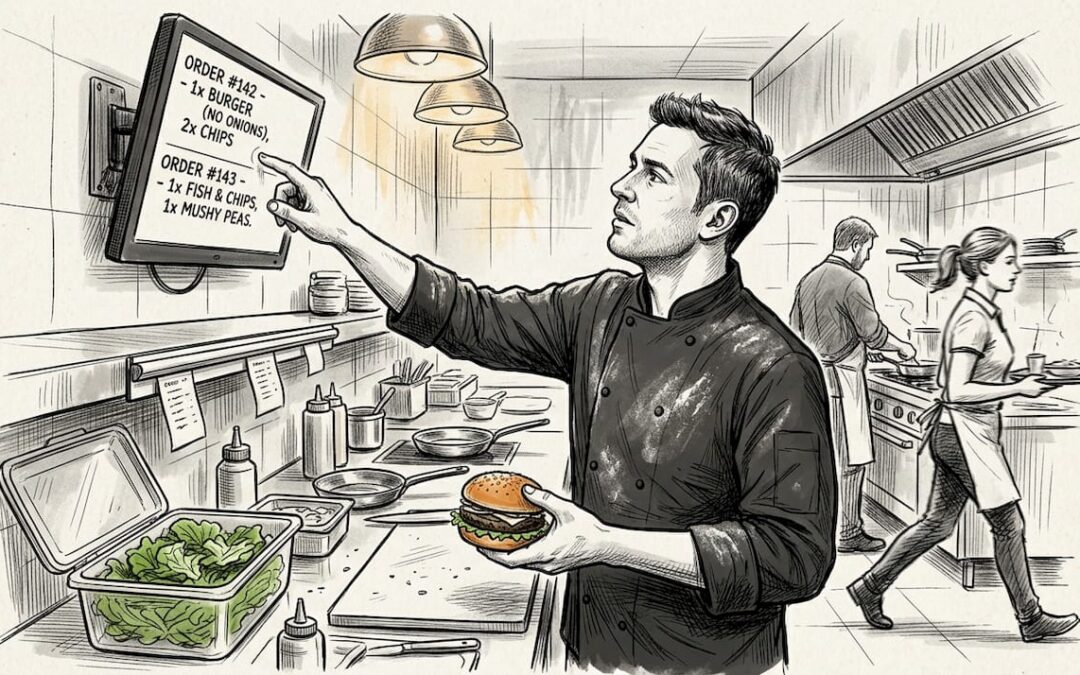
Many UK restaurant managers still believe paper tickets are enough to run a busy kitchen. In reality, traditional paper systems create bottlenecks, lost orders, and costly errors that slow service and frustrate staff. Kitchen screens replace outdated paper workflows with real-time digital displays integrated directly to your EPOS system. This guide explains how kitchen display systems transform order management, reduce errors by up to 80%, and accelerate kitchen workflows in UK hospitality venues.
Table of Contents
- Key takeaways
- What are kitchen screens and how do they work?
- Efficiency and accuracy benefits of using kitchen screens
- Considerations for selecting and implementing kitchen screens in UK restaurants
- How UK restaurants can maximise kitchen screen benefits
- Discover the best kitchen screen solutions for UK restaurants
- Frequently asked questions
Key Takeaways
| Point | Details |
|---|---|
| Efficiency and accuracy gains | Kitchen display systems improve efficiency and cut order errors by up to eighty per cent, transforming how busy kitchens operate. |
| Real time EPOS integration | They connect directly to your EPOS system so orders placed at the till, table, or kiosk appear instantly on the kitchen screen. |
| Ticket times halved | A Manchester cafe halved ticket times from fourteen to nine minutes and reduced errors by sixty to seventy per cent after adopting digital screens. |
| Front of house transparency | A continuous feedback loop between front of house and kitchen improves transparency and reduces guesswork. |
What are kitchen screens and how do they work?
A kitchen display system is a digital screen that replaces paper tickets in restaurant kitchens. Instead of printing orders on thermal paper that can smudge, tear, or get lost in the rush, Kitchen Display Systems (KDS) replace paper tickets with digital screens integrated to POS, displaying orders in real-time, routing to stations, prioritising by timers and colour-coding, and allowing status updates. The technology connects directly to your EPOS system, so every order placed at the till, table, or kiosk appears instantly on the kitchen screen.
Kitchen screens function as the central nervous system for your kitchen operations. When a customer places an order, the system automatically routes it to the appropriate station. A pizza order goes to the pizza prep screen, whilst salads appear on the cold station display. Each screen shows multiple orders simultaneously, organised by time received or priority level.
Key features that make kitchen screens essential include:
- Auto-routing that sends specific items to designated prep stations without manual sorting
- Built-in timers that track how long each order has been waiting, preventing forgotten tickets
- Colour-coded urgency indicators that turn orders yellow or red as wait times increase
- Status update buttons that let chefs mark orders as in progress or ready for service
- Order modification alerts that highlight special requests or dietary requirements clearly
The system creates a continuous feedback loop between front of house and kitchen. Servers see exactly which orders are ready for pickup, kitchen staff know which tables are waiting longest, and managers monitor average prep times across all stations. This transparency eliminates the guesswork and shouting that plague paper-based kitchens.
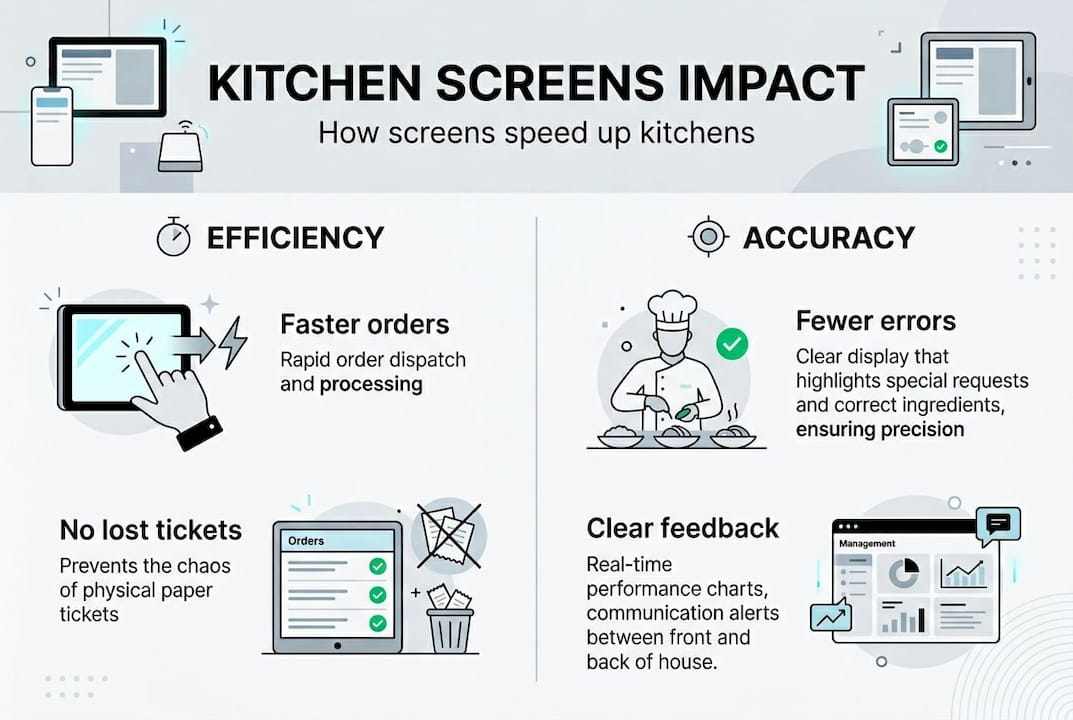
Pro Tip: Position screens at eye level for each station so chefs can check orders without stopping their workflow. Mount them away from direct steam vents to extend hardware life.
Efficiency and accuracy benefits of using kitchen screens
The data behind kitchen screen adoption tells a compelling story. Research shows that KDS improves efficiency by reducing order errors 30-80%, prep times 30-40%, eliminating lost orders, leading to faster table turnover. These aren’t marginal gains. They represent fundamental improvements in how kitchens operate under pressure.
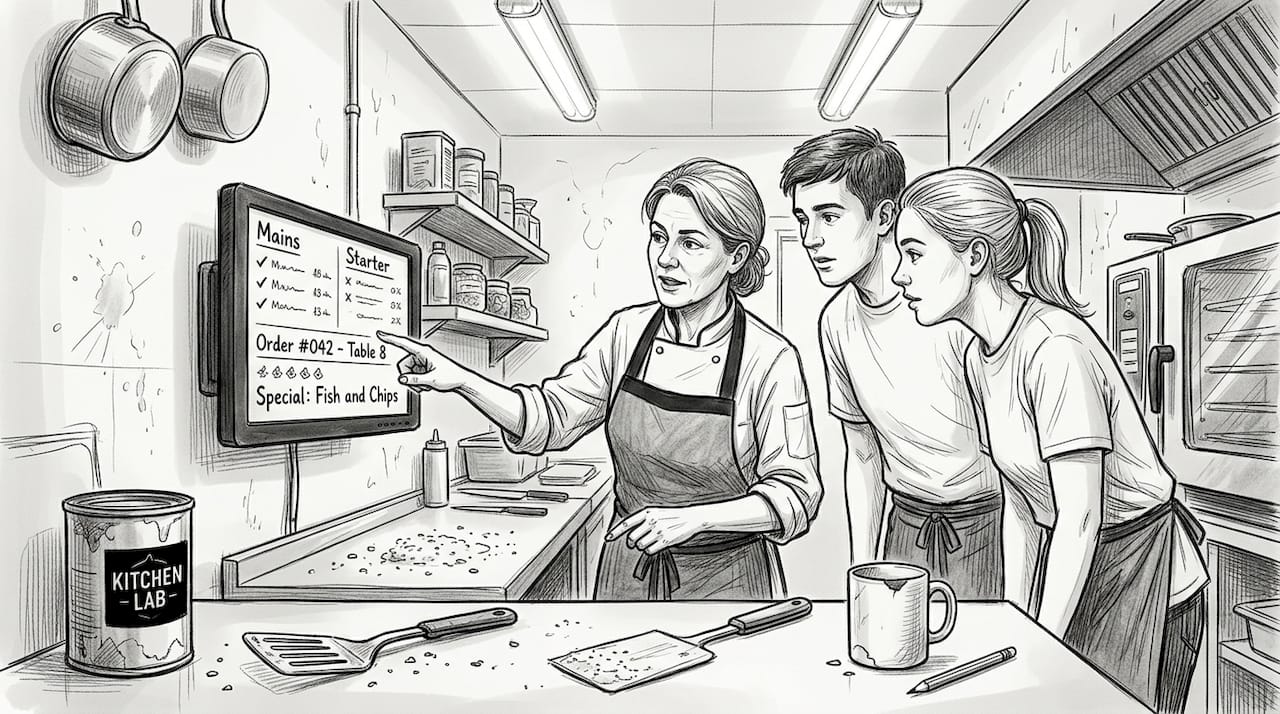
A Manchester cafe demonstrated these benefits in practice when they switched from paper tickets to digital screens. The venue halved ticket times from 14 to 9 minutes, with error reduction of 60-70% noted after implementation. Customers received correct orders faster, staff stress decreased, and the kitchen handled more covers during peak service without adding labour.
The accuracy improvements stem from several factors:
- Orders transmit digitally with zero transcription errors or illegible handwriting
- Modifications and special requests appear highlighted in contrasting colours
- Allergen warnings display prominently with visual alerts that can’t be missed
- Duplicate orders are flagged automatically before prep begins
- Items can’t physically get lost, blown away, or soaked like paper tickets
Kitchen screens reduce order errors by 30-80% compared to paper ticket systems, with some UK venues reporting 60-70% fewer mistakes after switching to digital displays.
Speed improvements come from eliminating physical ticket handling. Chefs don’t need to walk to a printer, sort through stacked tickets, or reorder them by priority. Everything appears on screen in the optimal sequence. When an order is complete, a single tap removes it from the queue rather than requiring physical disposal and manual tracking.
The efficiency gains directly impact your bottom line. Faster table turnover means serving more customers during peak hours without extending opening times. Fewer errors mean less wasted food, fewer comped meals, and better online reviews. The kitchen screens efficiency data shows venues typically see ROI within six to twelve months through these combined savings.
Pro Tip: Track your current average ticket time and error rate before implementing kitchen screens. Document the baseline so you can measure improvements and demonstrate ROI to stakeholders.
Considerations for selecting and implementing kitchen screens in UK restaurants
Choosing the right kitchen screen system requires matching technology to your specific kitchen environment and workflow. Not all screens withstand the heat, moisture, and chaos of professional kitchens equally well. Heat and steam tolerance require IP-rated screens and mounts, whilst small venues may use single screens and pizza kitchens benefit from larger, high-refresh QHD screens. The IP rating indicates how well the device resists water and dust ingress, critical factors near fryers, dishwashers, and steam tables.
Screen size matters more than many managers initially realise. A small 10-inch tablet might work for a coffee shop with limited menu items, but a busy restaurant kitchen needs 15-inch or larger displays to show multiple orders clearly. Pizza kitchens benefit from high-resolution screens that can display complex topping arrangements without scrolling. Quick-service venues need high refresh rates so order updates appear instantly during rush periods.
Integration with your existing EPOS system is non-negotiable. The kitchen screen must communicate seamlessly with your point of sale, receiving orders the moment they’re entered and updating inventory in real time. KDS requires POS integration and staff training but ROI outweighs upfront costs. Verify compatibility before purchasing, and ask vendors about integration timelines and technical support during setup.
Key selection criteria include:
- IP65 or higher rating for water and dust resistance in harsh kitchen conditions
- Touchscreen responsiveness that works with wet or gloved hands
- Brightness levels visible under bright kitchen lighting and from multiple angles
- Mounting flexibility for walls, counters, or overhead suspension depending on layout
- Backup power options to prevent order loss during brief power interruptions
Staff training determines whether your investment succeeds or creates frustration. Schedule training sessions before go-live day, not during service. Let chefs practise bumping orders, checking timers, and managing the queue in a low-pressure environment. Create simple reference cards showing the most common functions until the system becomes second nature.
Budgeting should account for upfront hardware costs, installation, software licensing, and ongoing support. A single-screen setup for a small cafe might cost £800-£1,500, whilst a multi-station restaurant system can reach £3,000-£5,000. Balance these costs against the documented savings in reduced errors, faster service, and eliminated paper waste. Most venues recover the investment within the first year through operational improvements alone.
Pro Tip: Request a demonstration in your actual kitchen environment before committing. See how the screen performs under your specific lighting, temperature, and workflow conditions rather than in a clean showroom.
For detailed guidance on choosing the right system, review kitchen screen selection tips tailored to UK hospitality venues.
How UK restaurants can maximise kitchen screen benefits
Successful kitchen screen implementation follows a structured approach rather than attempting everything simultaneously. For UK managers, start with scalable single or multi-screen tied to EPOS, monitor metrics for bottlenecks, suits small and medium venues most impactfully versus large chains. This phased strategy lets you prove value quickly and expand systematically.
Follow this implementation framework:
- Assess your current kitchen layout and identify the stations that handle the highest order volume or experience the most errors.
- Install a pilot screen at your busiest station first, typically the main hot kitchen or grill area where most orders flow.
- Run the new system parallel to paper tickets for three to five days, letting staff build confidence without risk.
- Transition fully to digital at the pilot station once chefs feel comfortable, then measure performance for two weeks.
- Analyse the data on ticket times, error rates, and staff feedback before expanding to additional stations.
- Add screens to remaining stations in order of impact, prioritising areas with documented bottlenecks or accuracy issues.
- Integrate advanced features like inventory alerts and prep time analytics once basic operations run smoothly.
Metrics drive continuous improvement. Your kitchen screen system captures data that was invisible with paper tickets. Track average prep time by dish, peak hour bottlenecks, which items cause the most delays, and how different shifts perform. Use this information to adjust staffing, redesign menu items that consistently run late, or reorganise station responsibilities.
Small and medium venues see the most dramatic improvements because they often lack the redundant systems and extra staff that larger chains use to compensate for paper inefficiencies. A 40-seat restaurant with two chefs gains more from eliminating lost tickets than a 200-seat venue with six stations and dedicated expeditors. The technology levels the playing field, giving independent restaurants enterprise-grade capabilities.
Pro Tip: Create a simple dashboard showing your top three metrics, ticket time, error rate, and orders per hour, visible to all kitchen staff. When the team sees measurable improvements, adoption accelerates naturally.
Expand your technology ecosystem strategically by reviewing the restaurant technology checklist to ensure kitchen screens integrate with your broader operational systems.
Discover the best kitchen screen solutions for UK restaurants
Transforming your kitchen operations starts with choosing technology built specifically for UK hospitality venues. Professional EPOS systems with integrated kitchen screens eliminate the disconnects between front of house and kitchen, creating seamless order flow from customer to plate.

Explore kitchen order screens for restaurants designed for the demanding conditions of busy UK kitchens. These systems connect directly to Android POS platforms for hospitality, providing real-time order routing, inventory management, and performance analytics in one unified solution. Discover why choosing Android POS in UK hospitality venues delivers the flexibility and reliability modern restaurants need to compete effectively.
Frequently asked questions
What is a kitchen display system (KDS) in a restaurant?
A kitchen display system is a digital screen that replaces paper tickets in restaurant kitchens, showing orders in real time as they’re placed at the till or online. The system integrates with your EPOS to route orders automatically to the correct prep stations, display timers for each order, and let chefs update status with a simple tap. KDS eliminates lost tickets, illegible handwriting, and the physical clutter of paper-based systems.
How much can kitchen screens reduce order errors?
Kitchen screens typically reduce order errors by 30-80% compared to paper ticket systems, with some UK venues reporting reductions of 60-70% after implementation. The improvement comes from eliminating transcription errors, highlighting modifications clearly, displaying allergen warnings prominently, and ensuring orders can’t physically get lost or damaged. Digital systems also flag duplicate orders automatically before prep begins.
Are kitchen screens suitable for small restaurants and cafes?
Yes, kitchen screens deliver significant benefits even for small venues with limited kitchen space. A single screen can dramatically improve efficiency in cafes and small restaurants by eliminating lost tickets and reducing miscommunication. Scalable solutions let you start with one display and expand as needed, making the technology accessible regardless of venue size. Small and medium venues often see the most dramatic improvements because they gain enterprise-level capabilities without adding staff.
What are the main challenges when implementing kitchen screens?
The primary challenges include upfront hardware costs, EPOS integration requirements, and staff training to ensure proper adoption. Initial investment for a single-screen system ranges from £800-£1,500, whilst multi-station setups can reach £3,000-£5,000. However, the return on investment typically occurs within six to twelve months through reduced errors, faster service, and eliminated paper waste. Proper training before go-live and running systems parallel for a few days minimises disruption during the transition.
Recent Comments