
Quick service optimisation steps for busy venues
TL;DR:
- Effective quick service optimization relies on identifying and fixing process inefficiencies rather than simply adding staff or resources.
- Sustained improvements require clear problem statements, targeted KPIs, and regular data-driven review habits; technology supports but does not replace process discipline.
Slow order fulfilment, mounting food waste, and staff running in circles during peak hours. If these sound familiar, you already understand why quick service optimisation steps matter more than ever for hospitality venue operators. Whether you run a café, a fast-casual restaurant, or a counter service bar, the gap between a smooth operation and a chaotic one often comes down to a handful of focused process decisions. This article walks you through preparation, execution, and verification so you can make real, measurable improvements quickly.
Table of Contents
- Key takeaways
- Getting prepared for quick service optimisation
- Execution: step-by-step service improvement actions
- Verifying and sustaining your improvements
- Common mistakes that undermine optimisation
- My honest take on quick service optimisation
- How Ezeepos supports service optimisation in your venue
- FAQ
Key takeaways
| Point | Details |
|---|---|
| Define before you act | Precise problem statements with measurable criteria prevent wasted effort and misdirected fixes. |
| Target root causes | Fixing broken processes beats adding more staff or effort every time. |
| Execute in clear phases | Workflow redesign, menu simplification, and smarter scheduling deliver the fastest service gains. |
| Monitor a focused KPI set | Tracking too many metrics dilutes attention; pick a core set aligned to real business outcomes. |
| Control prevents regression | Documented ownership and regular audits lock in gains and stop old habits from creeping back. |
Getting prepared for quick service optimisation
Before you touch a single process, you need to understand exactly what is broken and why. Skipping this step is the single biggest reason optimisation projects fail. Operators see a queue and immediately hire another member of staff, when the actual problem is a poorly sequenced kitchen workflow that no amount of extra labour will fix.
Start by writing a precise problem statement. Specific, measurable problem definitions prevent vague efforts and point you toward targeted improvements. “Service is too slow” is not a problem statement. “Average order fulfilment time at the counter exceeds four minutes during the 12pm to 2pm window, causing visible queue abandonment” is.
Next, collect baseline data across four areas:
- Order speed: Time from order placed to order delivered, broken down by daypart
- Order accuracy: Percentage of orders requiring correction or remaking
- Waste levels: Daily food waste by category, measured in weight or cost
- Staff utilisation: How much of each shift is spent on productive tasks versus waiting or searching
Once you have that data, set goals that connect directly to business outcomes. Reducing average fulfilment time by 60 seconds might feel modest, but if it allows you to serve 15 more covers per hour at lunch, the revenue impact is concrete.
| Tool or data source | What it tells you |
|---|---|
| POS transaction reports | Order volumes, peak periods, and average transaction times |
| Kitchen screen logs | Time from order receipt to ready notification |
| Waste sheets | Food categories generating the most disposal cost |
| Staff rota versus sales data | Whether labour is matched to actual demand |
| Customer feedback forms | Perceived wait times and accuracy issues |
Pro Tip: Run your baseline data collection for at least two full trading weeks before drawing conclusions. One week can include an anomaly that skews your picture entirely.
Execution: step-by-step service improvement actions
This is where most of the hard work happens. The good news is that the most impactful changes in quick service environments are rarely expensive. They are almost always process changes that cost time and discipline rather than capital.
1. Redesign workflows to cut double touches
A “double touch” is any time a team member handles an item or task more than once before it reaches the customer. Line audits identifying these inefficiencies directly increase order throughput and reduce wait times. Walk your kitchen and service area during a busy period and note every unnecessary movement, every item picked up and put back down, and every moment a team member crosses another’s path.
2. Simplify your menu at peak times
Reducing menu complexity during peak hours improves throughput without sacrificing revenue. You do not need to permanently cut items. A focused lunch menu that removes your five slowest sellers and promotes two or three combo offers can shave meaningful seconds off every order. Those seconds multiply across a hundred transactions.
3. Schedule labour around micro-peaks
Most venues schedule by the hour. The sharper move is to identify your micro-peaks: the 20-minute windows within each hour where order volume spikes. Stagger shift starts so your team reaches full capacity just before those windows, not 30 minutes after. Cross-training staff to cover two or three stations gives you flexibility without overstaffing.
4. Use batch preparation strategically
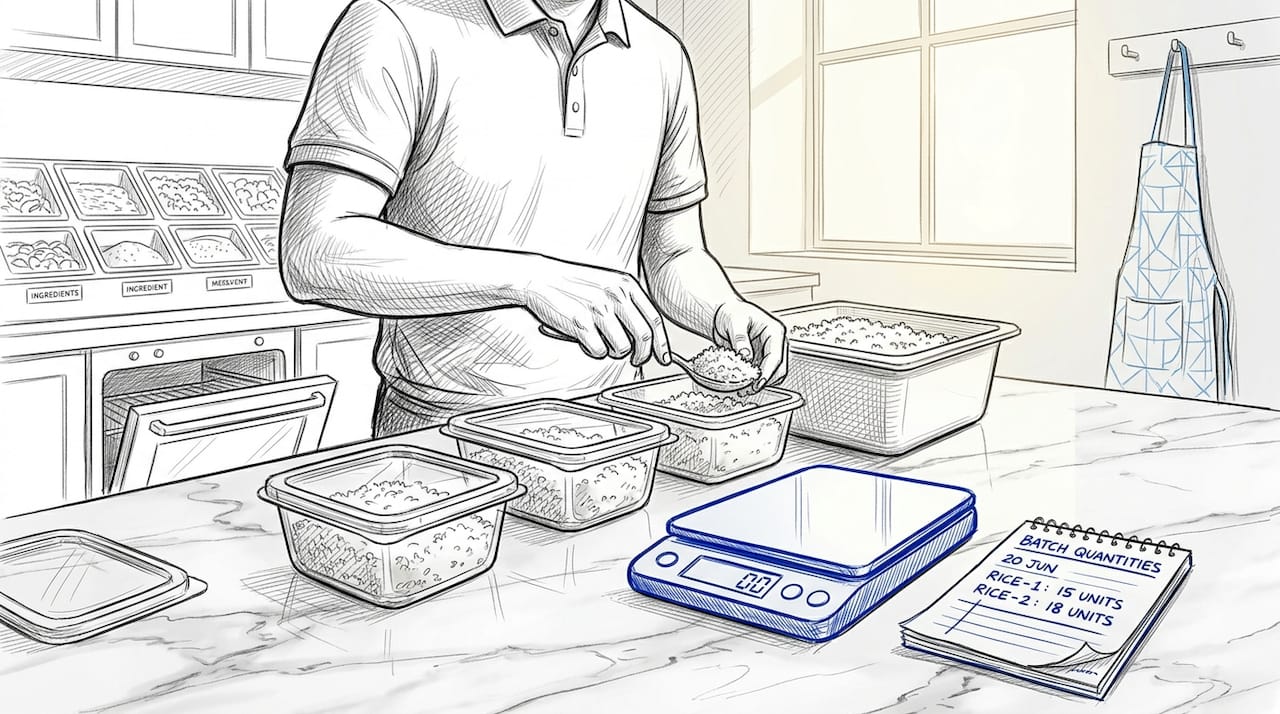
Batch cooking aligned to forecasted demand smooths workflows and reduces pressure during rushes. Review your sales data to identify which items sell most consistently in each daypart, then build a prep schedule that gets those items ready in advance without creating waste. This is not guesswork. It is data-led production planning.
5. Introduce self-service and digital ordering tools
AI implementations in repetitive service tasks can deliver measurable operational gains within weeks for straightforward tasks, and self-service kiosks typically show impact on service efficiency within around two months. The impact of self-service kiosks goes beyond queue reduction. They also improve order accuracy by removing verbal miscommunication from the equation entirely.
6. Deploy kitchen order screens
Printed tickets create delays and get lost. A kitchen screen that displays orders in real time, flags timing, and allows the kitchen team to update order status gives both front and back of house a shared view of what is happening. This single change often reduces order errors by a significant margin in venues that previously relied on handwritten or printed dockets.
| Approach | Traditional method | Optimised approach |
|---|---|---|
| Order communication | Printed or handwritten tickets | Real-time kitchen order screen display |
| Inventory management | Static par levels checked daily | AI-driven reordering based on intra-day usage |
| Labour scheduling | Hourly blocks based on rota norms | Micro-peak analysis with staggered starts |
| Menu management | Full menu available at all times | Simplified peak-time menu with combo focus |
| Order taking | Staff-only counter service | Staff plus self-service kiosk options |
Pro Tip: When piloting a new workflow change, test it on a single station or a single daypart before rolling it out across the whole venue. This limits disruption and gives you clean comparison data.
Verifying and sustaining your improvements
Implementing changes is the straightforward part. Keeping those gains in place three months later is where most venues fall short.
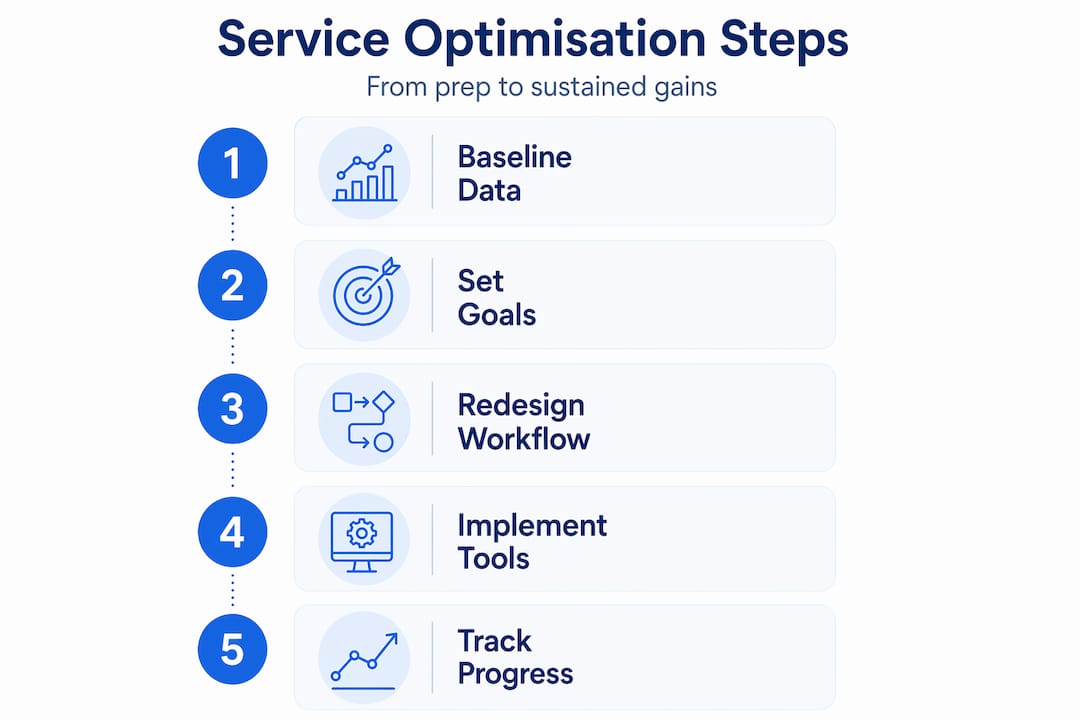
The foundation of sustained improvement is a focused KPI set. Tracking speed, quality, and operational health metrics aligned to business goals gives you the clearest picture without overwhelming your management team. Resist the urge to monitor everything. Measuring too many metrics dilutes focus and makes it harder to act on what you see.
Your core monitoring set should cover:
- Average order fulfilment time by daypart
- Order accuracy rate (percentage requiring correction)
- Food waste cost as a percentage of revenue
- Labour cost as a percentage of revenue during peak periods
- Customer satisfaction scores tied specifically to speed and accuracy
Beyond tracking numbers, conduct regular line audits. Sustained improvements depend on clear ownership, monitoring KPIs, and timely correction of process drift. Assign a named team member or manager to own each KPI. That person is responsible for flagging when performance drops below a defined threshold and proposing a corrective response.
| Review frequency | Format | Purpose |
|---|---|---|
| Daily | Brief shift debrief (10 minutes) | Flag immediate issues and keep team aligned |
| Weekly | KPI review with line manager | Spot trends before they become problems |
| Monthly | Full process audit with data review | Assess whether gains are holding and identify new targets |
| Quarterly | Strategic review with leadership | Evaluate outcomes against original business goals |
Regular management review meetings with real data help maintain momentum on service improvement without overwhelming leadership. Keep these sessions short, structured, and data-led. A 20-minute weekly check with three clear KPIs on screen beats a two-hour monthly meeting that nobody acts on.
Common mistakes that undermine optimisation
Even operators who follow the right process can stumble. These are the pitfalls that most commonly undo good work.
- Treating symptoms instead of causes. Adding staff to a slow service line when the real issue is a poorly sequenced kitchen layout solves nothing. Fixing broken processes is what moves the needle, not throwing more effort at an unchanged workflow.
- Overcomplicating your KPI set. Ten metrics feel thorough but produce paralysis. Operators who track three or four tightly defined measures make faster, clearer decisions.
- Ignoring staff in the process. People resist changes they do not understand. Brief your team on what is changing, why it is changing, and what success looks like for them personally. Resistance drops sharply when staff feel included rather than managed.
- Expecting technology to do the work alone. Automation and AI are aids to specific operational problems, not replacements for sound process design. A self-service kiosk installed into a chaotic workflow makes a chaotic workflow faster and more confusing.
- Skipping the pilot phase. Rolling out changes across your whole operation at once removes your ability to compare before and after. Always pilot on a subset first.
Pro Tip: If an improvement is not showing results within four weeks, go back to your baseline data before making further changes. Often the problem is measurement rather than the change itself.
My honest take on quick service optimisation
I have seen a lot of operators invest in technology before they have fixed the fundamentals. A shiny new kiosk or a fancy inventory platform does absolutely nothing if the workflow it sits inside is broken. In my experience, the venues that improve fastest are the ones that spend the first few weeks doing almost nothing except watching, measuring, and mapping what actually happens, not what the process chart says should happen.
The other thing I would push back on is the instinct to measure everything. I have worked with operators who built dashboards with 15 KPIs and then spent their management time debating which number to trust rather than fixing anything. Pick three metrics that connect directly to revenue or customer experience, and hold them religiously.
Technology matters, but it earns its place by solving a specific, defined problem. Kitchen screens genuinely reduce ticket errors. AI-driven inventory systems dynamically adjust reorder points based on intra-day usage instead of static par levels, which is a real operational improvement. But neither replaces a well-trained team running a well-designed process.
The operators who sustain gains over 12 months are the ones who build a control habit: a regular, short review of real data with clear ownership. That discipline is unglamorous, and it is exactly why most venues do not do it consistently.
— John
How Ezeepos supports service optimisation in your venue
If you are working through these service performance optimisation steps and finding that your current technology is holding you back rather than helping you, Ezeepos is worth a close look. The platform is built specifically for UK hospitality venues and integrates counter service POS, kitchen order screens, self-service kiosks, and inventory management into a single Android-based system. No tiered pricing, no features locked behind upgrades, and local UK installation with ongoing support.
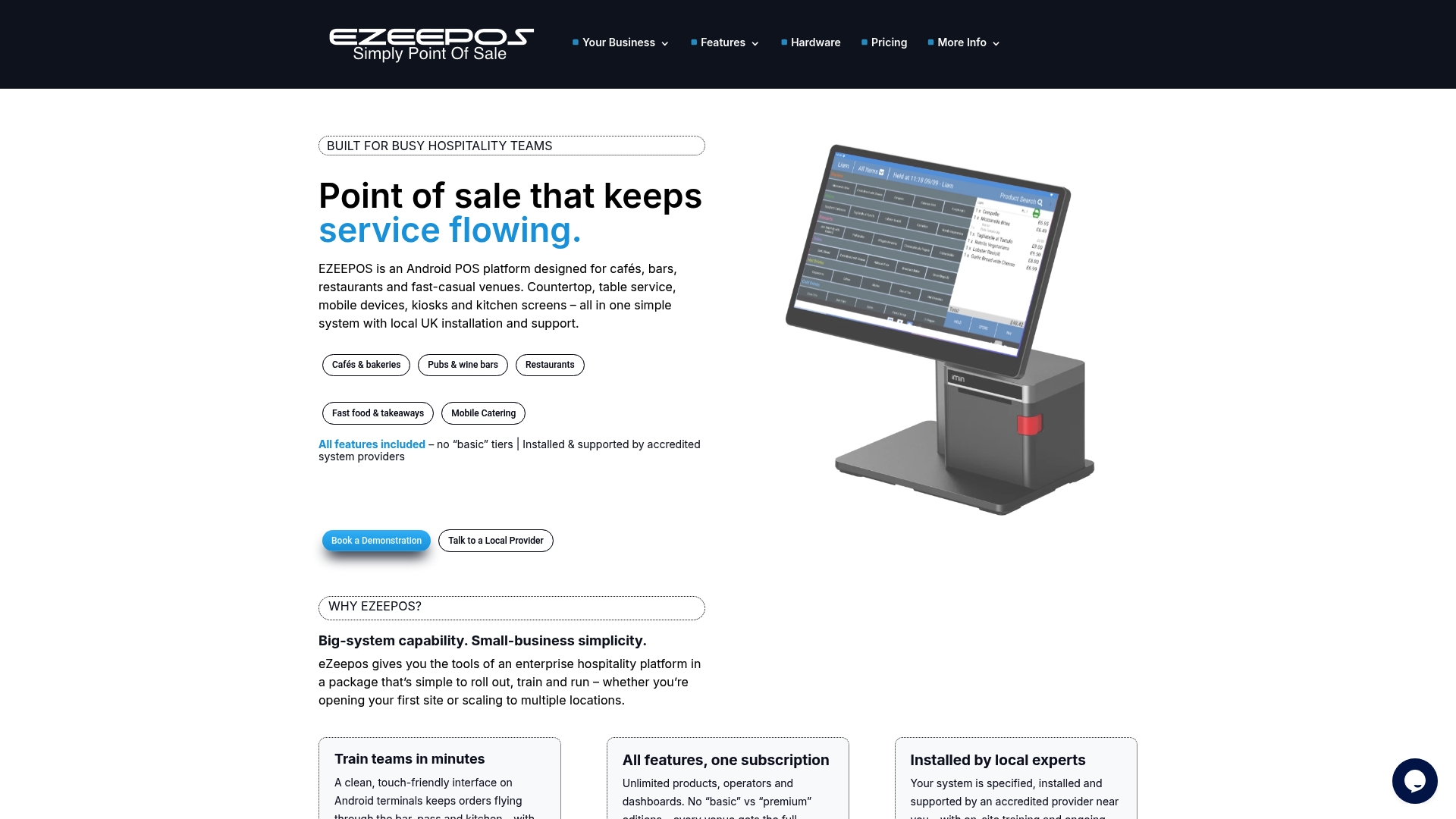
Ezeepos gives you the tools to implement the fast service improvement methods covered in this article without stitching together multiple platforms. Kitchen screens connect directly to your POS so orders appear instantly in the kitchen. Inventory alerts flag stock levels in real time. And the unified POS platform gives your management team a single back-office view of sales, waste, and staff performance. Visit Ezeepos to see how it fits your operation.
FAQ
What are the first steps in quick service optimisation?
Start by writing a precise problem statement with measurable criteria, then collect baseline data across order speed, accuracy, waste, and staff utilisation before setting any improvement goals.
How quickly can service optimisation improvements take effect?
Workflow and scheduling changes can show results within one to two weeks. Self-service technology typically takes around two months to demonstrate measurable impact on service efficiency.
How many KPIs should a quick service venue track?
Focus on three to five KPIs directly tied to speed, order accuracy, and operational costs. Tracking more than this dilutes decision-making and slows your response to problems.
What is the most common reason optimisation projects fail?
Operators most often fail by treating symptoms rather than root causes, such as adding staff to a slow line rather than fixing the underlying workflow that is creating the bottleneck.
How do kitchen order screens improve service speed?
Kitchen screens display orders in real time and eliminate printed ticket delays and errors, giving the kitchen and front-of-house team a shared, accurate view of order status at all times.
Recent Comments