
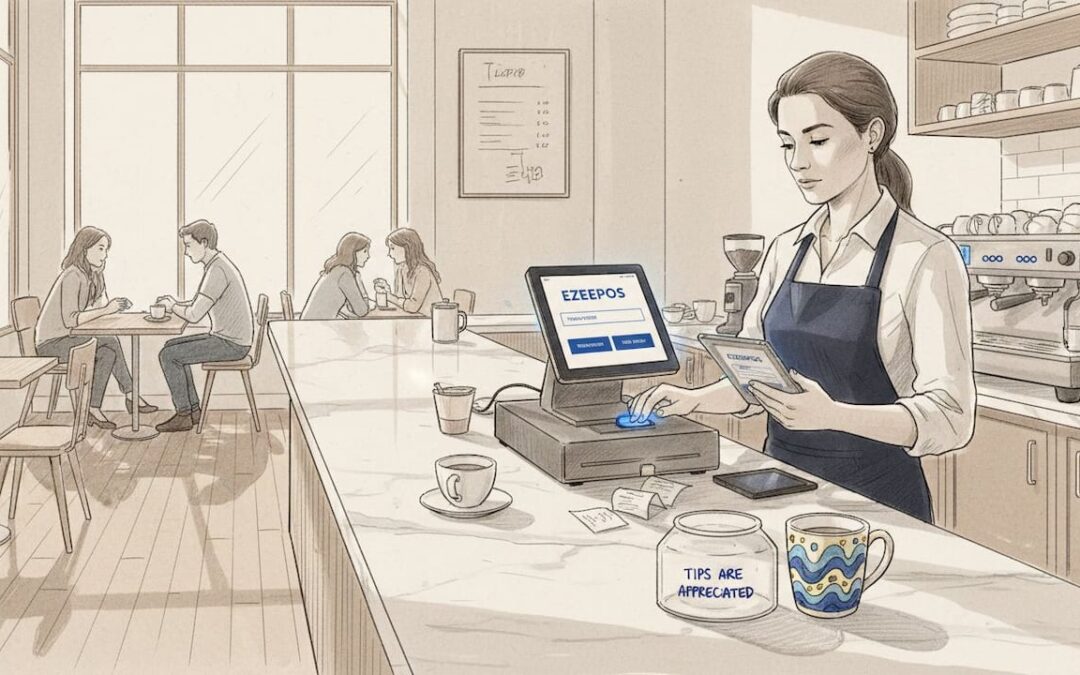
What is multi-device POS for hospitality venues?
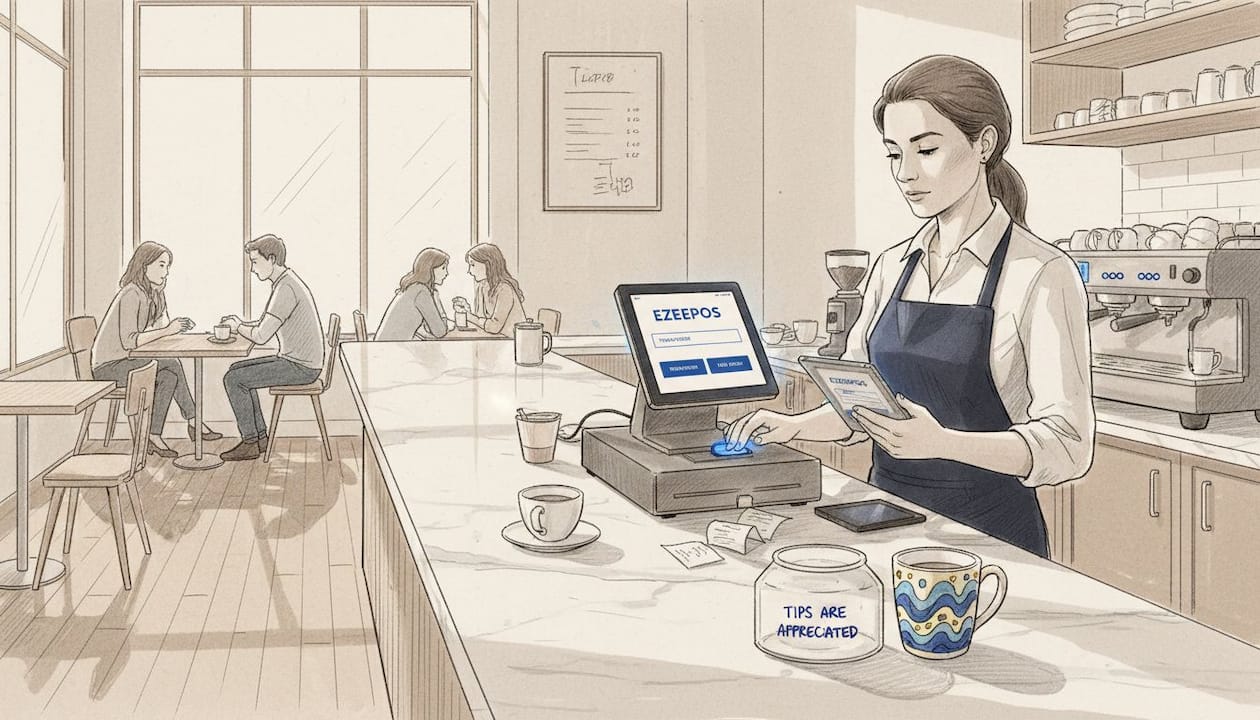
TL;DR:
- A multi-device POS is a cloud-based system connecting multiple terminals and kiosks that share real-time data across service points. It offers hybrid connectivity, robust offline mode, and unified hardware and software, enhancing speed and efficiency during peak hours. Proper selection ensures seamless operation, scalability, and support tailored to hospitality venues’ needs.
Running a busy café, bar, or restaurant means managing orders from multiple points at once. A single till at the counter simply cannot keep pace. That is why understanding what is multi-device POS has become one of the most practical questions hospitality managers are asking right now. This guide cuts through the noise, explains exactly what these systems are, how they work across different service environments, and what to look for when choosing one for your venue.
Table of Contents
- Key takeaways
- What a multi-device POS system actually is
- Hardware and connectivity features that matter
- Benefits of multi-device POS for hospitality venues
- Multi-device POS vs traditional and mobile-only systems
- Choosing the right multi-device POS for your venue
- My honest take on where multi-device POS deployments go wrong
- See how Ezeepos handles multi-device setups
- FAQ
Key takeaways
| Point | Details |
|---|---|
| Multi-device POS defined | A cloud-based system connecting multiple terminals, tablets, and kiosks that share data in real time. |
| Real-time sync matters | All devices update sales, inventory, and orders simultaneously, removing data silos and manual entry. |
| Connectivity resilience is critical | Hybrid Wi-Fi and cellular switching keeps operations running even when your internet drops. |
| Offline mode needs to go deep | The best systems handle split bills and kitchen printing offline, not just basic transaction caching. |
| All-in-one beats piecemeal | Unified software, hardware, and payments from one platform reduces failure risk during peak service. |
What a multi-device POS system actually is
The multi-device point of sale meaning is straightforward once you strip away the technical language. A multi-device POS is a cloud-based platform connecting multiple terminals — fixed countertop units, handheld tablets, and self-service kiosks — all operating simultaneously and sharing the same live data. Every sale, stock movement, and customer interaction updates across every device the moment it happens.
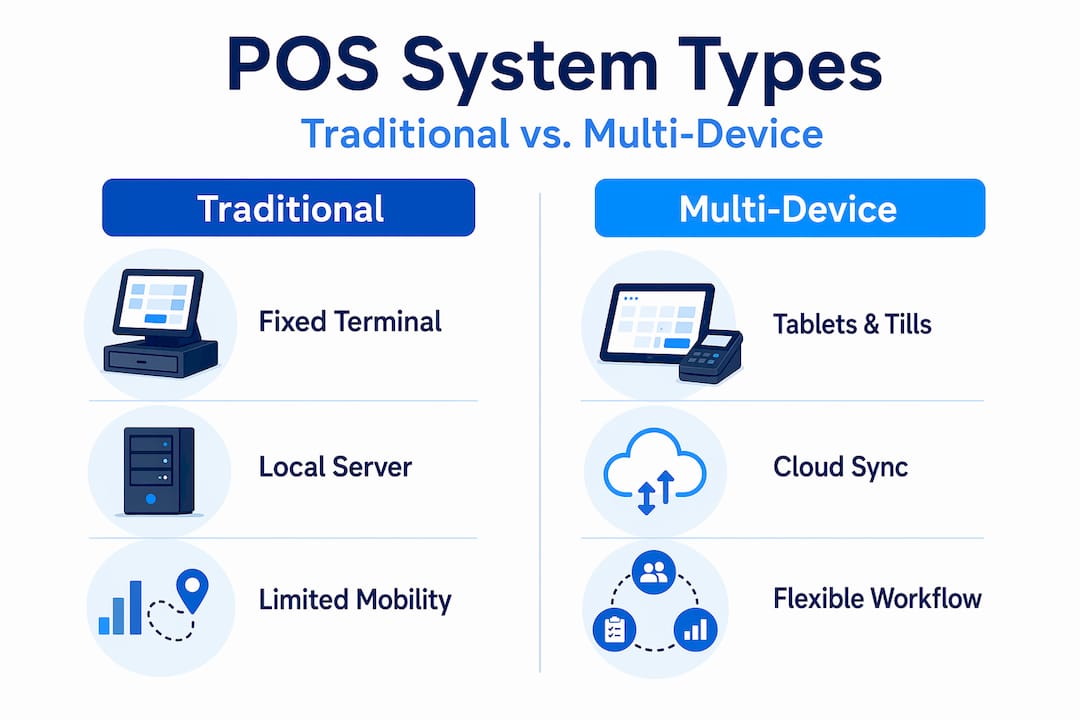
This is fundamentally different from a traditional single-terminal setup. Legacy systems typically run on a local server inside the venue. If that server goes down, everything stops. If you want to check yesterday’s sales figures from home, you cannot. And if you add a second terminal, you are often dealing with a separate data set that needs manual reconciliation at the end of the day.
With a multi-device POS, the core software lives in the cloud. That means:
- Countertop terminals at the bar or counter handle high-volume transactions quickly
- Handheld tablets let staff take orders tableside and send them directly to the kitchen
- Self-service kiosks allow customers to order and pay without queuing at a staffed till
- Kitchen display screens receive orders from every device simultaneously, removing the need for paper tickets
The practical result is that your front-of-house and back-of-house operate as one connected system rather than two separate worlds that occasionally talk to each other. Cloud-based POS platforms also deploy software updates automatically, so every device across your venue stays on the same version without anyone needing to touch a server.
Hardware and connectivity features that matter
Understanding how multi-device POS works means looking at the physical and technical infrastructure behind it. The hardware is not just a collection of screens. Each terminal in a well-designed system is a multi-interface unit, meaning it carries multiple ports and wireless options to connect with receipt printers, barcode scanners, cash drawers, and customer-facing displays at the same time.
For hospitality venues, this flexibility is not a luxury. A bar needs a cash drawer and a receipt printer. A kitchen needs a display screen. A tableside tablet needs to print to a specific printer in a specific section. A system that cannot handle these simultaneous peripheral connections will create bottlenecks rather than remove them.
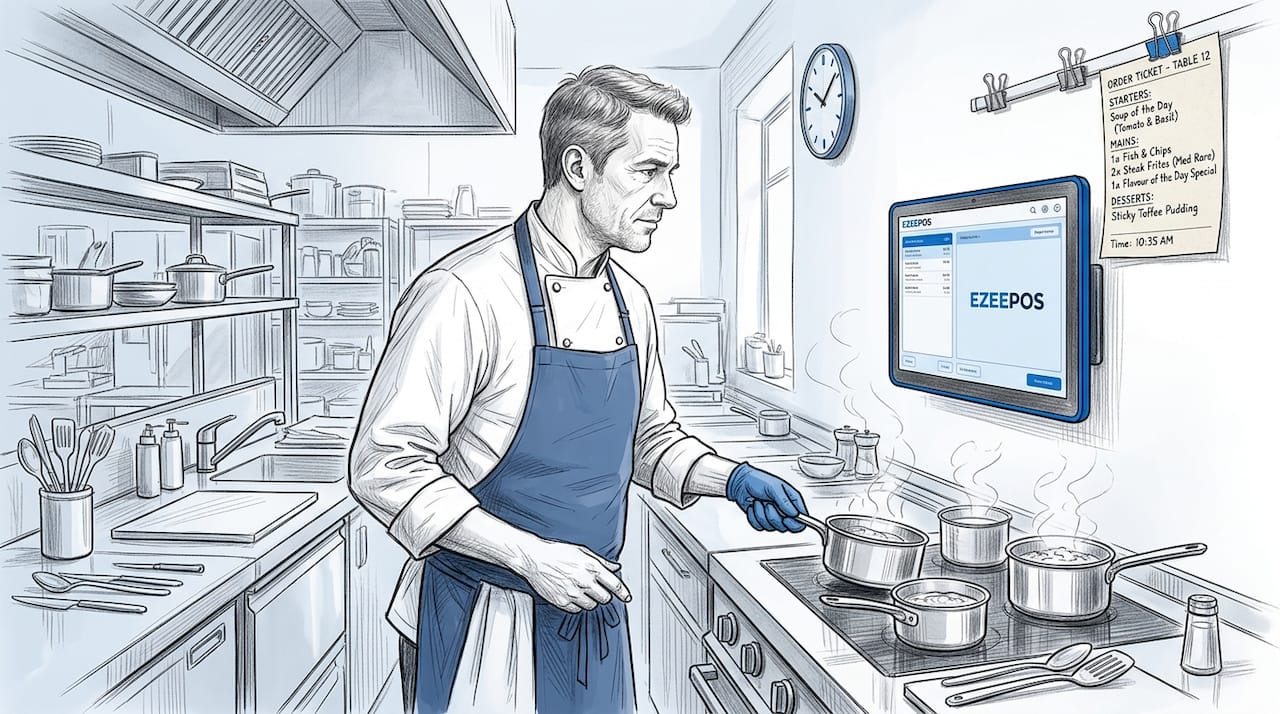
Beyond the hardware ports, connectivity is where many venues get caught out. The best systems use hybrid connectivity that switches automatically between Wi-Fi and a cellular network backup. If your broadband drops during a Friday evening rush, the system keeps processing payments and sending orders to the kitchen without anyone noticing.
Pro Tip: When evaluating systems, ask vendors specifically how their offline mode handles split bills and simultaneous kitchen printing. Many systems cache simple transactions offline but fail on complex hospitality scenarios. Robust offline operation is a genuine differentiator, not a standard feature.
Another hardware consideration that operators often overlook is standardisation. Using uniform hardware kits across all your service points means that if a tablet fails on a Saturday night, any spare unit can replace it immediately. Staff already know how to use it. Your IT support team already knows how to configure it. For multi-site operators, this consistency across venues reduces retraining costs and simplifies logistics considerably.
Benefits of multi-device POS for hospitality venues
The benefits of multi-device POS are most visible during your busiest periods. Here is what changes operationally when you move from a single terminal or a disconnected setup to a properly integrated multi-device system.
-
Faster order processing. Tableside ordering via handheld tablets sends orders directly to the kitchen the moment staff confirm them. There is no walk to the counter, no shouting across a pass, and no paper ticket that gets lost or misread. 64% of restaurants invest in multi-device integration specifically to improve service speed and reduce manual order errors by up to 30%.
-
Unified inventory in real time. Every sale across every device updates your stock levels instantly. If you sell the last portion of a dish through the kiosk, the tablet in the dining room reflects that immediately. You stop over-ordering, reduce waste, and avoid the awkward conversation where a server has to return to a table and explain an item is unavailable.
-
Multiple service points working together. A multi-device POS for retail and hospitality environments lets you run table service, counter service, and self-service kiosks from one system. Each service point operates independently but feeds into the same reporting, inventory, and payment data. You can see at a glance which area is generating the most revenue at any point in the day.
-
Scalability for growth. Adding a new service point, a pop-up terrace, or a second venue does not require a new system. You add devices to the existing cloud platform. The back office integration that connects your kitchen screens, inventory, and reporting scales with you.
-
Reduced manual data entry. Because every device syncs automatically, there is no end-of-day reconciliation between separate tills. Your sales reports, staff hours, and stock levels are accurate without anyone manually compiling them.
Multi-device POS vs traditional and mobile-only systems
Not every POS described as “modern” is actually a multi-device system. Understanding the differences helps you avoid buying something that sounds right but falls short in practice.
| Feature | Traditional local-server POS | Mobile-only mPOS | Multi-device POS |
|---|---|---|---|
| Real-time data sync | No | Partial | Yes, across all devices |
| Offline operation | Yes (local only) | Limited | Yes, with full sync on reconnect |
| Scalability | Low | Medium | High |
| Peripheral integration | Limited | Minimal | Full (printers, displays, drawers) |
| Central reporting | Manual export | Basic | Automatic, cloud-based |
| Multi-site support | No | Partial | Yes |
Traditional local-server systems are not inherently bad. They are reliable within their limitations. But those limitations become serious problems when you want to add a second bar, open a terrace, or check your sales data from anywhere other than the office next to the server. The IT overhead alone, including maintenance, backups, and updates, adds cost and complexity that cloud systems remove entirely.
Mobile-only mPOS setups, where staff use smartphones or basic tablets with card readers, work well for very simple operations like market stalls or pop-up events. For a café or bar with multiple service points, they lack the peripheral integration and reporting depth that a genuine multi-device system provides. The types of POS systems for mobile caterers illustrates where mobile-only setups fit and where they reach their ceiling.
Pro Tip: All-in-one POS platforms where software, hardware, and payments come from one provider consistently outperform piecemeal setups during peak hours. When something goes wrong at 7pm on a Saturday, having one support number to call is worth more than saving money on a cheaper hardware bundle.
Choosing the right multi-device POS for your venue
Selecting from the best multi-device POS systems available requires working through your operational reality before looking at product features. Here is what to assess before you speak to any vendor.
- Map your service points. Count every location where an order is taken or a payment is processed. Include the bar, each section of the dining room, any kiosks, and any outdoor or pop-up areas. Your system needs to handle all of them simultaneously.
- Define your service modes. Counter service, table service, and self-service kiosks each require different hardware configurations. A system that handles one well may not handle all three without additional modules or workarounds.
- Test offline mode thoroughly. Ask for a live demonstration of what happens when the internet connection drops. Watch specifically for split bills, simultaneous kitchen printing, and payment processing. If the demo environment does not replicate this, request a trial period at your venue.
- Prioritise unified platforms. Unified software and hardware ecosystems reduce integration risk and minimise downtime during peak hours. Avoid systems that require you to connect third-party hardware from one supplier with software from another and payments from a third.
- Evaluate vendor support. For UK hospitality venues, local installation and ongoing human support matters. Remote-only support from an overseas call centre is a genuine operational risk when you have a queue of customers and a non-responsive terminal.
- Plan for growth. If you intend to open additional venues or add service points, confirm that adding devices to the platform does not require a new contract or a different software tier.
My honest take on where multi-device POS deployments go wrong
I have seen a lot of hospitality operators make the same mistake. They buy hardware from one supplier, software from another, and a payment solution from a third, believing they are getting the best of each. In practice, what they get is three separate support contracts, three separate update cycles, and a system that works beautifully in isolation but falls apart under the pressure of a real service.
The connectivity piece is where I see the most avoidable failures. Venues invest in good hardware and solid software, then skimp on network infrastructure. A single Wi-Fi router covering a large venue is not a resilient setup. When it drops, and it will drop, the lack of a cellular fallback turns a minor inconvenience into a complete service halt.
What I have found actually works is treating the POS system as infrastructure rather than equipment. The best operators I have encountered think about their POS the way they think about their plumbing. It needs to be standardised, maintainable, and invisible when it is working. Hardware standardisation across service points is the single most underrated decision in multi-site operations. Swapping a failed tablet in three minutes because every device is identical is a very different experience from spending forty-five minutes reconfiguring a replacement unit during a lunch rush.
The future of multi-device POS in hospitality is moving towards tighter IoT connectivity, where devices like temperature sensors, stock scales, and customer display screens feed directly into the same platform. The venues that will benefit most are those that have already built a standardised, unified foundation to connect them to.
— John
See how Ezeepos handles multi-device setups

Ezeepos is built specifically for the demands of UK hospitality venues, from independent cafés to multi-site quick service operators. The platform connects countertop terminals, handheld tablets, self-service kiosks, and kitchen screens into one Android-based system with a cloud back office, hybrid connectivity, and full offline capability. There are no tiered pricing structures that lock advanced features behind higher plans. Every venue gets the full feature set. If you want to see how a properly integrated multi-device setup works in a café or bar environment, explore the Ezeepos café POS solutions or check the quick service chain comparison to find the right configuration for your operation.
FAQ
What is the multi-device point of sale meaning?
A multi-device POS is a cloud-based system where multiple hardware terminals, including tablets, kiosks, and fixed tills, share live sales, inventory, and order data simultaneously. Every device updates in real time from a single central platform.
How does a multi-device POS work in a busy venue?
Each device connects to a shared cloud platform and syncs data instantly across all service points. Orders placed on a tableside tablet appear on the kitchen screen within seconds, while inventory and sales figures update across the entire system without manual input.
What happens if the internet goes down?
The best multi-device POS systems switch automatically to a cellular backup network and maintain an offline mode that handles complex scenarios including split bills and kitchen printing. Data syncs fully once the connection is restored.
Is a multi-device POS suitable for small venues?
Yes. A small café with a counter terminal and one handheld tablet is already a multi-device setup. The cloud infrastructure scales from two devices to dozens, so the system grows with your venue rather than requiring replacement as you expand.
What should I look for when comparing the best multi-device POS systems?
Prioritise unified software and hardware from a single provider, genuine offline capability, hybrid connectivity, and local UK support. Avoid systems that require multiple vendors for hardware, software, and payments, as integration failures during peak service are costly and stressful.
Recent Comments