
Cloud backup in POS: what hospitality venues need to know
TL;DR:
- Cloud backup in POS systems involves automatically creating off-site copies of critical data, safeguarding against hardware failures or theft. It complements offline transaction capabilities by ensuring data recoverability, especially when internet outages occur. Regular testing and verification of backups are essential to maintain reliable disaster recovery aligned with specific RPO and RTO goals.
Understanding what is cloud backup in POS is no longer optional for hospitality venue owners. A single hardware failure, fire, or theft can wipe out months of transaction data, customer records, and inventory history in seconds. Many owners assume that because their POS is cloud-connected, their data is automatically safe. That assumption is where the real risk hides. This article cuts through the confusion, explains exactly how cloud backup works in a POS context, and gives you the practical knowledge to protect your venue’s data and keep operations running when things go wrong.
Table of Contents
- Key takeaways
- What cloud backup actually means for your POS
- Security and operational advantages of cloud backup
- Advanced verification and disaster recovery concepts
- Practical steps for implementing cloud backup in your POS
- Real-world benefits and application across hospitality venues
- My honest take on cloud backup for hospitality POS
- Protect your venue with Ezeepos cloud backup
- FAQ
Key takeaways
| Point | Details |
|---|---|
| Cloud backup defined | Cloud backup creates an off-site copy of your POS data automatically, separate from your local system. |
| The 3-2-1 rule matters | Keeping three copies on two media types with one off-site is the baseline for reliable POS data protection. |
| Verification is non-negotiable | A backup that has never been tested cannot be trusted. Schedule regular restore tests to confirm recoverability. |
| Offline capability is separate | Cloud backup protects your data, but only an offline-capable POS protects your trading during an internet outage. |
| Match recovery goals to strategy | Define your recovery point objective and recovery time objective before choosing a backup solution. |
What cloud backup actually means for your POS
Cloud backup in a POS system means an automated, scheduled copy of your operational data is sent to a remote server, separate from the hardware in your venue. It is not the same as having a cloud-based POS. A cloud POS processes transactions online. Cloud backup is specifically about protecting data that already exists, whether your POS is cloud-based or locally installed.
The types of data typically captured in a POS backup include:
- Sales transactions and payment records
- Inventory levels and stock movement history
- Customer profiles and loyalty data
- Staff records and access permissions
- Menu configurations and pricing structures
- Reporting data and end-of-day summaries
The industry standard for structuring this protection is the 3-2-1 rule. You keep three copies of your data: the live version on your POS hardware, a local backup on a separate device such as a NAS drive, and one copy stored off-site in the cloud. This spread across two different media types, with one copy off-site, is what gives you real resilience. If your server room floods or your hardware is stolen, the cloud copy remains intact.
The key word in cloud backup is automated. Manual backups fail because humans forget, get busy during service, or simply skip the process under pressure. Automated scheduling removes that risk entirely and creates a consistent, reliable protection layer for your venue.
It is worth being clear on one distinction. A cloud-based POS that processes all transactions online is not the same as having cloud backup. Your transactions might live in the cloud during processing, but without a dedicated backup strategy, you may have no clean, restorable archive if data becomes corrupted or deleted. The two concepts work together but are not interchangeable.
Security and operational advantages of cloud backup
The most obvious advantage of cloud backup is physical protection. If your till area is robbed, your server room suffers a power surge, or a kitchen fire tears through your venue, your on-site hardware is gone. Your off-site cloud copy survives regardless. That single fact changes the economics of disaster recovery for most hospitality venues.
Beyond physical safety, encryption is what separates a trustworthy cloud backup from a vulnerable one. Any backup solution worth using should encrypt data both in transit and at rest. This matters especially for hospitality venues handling card payment data and customer records, where a breach carries both financial and reputational consequences.
Here is where automated cloud backup genuinely outperforms manual local processes:
- No risk of forgotten backups during busy trading periods
- Consistent backup frequency regardless of staff turnover
- Multiple storage locations reduce single points of failure
- Automated backups reduce human error and corruption risks common in manual processes
- Off-peak scheduling means backup activity does not slow down your POS during service
Recovery speed is one factor that venue owners often overlook. Restoring a large dataset from the cloud is only as fast as your internet connection allows. A venue with a slow broadband connection may find that a full restore takes several hours. This is not a reason to avoid cloud backup. It is a reason to plan your recovery strategy carefully and consider whether a local backup copy alongside your cloud backup can speed up the initial restore.
Pro Tip: Schedule your cloud backup to run during the slowest period of your trading day, typically 3am to 5am, so it never competes with active POS transactions or slows your system during service.
Advanced verification and disaster recovery concepts
Most hospitality owners think about backup in simple terms: data is copied somewhere safe. The reality of modern data protection is more layered, and understanding it gives you a significant operational advantage.
The 3-2-1 rule has evolved. The current best practice is the 3-2-1-1-0 rule, which adds two critical elements: one copy must be immutable (meaning it cannot be altered or deleted, even by ransomware), and zero errors must exist in verified backup copies. Ransomware attacks on hospitality businesses are not theoretical. When attackers encrypt your live data, they often target connected backup copies too. An immutable, air-gapped cloud backup is what keeps you protected.
“True continuity depends on testing and verification that backups are trustworthy after cyber events, not just their existence.” Veeam
This quote captures a truth that many venue owners discover too late. A backup that has never been tested is not a backup. It is an assumption. The most common cause of a failed recovery is discovering the backup file is corrupted or incomplete only at the moment you need it most.
Two terms that define your recovery strategy are worth knowing:
- Recovery Point Objective (RPO): The maximum amount of data you can afford to lose, measured in time. If your RPO is four hours, your backup must run at least every four hours.
- Recovery Time Objective (RTO): The maximum time your venue can tolerate being offline or operating without full data access. This drives how fast your restore process must be.
Cloud disaster recovery goes beyond simple backup. Cloud DR uses replication and automation to meet defined RPO and RTO goals, often spinning up a working environment in the cloud while your physical hardware is repaired or replaced. For larger hospitality groups, this level of continuity planning is worth serious consideration. For a single-site café or bar, knowing your RPO and RTO helps you choose the right backup frequency and the right storage solution without overspending.
Practical steps for implementing cloud backup in your POS
Choosing a cloud backup approach that actually works for your venue requires more than picking a product from a list. Here is what to evaluate before committing.
| Consideration | What to check |
|---|---|
| Offline POS capability | Can your POS capture transactions locally if the internet drops, then sync when connectivity returns? |
| Backup compatibility | Does the cloud backup solution integrate natively with your POS platform or require manual exports? |
| Restore granularity | Can you restore a single day’s transactions without rolling back your entire database? |
| Verification tools | Does the solution offer automated restore testing or integrity checks? |
| Support and SLA | Is there a guaranteed recovery time in the service agreement? |
One point that does not get enough attention is offline transaction capability. POS offline modes store transactions locally and sync when connectivity is restored. Cloud backup protects your data. Offline mode protects your trading. You need both, and they are different features. Confirm that your POS handles both before you decide the data protection question is solved.
Combining cloud backup with hardware redundancy is the most reliable approach for hospitality venues. A local NAS device or secondary server provides a fast first-point restore for minor incidents. The cloud copy handles the major disaster scenario. Running both together gives you speed and resilience.
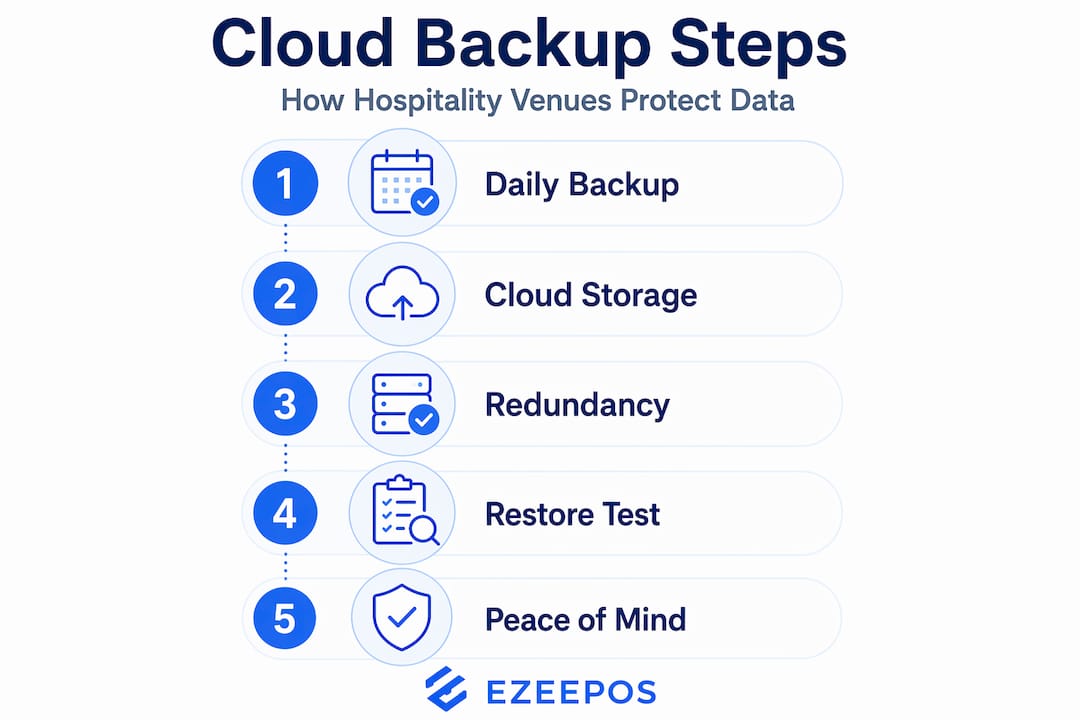
Pro Tip: After setting up cloud backup, run a full restore test to a secondary device before you ever need it in a real emergency. Most venues never do this and only discover gaps in their backup when it is too late to fix them.
Most cloud POS solutions now offer automatic daily backups with setup achievable in 24 to 48 hours. The practical priority is to start with a clear picture of what data matters most and how quickly you need it back. For a busy restaurant, losing a week of sales data during an audit or tax period is far more damaging than losing a single afternoon.
Real-world benefits and application across hospitality venues
The advantages of cloud backup in POS become most visible when something goes wrong. A café whose till freezes on a Saturday morning and needs to be rebuilt from scratch is either back trading in two hours or facing a full day of manual processes and potentially lost sales data. The difference is almost always backup quality and verification.
Concrete benefits that hospitality venues report from well-implemented cloud backup include:
- Rapid recovery from hardware failures without waiting for manufacturer support
- Protection of loyalty programme data that would otherwise be irretrievably lost
- Clean financial records available for audits even after system failures
- Reduced downtime and data loss risk during cyberattacks or ransomware incidents
- Ability to restore a specific date’s data without affecting current records
For bars and pubs, the value often shows up in stock reconciliation. Losing weeks of inventory movement data after a system crash forces a full manual recount. With cloud storage for point of sale data properly configured, that scenario becomes a restore job measured in minutes rather than a business disruption measured in days.
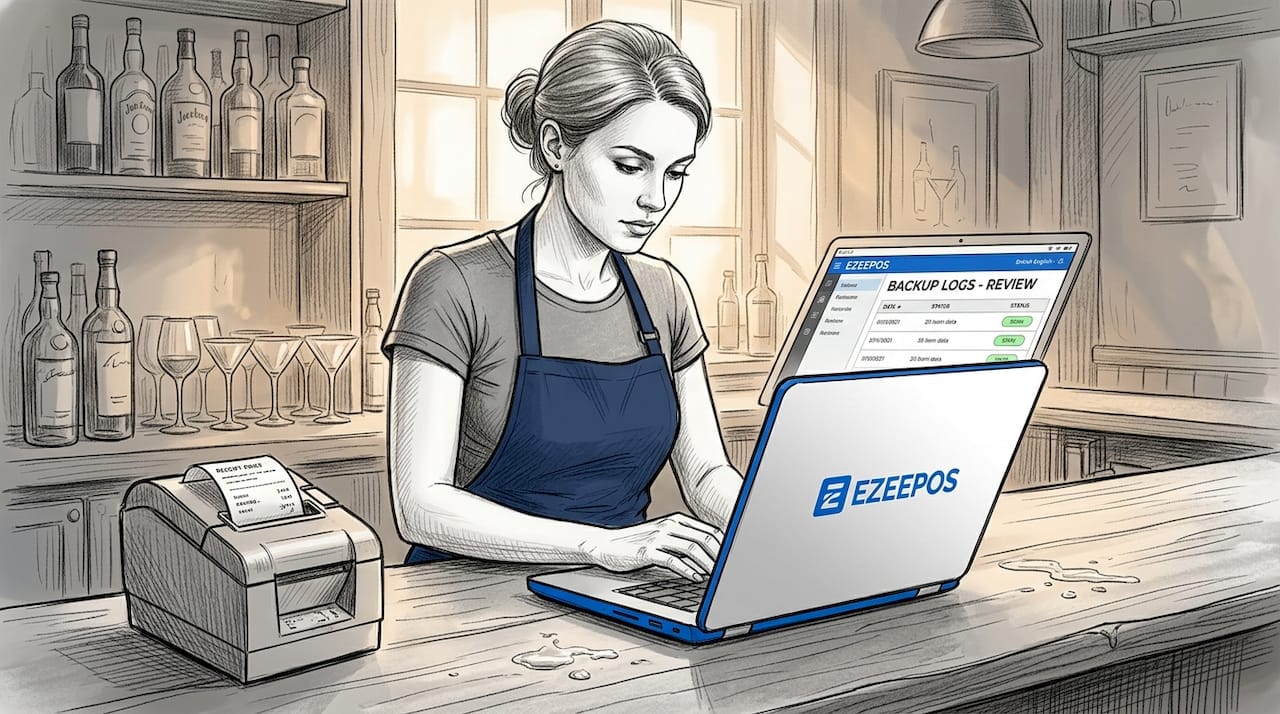
Cloud backup also fits naturally into a wider IT strategy for multi-site hospitality groups. Centralised cloud storage allows head office visibility across all venues, with backup logs and restore history accessible from a single back-office dashboard. This level of oversight is what moves cloud backup from a technical feature to a genuine operational tool.
My honest take on cloud backup for hospitality POS
I’ve spent years working with hospitality venues on their technology setups, and the same mistake comes up repeatedly. Owners assume that because their POS provider mentions cloud somewhere in the marketing, their data is protected. It rarely is without deliberate configuration.
The venues I’ve seen recover quickly from hardware failure or theft all share one characteristic: they tested their backups before they needed them. Not once at setup, but regularly. Quarterly at minimum. The venues that struggled were often the ones with technically adequate backup solutions that had quietly stopped running months earlier due to a credential expiry or storage limit being hit.
My honest view is that cloud backup without offline POS capability is only half a solution. If your internet goes down during a busy Friday dinner service and your POS cannot capture transactions locally, no amount of cloud backup sophistication fixes that immediate problem. I’d always recommend understanding your cloud setup fully before you rely on it.
The emerging shift towards immutable backups and automated verification is genuinely encouraging. The tools that used to require enterprise IT budgets are now accessible to independent cafés and bars. Take advantage of that. The cost of a solid cloud backup strategy is trivial compared to the cost of a single unrecoverable data loss event.
— John
Protect your venue with Ezeepos cloud backup
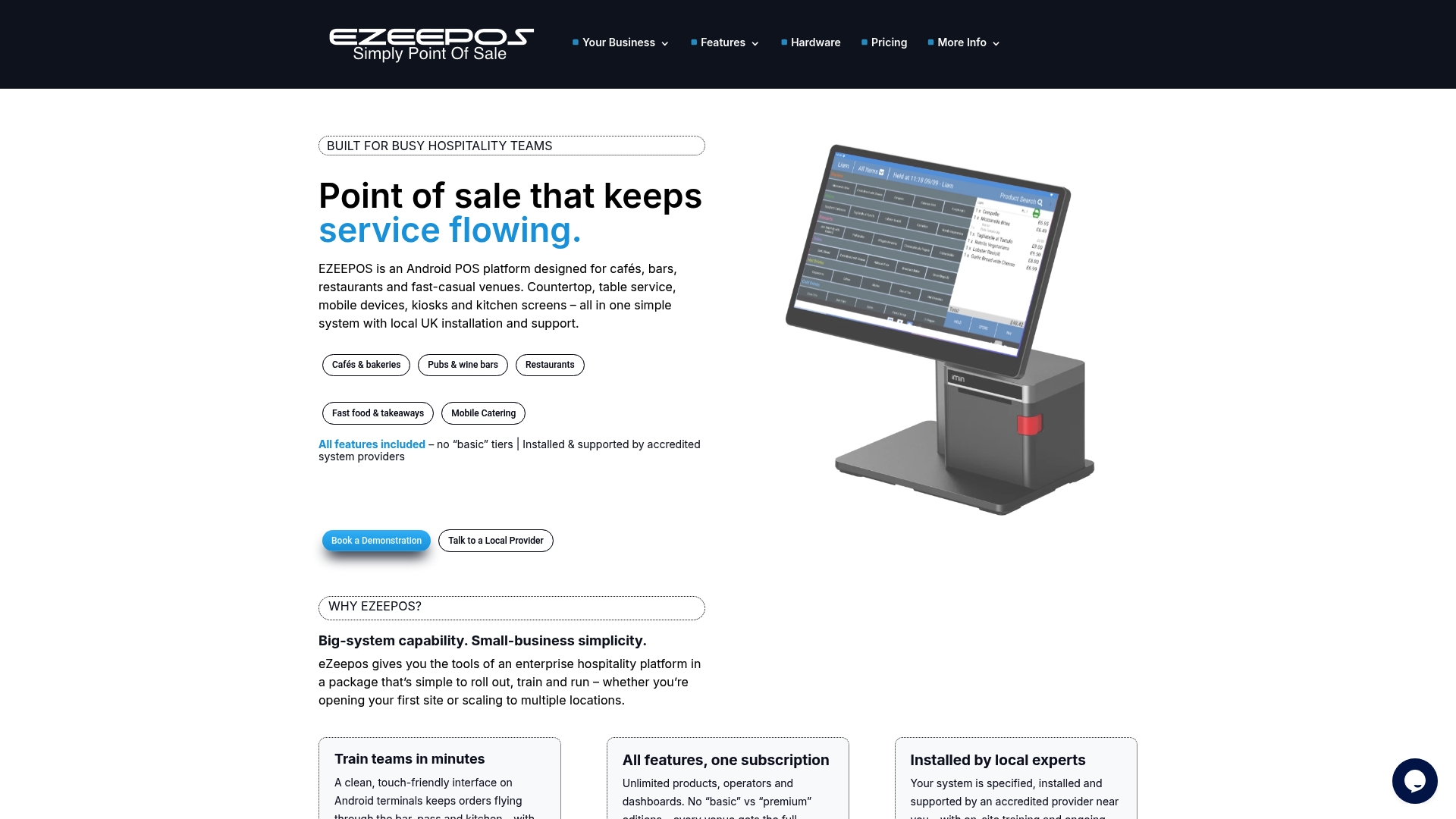
If you run a café, restaurant, bar, or any hospitality venue and you are serious about protecting your POS data, Ezeepos builds cloud backup directly into its platform. There is no bolt-on configuration or third-party complexity. The system handles automated backups, back-office visibility, and offline transaction capture as standard, so your venue keeps trading even when connectivity falters. Local UK installation and ongoing support from accredited providers means you are never left troubleshooting alone. Explore the hospitality POS systems that Ezeepos offers, or take a look at POS solutions for cafés to see how cloud-backed data protection works in practice for venues just like yours.
FAQ
What is cloud backup in a POS system?
Cloud backup in a POS system is the automated, scheduled copying of your transaction, inventory, and customer data to a remote off-site server. It protects your data from hardware failure, theft, or physical damage at your venue.
How does cloud backup differ from a cloud-based POS?
A cloud-based POS processes transactions online, while cloud backup specifically archives copies of your data for recovery purposes. You can have a locally installed POS with cloud backup, or a cloud POS with no dedicated backup strategy. Both concepts are separate.
Does cloud backup prevent downtime during internet outages?
No. Cloud backup protects your data but does not keep your POS trading during an outage. You need a POS with offline transaction capability to capture sales locally and sync them once connectivity is restored.
How often should a hospitality venue back up its POS data?
The right frequency depends on your recovery point objective. Most venues benefit from automatic daily backups at minimum, with higher-volume operations running backups every few hours to limit potential data loss.
Why is testing your backup so important?
A backup that has never been restored cannot be confirmed as usable. Regular restore tests catch corrupted files, expired credentials, and storage issues before they become critical. Testing quarterly is the practical minimum for most hospitality venues.
Recent Comments