
POS hardware unification explained for hospitality
TL;DR:
- POS hardware unification connects all devices in a hospitality venue into a single, real-time managed platform, improving efficiency and data accuracy. Despite operational benefits like faster workflows and reduced hardware, venues must carefully plan for compatibility, network, and staff training challenges. Implementing a phased approach with a strategic vendor ensures successful integration, especially with solutions tailored for hospitality needs.
If you manage a busy restaurant, bar, or café, you have almost certainly dealt with the headache of POS hardware that does not talk to itself. A card reader that operates separately from your order terminal. A kitchen printer on its own network. A tablet for table service that does not sync with your counter station. Understanding what is POS hardware unification, and why it matters, is one of the most practical steps you can take toward running a calmer, more profitable venue in 2026.
Table of Contents
- Key takeaways
- What is POS hardware unification?
- The real benefits of POS hardware unification
- Challenges to plan for before you unify
- Comparing POS unification approaches
- How to implement POS hardware unification
- My honest take on POS hardware unification
- How Ezeepos helps UK venues unify POS hardware
- FAQ
Key takeaways
| Point | Details |
|---|---|
| Unification means one system | POS hardware unification connects all your devices into a single, centrally managed platform rather than isolated tools. |
| Efficiency gains are measurable | Consolidated hardware reduces physical footprint and improves staff coordination across service points. |
| Integration challenges are real | Compatibility, vendor lock-in, and network demands require careful planning before committing to a unified setup. |
| Cloud vs. local matters | Your choice of unification architecture directly affects uptime, responsiveness, and how your venue scales. |
| Implementation needs a phased approach | Rushing a rollout without staff training and testing creates more disruption than the fragmentation you started with. |
What is POS hardware unification?
Before you can appreciate the benefits, you need a clear picture of what POS hardware actually consists of and what “unification” genuinely means in a hospitality context.
The hardware components in a typical venue
A working POS setup in a restaurant or bar usually involves several distinct pieces of equipment. These commonly include:
- Order terminals (countertop touchscreens or tablets used by staff to place orders)
- Card readers and payment terminals (for processing contactless, chip, and PIN payments)
- Receipt printers (customer-facing and kitchen-facing)
- Kitchen display screens (KDS) for communicating orders directly to kitchen staff
- Self-service kiosks for quick-service or fast-casual venues
- Barcode scanners for stock management and product lookup
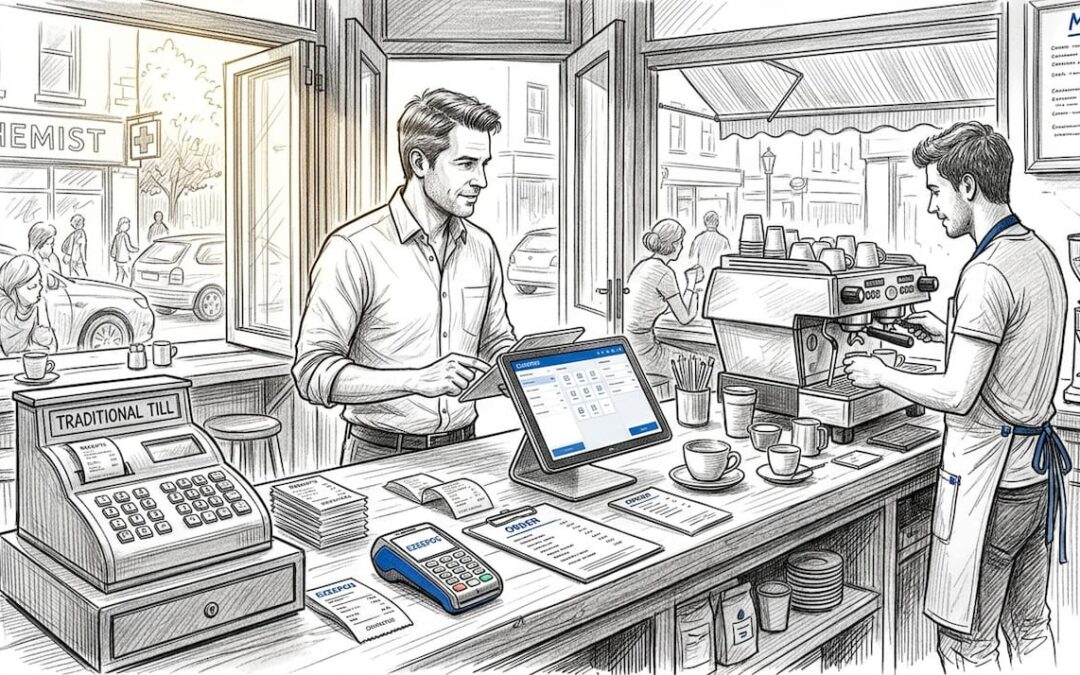
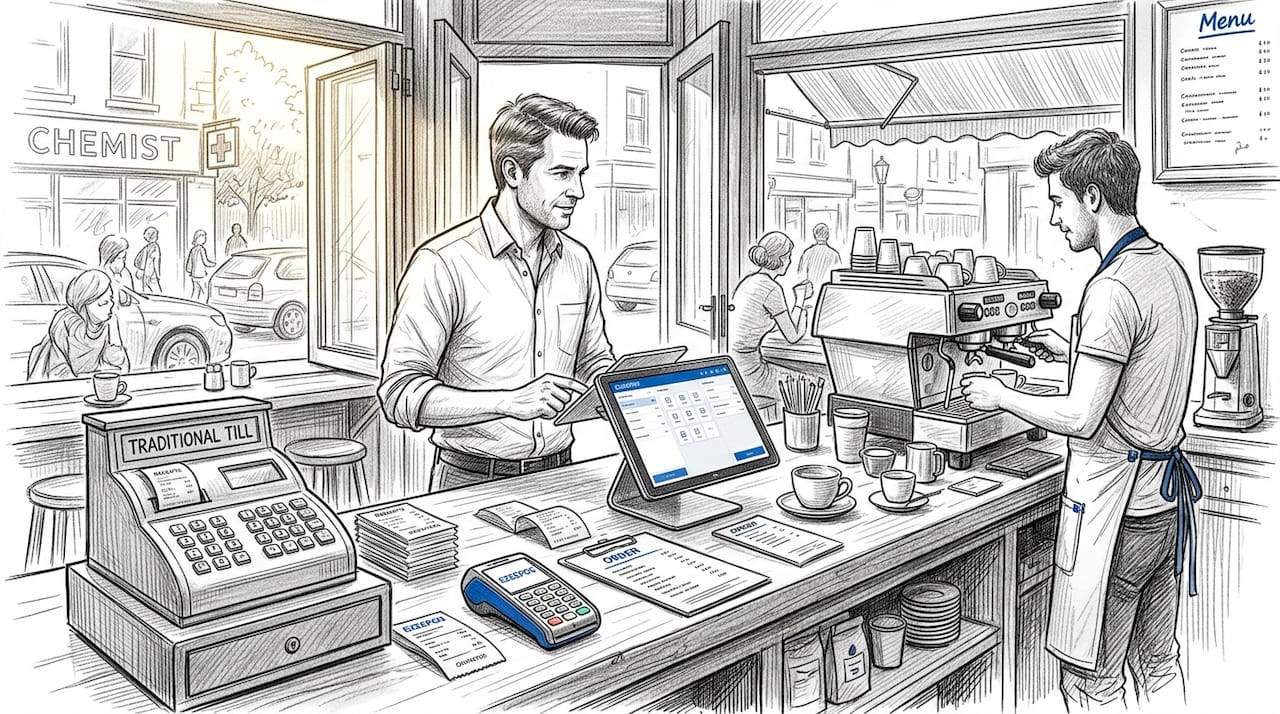
Traditional countertop terminals offer simplicity but limited flexibility, while tablet-based systems allow you to mix components and adapt layouts. Neither format is inherently better. The problem arises when these devices operate in silos.
Defining POS hardware unification
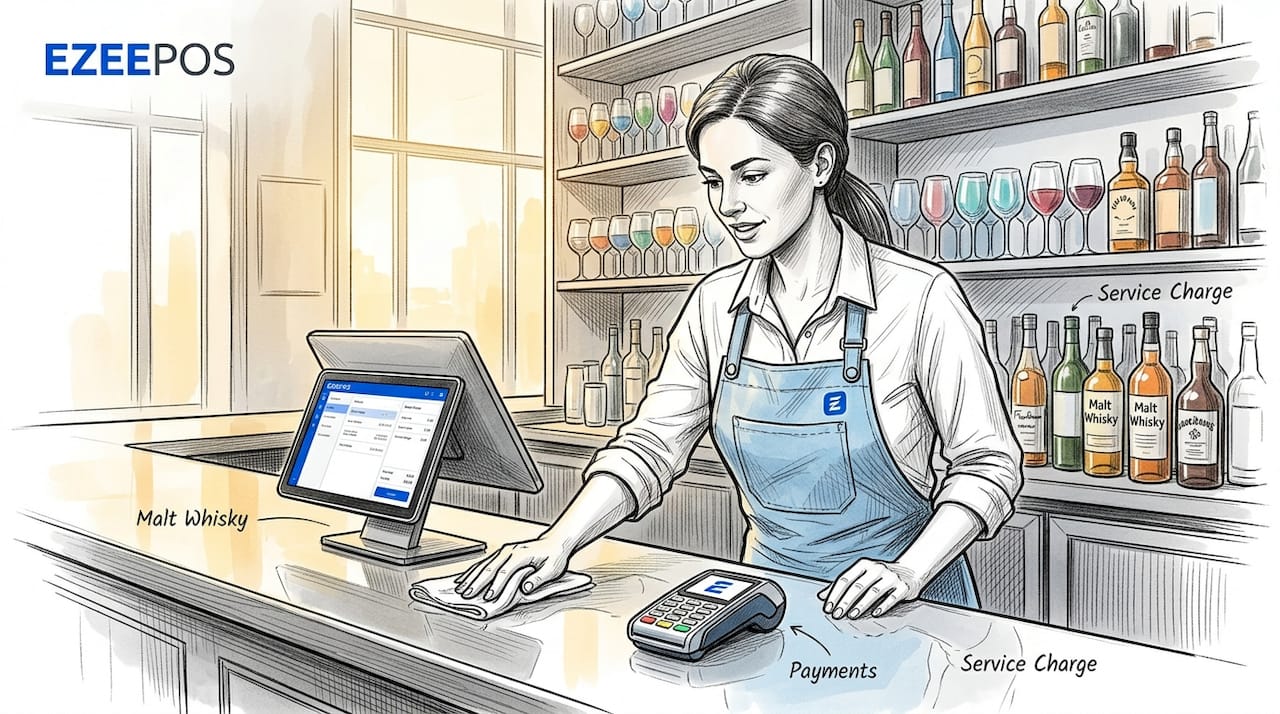
POS hardware unification is the process of consolidating all those separate devices under a single, coordinated platform. Rather than each terminal, reader, or screen operating through its own software and reporting separately, a unified system connects every hardware component so that data flows between them in real time.
Think of it this way. If a customer orders at a self-service kiosk, a unified POS means that order immediately appears on the kitchen screen, updates your stock count, and is logged in your sales report. There is no manual entry, no delay, and no version of events that differs between your front-of-house and back-of-house.
Disconnected retail and hospitality systems create a patchwork architecture where each new integration adds complexity and risk. Unification replaces that patchwork with a single coordinated layer. This is understanding POS technology at its most practical: fewer systems to manage, less room for error, and one source of truth for your operational data.
The real benefits of POS hardware unification
Moving from fragmented hardware to a unified POS setup produces tangible improvements across your entire operation. Here is where venue managers consistently see the biggest gains:
-
Faster staff workflows. When every terminal shares the same interface and data, your team spends less time cross-checking information or re-entering orders. New staff learn faster because there is only one system to master, not three or four with different logins and quirks.
-
Accurate inventory management in real time. A unified POS system integrates sales and inventory data across all service points simultaneously, so your stock counts reflect actual consumption rather than an end-of-day guess.
-
Reduced hardware footprint. Consolidating control inputs into one platform can reduce physical space use by approximately 35% while improving operator coordination. For a busy bar or café where counter space is precious, that matters.
-
Stronger payment security. Unified systems enforce PCI-compliant encryption and tokenisation across every sales channel simultaneously. You are not relying on different devices having different security configurations.
-
Lower maintenance overhead. Managing one integrated platform is considerably less time-consuming than maintaining separate vendor relationships, software licences, and update schedules for each device category.
-
Better reporting and decision-making. Because all your hardware feeds into one system, your reports reflect the full picture. You can spot which tables turn slowest, which menu items spike at certain times, and where your team needs support.
Pro Tip: Before measuring the ROI of unification, document your current pain points in writing. Note every manual workaround your team uses to compensate for hardware that does not sync. These are the exact inefficiencies a unified setup will eliminate, and they are your clearest benchmark for success.
Challenges to plan for before you unify
POS system integration is not without its complications. Going in with eyes open saves you time, money, and frustration later.
-
Hardware and software compatibility. Not every card reader, printer, or kitchen screen will connect cleanly to every POS platform. Check compatibility lists thoroughly before purchasing additional hardware. All-in-one POS terminals cost more upfront but remove most compatibility guesswork, whereas mixing components can introduce gaps.
-
Vendor lock-in. Some POS platforms use proprietary hardware that cannot be replaced with third-party alternatives. This can reduce your flexibility as your venue grows or changes. Prioritise providers who support open or widely compatible hardware standards.
-
Network infrastructure. A unified system is only as reliable as your internet connection. Fragmented point-to-point integrations do not scale well as the number of connected devices increases, which means your network architecture needs to support the load from day one.
-
Physical constraints. Older venues with limited counter space or unusual layouts may face practical challenges placing hardware in optimal positions. A good installation partner will survey your space and advise before anything is ordered.
-
Staff adaptation. Even a well-designed unified system requires a transition period. Staff who are used to workarounds and familiar interfaces will need structured onboarding, not just a quick demo.
Understanding these challenges is not a reason to delay unification. It is a reason to plan it properly. Venues that treat integrated POS as strategic infrastructure rather than a one-off hardware purchase consistently get better outcomes.
Comparing POS unification approaches
Not all POS hardware unification is built the same way. The architecture you choose affects your day-to-day operations more than most managers realise.
| Approach | How it works | Best suited for | Key consideration |
|---|---|---|---|
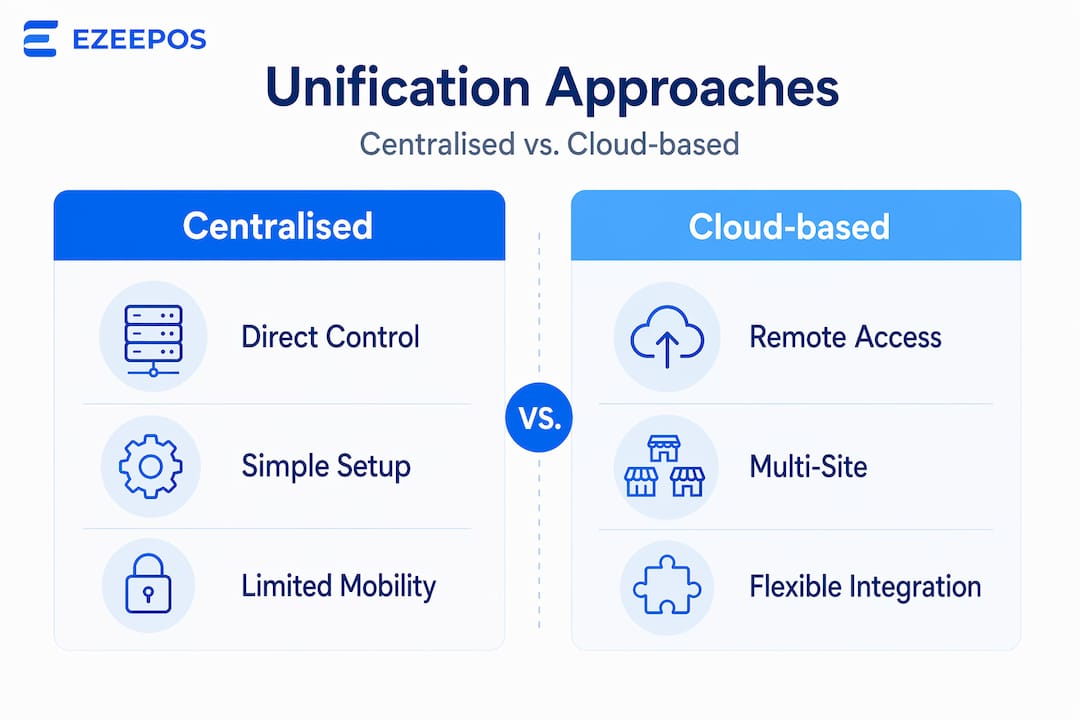
| Centralised control station | All devices report to one master terminal | Single-site venues with defined service areas | Single point of failure if master terminal goes down |
| Multi-device synchronisation | Devices sync in real time over a shared platform | Multi-zone venues (bar, restaurant, kiosk) | Requires strong local network infrastructure |
| Cloud-based unification | Data processed and stored remotely | Venues needing multi-site reporting | Dependent on reliable internet connection |
| Local integration | All processing happens on-site | Venues in areas with patchy connectivity | Higher upfront setup cost |
| Proprietary all-in-one system | Hardware and software from one vendor | Operators who want minimal configuration | Less flexibility to swap components |
| Modular components with middleware | Third-party software layer connects devices | Venues mixing hardware from different brands | Integration complexity requires expert setup |
Cloud-based unification is increasingly popular for UK hospitality venues because it enables multi-site management from one back-office portal. Multi-device POS setups allow operators to switch workstations instantly, which is particularly useful for venues that run varied shift patterns or need to reconfigure service areas during peak periods.
Modern POS platforms also integrate with accounting software, CRM tools, and even marketing platforms. This turns your hardware investment into a data engine that informs decisions well beyond the till.
How to implement POS hardware unification
Good intentions and a decent budget are not enough. The approach you take determines whether unification actually delivers or just adds a new layer of complexity.
-
Audit your current setup honestly. List every piece of hardware you currently use, how each device connects to others, and where your workflows break down. Be specific. “The kitchen printer misses orders during rushes” is more useful than “our system is slow.”
-
Define what success looks like. Do you want faster table turns? Fewer voids and manual corrections? Real-time stock accuracy? Setting measurable goals gives you something to evaluate against after rollout.
-
Choose a vendor who understands hospitality. Generic retail POS solutions are not designed for the pace and service complexity of a restaurant or bar. Look for providers with documented hospitality experience and references from similar venues. Exploring all-in-one POS options specifically built for hospitality will save considerable configuration time.
-
Plan a phased rollout. Do not switch your entire venue over on a Friday evening. Start with one service zone, test thoroughly, and address issues before expanding. This also gives your team time to adapt without disrupting your busiest service periods.
-
Invest in training. The best POS hardware solutions are wasted if your team avoids features they do not understand. Schedule proper onboarding, not a five-minute walkthrough.
Pro Tip: Ask your POS provider for data on how long their average hospitality installation takes and what post-go-live support looks like. A provider who cannot answer that question clearly has not done enough of these projects to be your partner.
My honest take on POS hardware unification
I have worked with enough UK hospitality businesses to notice a consistent pattern. When managers hear “POS unification,” they think about the technology first and the operations second. That is almost always the wrong order.
The venues that benefit most from unified POS hardware are not necessarily the ones with the most complex setups. They are the ones where the manager took time to map their actual operational pain points before choosing a system. A café with three terminals and a kitchen screen can see just as dramatic an improvement as a 200-cover restaurant, provided the integration solves real problems rather than theoretical ones.
I have also seen the damage that vendor lock-in does in practice. A venue owner I spoke with recently had invested heavily in a proprietary system that performed well for two years, then became incompatible with a new payment provider they needed to switch to. The cost of migrating was significant, and avoidable. Understanding POS platform options before signing contracts is not optional diligence. It is basic protection.
The other thing most articles do not tell you: the human side of unification is harder than the technical side. Staff resistance, informal workarounds that people are attached to, and managers who accept “good enough” are bigger barriers than cable routing or software compatibility. Treat change management as part of your implementation plan, not an afterthought.
Unified POS hardware is not a luxury for larger venues. In 2026, with labour costs rising and customer expectations higher than ever, it is the operational foundation that separates venues running on instinct from those running on information.
— John
How Ezeepos helps UK venues unify POS hardware
Ezeepos was built specifically for UK hospitality venues that need more than a generic till system. The platform supports countertops, tablets, kiosks, and kitchen screens within a single Android-based environment, meaning every device in your venue feeds into one reporting and management layer.
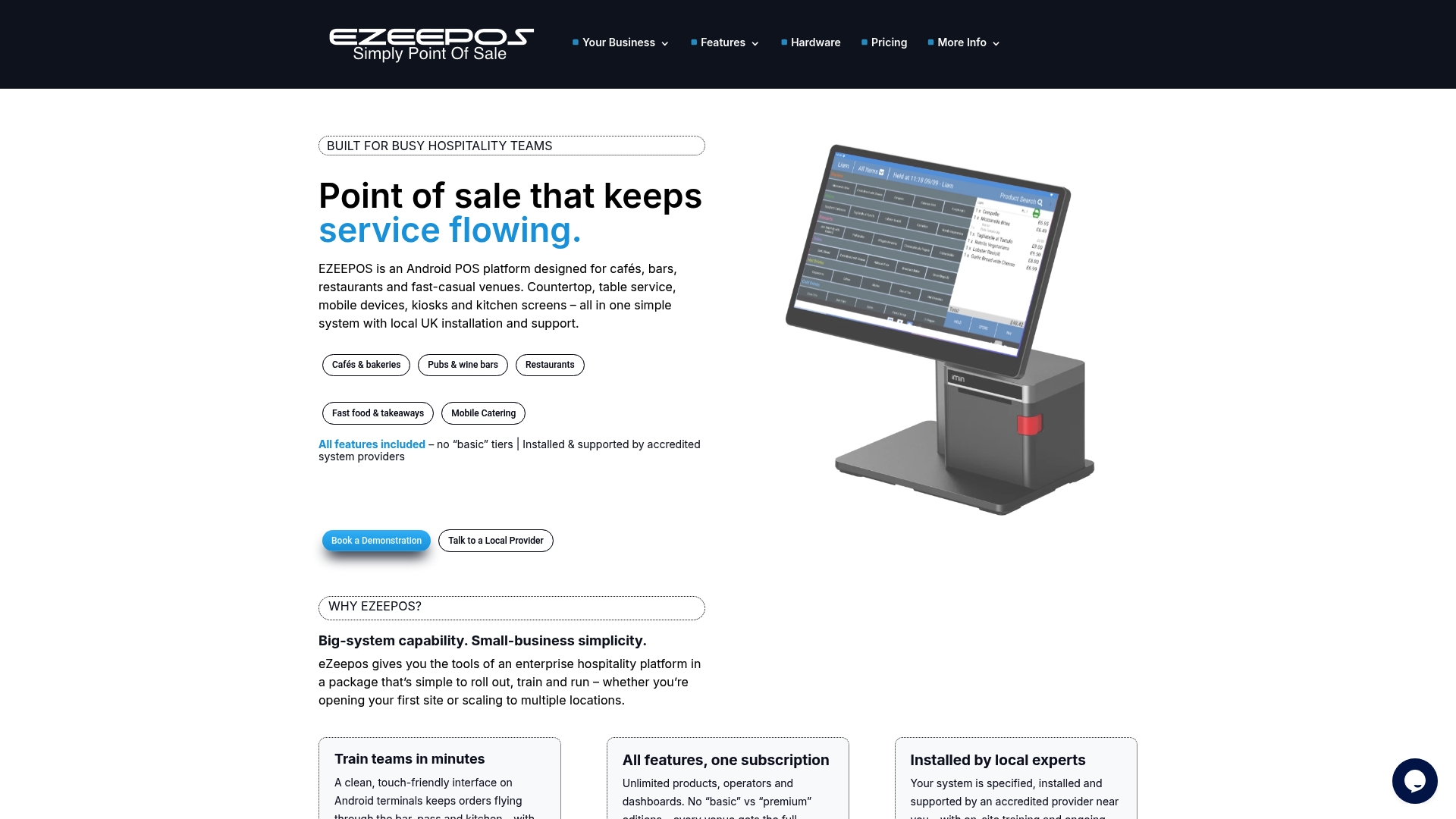
There are no tiered pricing plans that lock useful features behind higher subscriptions. Every venue gets full functionality from day one, with local UK installation support and ongoing human assistance from accredited providers. Whether you manage a café with three terminals or a multi-zone bar-restaurant, the Ezeepos unified POS platform is designed to handle the pace and complexity of real hospitality service. Explore how Ezeepos supports unified POS and find out what it would look like for your venue.
FAQ
What is POS hardware unification?
POS hardware unification is the process of connecting all point-of-sale devices in a venue, such as terminals, card readers, kitchen screens, and printers, into a single coordinated platform that shares data in real time.
What are the main benefits of POS unification?
The main benefits include faster staff workflows, real-time inventory accuracy, reduced hardware footprint, stronger payment security across all service points, and simplified reporting from one data source.
How does POS hardware work in a unified setup?
In a unified setup, every hardware device communicates through a shared software platform. An order placed at a kiosk or table terminal immediately updates the kitchen screen, stock levels, and sales data without any manual input.
What challenges should I expect when integrating POS hardware?
Common challenges include hardware and software compatibility gaps, vendor lock-in risks, network infrastructure demands, physical space constraints in older venues, and the need for structured staff training.
Is cloud-based or local POS unification better for hospitality?
Cloud-based unification suits venues needing multi-site management and remote reporting, while local integration works better where internet reliability is inconsistent. The right choice depends on your venue’s connectivity and operational priorities.
Recent Comments