
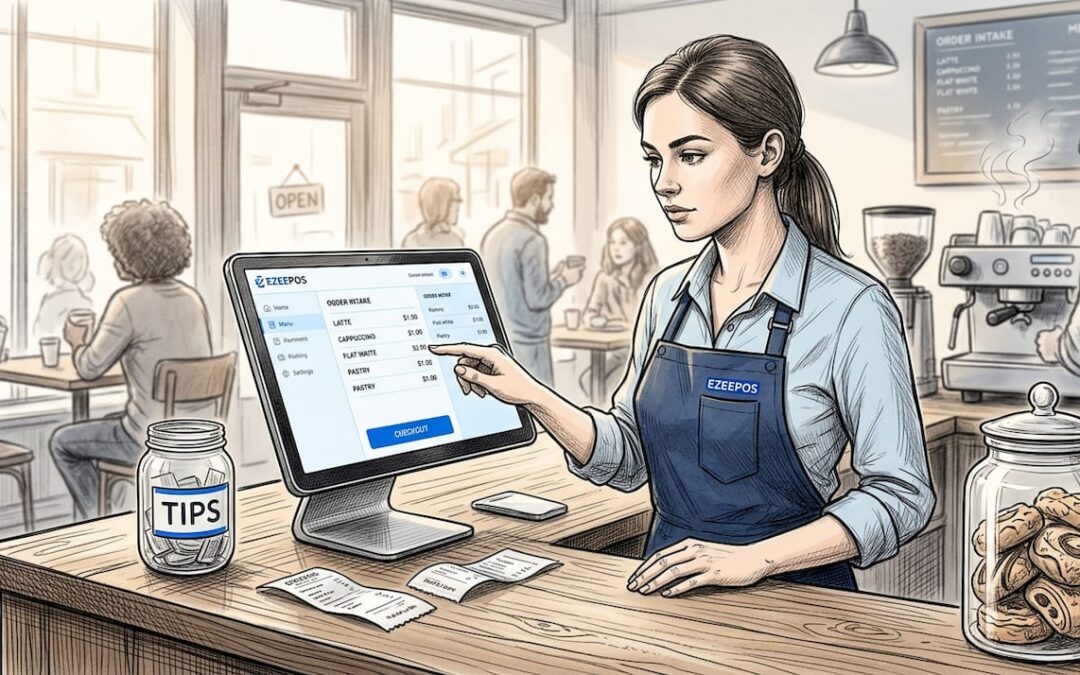
The role of touch screen POS in hospitality venues
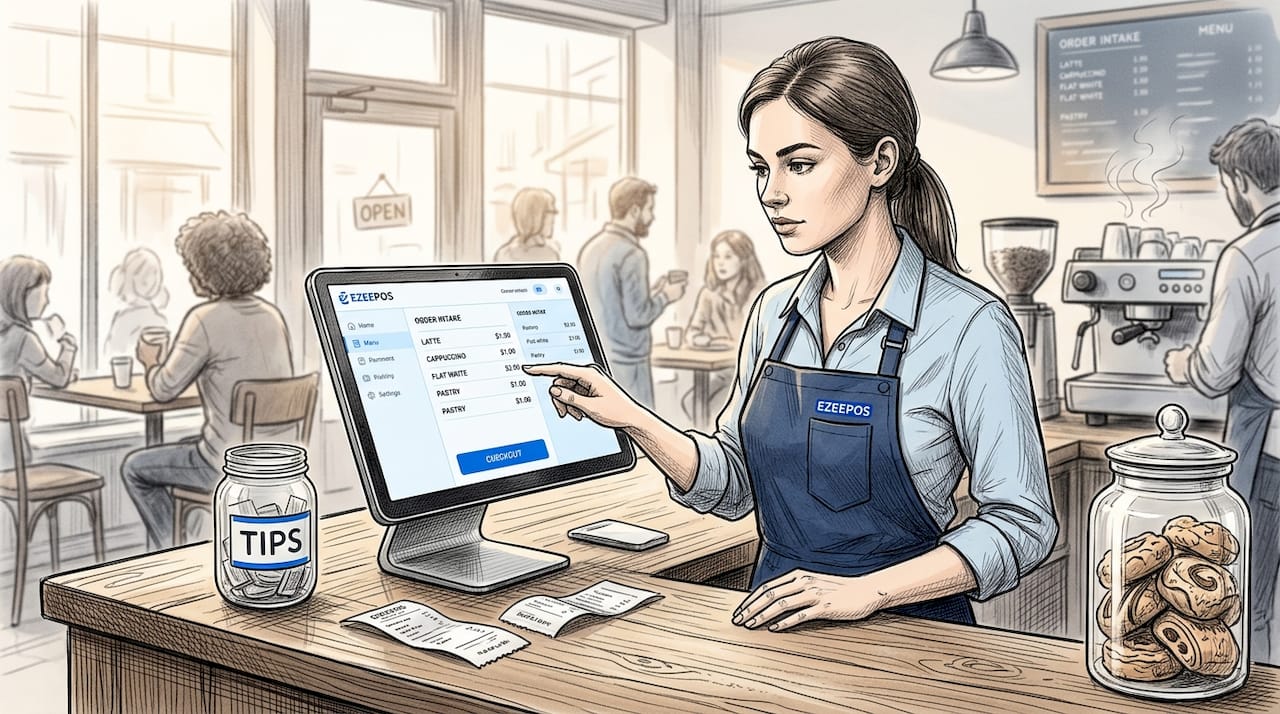
TL;DR:
- Touch screen POS systems significantly enhance speed, accuracy, and staff confidence in busy hospitality venues. They offer features like offline mode, modular hardware, and real-time analytics, transforming operational efficiency beyond mere appearance. Implementing regular reviews and prioritizing support quality ensures these systems deliver maximum long-term value.
Touch screen POS systems are often dismissed as a cosmetic upgrade, the hospitality equivalent of a new coat of paint. That framing misses the point entirely. The role of touch screen POS in a busy venue goes far deeper than appearance. It shapes how quickly your team processes orders, how accurately those orders reach the kitchen, and how confidently a new member of staff handles a Saturday night rush. This article covers how the technology works, what it genuinely delivers for hospitality operations, and what you need to know before committing to a system.
Table of Contents
- Key takeaways
- How touch screen POS systems work
- Benefits of touch screen POS for hospitality
- Touch screen POS vs traditional POS
- Implementing touch screen POS in your venue
- My perspective on where touch screen POS is heading
- How Ezeepos supports UK hospitality venues
- FAQ
Key takeaways
| Point | Details |
|---|---|
| Touch screens are operational tools | The real value lies in speed, accuracy, and staff confidence, not aesthetics. |
| Interface design determines success | Poor design drives customer resistance far more than the technology itself. |
| Offline mode is non-negotiable | Hybrid offline processing keeps your venue trading when the internet drops. |
| Weekly error reviews beat monthly ones | Acting on detailed weekly POS reports improves accuracy and speed faster. |
| Modularity extends hardware life | Ball-and-socket mounting systems let you upgrade devices without replacing infrastructure. |
How touch screen POS systems work
At the hardware level, capacitive multi-touch screens dominate modern POS terminals because they respond to the natural electrical charge of a fingertip. Unlike resistive screens, which require pressure, capacitive screens register simultaneous inputs from multiple fingers. In a busy bar or restaurant, that responsiveness matters. A bartender splitting a bill, a server modifying a dish, and a manager overriding a price can all interact with their respective terminals without lag or misregistration.
The software layer sits on top of that hardware and handles everything from order routing to payment processing. When a server taps a menu item, the system logs the selection, updates the kitchen display, adjusts stock levels, and queues the payment, all in one action. That chain of events is how touch screen POS works in practice: a single tap triggers a cascade of back-end processes that would otherwise require multiple manual steps.
Modern systems have moved well beyond basic order entry. Key features now standard in quality touch screen POS systems include:
- Voice ordering integration, which allows staff to add items hands-free during peak service
- Cloud synchronisation, so your back-office data updates in real time across every device
- Hybrid offline mode, which keeps transactions processing during internet outages and syncs automatically when connectivity returns
- Modular hardware compatibility, meaning tablets, countertop units, and kiosks can share the same software environment
Pro Tip: When evaluating touch screen POS systems, ask specifically about offline transaction reliability. A system that fails when your broadband drops is not a system built for hospitality.
Hardware mounting has also become more sophisticated. Solutions like the iBOLT Tablet Tower use 25mm ball-and-socket joints to position multiple tablets across a counter or service area, making it straightforward to add or reposition devices without rewiring or replacing the entire setup.
Benefits of touch screen POS for hospitality
The benefits of touch screen POS are most visible during service, when the gap between a fast system and a slow one translates directly into covers served, revenue taken, and guests left satisfied or frustrated.
Here is where the gains stack up most clearly:
- Faster order entry. Staff enter orders faster via touch interfaces than through keyboard-based legacy systems. Visual menus with images and modifiers reduce the number of taps required per order, and that compounds across hundreds of transactions in a single shift.
- Lower error rates. When a server selects from a structured digital menu rather than writing on a notepad or memorising a verbal order, the margin for error shrinks. The kitchen receives a printed or displayed ticket that matches exactly what was entered.
- Shorter training periods. A well-designed touch screen interface is intuitive enough that new staff can process basic orders within an hour of starting. That matters enormously in an industry with high turnover.
- Customer-facing self-service. Self-service kiosks with well-designed touch menus reduce staff workload during peak periods and give customers control over their own order. Adoption rates improve significantly when the interface is clean and the images are high quality.
- Data-driven decisions. AI-powered analytics built into modern POS platforms unify delivery channels, track sales patterns, and surface insights that help you adjust menus, staffing, and promotions based on real behaviour rather than gut feel.
The importance of touch screen terminals extends beyond the front of house too. Integrated kitchen order screens receive orders the moment they are placed, cutting the time between a guest ordering and the kitchen starting preparation. In a high-volume venue, that reduction in communication lag is the difference between a smooth service and a chaotic one.
Touch screen POS vs traditional POS
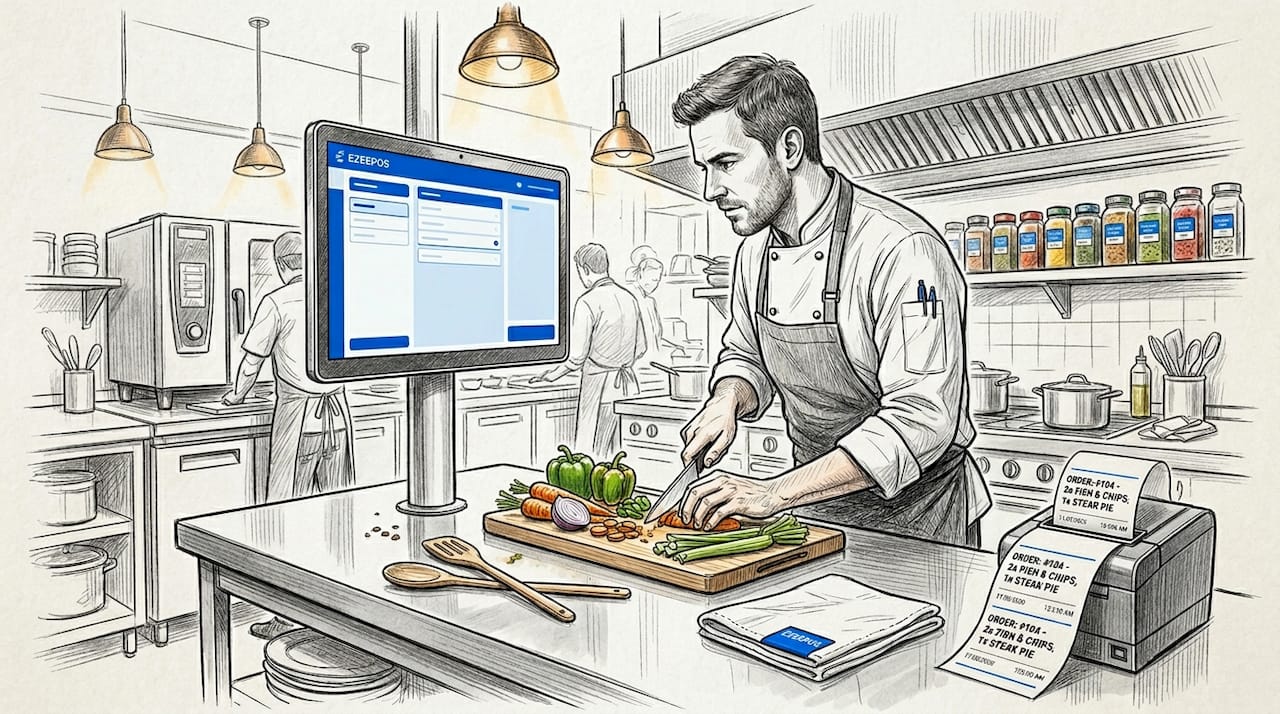
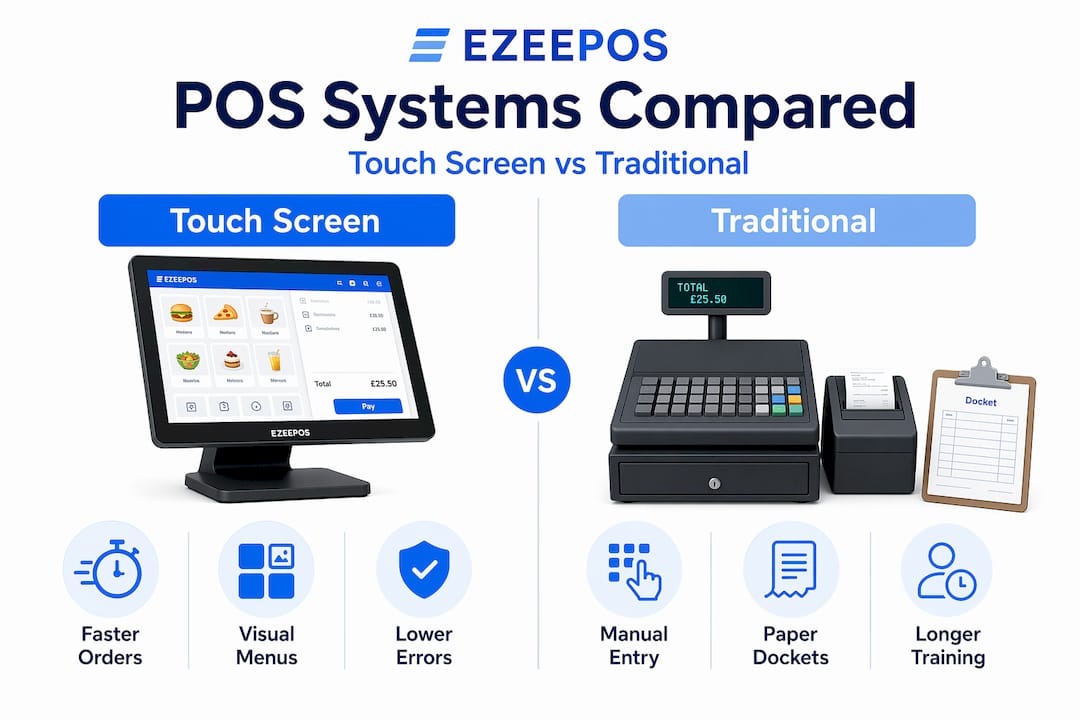
The comparison between touch screen and traditional POS systems is not simply about which looks better. It comes down to operational fit, cost over time, and how much flexibility your venue needs as it grows.
| Factor | Touch screen POS | Traditional POS |
|---|---|---|
| Order speed | Faster with visual menus and modifiers | Slower with keyboard or paper-based entry |
| Staff training | Shorter learning curve, intuitive interface | Longer learning curve, more procedural |
| Space on the counter | Compact, often wall or stand-mounted | Larger footprint with separate peripherals |
| Upfront cost | Higher initial investment | Lower initial hardware cost |
| Long-term flexibility | Software updates, modular hardware swaps | Limited adaptability, costly upgrades |
| Offline reliability | Hybrid offline mode available | Varies; often fully dependent on connection |
The upfront cost of touch screen POS systems is genuinely higher. That is worth acknowledging. But the long-term return comes from reduced training costs, fewer order errors, and the ability to update software rather than replace hardware. Advancements in touch screen POS mean the gap between what a touch system can do and what a legacy system can do widens every year.
Traditional POS still suits certain venues. A small, low-volume café with a stable, experienced team and no plans to expand may not need the full capability of a modern touch screen setup. The types of POS systems available today cover a broad spectrum, and the right choice depends on your service model, volume, and growth plans.
Pro Tip: Calculate your true cost of errors. If your kitchen is remaking two or three dishes per service due to miscommunication, the cost of those remakes over a year often exceeds the price difference between a legacy system and a modern touch screen POS.
Implementing touch screen POS in your venue
Choosing the right system is only half the work. How you implement it determines whether your team embraces it or works around it.
The most common implementation failures come down to these avoidable problems:
- Poor interface design. Customer resistance to kiosks is most often linked to laggy interfaces, low-quality images, and confusing navigation, not to the technology itself. Before going live, test your interface with someone who has never seen the system before.
- Skipping the error review process. Weekly POS error report reviews consistently outperform monthly summaries for improving accuracy and speed. Build this into your management routine from day one.
- Underestimating mounting logistics. If you are running multiple tablets across a service area, a modular mounting system with standard interfaces means you can reposition or replace individual units without disrupting the whole setup.
- Ignoring offline capability. Hybrid offline POS modes are now considered best practice in high-volume venues. If your provider cannot confirm that transactions will process and sync during a connectivity loss, treat that as a serious gap.
- Rushing staff training. Even the most intuitive system needs a structured handover. Run a full service simulation before launch, ideally with your most sceptical team members leading the session. Their questions will surface the gaps you have not thought of.
The venues that get the most from their touch screen POS systems are the ones that treat implementation as an ongoing process, not a one-off installation. Review your configuration regularly, act on your data, and keep your menu structure clean and logical.
My perspective on where touch screen POS is heading
I’ve spent years watching hospitality venues invest in technology and then fail to extract value from it. The pattern is almost always the same. The hardware gets installed, the team gets a brief walk-through, and within six months the system is being used at about 40% of its capability. The touch screen becomes a glorified till.
What I’ve found is that the venues doing this well share one habit: they treat their POS as a live operational tool, not a fixed piece of kit. They review their error reports weekly. They adjust their menu layouts based on what the data shows. They test new features rather than assuming the default configuration is optimal.
The advancements in touch screen POS technology over the past two years have been significant. Voice ordering, AI-driven analytics, and unified delivery management have shifted these systems from transactional tools into something closer to operational command centres. But that shift only happens if the person running the venue is willing to engage with the system at that level.
My honest advice: do not buy a touch screen POS system based on the feature list. Buy it based on the quality of the support you will receive after installation. The technology is largely commoditised at this point. What differentiates a system that transforms your operation from one that just sits on the counter is whether someone picks up the phone when you need them.
— John
How Ezeepos supports UK hospitality venues
If you are weighing up touch screen POS options for your venue, Ezeepos is built specifically for the demands of UK hospitality. The platform runs on Android, supports countertop units, tablets, kiosks, and kitchen screens within a single unified system, and includes cloud-based back-office access so you can monitor performance from anywhere.

Every venue gets full feature access without tiered pricing, which means the analytics, inventory tools, and delivery integrations are available from day one, not locked behind a premium plan. Local UK installation and ongoing support from accredited providers means you have a real person to call when something needs adjusting. If you are ready to see what a hospitality POS system built for your environment actually looks like, Ezeepos is worth a closer look. You can also explore the benefits of unified POS platforms to understand how an integrated setup compares to running separate systems for different parts of your operation.
FAQ
What is the role of touch screen POS in hospitality?
Touch screen POS systems manage order entry, payment processing, kitchen communication, and stock tracking within a single interface. In hospitality, they reduce errors, speed up service, and give managers real-time visibility over operations.
How does a touch screen POS system work?
A capacitive touch screen registers input from a staff member or customer, which triggers the POS software to log the order, route it to the kitchen display, adjust inventory, and process payment. The entire sequence happens in seconds.
What are the main benefits of touch screen POS for restaurants and bars?
The primary benefits include faster order processing, lower error rates, shorter staff training times, and access to sales analytics. Customer-facing kiosk options also reduce queue pressure during peak service.
Do touch screen POS systems work without internet?
Quality touch screen POS systems include a hybrid offline mode that processes transactions locally and syncs the data automatically once connectivity is restored. This prevents operational shutdowns during internet outages.
How do I choose between touch screen and traditional POS?
Consider your service volume, staff turnover rate, and growth plans. Touch screen POS delivers stronger long-term ROI for busy venues, while traditional systems may suit low-volume operations with stable, experienced teams.
Recent Comments