
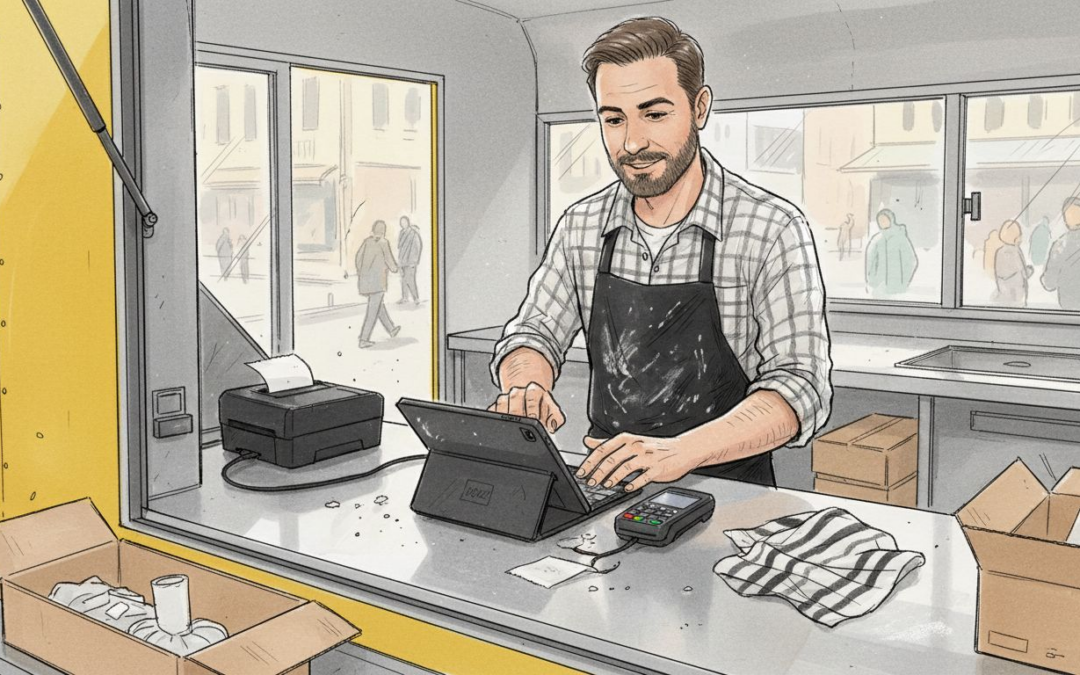
Picture this: a long queue forms at your food truck window during peak lunch service. Your card reader flashes an error. Connectivity drops. Customers leave. You’ve just lost sales because your POS wasn’t configured for mobile reality. Research shows that 60% of new food truck POS users face downtime or delays due to misconfigured offline settings. This guide walks you through selecting, installing, and optimizing a POS system that keeps transactions flowing even when networks fail, transforming your mobile operation into a streamlined sales machine.
Table of Contents
- Prerequisites: What You Need Before Setting Up
- Choosing the Right Hardware and Software
- Step by Step Installation and Configuration
- Staff Training and Operational Best Practices
- Common Mistakes and Troubleshooting
- Expected Outcomes and Success Metrics
- Discover EZEEPOS Solutions for Food Trucks
- Frequently Asked Questions
Key Takeaways
| Point | Details |
|---|---|
| Offline capability is essential | Your POS must process payments without internet to prevent lost sales during network dropouts |
| Hardware placement matters critically | Strategic positioning of tablets and printers reduces customer wait times by up to 30% |
| Setup completes in 1 to 2 weeks | Professional installation and staff training typically takes one to two weeks for full operational readiness |
| Inventory tracking cuts waste | Real time stock monitoring reduces food waste by approximately 20% through better ordering |
| Staff training prevents errors | Proper training on offline mode and menu customization eliminates transaction mistakes during busy periods |
Prerequisites: What You Need Before Setting Up
Before you power up any POS terminal, you need the right foundation. Rushing into installation without proper preparation creates problems that cost you sales and frustration.
Your hardware shopping list starts with three essentials. First, a reliable Android tablet or device forms your primary interface. Second, a mobile card reader that handles contactless, chip, and PIN transactions. Third, a compact receipt printer that fits your limited counter space. Many operators overlook backup power solutions. Pack a portable battery bank rated for at least 10,000mAh to keep your system running during power interruptions.
Connectivity deserves careful thought. A dedicated mobile data SIM card with generous monthly allowance keeps you online at festivals and street markets. However, connectivity alone isn’t enough. Your mobile POS prerequisites for catering must include robust offline mode. Square POS offers a free plan with no setup fees, supports multiple payment types including offline payments, and suits UK food trucks starting out well. This fallback capability processes transactions locally when network coverage drops, syncing data once connection returns.
Legal requirements vary by council area. Register your food business with your local authority at least 28 days before trading. Obtain necessary street trading licenses and event permissions. Your payment processor requires business registration documents and bank details for merchant account setup.
Pro tip: Map your truck’s interior layout before ordering hardware. Measure available counter space, locate power outlets, and identify optimal tablet positioning that keeps screens visible to both staff and customers without blocking food prep areas.
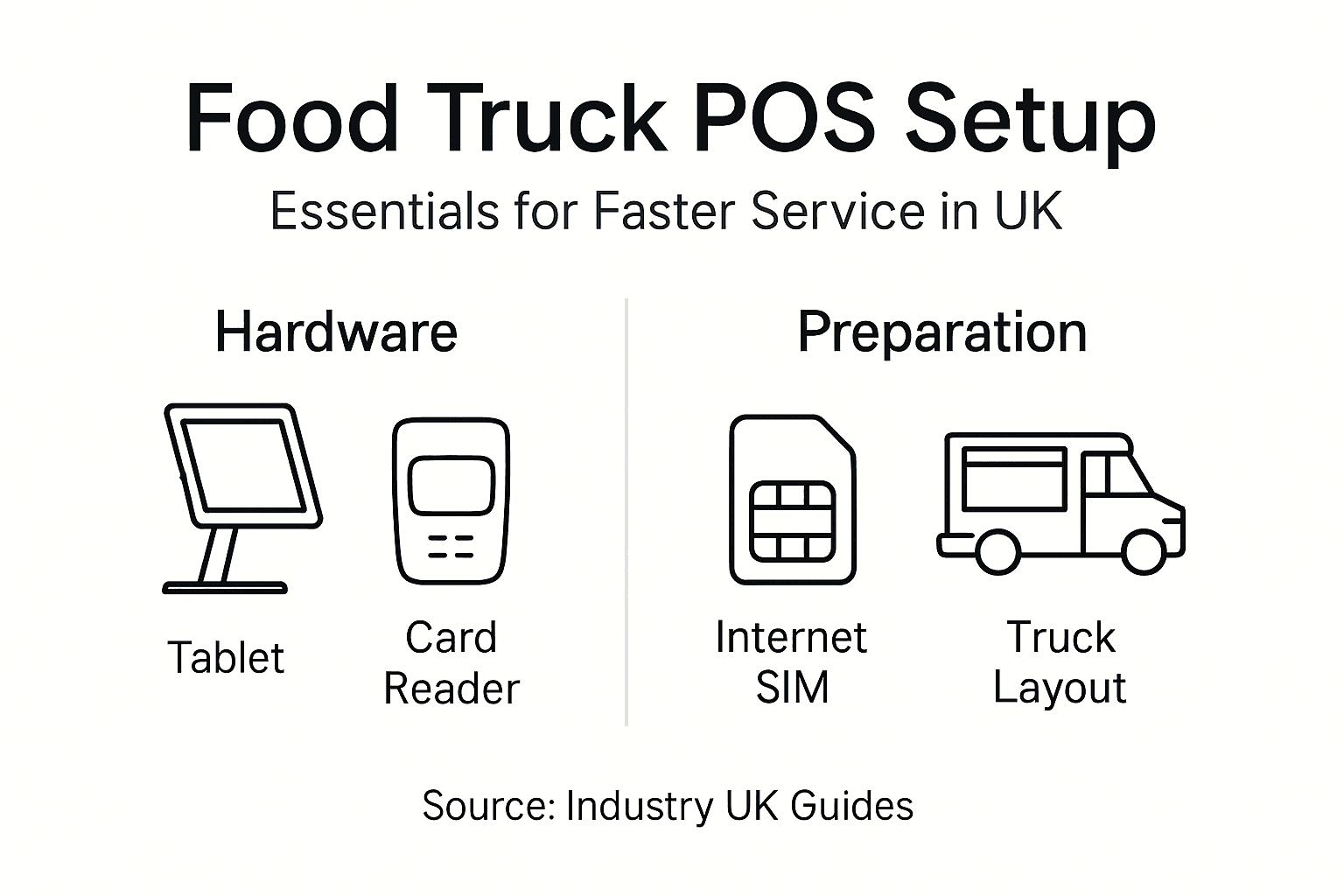
Consider your physical environment carefully. Food trucks experience vibration, temperature swings, and occasional splashes. Choose hardware with adequate ingress protection ratings. Mount tablets securely using shock absorbing brackets. Position printers away from heat sources and steam vents to extend their lifespan.
| Requirement Category | Essential Items |
|---|---|
| Hardware | Android tablet, card reader, receipt printer, backup battery |
| Connectivity | Mobile data SIM, offline payment capability |
| Legal | Business registration, food safety certificate, trading license |
| Physical Space | Secure mounting points, accessible power outlets, weather protection |
Choosing the Right Hardware and Software
Your POS choice shapes daily operations for years. Make this decision carefully by weighing cost against functionality and support.
Software options split into two camps. Free app based systems like Square charge per transaction but require no upfront investment. These work brilliantly for startups testing concepts. However, subscription based platforms like Toast or hardware and software considerations offer deeper features such as advanced inventory tracking, staff scheduling, and custom reporting. Monthly fees range from £30 to £150 depending on transaction volume and feature requirements.
Hardware decisions balance portability against durability. Consumer grade tablets cost less but may fail under daily commercial stress. Commercial Android devices withstand bumps and spills better, typically priced between £300 and £600. iPads offer excellent user experience but lock you into Apple’s ecosystem and often cost more. UK specific considerations matter here. Choose suppliers offering local installation support and rapid hardware replacement services.
Pro tip: Test your shortlisted POS systems during a quiet trading day before committing fully. Many providers offer 30 day trial periods. Use this window to verify offline mode functionality, payment processing speed, and staff interface usability under real conditions.
Offline payment capability is critical to maintain sales during variable connectivity in mobile catering. When evaluating systems, run this simple test. Disconnect from wifi and mobile data, then attempt a card transaction. The system should process the payment locally and queue it for later upload. If it fails or throws errors, keep searching.
| System Type | Upfront Cost | Monthly Fee | Best For | Offline Support |
|---|---|---|---|---|
| Square | £0 | £0 (transaction fees) | Startups, simple menus | Yes |
| Toast | £500+ | £50 to £150 | Growing operations | Yes |
| EZEEPOS | Custom quote | £80 to £120 | Full feature needs | Yes |
| Lightspeed | £400+ | £60 to £100 | Multi location expansion | Limited |
Local UK support matters more than you might expect. When your POS crashes during Saturday lunch rush, waiting 48 hours for overseas technical support costs serious revenue. Prioritize providers with UK based phone support and accredited installation partners who can visit your truck if needed.
Step by Step Installation and Configuration
Installation transforms your hardware pile into a working system. Follow this sequence methodically to avoid backtracking.
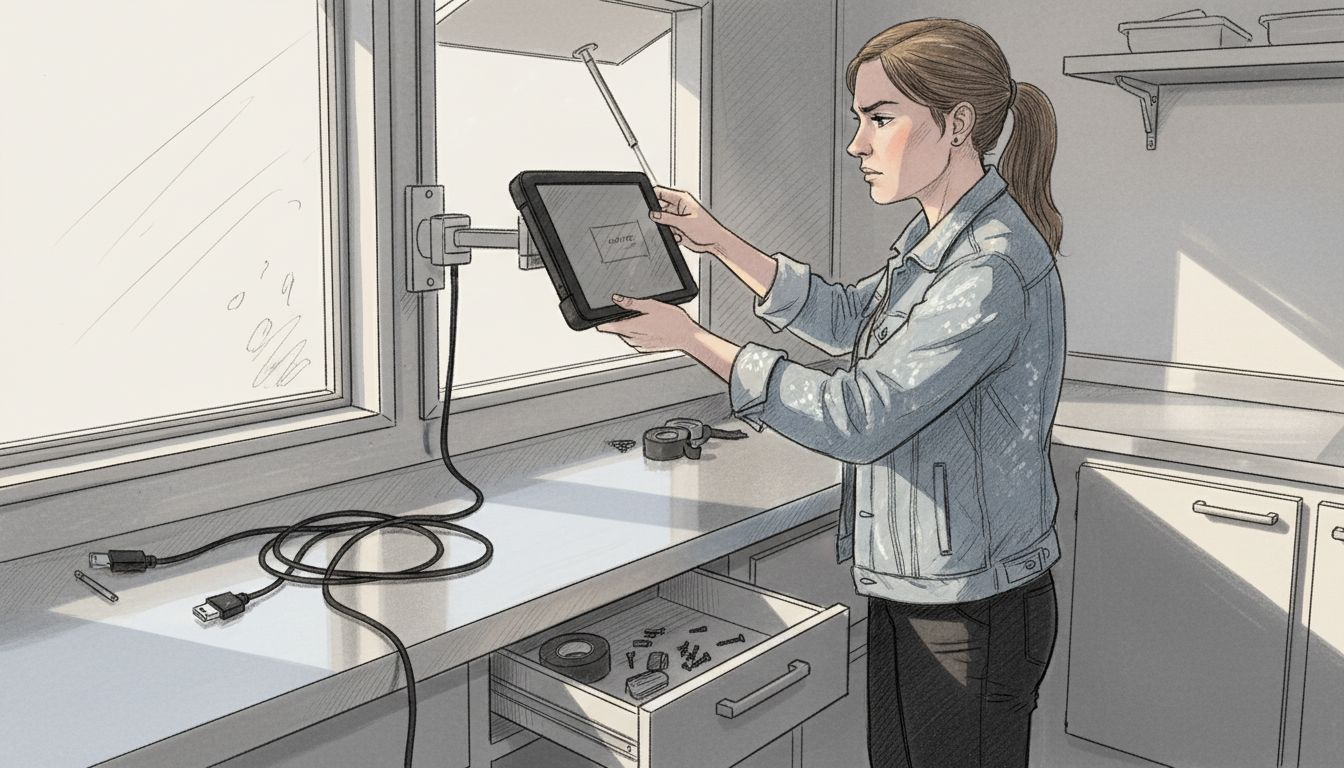
Start with physical mounting. Secure your tablet using adjustable brackets that angle the screen toward operators while keeping it visible to customers. Position it within comfortable reach but protected from accidental bumps. Mount your receipt printer nearby, ensuring paper rolls load easily during busy periods. Connect your card reader via Bluetooth or USB depending on your model.
Next, power up and register your step by step POS installation guide software. Download the POS app from your provider’s website or app store. Create your business account using accurate legal business details. This information feeds directly into payment processing, so errors here delay merchant account approval.
Payment gateway setup requires careful attention. Enter your bank account details for settlement transfers. Upload required documents such as business registration and identification. Most providers verify accounts within 24 to 48 hours. Once approved, conduct test transactions using small amounts. Process a contactless payment, a chip and PIN transaction, and crucially, test offline mode by disabling connectivity mid transaction.
Typical POS setup and training for food trucks completes in 1 to 2 weeks to ensure operational readiness with minimal downtime. Don’t rush menu configuration during this window. Input every item you sell with accurate names and prices. Add modifiers for customizations like extra cheese or no onions. Set up combo deals and happy hour pricing if applicable.
Inventory setup demands initial effort but pays dividends. Enter your ingredients and track items by unit. Link menu items to ingredient consumption. For example, one burger uses one bun, one patty, and 30g cheese. This connection enables automatic stock level updates as you sell, alerting you when supplies run low.
- Mount hardware securely using vibration resistant brackets
- Install POS software and create verified business account
- Connect payment gateway with test transactions in online and offline modes
- Configure complete menu with items, modifiers, and pricing
- Set up inventory tracking linking ingredients to menu items
- Test complete transaction flow from order to receipt printing
Staff Training and Operational Best Practices
Your POS only works as well as the people using it. Invest time in thorough training to prevent costly mistakes.
Schedule dedicated training sessions before your first trading day. Walk each team member through the complete order process. Show them how to select items, apply modifiers, process payments, and print receipts. Most importantly, demonstrate offline mode activation. When connectivity drops, staff must recognize the warning and manually switch modes without panicking.
Menu customization handling requires specific practice. Customers request modifications constantly. Train staff to navigate modifier screens quickly, adding or removing ingredients accurately. Practice special requests like allergen free preparations that require careful item selection.
Pro tip: Create a laminated quick reference card listing common tasks and troubleshooting steps. Tape it discreetly near your POS tablet. When stress peaks during rush periods, staff can glance at this cheat sheet without calling for help or guessing.
Hardware positioning impacts workflow significantly. Place your tablet where order takers naturally stand while facing customers. Position the customer facing display at readable height and angle. Keep the card reader within easy reach but secure from falling. This staff training and best practices arrangement minimizes unnecessary movement and speeds service.
Common transaction mistakes include double entry, incorrect modifier selection, and forgotten discounts. Combat these through repetition. Run practice orders during quiet periods. Have experienced staff supervise new team members during their first live shifts. Inadequate staff training is a common cause of transaction errors and delays during initial POS adoption.
- Practice offline mode switching until it becomes automatic
- Drill modifier selection for your ten most popular items
- Position hardware to minimize reaching and turning
- Supervise new staff during first three live shifts
- Review daily reports together to identify recurring mistakes
Common Mistakes and Troubleshooting
Even with careful setup, problems emerge. Knowing what goes wrong helps you fix issues quickly.
Offline mode neglect tops the mistake list. Operators assume connectivity will hold, then scramble when it fails mid festival. Configure offline mode during initial setup and test it weekly. Verify that offline transactions sync correctly once connection returns. This simple check prevents the nightmare of lost sales data.
Insufficient training creates ripple effects. Staff who don’t understand your POS take longer per transaction, creating queues. They make errors requiring voids and refunds that confuse end of day reconciliation. Worse, frustrated staff avoid using features like inventory tracking, undermining your investment. Block out proper training time even if it delays your launch by a few days.
Research indicates that 60% of new food truck POS users experience downtime due to misconfigured offline mode, poor hardware placement, or inadequate training. Don’t become a statistic.
Poor hardware placement frustrates everyone. Tablets mounted too high strain necks. Printers positioned awkwardly cause paper jams. Card readers placed far from customers force awkward handoffs. Before finalizing mounting positions, simulate several transactions at different busy times. Adjust placement based on what feels natural.
Software maintenance gets ignored until disaster strikes. Updates include security patches and bug fixes that prevent crashes. Schedule updates during closed hours, never mid service. Back up your data daily, either automatically to cloud storage or manually to an external drive. When your tablet fails, restoring from yesterday’s backup beats recreating weeks of sales history.
Troubleshooting connectivity issues requires systematic thinking. First, verify mobile data allowance hasn’t exceeded. Second, check signal strength at your location. Third, confirm airplane mode isn’t accidentally enabled. Fourth, restart your device and router if using wifi. Fifth, switch to offline mode and continue trading while investigating the root cause. This common POS mistakes troubleshooting hierarchy solves most problems within minutes.
- Configure and test offline mode before going live
- Invest three full days in comprehensive staff training
- Simulate transactions to optimize hardware positioning
- Schedule automatic daily backups and weekly updates
- Keep mobile provider contact details saved for quick signal issue resolution
Expected Outcomes and Success Metrics
Proper POS setup delivers measurable improvements across your operation. Track these metrics to validate your investment.
Implementation timeline spans one to two weeks typically. Day one covers hardware installation and software registration. Days two through five focus on menu configuration and inventory setup. Days six through ten involve staff training and practice sessions. Professional installation completes setup and training within this timeframe, ensuring you reach operational readiness with minimal downtime. Week two brings supervised live trading and troubleshooting.
Inventory benefits materialize within your first month. Automated tracking reveals exactly which ingredients you’re using and wasting. Research shows that inventory tracking integrated in POS reduces food waste by up to 20% and QR code ordering cuts customer wait times by up to 30%. You’ll order more accurately, reducing both waste and stockouts. Track your food cost percentage weekly. Most operators see 3% to 5% improvement within eight weeks as ordering becomes data driven rather than guesswork.
Customer experience improvements show up immediately in queue lengths and complaints. Integrated ordering systems process transactions 40% faster than manual cash handling. Customer facing displays reduce order errors by letting people verify their selections. Wait time reductions of 25% to 30% are common once staff master your system. Survey customers monthly about wait times and order accuracy to quantify satisfaction improvements.
Financial metrics tell the ROI story. Free systems cost nothing upfront but charge 1.5% to 2.75% per transaction. This works for startups processing under £3,000 monthly. Once you exceed £5,000 in monthly card sales, subscription models become cost effective. Hardware investments ranging from £400 to £800 typically pay back within six to nine months through reduced theft, better inventory control, and faster service enabling higher throughput. Calculate your cost per transaction monthly, including all fees, to track true system cost.
| Metric | Timeline | Expected Improvement | Measurement Method |
|---|---|---|---|
| Setup completion | 1 to 2 weeks | Full operational readiness | Project milestone tracking |
| Food waste reduction | 1 to 2 months | 15% to 20% decrease | Weekly inventory variance reports |
| Customer wait time | Immediate | 25% to 30% faster | Timed service observations |
| Transaction errors | 2 to 4 weeks | 80% reduction | Daily void and refund counts |
| System cost efficiency | 6 to 9 months | ROI positive | Monthly total cost per transaction |
These POS success metrics provide concrete evidence of your system’s value. Share them with your team to maintain enthusiasm and demonstrate how proper POS use directly improves working conditions and business performance.
Discover EZEEPOS Solutions for Food Trucks
Now you understand what makes food truck POS work reliably. Putting this knowledge into action requires the right partner. EZEEPOS delivers Android based POS system benefits for UK hospitality venues specifically designed for mobile operations. Their hardware withstands the bumps and temperature swings inherent to truck life.

Local UK installation means engineers who understand your specific council requirements and trading environments. Integrated software handles payments, inventory, and reporting through one unified platform. When you’re ready to scale from one truck to a small fleet, their POS software for quick service chains grows with you. Explore their efficient point of sale tips to maximize your system’s potential from day one.
Frequently Asked Questions
What equipment is essential for a food truck POS?
You need an Android tablet or iPad, a mobile card reader supporting contactless payments, and a compact receipt printer. Add a portable battery bank for backup power and secure mounting brackets to protect hardware from vibration. A mobile data SIM card with generous allowance keeps you connected at various trading locations.
How long does POS installation and training take?
Complete setup typically requires one to two weeks from hardware delivery to staff readiness. Physical installation takes one to two days. Menu configuration and inventory setup need three to five days. Staff training demands another three to four days of practice and supervised shifts before you’re fully operational.
Can POS systems work without internet?
Yes, quality systems process card payments offline by storing transaction data locally. These queued transactions automatically sync when connectivity returns. Test offline mode during setup by disabling your network connection and running sample transactions. This capability prevents lost sales during network outages at festivals or remote pitches.
What are common issues during POS setup?
Misconfigured offline payment settings cause transaction failures when connectivity drops. Inadequate staff training leads to slow service and order errors. Poor hardware placement creates bottlenecks and uncomfortable working positions. Skipping regular software updates and data backups risks system crashes and data loss during peak trading.
How much does a typical food truck POS cost in the UK?
Free systems like Square charge no upfront fees but take 1.75% to 2.75% per card transaction. Subscription platforms cost £30 to £150 monthly plus hardware investments of £400 to £800. Calculate total cost including transaction fees, monthly subscriptions, and hardware depreciation. Most trucks processing over £5,000 monthly find subscription models more economical than percentage based fees.
Recent Comments