
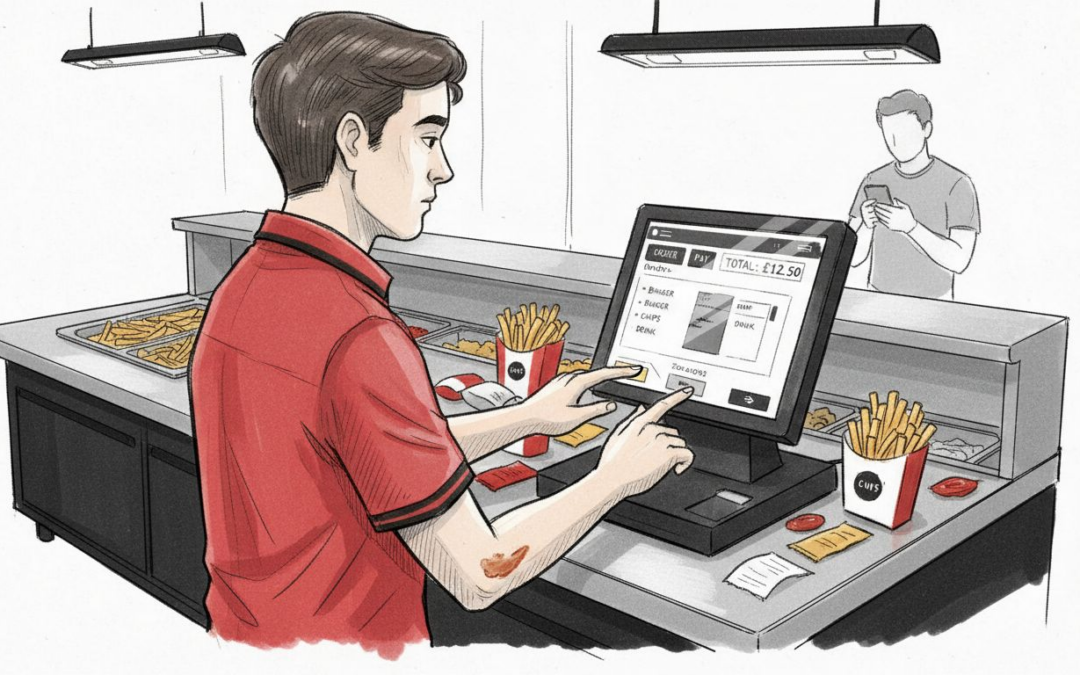
Running a fast food outlet in the United Kingdom means juggling rapid service, demanding customers, and tight profit margins. Modern consumers now expect contactless payments and slick ordering experiences, yet keeping pace can feel impossible without the right technology. Today’s POS systems do more than just handle payments—they connect order management, inventory, and customer engagement into one powerful hub, helping you cut errors, serve faster, and stay ahead of labour shortages and supply difficulties.
Table of Contents
- Defining POS Systems In Fast Food Context
- Types And Configurations For Fast Food Operations
- Core Features Streamlining Service And Sales
- Operational Impacts And Staff Responsibilities
- Hidden Costs, Compliance, And Common Pitfalls
Key Takeaways
| Point | Details |
|---|---|
| Importance of Modern POS Systems | A robust POS system integrates ordering, payment, inventory, and customer data, enhancing operational efficiency in fast food environments. |
| Speed and Accuracy Advantages | Fast food POS systems expedite order processing and reduce errors, directly impacting customer satisfaction and revenue. |
| Cost Considerations | Operators must account for hidden ongoing costs, like subscription fees and system maintenance, to avoid budget surprises. |
| Staff Training and Transition | Effective implementation requires thorough training and adaptation, as transitioning to a POS system changes staff roles and workflows significantly. |
Defining POS Systems in Fast Food Context
A point of sale (POS) system is far more than a fancy till. It’s the digital backbone connecting your ordering, payment processing, inventory management, and customer data into one unified platform.
Traditionally, fast food outlets relied on simple cash registers. Modern systems have evolved dramatically—they now integrate hardware like tablets, kitchen screens, and countertop terminals with sophisticated software that handles everything from order entry to financial reporting.
Think of your POS as the nervous system of your restaurant. Every transaction, every order, every inventory adjustment flows through it, giving you real-time visibility into what’s happening across your operation.
What Modern POS Systems Actually Do
Today’s fast food POS platforms handle multiple critical functions simultaneously:
- Order capture from counters, kiosks, or self-service screens
- Payment processing with contactless, card, and cash options
- Kitchen order management directing food preparation
- Inventory tracking showing stock levels in real time
- Staff scheduling and performance monitoring
- Customer data collection for loyalty and marketing
- Financial reporting and sales analytics
- Integration with delivery services and online ordering channels
The best systems manage all this without slowing down your service. During peak lunch hours, your POS needs to keep pace with customer demand whilst maintaining accuracy.
The Fast Food Advantage
Unlike table-service restaurants, fast food operations benefit from integrated order processing systems that streamline quick transactions. Your system captures orders instantly, routes them to the kitchen immediately, and processes payment in seconds.
This speed advantage compounds across your day. A system handling orders 30 seconds faster than your competitor means more customers served, higher throughput, and better revenue per hour.
Why POS Systems Matter Right Now
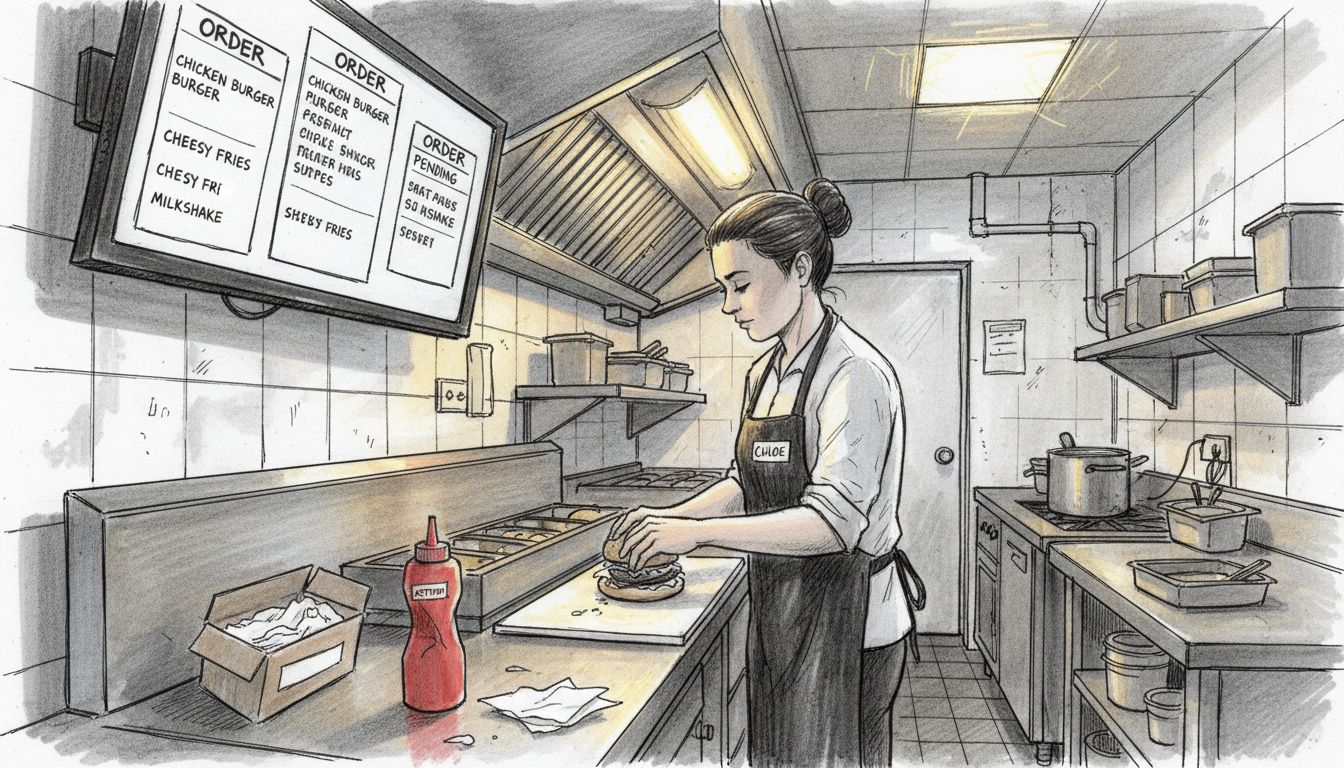
You’re facing genuine operational pressures. Labour shortages make staff training difficult. Supply chain disruptions create inventory nightmares. Customer expectations have shifted toward contactless payments and digital convenience.
Modern POS systems address these challenges directly. They reduce manual data entry, automate routine tasks, and provide the insights you need to make quick business decisions.
Your POS system transforms how you operate. It becomes the foundation for efficiency, accuracy, and customer satisfaction.
A proper POS system isn’t just about taking payments—it’s your competitive advantage in a fast-moving market where every second and every pound matters.
Pro tip: When evaluating a POS system, prioritise platforms offering flexible hardware options (tablets, kiosks, kitchen screens) that match your current layout, as retrofitting becomes costly once you’ve committed to a solution.
Types and Configurations for Fast Food Operations
Fast food POS systems come in different architectures, each designed to handle your specific operational needs. The choice between them affects everything from upfront costs to how your team works day-to-day.
There are two main categories: legacy systems and cloud-based solutions. Understanding the difference helps you pick the right fit for your outlet.
Legacy On-Premises Systems
Traditional POS systems store all data locally on your hardware. Your till, kitchen screens, and back office operate independently from the internet.
These systems offer:
- Full control over your data with no reliance on connectivity
- Faster transaction processing since everything runs locally
- One large upfront investment covering hardware and software
- Longer implementation timelines and staff training periods
Legacy systems work reliably during internet outages. Your transactions continue flowing even if your broadband drops.
However, they require dedicated IT support, regular maintenance, and expensive upgrades when technology evolves. Scaling to new locations means purchasing duplicate hardware and software licenses.
Here’s a concise comparison of legacy and cloud-based POS systems for fast food outlets:
| Category | Legacy On-Premises POS | Cloud-Based POS |
|---|---|---|
| Initial Costs | High, upfront investment | Lower, monthly subscription |
| Scalability | Complex, hardware required | Simple, add new devices |
| Data Access | Local only | Remote, accessible anytime |
| Updates | Manual, can be costly | Automatic, included |
| IT Maintenance | Requires dedicated support | Minimal, vendor managed |
Cloud-Based POS Solutions
Cloud-based POS systems operate through the internet, storing data on secure remote servers. Your tablets, kitchen screens, and countertop terminals all connect to one unified platform.
These modern systems deliver:
- Lower initial investment with monthly subscription pricing
- Remote access to data from anywhere, anytime
- Automatic software updates without your involvement
- Seamless scaling to multiple locations
- Real-time synchronisation across all devices
Your staff can view live sales data, inventory levels, and customer insights instantly. Opening a new outlet becomes simpler because the system simply adds new devices to your existing account.
Fast Food Specific Configurations
Beyond the two main types, fast food operations need specific setup options.
Counter service configurations eliminate table management complexity. Orders move directly from till to kitchen screen, cutting unnecessary steps.
Self-service kiosks let customers place orders independently, reducing till queues and improving customer control. They work brilliantly during peak hours when staff gets stretched thin.
Mobile POS on tablets gives flexibility for outdoor seating, queue management, or delivery handoffs. Staff carries payment processing capability wherever customers are.
Kitchen order screens replace paper tickets entirely. Orders appear instantly, organised by preparation time, reducing missed or delayed items.
The best configuration matches your physical layout, customer flow patterns, and peak-hour volume. One size genuinely does not fit all in fast food.
Pro tip: Test your chosen configuration during a quiet period before full rollout, ensuring kitchen staff can adapt to new screens, till operators understand the workflow, and payment processing handles your actual transaction volume without delays.
Core Features Streamlining Service and Sales
Your POS system’s value comes from its features. The right combination transforms how quickly you serve customers and how accurately you manage money. Every feature should directly support your bottom line.
Let’s break down the core capabilities that matter most in fast food operations.
Order Management and Accuracy
Accurate order entry stops mistakes before they happen. When staff rings items incorrectly, you lose money and frustrate customers.
Modern systems simplify this with:
- Visual menu boards showing items, prices, and availability in real time
- Quick buttons for popular combinations reducing manual entry
- Modification tracking so special requests never get lost
- Instant kitchen display showing exactly what needs preparing
Orders flow straight from till to kitchen without paper tickets. This speed matters during lunch rush when you’re processing dozens of orders simultaneously.
Payment Processing and Speed
Fast payment processing reduces customer wait times dramatically. Every second saved multiplies across hundreds of transactions daily.
Your system should handle:
- Card payments (contactless, chip, magnetic stripe)
- Mobile payments (Apple Pay, Google Pay)
- Cash transactions with automatic change calculation
- Split payments across multiple methods
- Payment error recovery without losing the transaction
Fast payment processing creates queues that move. Customers leave satisfied rather than frustrated.
Inventory and Stock Control
Inventory tracking prevents running out of bestsellers and stops waste from expired stock. You need real-time visibility into what you actually have.
Proper inventory features show:
- Stock levels for every item updated with each sale
- Low-stock alerts before you completely run out
- Usage patterns revealing your most popular items
- Waste tracking so you identify problem areas
- Multi-location inventory when you expand
Knowing your inventory prevents the dreaded “sorry, we’re out” conversation that loses sales.
Staff Scheduling and Productivity
Labour costs devour fast food margins. Scheduling features help you match staff to actual demand rather than guessing.
Your system tracks:
- Clock-in and clock-out timestamps
- Sales productivity per staff member
- Peak-hour staffing requirements
- Labour cost percentage of sales
- Staff performance metrics
Scheduling based on demand data beats scheduling by habit. You staff appropriately without overspending on quiet periods.
Customer Loyalty and Repeat Business
Loyalty programme integration captures customer data and rewards repeat visits. Regular customers drive consistent revenue.
These programmes deliver:
- Point accumulation with each purchase
- Automated rewards redemption
- Email or app notifications for special offers
- Customer purchase history for targeted marketing
- Repeat visit tracking
Loyalty data reveals who your best customers are and what they buy. You can personalise offers rather than broad advertising.
Real-Time Analytics and Reporting
Data without insights wastes time. Your system must turn raw sales information into actionable business intelligence.
Critical reports include:
- Hourly and daily sales trends
- Top-selling items and categories
- Average transaction value
- Labour cost percentage
- Peak service times
Monitoring these metrics lets you adjust pricing, staffing, and inventory based on actual performance, not assumptions.
The best POS features automate routine tasks so your team focuses on serving customers, not managing paperwork.
Pro tip: Start by using just three core features—order accuracy, payment processing, and inventory tracking—then gradually introduce staff scheduling and loyalty programmes once your team becomes comfortable with the system.
Operational Impacts and Staff Responsibilities
Implementing a POS system fundamentally reshapes how your team works. Staff roles evolve, workflows change, and responsibilities shift dramatically. Understanding these impacts helps you manage the transition smoothly.
Your team won’t simply use a new tool. They’ll work differently, focus on different tasks, and measure success by new metrics.
How Staff Roles Transform
POS systems automate routine tasks like order entry, payment processing, and inventory updates. Your staff spends less time on paperwork and more time on what matters.
Before POS:
- Till operators manually rang each item
- Kitchen staff decoded handwritten tickets
- Managers counted stock manually
- Payment errors required complicated corrections
After POS:
- Till operators focus on customer interaction whilst the system handles calculations
- Kitchen staff reads clear digital orders prioritised by preparation time
- Inventory updates automatically with each sale
- Payment errors resolve instantly through the system
This shift feels uncomfortable initially. Staff trained on old methods must unlearn habits and embrace new workflows.
Order Processing Speed Improvements
Order-taking performance improvements directly impact your bottom line. Research shows properly configured POS systems reduce order processing times by up to 21 per cent.
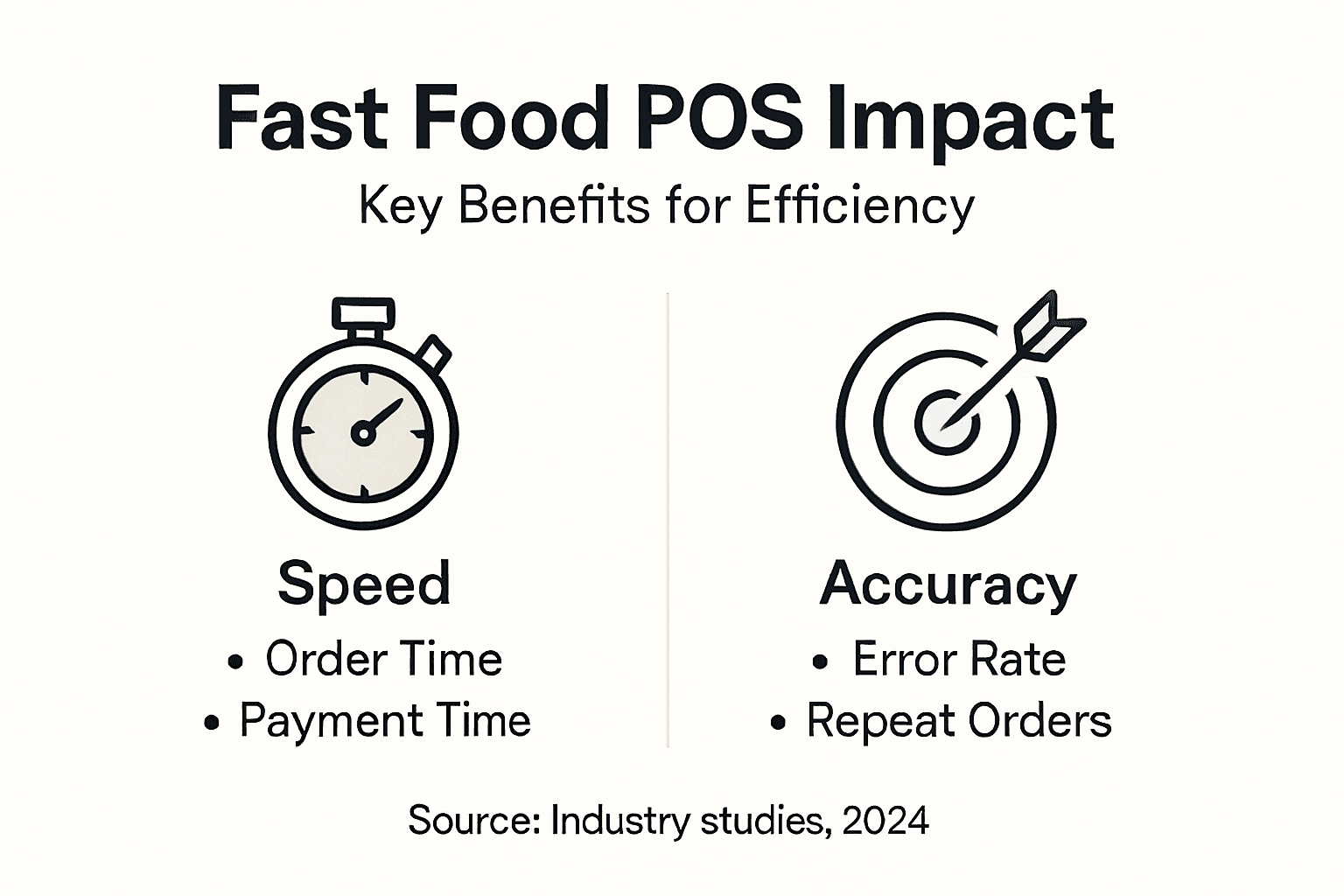
What does 21 per cent improvement actually mean for you? If you currently process 100 orders during lunch rush in five hours, that same volume now takes under four hours. More orders handled. Same number of staff. Higher revenue.
This speed comes from eliminating bottlenecks:
- Customers don’t wait for staff to calculate totals
- Kitchen doesn’t waste time interpreting tickets
- Managers spot problems before they escalate
- Payment processing completes in seconds, not minutes
Accuracy and Error Reduction
Human error costs money. Wrong items get made. Customers complain. Staff waste time fixing mistakes.
POS systems eliminate entire categories of errors:
- Item selection errors vanish with visual menus
- Price errors disappear when amounts come from the system
- Modification mistakes stop when special requests display on kitchen screens
- Payment errors resolve through automated processing
Your staff makes fewer mistakes despite working faster. That’s the genuine power of good POS design.
Staff Satisfaction and Retention
Staff prefer systems that make their jobs easier. A good POS system improves employee satisfaction by reducing frustration and enabling better customer interactions.
When your team isn’t drowning in paperwork, they:
- Feel more in control of their work
- Interact better with customers
- Experience fewer stressful situations
- See clear feedback on their performance
- Develop faster than with manual methods
Retention improves when staff feel supported by proper tools. That matters when labour shortages squeeze your industry.
Managing the Transition Period
Change creates resistance. Some staff will embrace the new system immediately. Others will resent it and work around it if possible.
Expect slowdowns during week one and two. Your team is learning new motor patterns and mental workflows simultaneously. This feels inefficient.
Power through this period with patience and proper training. By week three, most staff operate faster with the new system than they ever did manually.
A POS system only improves efficiency when your team actually uses it properly. Poor adoption defeats the entire investment.
Pro tip: Identify your fastest, most adaptable staff member and train them thoroughly before rollout, then use them as a peer trainer helping colleagues transition rather than bringing in external trainers who don’t understand your specific operation.
Hidden Costs, Compliance, and Common Pitfalls
POS systems require significant investment beyond the initial purchase price. Understanding true total costs prevents budget surprises and helps you select the right solution. Many operators underestimate the real expense of ownership.
Let’s examine what costs actually emerge and which pitfalls damage your bottom line.
The True Cost of Ownership
The headline price is only the beginning. Your actual investment includes multiple expense categories stretching across years.
Common hidden costs include:
- Monthly subscription fees (£50–500+ depending on features)
- Hardware upgrades and replacements
- Software updates and additional modules
- Integration with other systems (delivery platforms, accounting software)
- Staff training during implementation
- Ongoing support and maintenance contracts
- Security patches and compliance updates
POS adoption involves upfront hardware expenses beyond subscription fees. A complete system covering multiple tills, kitchen screens, and tablets can cost £3,000–£10,000 initially, then add £100–300 monthly for software licensing.
Multiply those monthly costs across several years and the total investment becomes substantial. Budget accordingly.
For easy reference, here are typical hidden costs and compliance considerations with POS systems:
| Expense Type | Description | Business Impact |
|---|---|---|
| Hardware Replacement | Tablets, screens, terminals | Required for reliability |
| Software Upgrades | New features, security patches | Prevent obsolescence |
| Staff Training | Initial and ongoing instruction | Reduces operational errors |
| Payment Card Compliance | PCI DSS, GDPR requirements | Avoids legal penalties |
| System Integrations | Accounting, delivery platforms | Supports business workflow |
Data Security and Payment Card Compliance
Handling customer payment data creates strict legal obligations. PCI DSS (Payment Card Industry Data Security Standard) compliance is non-negotiable, not optional.
Your POS system must:
- Encrypt payment data during transmission and storage
- Restrict access to payment information
- Monitor systems for unauthorised access
- Maintain audit trails of all transactions
- Meet UK data protection regulations (GDPR)
Non-compliance carries hefty penalties. A data breach exposing customer payment details can cost thousands in fines, plus damage to your reputation.
Cloud-based systems typically handle PCI compliance automatically. Legacy on-premises systems often shift compliance responsibility to you, requiring expensive security upgrades.
Common Implementation Mistakes
Operators repeatedly make avoidable errors that derail POS implementations.
Underestimating training needs tops the list. Staff need hands-on training, not a quick demonstration. Plan for multiple training sessions and ongoing support during your first month.
Ignoring integration compatibility creates frustration. Your POS must connect to your accounting software, delivery platforms, and loyalty programmes. Check compatibility before committing.
Selecting inflexible legacy systems limits your future growth. Poor system selection hampers scalability when you want to expand to multiple locations or add new capabilities.
Inadequate cybersecurity measures expose you to breaches. Even cloud systems need proper passwords, regular updates, and user access controls.
Long-Term Operational Costs
Beyond the initial purchase, annual expenses accumulate silently.
Typical ongoing costs:
- Software subscriptions renewing annually
- Payment processing fees (typically 1–3 per cent of transactions)
- Hardware maintenance and repairs
- System backups and disaster recovery
- Staff training for new features
- Compliance audits and certifications
A system costing £5,000 upfront might add another £2,000–4,000 annually across all these expenses. Over five years, you’re investing £15,000–25,000 total.
Understanding this reality prevents budget shocks and helps you justify the investment to stakeholders.
Cheap POS systems often cost more in the long run through poor features, weak support, and unexpected upgrade expenses.
Pro tip: Request a detailed three-year cost estimate from vendors covering subscription fees, payment processing charges, support costs, and anticipated hardware replacement before signing any contract.
Elevate Your Fast Food Operations with a Tailored POS Solution
Fast-paced fast food environments demand swift, accurate order processing and seamless payment options to stay ahead. If your business struggles with managing speed, inventory control, or staff coordination, a specialised POS system can be the game changer. Our Android-based platform integrates counter service, self-service kiosks, mobile POS, and kitchen order screens into one unified system designed to boost efficiency and reduce errors. Features like real-time inventory tracking and streamlined payment handling tackle the exact challenges highlighted in the article, ensuring every customer leaves satisfied and every shift runs smoothly.

Discover how EZEEPos’s comprehensive solutions can empower your team with faster order accuracy and simplified workflows. Visit our EFT Terminals – EZEEPos Solution page to explore secure, speedy payment options. Enhance your capabilities further by browsing our Add On Modules – EZEEPos Solution that flexibly expand functions as your operation grows. Ready to transform your fast food business today? Start with a personalised demonstration at https://ezeepos.co.uk and experience the difference that smart POS technology makes.
Frequently Asked Questions
What is a POS system in the fast food context?
A POS system in fast food is a digital solution that integrates ordering, payment processing, inventory management, and customer data into a unified platform, enhancing efficiency and customer service.
How do modern POS systems improve order accuracy in fast food operations?
Modern POS systems improve order accuracy through visual menu boards, quick buttons for popular items, and instant kitchen displays that eliminate the need for handwritten tickets, reducing errors and enhancing customer satisfaction.
What are the differences between legacy on-premises systems and cloud-based POS solutions?
Legacy on-premises systems store data locally and require high upfront costs, extensive IT support, and maintenance. Cloud-based POS solutions offer lower initial investments, seamless scalability, and automatic updates, making them more adaptable for growing businesses.
How can POS systems enhance customer loyalty in fast food restaurants?
POS systems can enhance customer loyalty by integrating loyalty programmes that track customer purchases, allowing for point accumulation and tailored offers, thereby promoting repeat visits and consistent revenue.
Recent Comments