
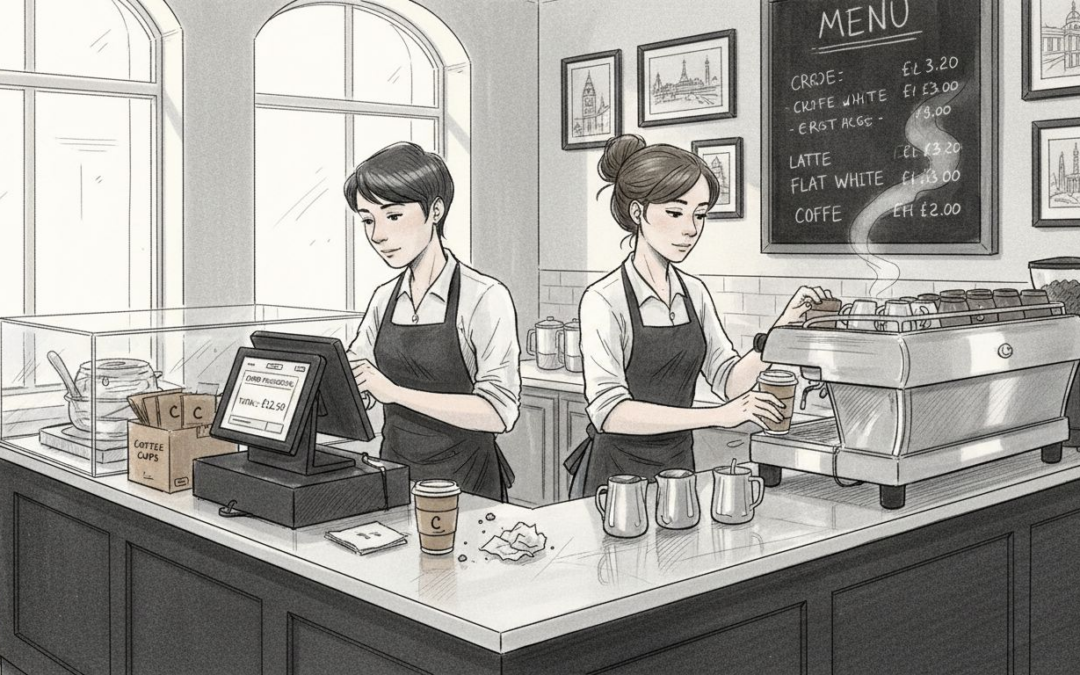
Long queues and split-second decisions leave little room for outdated point of sale systems in a busy UK café or restaurant. Staying ahead demands more than just faster tills, it requires real-time transaction processing and flexibility that fits your service style. Cloud POS systems deliver these advantages, offering instant access to your business data across all devices and locations. Discover how the right cloud platform shapes itself around your operations, helping you work smarter during your busiest shifts.
Table of Contents
- Defining Cloud POS Systems For Hospitality
- Types Of Cloud POS And Key Differences
- Essential Features And System Functionality
- Real-World Benefits For Restaurants And Cafés
- Costs, Risks, And Common Mistakes To Avoid
Key Takeaways
| Point | Details |
|---|---|
| Cloud POS systems offer enhanced accessibility | Users can access sales data and manage operations from any internet-connected device, enabling real-time insights across multiple locations. |
| Scalability and flexibility are vital | Cloud POS systems can easily adapt to growing businesses, allowing for system expansions without complex hardware changes. |
| Real-time transaction processing is crucial | Instant updates to orders and inventory help improve service speed and operational efficiency. |
| Training and integration are essential for success | Proper staff training and careful system transition planning ensure optimal use of the cloud POS features. |
Defining Cloud POS Systems for Hospitality
A cloud POS system is a point-of-sale platform hosted on remote servers rather than installed on physical hardware at your location. Instead of relying on a clunky server tucked away in a back office, cloud-based systems operate through the internet, allowing you to access sales data, process transactions, and manage inventory from any device with an internet connection. Your café in central London can pull up the same customer information on a till in the front and a tablet at the bar. The data syncs instantly across all locations and devices, giving you a unified view of operations in real-time.
What distinguishes cloud POS from traditional systems is where the processing happens. Traditional systems store everything locally, meaning you’re dependent on that single physical server. Cloud POS moves all the heavy lifting to remote data centres. This distinction matters because cloud computing services for hospitality operate under specific contractual agreements that define how your data is stored, accessed, and protected. You’re no longer managing physical infrastructure. Instead, you’re accessing software and services through the internet, which fundamentally changes how your business handles information. The provider maintains the servers, handles security updates, and ensures your system stays available. You simply log in and work.
For UK hospitality venues, cloud POS systems offer several practical advantages. Speed matters when you’re serving fifty customers in an evening. A cloud system processes orders instantly across kitchen screens, bar displays, and tables without the lag time of legacy systems. Security becomes the provider’s responsibility, which means your customer payment data gets protected by enterprise-level encryption and compliance frameworks rather than relying on your back-office equipment. Innovation happens continuously because providers update features and capabilities remotely. Your system improves without you needing to install anything or schedule downtime. Unlike legacy POS systems that require expensive hardware replacements every few years, cloud platforms scale with your business. Need to add a new till? Just set it up. Opening a second location? Your entire system migrates there instantly.
The architecture itself is flexible enough to match how your venue actually operates. Whether you run table service at a gastropub, counter service at a busy café, or a combination of both, the same cloud system adapts. Kitchen order screens display incoming orders in real-time. Mobile terminals let staff take orders at the table. Customer-facing kiosks handle quick transactions. All of this flows back to a centralised cloud back-office system where you track sales, monitor stock levels, and analyse business performance. The flexibility means you’re not forcing your venue into the constraints of the software. The software shapes itself around your venue’s actual service model.
Pro tip: When evaluating cloud POS options, confirm whether the system includes local UK-based support and whether you have full access to all features from day one, rather than being locked into tiered pricing that restricts capabilities based on what you pay.
Types of Cloud POS and Key Differences
Cloud POS systems come in different configurations, each suited to different hospitality operations. The main distinction lies in how much of the system you manage versus what the provider manages for you. Think of it like renting a flat: you could rent one fully furnished and ready to use, or rent a blank space and furnish it yourself. The three primary types mirror this spectrum. Software as a Service (SaaS) is the most hands-off approach, where the provider hosts everything including the application, servers, and updates. You simply log in and use it. This suits most UK restaurants and cafés because you avoid the complexity of managing infrastructure. Platform as a Service (PaaS) gives you more control, allowing you to customise the system more heavily whilst the provider manages the underlying infrastructure. Infrastructure as a Service (IaaS) puts you in charge of more elements, offering maximum flexibility but requiring you to handle more technical aspects yourself. For hospitality venues, SaaS cloud POS systems are typically the practical choice because they eliminate the burden of infrastructure management whilst offering everything you need to run service.
Within SaaS cloud POS systems, providers offer different feature sets and operational models. Some systems are purpose-built for specific service types. For example, quick-service POS solutions focus on speed and simplicity for counter-service operations, reducing clicks and processing time to absolute minimums. Others provide broad flexibility to handle table service, counter service, and hybrid models within the same system. Some cloud POS platforms include self-service kiosk functionality allowing customers to order independently, which works particularly well in fast-casual environments or during peak hours. The key difference is scope: narrow-focus systems optimise for one service style, whilst broad-platform systems adapt to multiple service approaches. Another critical distinction is whether staff mobility matters. Some cloud POS systems are designed around stationary tills, whilst others prioritise mobile ordering terminals that let staff take payments anywhere in the venue. This flexibility matters if you want to reduce queues or offer table-side payment in a gastropub setting.
The technical architecture creates another layer of differences worth understanding. Service delivery and deployment models in cloud POS systems vary by provider. Some operate pure public cloud, where multiple businesses share the same infrastructure, offering lower costs but less privacy control. Others offer private cloud or hybrid deployments where your data sits in a dedicated environment, adding cost but providing greater security assurance. Single-location systems differ from multi-location platforms; if you run one café, a single-location system may be perfectly adequate. But if you plan to expand or already operate multiple venues, a cloud POS that syncs inventory, sales data, and staff across locations becomes invaluable. Scalability represents a major difference too. Some systems cap the number of tills or users you can add without significant cost increases, whilst true cloud systems scale seamlessly. Opening a second location should simply mean adding a new user account and setting up new hardware, not renegotiating your contract.
Here’s a concise comparison of the different types of cloud POS deployment models for hospitality venues:
| Deployment Model | Operational Control | Security Level | Scalability & Cost |
|---|---|---|---|
| Public Cloud | Minimal control, provider-led | Shared infrastructure, lower privacy | Easily scalable, lowest cost |
| Private Cloud | Moderate control, some customisation | Dedicated infrastructure, enhanced privacy | Scalable, higher expense |
| Hybrid Cloud | Mixed control: provider/user | Blend of private/public, flexible | Scalability with balanced cost |
| On-Premise Legacy POS | Full control, venue responsibility | Locally managed, highest privacy | Limited scalability, highest expense |
Decision-making comes down to your actual operational needs rather than choosing the most feature-rich option. A busy café with straightforward counter service, one location, and standard payment processing needs a different system from a multi-location gastropub group with table ordering, mobile payments, and complex inventory tracking across kitchens. Before selecting a type, assess what actually happens in your venue during service. How do staff currently take orders? What payment methods matter most? Do you operate one location or multiple? Will you need to expand? Does your menu include complex modifiers and special requests, or is it relatively simple? Matching the cloud POS type to these realities ensures you get appropriate functionality without paying for unnecessary complexity. The best system is the one that matches your operations, not the one with the longest feature list.
Pro tip: Request a trial or demo using your actual menu, typical peak-hour volume, and current service workflow before committing, as this reveals whether the system’s design genuinely fits how your venue operates rather than forcing you to adapt your processes to the software.
Essential Features and System Functionality
A cloud POS system only delivers value when it includes the features that actually matter for your daily operations. The foundation of every reliable cloud POS is real-time transaction processing. When a customer pays for their coffee or meal, the transaction must complete instantly and sync across your entire system without delay. This means kitchen screens display orders the moment they’re placed, inventory updates automatically as items sell, and your manager can check sales figures at any point during service without waiting for batch uploads. Real-time processing is non-negotiable because delays create bottlenecks. If kitchen screens refresh every thirty seconds instead of instantly, orders pile up and service slows. The second essential element is multi-device support. Your cloud POS should work seamlessly on till screens, tablets, smartphones, and kitchen displays simultaneously. A staff member should be able to take an order on a tablet at the table, the kitchen should see it on a screen immediately, and the manager can monitor everything from a phone in the office. This flexibility only works when your system architecture supports true synchronisation across all devices operating on the same data.
Beyond the core transaction layer, inventory management makes the difference between guessing what you have and knowing exactly what you have. A proper cloud POS tracks every item as it moves from delivery through to plate. When you receive ten kilos of coffee beans, they enter inventory. As each espresso pours, that stock decreases. Your system tells you when stock runs low, identifies your fastest-moving items, and prevents staff from selling items you don’t have. This visibility prevents the embarrassment of telling a customer you’ve run out of their preferred dish mid-service. Related to this is menu management, which lets you modify items, prices, and descriptions without system downtime. If you want to add a seasonal dish or adjust pricing based on ingredient costs, you make the change once in your cloud back-office and it appears on every till, every tablet, and every kitchen screen instantly. You’re not printing new menus or briefing staff. The system handles it. Real-time data synchronisation capabilities ensure this consistency across all your endpoints, eliminating confusion about what’s actually available.
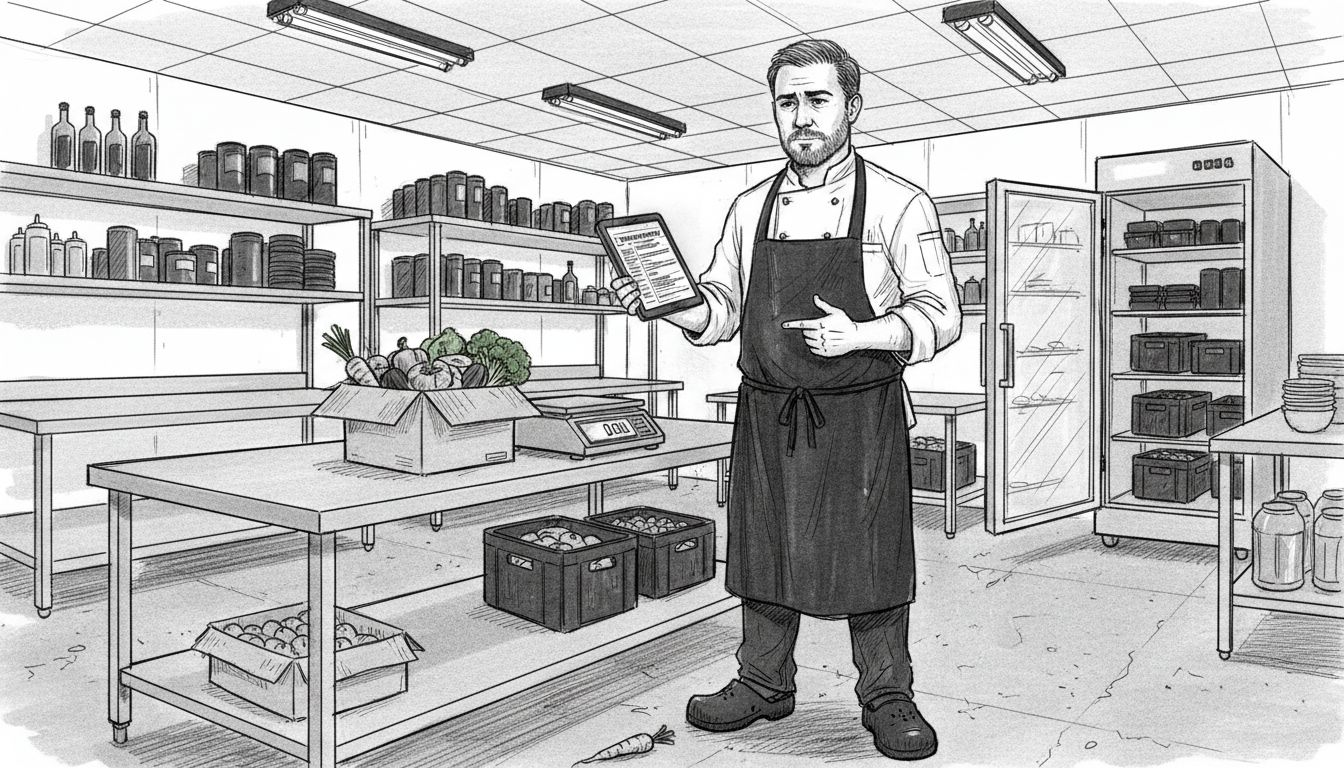
Staff management and reporting features separate cloud POS systems that merely process sales from systems that help you actually run your business. Track which staff members worked when, monitor their cash handling accuracy, and review their sales performance. Generate detailed reports showing peak hours, bestselling items, table turnover rates, and revenue by category. A café owner should be able to answer questions like: Which staff member achieves the highest average transaction value? What time of day generates the most revenue? Which menu items have the lowest profit margins? These insights let you make staffing decisions, design menus more profitably, and identify training gaps. The best systems also include pay-per-use pricing models with on-demand access to cloud features, meaning you don’t pay for functionality you don’t use, and you can add new modules as your business evolves.
Payment integration represents another critical functionality. Your cloud POS must connect seamlessly to payment processors, reducing the steps between customer decision and completed transaction. Integration with contactless payments, card machines, and digital wallets eliminates friction. Your system should also include access control and user permissions, letting you decide what each staff member can see and do. A till operator shouldn’t access financial reports. A kitchen manager shouldn’t void transactions. These restrictions protect your business and create accountability. Finally, consider offline capability. Even though cloud POS systems rely on internet connectivity, the best ones include limited offline mode so you can continue taking orders if your internet drops momentarily. Orders queue locally and sync when connection returns, preventing service interruption during brief outages.
When evaluating cloud POS systems, don’t get distracted by flashy extras. Focus on whether the system handles your core operations smoothly. Can staff take orders and process payments quickly? Does inventory track automatically? Can you see meaningful reports about your business? Does it connect to your payment provider? Does it work on the devices you actually use? These fundamentals matter far more than whether it includes exotic features you’ll never use. A simple system that does these things brilliantly outperforms a complex system that does them poorly.
The table below summarises essential cloud POS features and their impact on hospitality businesses:
| Feature | Business Impact | Example Benefit |
|---|---|---|
| Real-time Processing | Faster service delivery | Reduced waiting times |
| Multi-device Support | Greater flexibility | Orders taken anywhere onsite |
| Automated Inventory | Lower waste, cost savings | Precise stock management |
| Advanced Reporting | Informed decisions | Identify best-selling items |
| Integrated Payments | Streamlined checkout | Support for contactless cards |
| User Permissions | Enhanced security | Staff access restricted |
| Offline Capability | Operational resilience | Service continues during outages |
Pro tip: During your trial period, run a full service shift using only the cloud POS system and observe whether staff can complete transactions, modify orders, and handle rushes without returning to legacy systems, as this reveals whether the feature set actually fits your workflow.
Real-World Benefits for Restaurants and Cafés
Cloud POS systems deliver tangible improvements that show up immediately in daily operations. The most obvious benefit is speed. When orders move from table or till to kitchen screen instantly, service accelerates. A busy Saturday night where thirty customers arrive within twenty minutes becomes manageable rather than chaotic. Staff stop shouting orders across noisy kitchens and instead kitchen staff see orders appear in sequence on a screen. Mistakes drop because the order is written exactly as the customer requested, not as someone remembered it. This speed translates directly to customer satisfaction. People don’t want to wait unnecessarily, and when service flows smoothly, they notice. A café that serves coffee and pastries five minutes faster during rush hour can serve significantly more customers in the same time window, which directly impacts revenue. Labour efficiency improves because staff spend less time on administrative tasks and more time serving. No more manual till reconciliation at closing time. No more hunting through paperwork to find that receipt from lunchtime. The system handles it. This freed-up time either means your team goes home earlier or handles more customers without needing additional staff.
Cost reduction happens through multiple channels. Inventory waste decreases dramatically when you know exactly what you have. A restaurant owner who used to estimate stock levels now sees precise counts and can order exactly what they need. No more throwing away spoiled ingredients. No more running out of popular items mid-service. Improved inventory management practices combined with real-time tracking reduce food costs by five to fifteen percent depending on your current practices. Labour costs drop because staff accomplish more per hour and you reduce the paperwork burden. Payment processing becomes cheaper when cloud POS systems integrate with multiple payment providers, allowing you to choose the provider with the lowest fees rather than being locked into one expensive option. Utilities decrease too because cloud systems eliminate the need for on-premise servers and backup equipment consuming electricity. These savings compound. A café saving three hundred pounds monthly on inventory waste, two hundred pounds on payment processing fees, and one hundred pounds on utilities realises six thousand pounds in annual savings without cutting corners.
Data accessibility and decision-making transform how owners actually run their businesses. Rather than waiting until month-end for financial reports, you see live data. You know right now that your Thursday evenings generate the most revenue. You know exactly which menu items have the highest profit margins. You know which staff member achieves the highest transaction value. This intelligence lets you make real decisions. If Wednesday lunchtime is consistently quiet, you might adjust staffing or run a promotion. If a menu item barely sells, you can replace it with something that moves better. You can identify your best-performing staff and promote them or ask them to train others. Cloud deployment improves operational efficiency by giving you access to this information from anywhere, not just from the office computer. Check sales figures from your phone whilst at a supplier meeting. Monitor how service is progressing whilst away from the venue. This visibility removes guesswork from management.
Compliance and record-keeping become straightforward rather than burdensome. Every transaction is recorded with details about what was sold, when, by whom, and for how much. You maintain an accurate audit trail without manual effort. Food safety records can be linked to inventory systems, showing which batches were used when. Staff records are automatically timestamped. This documentation protects your business if questions arise and makes compliance reviews simpler. Scalability means adding a second location doesn’t require rebuilding your entire system. Your cloud POS expands with you. One café operates the same way as three cafés, just with different login accounts and hardware at each location. Centralised reporting shows combined sales across all locations or drills down to individual venues. This growth capability means you can expand without the technology becoming a constraint.
The cumulative effect transforms the business. A restaurant owner who previously spent two hours weekly on paperwork and manual reconciliation reclaims that time. A café owner who worried about food waste now optimises purchasing and improves margins. A manager who guessed about staffing decisions now makes staffing choices based on demand patterns. These improvements stack. Better decisions plus faster service plus lower costs plus happier staff equals a stronger business. The cloud POS becomes infrastructure that your entire operation depends on, which is why choosing the right system matters so much.
Pro tip: Calculate your current cost of inventory waste, labour hours spent on paperwork, and payment processing fees before implementing a cloud POS, then measure the same metrics after three months to quantify the actual financial benefit your venue has realised.
Costs, Risks, and Common Mistakes to Avoid
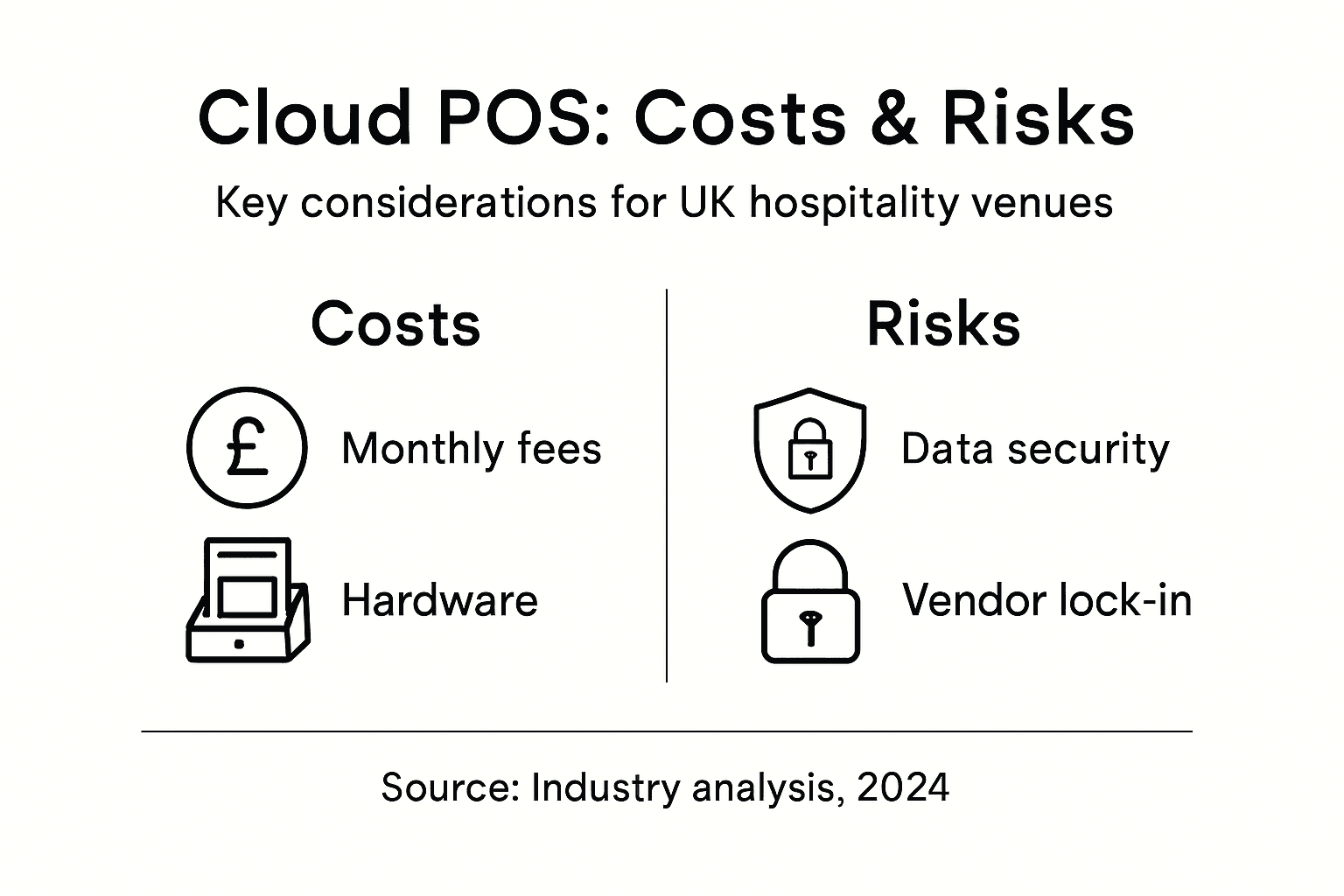
Cloud POS systems require financial investment beyond the software itself. Subscription fees form the foundation of costs, typically ranging from fifty to three hundred pounds monthly depending on the provider and features included. This is predictable and budgetable. What catches many venue owners off guard are the hidden costs. Data migration from your old system to the cloud requires either staff time or professional assistance, potentially costing five hundred to two thousand pounds depending on complexity. Hardware purchases matter too. Whilst cloud POS runs on tablets and devices you may already own, you likely need new kitchen display screens, which cost one hundred to four hundred pounds each. If you operate multiple locations, these costs multiply. Installation and setup can consume two hundred to one thousand pounds if you’re not doing it yourself. Staff training is often underestimated. Even if it’s just three hours at your venue, that’s paid labour. The real cost trap is assuming the cloud system replaces everything immediately. Most venues run both the old system and new system in parallel for two to four weeks during transition, paying for both simultaneously. Budget conservatively. A small café moving to cloud POS should expect two thousand to four thousand pounds in first-year costs including hardware, migration, training, and setup, with subsequent years at just the subscription fee.
Data security and compliance represent the most serious risks. Your cloud POS stores customer payment information, and if that data leaks, you face legal liability and reputation damage. The provider shares responsibility, but you share it. Ensure the provider uses encryption for data in transit and at rest. Verify they comply with Payment Card Industry Data Security Standard (PCI DSS) requirements. Equally important is UK GDPR compliance. Customer names, email addresses, and purchase history constitute personal data. Data protection impact assessments help identify risks in cloud POS deployments before problems arise. Ask your provider directly: where is my data stored? Which countries can access it? How do they handle data deletion when I request it? Poor answers suggest you should look elsewhere. Service disruption poses another significant risk. If your cloud POS provider experiences an outage, you cannot process orders or sales. Brief outages happen rarely with reputable providers, but they happen. Confirm the provider offers backup systems or offline mode allowing you to continue basic operations. Ask about their uptime guarantee. Reputable providers commit to 99.5 percent uptime or better.
Common implementation mistakes derail many otherwise successful cloud POS projects. The biggest mistake is inadequate staff training. You can buy the best system in the world, but if your staff don’t know how to use it, service grinds to a halt. Budget time and money for proper training. Run practice shifts before going live. Have someone available to help troubleshoot during the first few days. The second major mistake is rushing the transition. Owners often want to cut over to cloud POS immediately to save money on the old system. This creates chaos. Run both systems in parallel until staff feel confident and you’ve identified issues. The parallel period feels wasteful but prevents the crisis of a failed cutover. Another common pitfall is choosing based on cost alone. The cheapest option rarely delivers the best service. Evaluate based on features matching your actual operations, quality of customer support, and integration with your payment provider. A system that costs fifty pounds monthly but requires workarounds for your service style costs more in lost time than a system costing one hundred pounds monthly that works perfectly. Insufficient customisation causes frustration when the system doesn’t match your workflow. Before committing, run detailed scenarios. Can staff handle your actual menu complexity? Do your table layouts match the system’s table management? Can kitchen screens be arranged as your kitchen prefers? These details matter immensely.
The most overlooked risk is vendor lock-in and data portability. What happens if you want to switch to a different provider in two years? Can you export your historical data? Will your menu, customer records, and sales history come with you? Some providers make it deliberately difficult. Ask upfront about data export capabilities and export formats. The risk of poor planning manifests subtly. Inadequate planning causes many cloud adoption failures according to government guidance. Define exactly what you want from a cloud POS before evaluating options. Document your current processes. Identify which pain points you want solved. List your must-have features. This clarity prevents selecting a system that looks impressive but doesn’t solve your actual problems. Finally, recognise that cloud POS implementation requires cross-functional input. Your till operators, kitchen staff, and managers all interact with the system differently. Involve them in selection, not just notification after the system arrives.
Pro tip: Request a written Service Level Agreement (SLA) from the provider before signing that clearly states uptime guarantees, response times for support requests, and data backup frequency, as this document protects you if problems arise and provides recourse if the provider fails to deliver.
Discover How EZEEPos Cloud POS Solutions Can Revolutionise Your Hospitality Operations
The article highlights the core challenges hospitality venues face when adopting cloud POS systems such as ensuring seamless real-time order processing, flexible multi-device support, robust inventory management and reliable local UK support. If you want to eliminate outdated legacy systems and embrace scalable technology that truly adapts to your service model, EZEEPos provides an Android-based platform designed specifically for British cafés, bars, and restaurants. With features like instant kitchen display integration, mobile POS terminals and self-service kiosk options, EZEEPos helps you speed up service and reduce costly errors.

Ready to elevate your venue’s efficiency and customer experience with a trusted cloud POS provider? Explore our Add On Modules – EZEEPos Solution to customise your system and learn more about our full-featured platform at EZEEPos official site. To see how EZEEPos fits into diverse hospitality environments, visit our overview page now. Make your transition to reliable, scalable cloud POS smooth and supported locally – start transforming your hospitality business today.
Frequently Asked Questions
What is a cloud POS system and how does it differ from traditional POS systems?
A cloud POS system is a point-of-sale platform hosted on remote servers, allowing access from any internet-connected device. Unlike traditional POS systems that store data locally on physical servers, cloud systems provide real-time data synchronisation and eliminate reliance on local hardware.
What are the main types of cloud POS systems available for hospitality operations?
The main types of cloud POS systems include Software as a Service (SaaS), Platform as a Service (PaaS), and Infrastructure as a Service (IaaS). SaaS is the most popular for hospitality as it requires minimal management, while PaaS offers more control and customisation, and IaaS allows for maximum flexibility but requires more technical management by the user.
How can a cloud POS system improve operational efficiency in hospitality businesses?
A cloud POS system improves operational efficiency by enabling real-time transaction processing, automating inventory management, and providing instant access to sales and staff performance data. This streamlines service delivery, reduces costs, and allows managers to make informed decisions based on accurate data.
What should I consider when choosing a cloud POS system for my venue?
When choosing a cloud POS system, consider features that align with your operations, such as real-time processing, multi-device support, inventory management, and reporting capabilities. Additionally, evaluate the level of customer support, ease of integration with payment processors, and the scalability of the system to accommodate future growth.
Recent Comments