
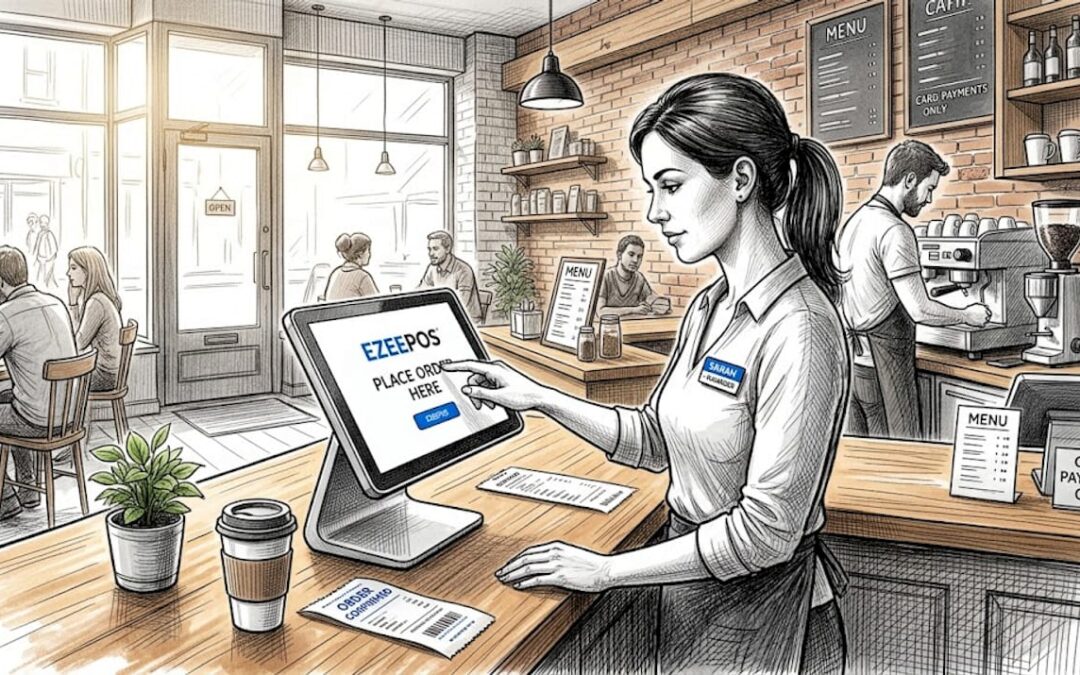
Self-service POS checklist for hospitality venues
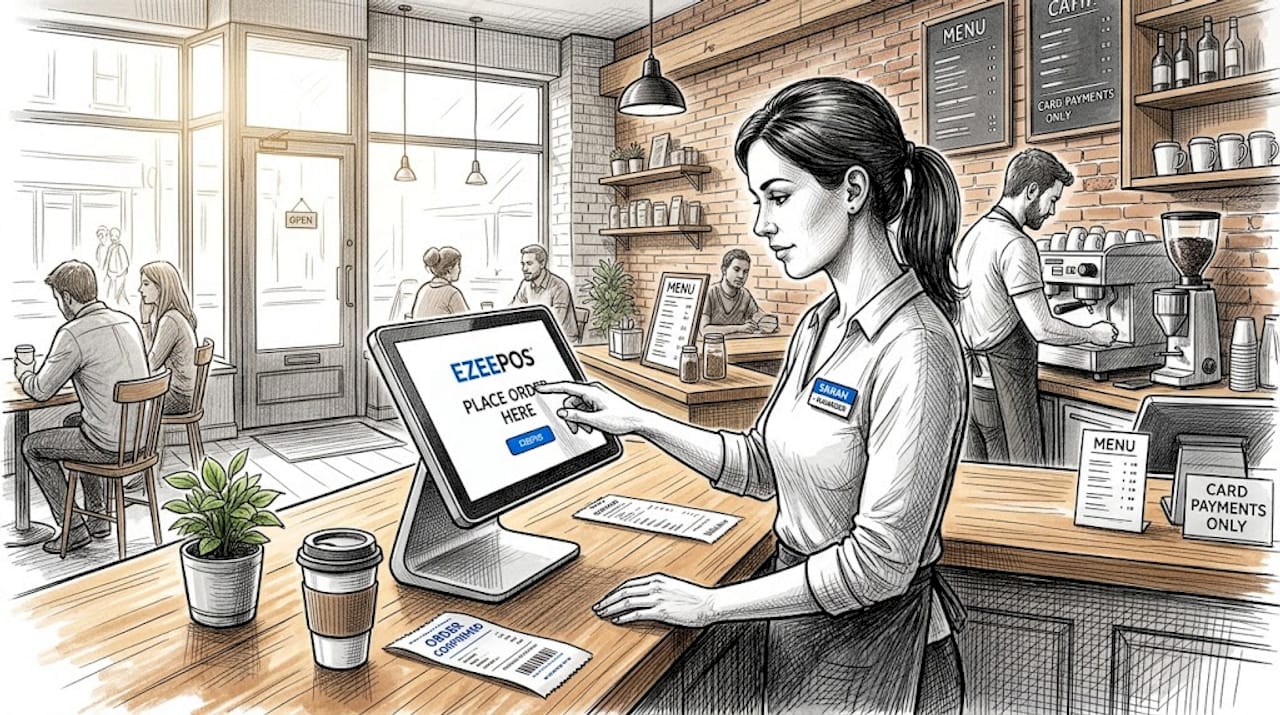
TL;DR:
- Getting self-service kiosks wrong can lead to costly mistakes, frustrated customers, and order issues. A successful deployment requires verifying software integration, choosing appropriate hardware, timing implementation carefully, comparing total costs, and matching system features to your venue type. Proper planning and phased rollout, combined with continuous staff training and data tracking, are key to maximizing the benefits of self-service technology in hospitality settings.
Getting a self-service kiosk wrong is expensive. Not just in pounds, but in frustrated customers, confused staff, and orders that never reach the kitchen. If you’re a hospitality venue owner or manager working through your self-service POS checklist for the first time, the sheer number of variables, software versions, payment terminals, integration requirements, and contract terms, can feel genuinely overwhelming. This article cuts through that. What follows is a practical, step-by-step checklist built specifically for UK hospitality venues, covering software, hardware, implementation, and cost evaluation so you can deploy with confidence.
Table of Contents
- Key takeaways
- 1. Evaluate self-service POS software integration first
- 2. Build your hardware configuration checklist
- 3. Map out your implementation timeline
- 4. Conduct a thorough cost and vendor comparison
- 5. Match the system to your venue type
- My honest take on what makes or breaks a kiosk rollout
- How Ezeepos supports your self-service POS deployment
- FAQ
Key takeaways
| Point | Details |
|---|---|
| POS integration is non-negotiable | Orders must appear on your POS and kitchen display within seconds or the kiosk creates more problems than it solves. |
| Hardware costs vary significantly | Unattended payment terminals typically cost £400 to £950, so budget accurately before committing to any vendor. |
| Phase your rollout | Start with two to four units in high-traffic areas and monitor closely before expanding across the venue. |
| Total cost of ownership matters | Always request a full cost breakdown covering software, hardware, payment processing, and support before signing anything. |
| Match the system to your venue | A fast-casual burger bar and a hotel bar have very different needs. Choose features that fit your service style, not the flashiest option. |
1. Evaluate self-service POS software integration first
Before you look at hardware or pricing, verify the software. This is where most kiosk deployments go wrong, and where your self-service POS checklist should start.
Real-time POS integration is the single most important factor for self-service kiosks in hospitality. Orders placed at the kiosk must appear on your POS and kitchen display system within seconds. Anything slower and you get duplicate orders, missed tickets, and staff improvising. That is not a technology problem. It is an operational failure.
Check the following before you commit to any software:
- Certified integration with your specific POS brand and version. Certified integrations stay stable after POS software updates, which uncertified connections often do not.
- Real-time menu and price sync. If your kitchen runs out of a dish at 7pm, the kiosk must reflect that immediately.
- Kitchen display system (KDS) push. Kiosk orders should route directly to the kitchen display without any manual entry by staff.
- Contactless and mobile wallet payment support built into the kiosk software itself, not bolted on.
- Allergen filtering and multilingual menus if your venue serves a diverse customer base.
- Custom branding. The kiosk should look like your venue, not the vendor’s product.
- Transparent pricing. Confirm whether the software charges a flat monthly subscription or takes a per-order commission. The latter can cost considerably more at volume.
Pro Tip: Ask the vendor for a live demonstration of the integration with your exact POS version. Not a recorded video. A live session where you can see an order travel from the kiosk screen to the kitchen display in real time.
The value of proper POS/KDS integration cannot be overstated. A kiosk that requires manual kitchen entry defeats the purpose entirely.
2. Build your hardware configuration checklist
Once your software requirements are confirmed, move to hardware. This part of your POS system checklist often gets underestimated, particularly the cost.
Your hardware shortlist should address:
- Terminal or tablet type. Floor-standing kiosks suit quick-service venues. Wall-mounted tablets work well in smaller cafés or alongside a service counter. Consider durability and screen size for your environment.
- Payment terminals. You need EMV chip and PIN as a minimum. NFC support for contactless and mobile wallet payments is not optional in 2026. Unattended payment terminals cost typically £400 to £950 for standard models, with premium units reaching higher.
- Peripheral support. Receipt printers, barcode scanners for loyalty programmes, and cash drawers where relevant. Note that kiosk payment behaviours must be configured at the kiosk level, not assumed from your existing POS setup.
- Network connectivity. Ethernet is strongly recommended for primary kiosk terminals. Wi-Fi is acceptable as a secondary option but introduces reliability risk in busy venues where interference is common.
Pro Tip: When budgeting hardware, add 15 to 20 per cent on top of quoted costs to account for installation, cabling, mounting brackets, and any site preparation work your venue may require.
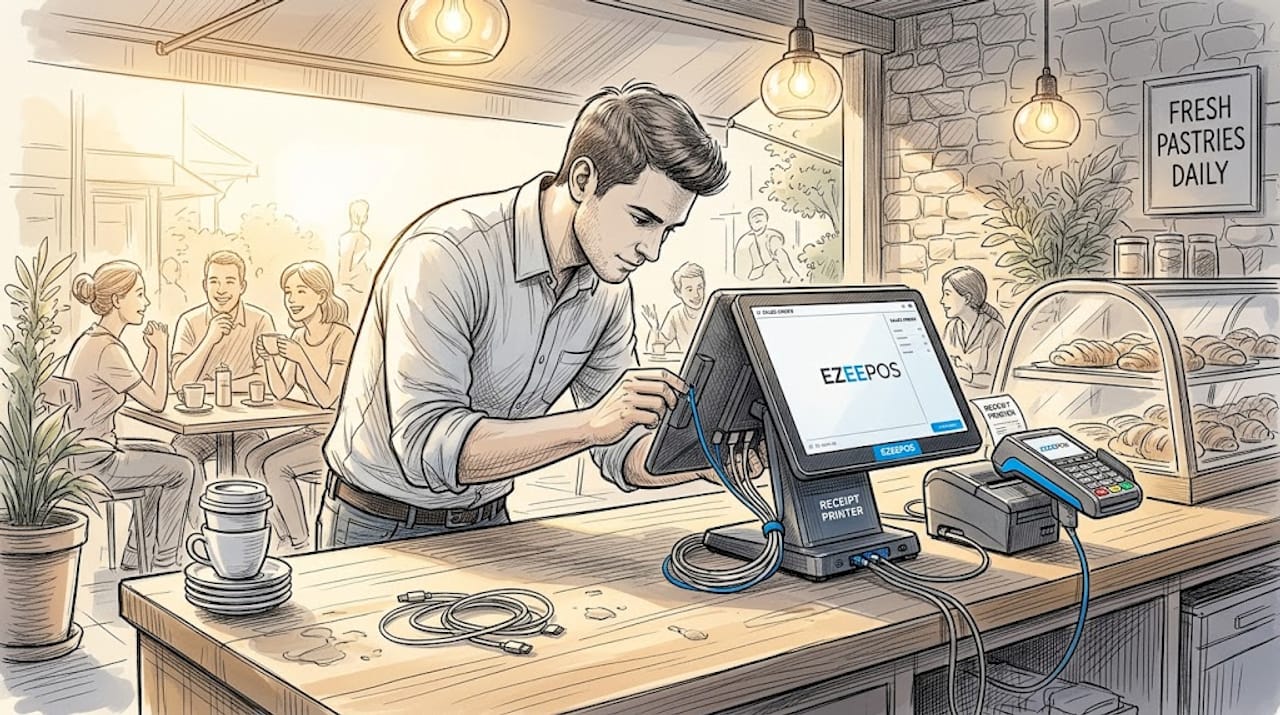
A complete POS installation requires the terminal or tablet, card reader, printer and cash drawer where applicable, a stable internet connection, and your full menu loaded and tested before the first transaction. Do not skip the testing stage under time pressure.
3. Map out your implementation timeline
A self-service kiosk setup that is rushed almost always fails publicly. Give yourself enough runway.
The following numbered steps reflect best-practice deployment for hospitality venues:
- Six weeks before launch. Finalise your software and hardware choices. Confirm your POS integration is certified. Place hardware orders.
- Four to five weeks before. Complete site preparation. Run cabling, confirm network stability, and install mounting hardware.
- Three weeks before. Install kiosk units. Begin software configuration. Load your full menu with accurate pricing, allergen data, and item images.
- Two weeks before. Begin staff training. Train at least two staff members per shift to troubleshoot common kiosk issues and assist customers who need help.
- One week before. Full end-to-end testing. Run payments through every method. Confirm orders appear on the KDS. Check receipt printing. Test edge cases like cancelled orders and split payments.
- Launch day. Start with two to four units in your highest-traffic areas. Do not roll out all units simultaneously on day one.
- First two weeks post-launch. Monitor daily. Track kiosk uptime and aim for 90 per cent or above. Log every instance where a customer needed staff assistance. Use that data to improve the experience.
Setting realistic expectations around adoption matters here. Customers in some venues take two to three weeks before kiosk usage becomes habitual. Do not measure success on the first weekend alone.
4. Conduct a thorough cost and vendor comparison
This section of your checklist for self-service systems will save you the most money over time. Many venue managers focus on the monthly software fee and miss the full picture.
When comparing vendors, request a full cost breakdown across four categories:
| Cost category | What to request from vendor |
|---|---|
| Software | Monthly or annual subscription fee, per-order commissions, update costs |
| Hardware | Unit cost, installation, warranty terms, replacement parts |
| Payment processing | Transaction fees, terminal rental or purchase costs, card scheme charges |
| Support | Onsite response times, remote support hours, SLA commitments |
Total cost of ownership, not the monthly fee alone, is what you should evaluate. A vendor charging a lower monthly fee but taking a 0.5 per cent commission on every order can cost considerably more than a flat-fee alternative once you factor in volume.
Watch for these specific contract traps:
- Hardware lock-in clauses that prevent you from sourcing replacement units elsewhere
- Minimum contract lengths of 24 to 36 months with steep early exit penalties
- Automatic price escalation clauses buried in the renewal terms
- Software flexibility restrictions that prevent third-party integrations
The textile cost efficiency principles applied in hospitality procurement generally apply here too. Optimise for total value over the contract life, not the lowest headline number.
5. Match the system to your venue type
Your venue’s service style should drive your final decision, not the vendor’s feature list. A self-service terminal guide that works for a stadium food outlet will not automatically suit a boutique hotel bar.
Consider the following when making your final selection:
- Fast-casual and quick-service venues benefit most from high-throughput kiosks with simple, visual menus and fast payment processing. Speed and uptime are the priority.
- Cafés and casual dining venues may need more flexibility, including table number entry, order customisation options, and a more conversational menu structure.
- Multi-location operators should prioritise centralised menu management and multi-location POS capabilities so updates push to every site simultaneously.
- Mobile catering and event venues have different requirements again, with a focus on mobile POS flexibility and offline resilience.
When weighing ease of use against advanced customisation, lean towards ease of use if your team changes frequently. A system your staff can learn in an afternoon is worth more than one with every feature imaginable but a steep learning curve.
Pro Tip: Visit a venue already running the kiosk system you’re considering. Ask the manager, not the sales team, what they wish they had known before signing. That conversation is worth more than any vendor demonstration.
The operational benefits of self-service kiosks in hospitality are well documented. Matching the technology to your specific service model is what converts those theoretical benefits into actual results at your venue.
My honest take on what makes or breaks a kiosk rollout
I’ve spent years watching hospitality venues invest in self-service technology and then struggle to get the returns they expected. The pattern is almost always the same.
The venues that succeed treat the kiosk as a system, not a product. They obsess over the POS integration before anything else. In my experience, real-time sync between the kiosk and the kitchen display is more critical than most managers realise until the moment it fails during a Friday night rush. That is a very bad time to discover your orders are arriving on paper instead of the screen.
The venues that struggle almost always rushed the rollout. They deployed every unit on opening night, had no trained staff on hand, and then watched customers abandon the kiosk queue for the counter. The phased approach of starting small, monitoring peak periods, and expanding only when stable is not just cautious. It is what actually works.
I’d also push back on the idea that customer adoption is automatic. It isn’t. People need gentle encouragement from staff in those first few weeks, and the kiosk UI needs to earn trust quickly. If the first experience is confusing, many customers won’t try again.
My strongest advice: collect intervention rate data from day one. Every time a staff member has to assist a customer at the kiosk, that is a data point. Track it. Fix the friction points it reveals. The venues with the best kiosk performance I’ve seen treat that data as seriously as their weekly revenue figures.
— John
How Ezeepos supports your self-service POS deployment
You’ve worked through the checklist. Now you need a platform that can actually deliver against it.
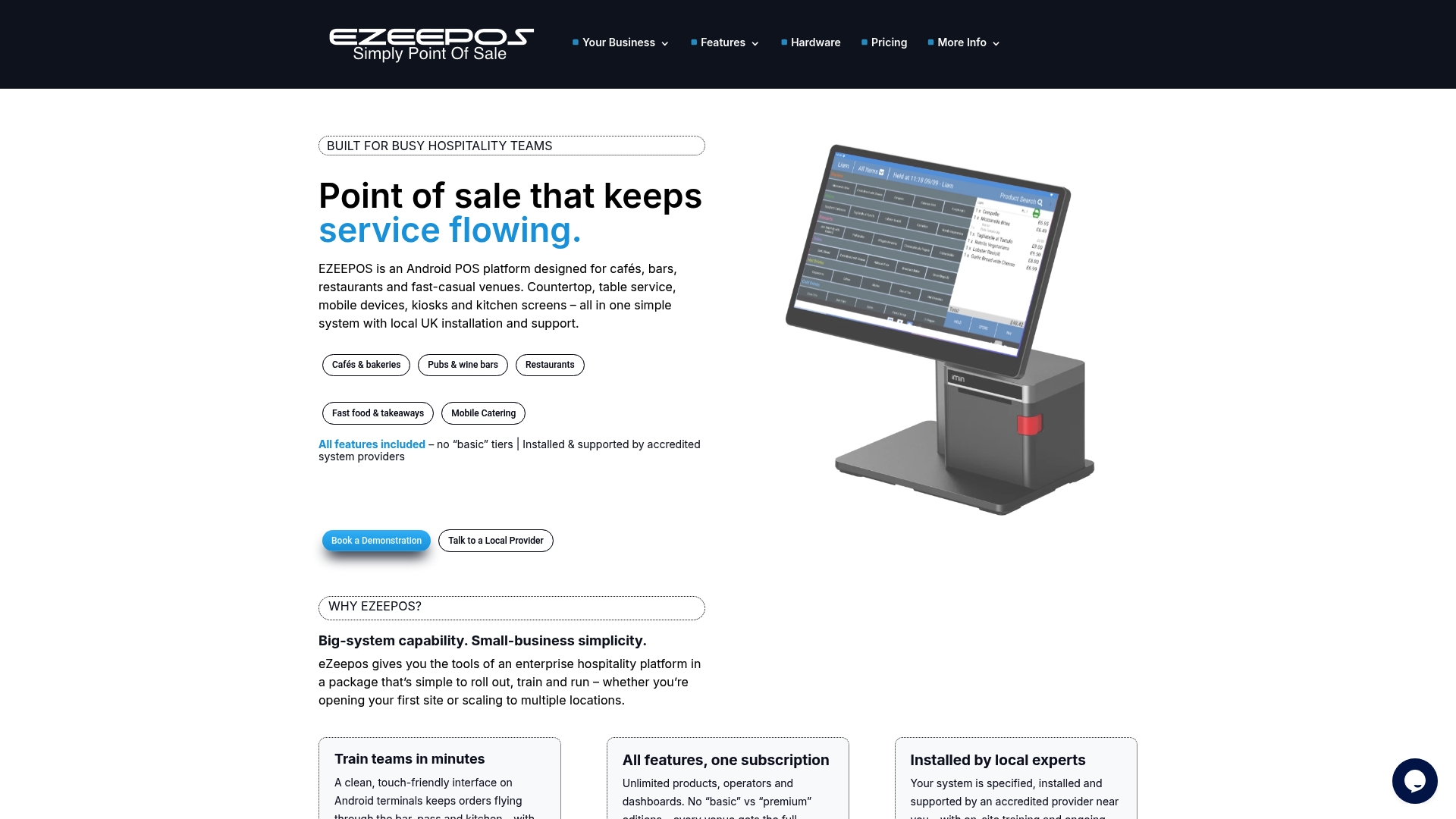
Ezeepos is built specifically for UK hospitality venues, from cafés and bars to quick-service restaurants and multi-site operators. The platform integrates self-service kiosks, countertop POS, tablets, and kitchen order screens into a single unified system with no tiered pricing and no per-order commissions. Orders push to the kitchen display in real time. Menus sync instantly across every touchpoint. And because Ezeepos is installed and supported by accredited UK providers, you get real human support when something needs attention.
If you’re ready to see how a unified POS platform can work for your venue, explore what Ezeepos offers at ezeepos.co.uk.
FAQ
What should be first on a self-service POS checklist?
Start with POS integration. Verify that the kiosk software is certified with your existing POS and that orders push to the kitchen display in real time before evaluating anything else.
How long does a self-service kiosk setup take?
A best-practice deployment takes four to six weeks from planning to launch. This includes site preparation, hardware installation, software configuration, staff training, and end-to-end testing.
How much do unattended payment terminals cost in the UK?
Standard unattended payment terminals typically cost between £400 and £950, with premium models running higher depending on features and connectivity options.
How do I compare self-service POS vendors effectively?
Request a full cost breakdown covering software, hardware, payment processing, and support for each vendor. Compare total cost of ownership across a 24 to 36 month period, not just the monthly subscription fee.
How many staff need kiosk training before launch?
At least two trained staff members per shift is the recommended minimum. They should be able to troubleshoot common issues and assist customers who need help without escalating every query.
Recent Comments