

Running a restaurant in the UK means every bottle and ingredient counts when margins are tight. Unclear inventory routines lead to wasted stock, lost profits, and unnecessary stress. Building a robust inventory tracking foundation gives you control, clarity, and the power to make smart decisions in real time. Discover how to tackle waste, accurate stock updates, and optimise every delivery without guesswork for steady business growth.
Table of Contents
- Step 1: Set Up Your Inventory Tracking Foundation
- Step 2: Record Stock Deliveries and Update Counts
- Step 3: Monitor Inventory Usage Across All Channels
- Step 4: Verify Stock Accuracy and Identify Discrepancies
- Step 5: Optimize Reorder Points for Efficient Supply
Quick Summary
| Key Message | Explanation |
|---|---|
| 1. Establish a robust inventory tracking system | Focus on high-value items first and create a consistent storage and tracking method to prevent errors and waste. |
| 2. Accurately log deliveries immediately upon receipt | Verify incoming stock against purchase orders to maintain reliable inventory levels and prevent financial discrepancies. |
| 3. Regularly monitor sales across all channels | Track inventory usage per sales channel to avoid overselling and to inform future stock purchases effectively. |
| 4. Conduct regular physical stock counts | Schedule systematic counts to identify discrepancies between actual stock and recorded data, ensuring financial accuracy. |
| 5. Optimise reorder points based on usage and lead time | Calculate reorder points meticulously to maintain appropriate stock levels and prevent costly stockouts or overstocking. |
Step 1: Set up your inventory tracking foundation
Setting up a solid inventory tracking foundation means establishing clear processes for how stock flows through your venue. This foundation prevents costly mistakes, reduces waste, and gives you visibility over what you actually have at any given moment.
Start by deciding what you’ll track. Not every item needs granular attention, so focus on your high-value products first, such as spirits, premium wines, and speciality ingredients.
Next, establish your counting frequency. Daily counts work for fast-moving items like cask beers or fresh produce, whilst weekly or monthly cycles suit slower-moving stock. Your counting schedule should match your venue’s purchasing patterns and storage capacity.
Create a consistent storage system before you begin tracking. Group items by category (beverages, proteins, dry goods), assign clear shelf locations, and ensure items are easily accessible for counting. Effective inventory management requires establishing a robust foundation covering intake processing, storage organisation, and accurate record-keeping across your team.
Decide on your tracking method next. Manual spreadsheets work for small venues, but as you grow, you’ll benefit from integrated systems that connect your point of sale directly to inventory data, eliminating duplicate entry and human error.
Here’s a concise comparison of manual versus digital inventory tracking methods:
| Aspect | Manual Spreadsheets | Integrated Digital Systems |
|---|---|---|
| Data Entry | Prone to human error | Automatic and reliable |
| Real-Time Visibility | Limited, often delayed | Immediate, updated continuously |
| Scalability | Challenging as you grow | Easily supports expansion |
| Reporting Capability | Basic, time-consuming | Advanced, customisable analytics |
| Upfront Cost | Low software cost | Moderate to high investment |
Train your team on what counts as waste versus sales. Spilled drinks, expired items, and accidental breakage must be logged separately from actual revenue-driving sales to give you accurate stock reconciliation.
Pro tip: Start tracking just your top 20% of products by value first, then expand once you’ve established counting routines and your team knows the process well.
Step 2: Record stock deliveries and update counts
Recording deliveries promptly is where most venues lose track of their inventory. Every box that arrives through your back door needs to be logged before it gets shelved, or you’ll spend weeks chasing phantom stock.
When a delivery arrives, check items against your purchase order immediately. Verify quantities match what you ordered, inspect for damage, and note any discrepancies before accepting the delivery. This is your first line of defence against paying for items you never received.

Create a simple delivery log, whether on paper or digitally. Write down the supplier name, delivery date, items received, quantities, and unit prices. Precise recording of daily deliveries supports updating inventory counts and enables you to maintain accurate stock levels and forecast supply needs efficiently.
Update your inventory counts immediately after logging. Don’t wait until end of day or week, as that’s when errors compound. If you’re using a connected system, scan barcodes or enter items directly into your point of sale database so your on-hand count reflects reality.
Break down bulk orders into usable units. If you order a case of 24 bottles, record how many you’re placing in each station or storage area. This prevents confusion and makes counting easier during stock takes.
Track separate line items for different suppliers and delivery dates. This helps you identify which supplier might be giving you short counts or quality issues over time.
Recording deliveries accurately is the foundation of inventory control. Skip this step and every count that follows will be unreliable.
Pro tip: Assign one team member as the delivery receiver for consistent accuracy, and have a second person verify counts for high-value items like spirits or premium seafood.
Step 3: Monitor inventory usage across all channels
If you’re running table service, counter orders, and takeaway simultaneously, you’re juggling multiple sales channels that all pull from the same stock. Without monitoring usage across these channels, you’ll oversell items and disappoint customers.
Start by tracking which channel each sale comes from. Your point of sale system should record whether a drink went to a table customer, a bar walk-up, or a delivery order. This visibility shows you consumption patterns for each service type.
Set up daily usage reports by channel. Compare what was sold through each service method against your remaining stock. Real-time updates on stock levels across various sales channels enable central tracking of on-hand inventory and reduce overselling risks.
Look for channel-specific trends. Perhaps your takeaway orders use twice as much packaging materials, or your table service moves premium wines faster than your bar sales do. Understanding these patterns helps you stock appropriately.
Use alerts to flag low stock situations before they become problems. When a high-demand item drops to 20% of normal levels, your team should know immediately rather than discovering it mid-service.
Identify your top-selling items per channel. Your bar might favour craft beers whilst your restaurant tables prefer wine. Stock accordingly to match what each channel actually moves.
Reconcile channel data with your physical counts weekly. If your system says you sold 50 units through takeaway but your count shows only 35 units missing, something’s not matching and you need to investigate.
Monitoring usage by channel prevents the guesswork of inventory management and lets data guide your purchasing decisions.
Pro tip: If your point of sale doesn’t automatically separate channels, create a simple tagging system in your ordering process so you can manually categorise sales and spot trends quickly.
Step 4: Verify stock accuracy and identify discrepancies
This is where reality meets your records. A physical count reveals the gap between what your system says you have and what’s actually sitting on your shelves. That gap is where money leaks out of your business.
Schedule regular physical stock counts. Weekly counts for high-value items work well for most venues, whilst monthly full counts catch problems before they spiral. Don’t skip this step because you’re busy, as that’s exactly when discrepancies hide.
Count systematically, section by section. Assign one person to count whilst another records numbers. This two-person approach catches mistakes immediately rather than discovering them later when correcting becomes difficult.
Compare your physical count against your recorded inventory. Stocktaking involves comparing actual stock with inventory records to identify discrepancies such as shrinkage, damage, or misplacement. Calculate the variance as a percentage to spot patterns.
Investigate variances over 2 percent. Small differences happen, but larger gaps signal real problems. Ask yourself where the missing stock went: was it given away, damaged, stolen, or simply recorded incorrectly?
Look for these common culprits when stock goes missing:
- Staff pouring freebies without logging them
- Damaged bottles or spoiled food not recorded as waste
- Incorrect units entered during delivery (cases versus bottles)
- Spillage or breakage during service
- Supplier short-counts that weren’t caught at delivery
Create a discrepancy log. Track which items consistently show gaps and whether the problems happen at specific times or with particular staff members. This data reveals systematic issues worth fixing.
Adjust your records once you understand the cause. Your system should reflect actual stock, not wishful thinking, so physical counts always take priority over what the computer says.
Below is a summary of causes and business impacts of inventory discrepancies:
| Cause of Discrepancy | Potential Business Impact |
|---|---|
| Supplier short deliveries | Unexpected stockouts, lost profits |
| Unrecorded wastage or spillage | Inaccurate cost assessment |
| Staff miscount or theft | Shrinkage, reduced margins |
| Incorrect unit conversions | Inconsistent ordering, overstocking |
| Recording errors | Financial data inaccuracy |
Physical accuracy is non-negotiable. Your financial reports, ordering decisions, and pricing all depend on knowing what you actually have.
Pro tip: Count high-value items during quieter shifts when you can focus properly, and always count the same sections on the same day each week for consistency.
Step 5: Optimise reorder points for efficient supply
A reorder point is the stock level that signals you need to place a new order. Get this right and you’ll never run out unexpectedly. Get it wrong and you’re either overstocking or scrambling for emergency deliveries.
Start by calculating your average daily usage. Look back over four weeks and divide total units sold by the number of days. This gives you a realistic baseline of what moves through your venue each day.
Next, identify your supplier lead time. This is how many days pass between placing an order and receiving stock on your shelf. Call your suppliers if you’re unsure, as delivery times vary by location and order size.
Multiply your average daily usage by your lead time. This tells you how much stock you need on hand when you place an order to cover the gap until new stock arrives. Reorder points balance the risks of overstocking and stockouts by considering delivery time and demand forecasting to enhance supply chain efficiency.
Add a safety stock buffer. This cushion prevents stockouts if demand spikes or a supplier is late. For perishable items, safety stock might be 3 to 5 days worth. For stable items, 2 to 3 days works fine.
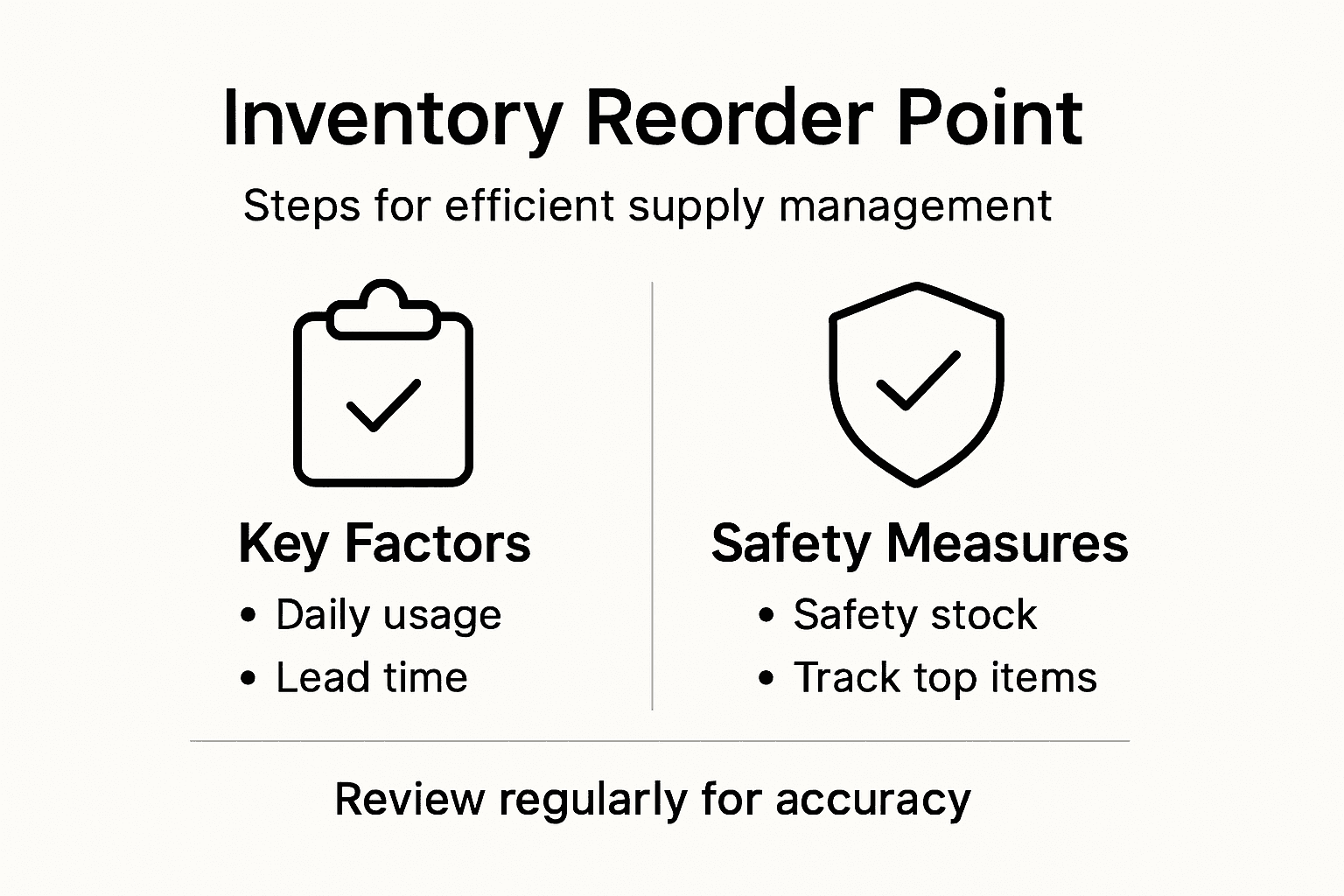
Your reorder point formula becomes: (Average daily usage × Lead time in days) + Safety stock.
Example for cask beer: If you sell 15 pints daily, your supplier delivers in 5 days, and you want 3 days safety stock, your reorder point is (15 × 5) + (15 × 3) = 120 pints. When stock hits 120, place the order.
Review reorder points seasonally. Summer demand differs from winter, and special events change consumption patterns. Adjust your calculations quarterly to match reality.
Setting reorder points correctly prevents both the stress of stockouts and the waste of overstocking.
Pro tip: Start with your top 10 products and set precise reorder points for those first, then expand as you build confidence in your calculations.
Take Control of Your Inventory with Confidence and Ease
Mastering inventory processes is essential to eliminate costly errors, reduce waste, and maintain accurate stock levels as highlighted in the article. Challenges such as tracking deliveries promptly, verifying stock accuracy, and setting the right reorder points often create stress and inefficiencies for hospitality venues. With the right tools, you can turn these pain points into strengths by gaining real-time visibility over inventory across all sales channels and preventing unexpected stockouts or overstocking.
Experience how Ezee POS helps hospitality businesses streamline inventory tracking through an integrated Android-based point of sale system designed for cafés, bars, restaurants, and more. Our platform offers automatic stock updates linked directly to sales, delivery logging, and detailed usage reports to simplify physical counts and discrepancy identification. Backed by local UK support and scalable features, you can confidently optimise reorder points and tighten your control over high-value products and perishables.

Ready to transform your inventory control process and stop losing money to hidden shrinkage? Visit Ezee POS today to discover solutions tailored specifically for your venue’s unique needs. Start mastering inventory management now and keep your business running smoothly every day.
Frequently Asked Questions
How can I set up an effective inventory tracking system for my venue?
Start by identifying your high-value products to track and establish a consistent storage system. Create clear shelf locations and group items by category to streamline your tracking process, ensuring your team is trained on what to log.
What is the best frequency for counting stock in my establishment?
The optimal counting frequency depends on your stock’s movement rate. For fast-moving items, daily counts are advisable, while slower items can be counted weekly or monthly.
How should I record deliveries to maintain accurate inventory counts?
Log each delivery immediately upon receipt, checking items against your purchase order. Maintain a simple delivery log with essential details to ensure accurate inventory management and avoid discrepancies.
What steps should I take if I notice discrepancies in my inventory?
Conduct regular physical counts and compare them with your recorded inventory. Investigate any significant variances, adjusting records accordingly to ensure accuracy, which is crucial for effective inventory control.
How can I optimise reorder points to avoid stockouts?
Calculate your average daily usage and know your supplier lead times to set appropriate reorder points. Including a safety stock buffer will further prevent stockouts, ensuring your business runs smoothly.
What should I do if my sales channels are causing inventory management issues?
Monitor usage across all sales channels to understand consumption patterns. Set up daily usage reports for each channel to help identify trends and adjust your inventory management strategy accordingly.
Recent Comments