
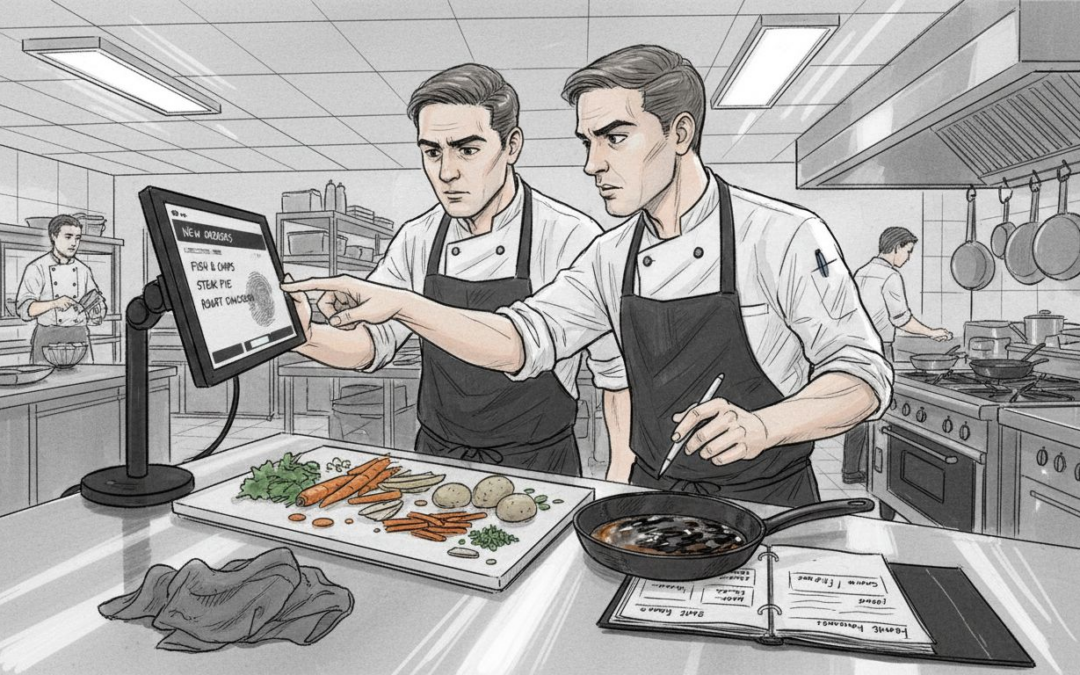
Relying on handwritten tickets often slows down kitchens and leads to costly mistakes, especially during busy periods in British hospitality venues. For owners aiming to keep service fast and reduce errors, adopting kitchen display systems brings more than just convenience; these smart screens provide precise, real-time communication between front-of-house and kitchen staff. By switching to digital displays, restaurants and cafés across the United Kingdom can create smoother workflows and improve overall customer satisfaction.
Table of Contents
- Kitchen Display Systems Explained Clearly
- Types Of Kitchen Display Screens And Setups
- How Kitchen Display Systems Process Orders
- Benefits For Busy UK Hospitality Venues
- Comparing Display Screens To Traditional Tickets
- Common Pitfalls And Implementation Costs
Key Takeaways
| Point | Details |
|---|---|
| Kitchen Display Systems Improve Efficiency | These systems enhance order management by providing real-time communication, reducing processing times by 30-40%. |
| Customisation Enhances Performance | Utilising colour-coding and adaptable setups allows for quick identification of urgent orders, improving kitchen workflow. |
| Integration with POS Systems is Crucial | A unified system streamlines communication and reduces misunderstandings, contributing to overall service effectiveness. |
| Implementing Gradually is Beneficial | A phased approach to transitioning from paper tickets can ease staff adaptation and provide valuable feedback for changes. |
Kitchen display systems explained clearly
Kitchen display systems (KDS) are sophisticated digital platforms designed to revolutionise order management in restaurant environments. These advanced technological solutions transform traditional kitchen workflows by providing real-time, visual communication between front-of-house staff and kitchen teams.
Modern kitchen display systems offer several critical functionalities that enhance operational efficiency:
- Instantaneous order transmission from point-of-sale terminals
- Real-time tracking of order preparation status
- Precise timing management for different menu items
- Automated sequencing of kitchen tasks
- Enhanced communication between service staff and kitchen personnel
The core purpose of a digital kitchen interface is streamlining communication and reducing manual errors. By presenting orders electronically, restaurants can eliminate paper tickets, minimise misunderstandings, and accelerate food preparation processes.
Kitchen display screens typically show comprehensive order details, including specific customer requests, modifications, and timing requirements. This visual approach allows chefs to prioritise orders efficiently, understand preparation sequences, and maintain consistent food quality and service speed.
Pro tip: Implement a kitchen display system with customisable colour-coding to help kitchen staff quickly distinguish between urgent and standard orders.
Types of kitchen display screens and setups
Kitchen display screens come in various configurations to meet the diverse needs of different restaurant environments. From compact countertop units to expansive wall-mounted systems, these technological solutions are designed to streamline kitchen operations and enhance overall efficiency.
The primary types of kitchen display systems include:
- Countertop screens: Compact units placed directly in the kitchen workspace
- Wall-mounted displays: Large screens providing comprehensive order visibility
- Tablet-based systems: Portable and flexible digital interfaces
- Modular multi-screen setups: Configurable displays for complex kitchen layouts
- Mobile-responsive screens: Adaptable interfaces for different device types
Health and safety display regulations play a crucial role in designing effective kitchen display systems. These guidelines ensure that screen placement, viewing angles, and ergonomic considerations support kitchen staff’s physical well-being while maintaining optimal operational performance.
Restaurants must carefully consider their specific workflow when selecting a kitchen display system. Factors like kitchen size, menu complexity, staff numbers, and service style significantly influence the most appropriate screen setup. Some establishments might benefit from a single centralised display, while others require multiple screens distributed across different kitchen stations.
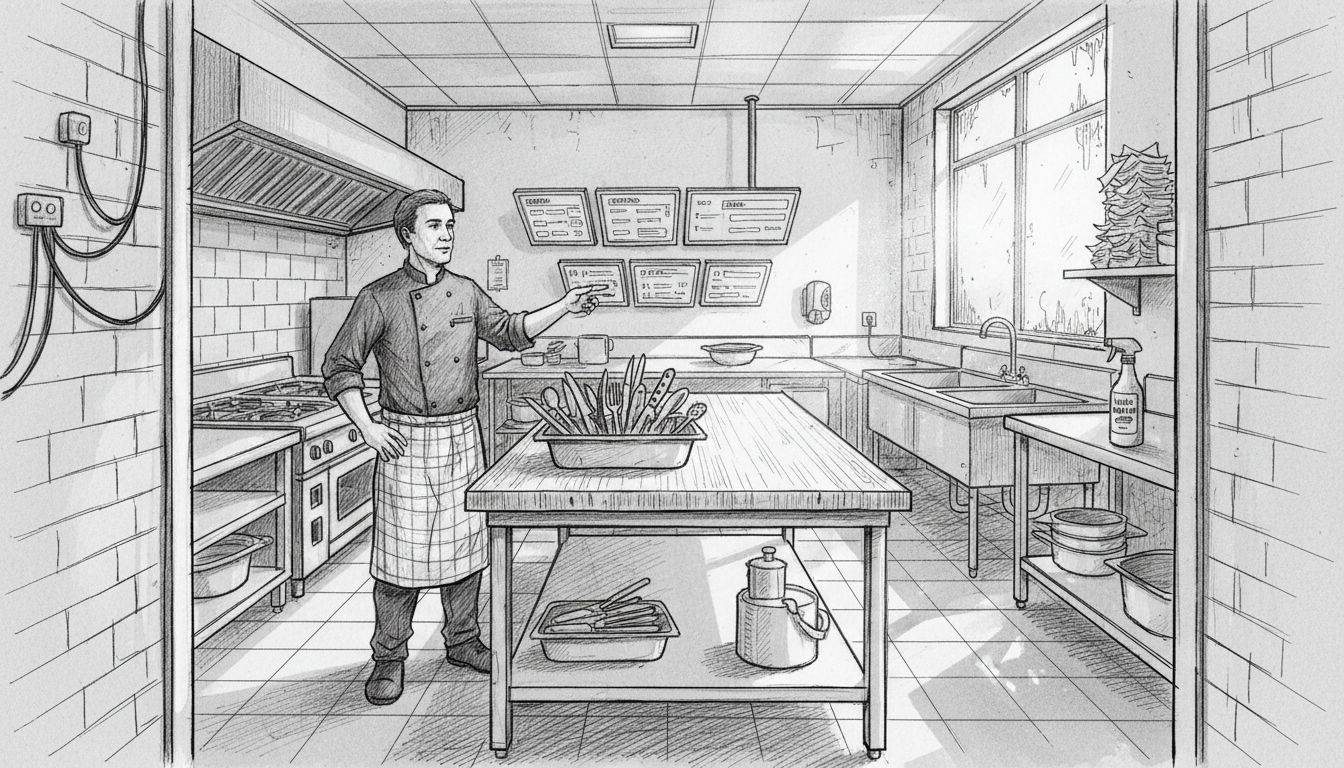
Here is a comparison of kitchen display screen configurations to help you select the best fit for your restaurant:
| Screen Type | Ideal Use Case | Flexibility | Visibility |
|---|---|---|---|
| Countertop screen | Small kitchens | Limited mobility | Minimal |
| Wall-mounted display | Large, open kitchens | Fixed positioning | High |
| Tablet-based system | Pop-up or seasonal venues | Highly portable | Moderate |
| Modular multi-screen | Multi-station kitchens | Customisable layout | Extensive |
| Mobile-responsive | Off-site catering | Works on any device | Variable |
Pro tip: Conduct a detailed workflow analysis before investing in a kitchen display system to ensure the chosen setup perfectly matches your restaurant’s unique operational requirements.
How kitchen display systems process orders
Order processing in kitchen display systems represents a sophisticated digital workflow that transforms how restaurants manage their food preparation and service. These intelligent systems create a seamless communication bridge between point-of-sale terminals and kitchen staff, ensuring rapid and accurate order execution.
The typical order processing workflow involves several critical stages:
- Order capture: Immediate transmission from point-of-sale system
- Order parsing: Breaking down complex orders into individual preparation instructions
- Kitchen prioritisation: Sequencing orders based on preparation time and complexity
- Status tracking: Real-time updates on order progression
- Completion notification: Signalling when dishes are ready for service
Digital governance principles ensure these systems maintain reliability and adaptability. The process begins when a server enters an order, which is instantly transmitted to the kitchen display screen, providing comprehensive details about each dish, including special requests, modifications, and any specific preparation instructions.
More advanced kitchen display systems incorporate intelligent routing mechanisms that distribute orders across different kitchen stations. For instance, hot food orders might be directed to the grill station, while cold preparations are routed to a separate preparation area. This intelligent allocation minimises confusion, reduces waiting times, and ensures each dish receives specialised attention.
Pro tip: Configure your kitchen display system to colour-code orders based on their preparation time, helping kitchen staff quickly identify and prioritise urgent dishes.
Benefits for busy UK hospitality venues
Kitchen display systems are transforming operations for UK restaurants, cafés, and quick-service venues by addressing the unique challenges of high-pressure hospitality environments. These technological solutions offer remarkable advantages that directly impact operational efficiency, staff performance, and customer satisfaction.
Key benefits for busy British hospitality venues include:
- Reduced order processing time: Cutting average order preparation by 30-40%
- Minimised human error: Eliminating miscommunication between front-of-house and kitchen staff
- Enhanced staff coordination: Creating seamless communication across different kitchen stations
- Real-time performance tracking: Providing instant insights into kitchen productivity
- Improved customer experience: Ensuring faster, more accurate food service
Hospitality POS systems play a crucial role in supporting these technological improvements. By integrating kitchen display systems with point-of-sale platforms, restaurants can create a unified workflow that reduces waiting times and streamlines entire service operations.
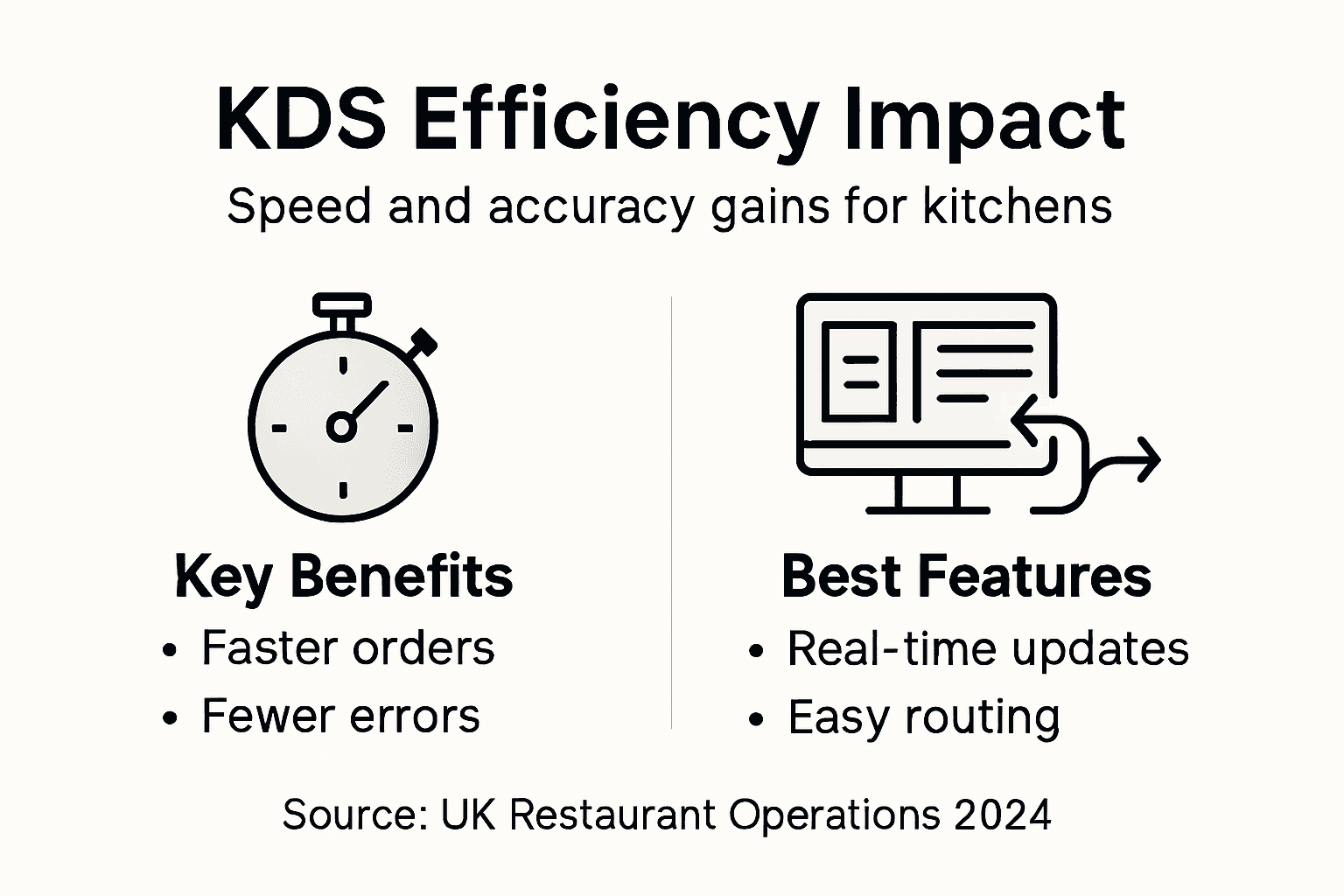
For small to medium-sized UK restaurants facing staffing challenges and increasing operational costs, these systems represent more than just technological upgrades. They are strategic tools that help venues manage limited resources more effectively, reduce training complexities, and maintain consistent service quality during peak hours.
Pro tip: Invest in a kitchen display system that offers comprehensive staff training modules to ensure smooth implementation and maximum adoption by your team.
Comparing display screens to traditional tickets
Kitchen display systems represent a significant technological leap from traditional paper ticket methods that have long dominated restaurant kitchens. Unlike handwritten tickets prone to illegibility and misplacement, digital screens provide a comprehensive, real-time communication platform that transforms order management.
Key differences between digital displays and traditional paper tickets include:
- Clarity: Digital screens eliminate handwriting interpretation challenges
- Traceability: Electronic records provide instant order history and tracking
- Speed: Instantaneous order transmission versus manual ticket routing
- Accuracy: Precise order details with minimal human transcription errors
- Adaptability: Dynamic screen updates versus static paper documents
Food safety regulations underscore the importance of precise order communication. Digital kitchen displays support compliance by creating transparent, auditable records of food preparation processes, reducing risks associated with miscommunication or lost orders.
Traditional paper tickets often suffer from significant limitations that digital systems elegantly resolve. Handwritten notes can be difficult to read, easily damaged, or accidentally discarded, whereas digital displays provide clear, consistent information accessible to entire kitchen teams simultaneously. The ability to colour-code, prioritise, and instantly update orders represents a quantum leap in kitchen communication technology.
Pro tip: Implement a gradual transition from paper tickets to digital displays, training staff incrementally to ensure smooth technological adoption.
Common pitfalls and implementation costs
Kitchen display system implementation represents a significant technological investment that requires careful planning and strategic consideration. Restaurant owners must navigate multiple financial and operational challenges to ensure successful digital transformation of their kitchen workflows.
Common implementation challenges include:
- Initial hardware costs: Significant upfront investment in screens and technology
- Staff training expenses: Time and resources required for comprehensive team education
- Integration complexities: Potential compatibility issues with existing point-of-sale systems
- Technical support requirements: Ongoing maintenance and potential troubleshooting needs
- Resistance to technological change: Staff adaptation and potential workflow disruptions
Business case development is critical when evaluating kitchen display system investments. Restaurants must conduct thorough cost-benefit analyses that consider not just immediate expenses, but long-term operational efficiency gains, potential labour cost reductions, and improved order accuracy.
Typical implementation costs for small to medium-sized UK restaurants range between £2,000 to £10,000, depending on system complexity, number of screens, and integration requirements. While this represents a substantial investment, most venues recoup these expenses within 12-18 months through improved operational efficiency, reduced errors, and enhanced service speed.
This table summarises the financial and operational impacts of implementing a kitchen display system in a UK restaurant:
| Aspect | Typical Impact | Long-Term Benefits |
|---|---|---|
| Upfront investment | £2,000–£10,000 initial cost | Operational savings over time |
| Staff training costs | Time/resource intensive | Reduced errors, faster onboarding |
| Integration efforts | Possible compatibility issues | Streamlined service workflow |
| Maintenance and support | Ongoing fees and tech support | Enhanced system reliability |
| Change management | Temporary staff disruption | Improved morale and productivity |
Pro tip: Conduct a pilot programme with a limited number of screens to test system effectiveness and gather staff feedback before full-scale implementation.
Elevate Your Kitchen Efficiency with EZEEPos Add On Modules
Struggling to reduce order errors and speed up food preparation in your busy kitchen Read how integrating a kitchen display system can streamline communication and improve staff coordination with no hassle EZEEPos offers specialised Add On Modules designed to seamlessly integrate kitchen display screens that prioritise orders and help your team deliver consistent quality faster

Transform your hospitality venue with the powerful, local UK supported Android-based POS platform from EZEEPos This unified system supports everything from kitchen order displays to table ordering and mobile POS solutions allowing you to manage sales, inventory and reporting from one intuitive interface Don’t wait to improve service speed and accuracy Discover how EZEEPos can tailor solutions to your unique challenges and start boosting your kitchen productivity today Learn more about our complete offering on the Uncategorised – EZEEPos Solution page and get ready to take control of your kitchen workflow
Frequently Asked Questions
What are kitchen display systems (KDS)?
Kitchen display systems are digital platforms designed to enhance order management in restaurants by providing real-time, visual communication between front-of-house staff and kitchen teams, improving operational efficiency.
How do kitchen display systems improve order accuracy?
KDS eliminate manual errors associated with paper tickets by displaying detailed electronic orders, which include specific customer requests and modifications, ensuring clear communication between staff in the front and back of the house.
What types of kitchen display screens are available?
There are several types of kitchen display systems, including countertop screens, wall-mounted displays, tablet-based systems, modular multi-screen setups, and mobile-responsive screens, catering to various restaurant needs and kitchen layouts.
What are the key benefits of using a kitchen display system in a restaurant?
Key benefits include reduced order processing time, minimised human error, enhanced staff coordination, real-time tracking of kitchen performance, and improved overall customer experience through faster and more accurate service.
Recent Comments