

What is mobile order processing for hospitality?

Mobile order processing is the automated workflow that translates a customer’s mobile app or web order into a confirmed, routed, and fulfilled transaction through integrated order management, payment, and kitchen systems. For hospitality venues, from cafés and quick-service restaurants to bars and fast-casual eateries, this means every order placed on a phone travels through a chain of backend validation, payment authorisation, and kitchen routing without a single member of staff manually re-entering it. The result is faster service, fewer errors, and a measurable lift in customer satisfaction. Understanding how this process works, and where it can break down, is the difference between a mobile ordering channel that pays for itself and one that creates more problems than it solves.
What is mobile order processing and how does it work?
Mobile order processing is defined as the end-to-end digital workflow connecting a customer’s mobile order to its fulfilment point, typically a kitchen display system (KDS), kitchen printer, or counter collection point. The industry term for the central hub managing this workflow is an order management system (OMS). The OMS sits between the customer-facing mobile app and the back-of-house systems, consolidating orders and directing them without manual intervention.
Here is how the process works from placement to fulfilment:
- Order placement. A customer selects items through a mobile app or web interface, customises modifiers (extra shot, no onions, gluten-free base), and proceeds to checkout.
- Backend validation. The system verifies item availability, applies current pricing, calculates taxes, and checks for applicable discounts in real time. Payment authorisation happens at this stage before any order is confirmed or routed.
- OMS consolidation. The confirmed order enters the OMS, which centralises orders from multiple channels including mobile apps, web browsers, kiosks, and third-party delivery platforms into a single dashboard.
- Routing to fulfilment. The OMS pushes the full order, including all modifiers and special instructions, to the appropriate kitchen printer or KDS station without manual re-entry.
- Preparation and handoff. Kitchen staff prepare the order, mark it complete on the KDS, and the customer collects from a designated pickup point.
Pro Tip: Configure your OMS to route orders by station type, not just by order type. A burger with a side salad should split automatically between the grill station and the cold prep station. Failing to set this up is the single most common cause of bottlenecks in venues new to mobile ordering.
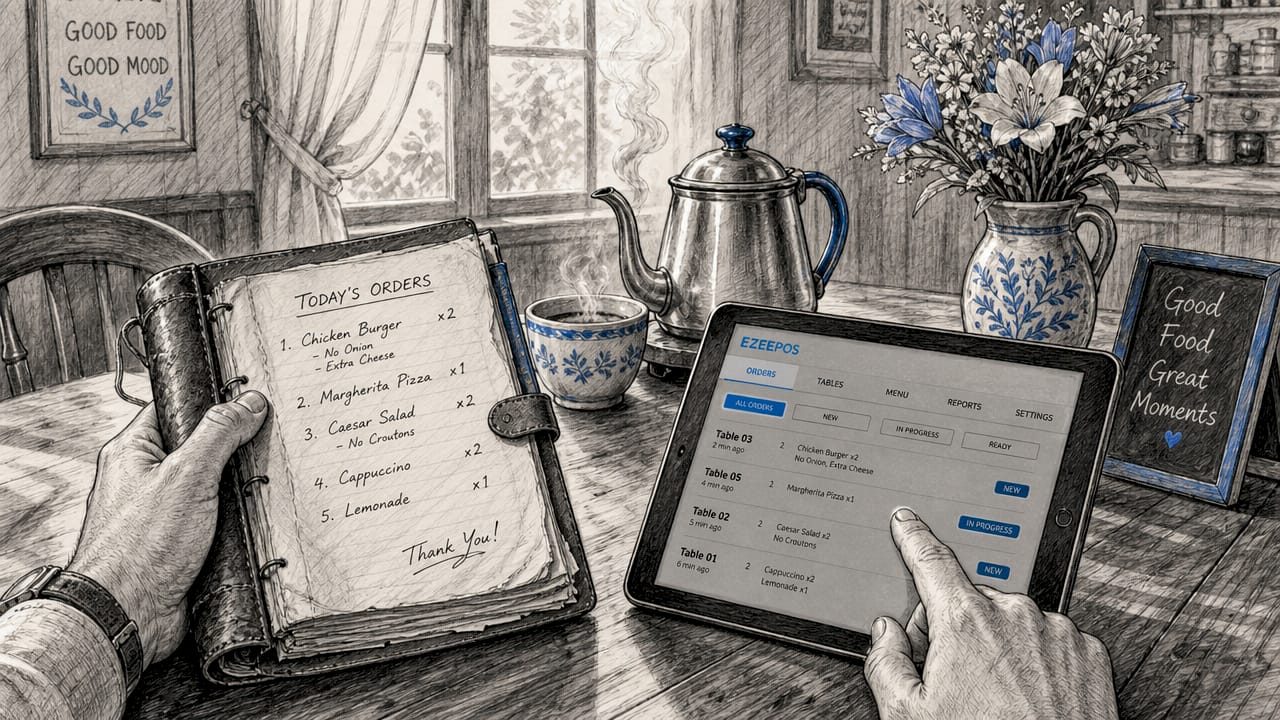
The contrast with manual processing is stark. In a traditional setup, a staff member takes a phone or counter order, writes or types it into the POS, and verbally relays modifiers to the kitchen. Each handoff is a point of potential error. Automated systems eliminate transcription errors common in manual relay and accelerate fulfilment by keeping the entire order in a single digital thread from customer to kitchen.
Why reliability matters more than speed in mobile order fulfilment
Speed is the feature hospitality managers focus on when adopting mobile ordering. Reliability is what actually determines whether customers return. An Intouch Insight study found that satisfaction dropped from 97% to 76% when orders were not ready on time. That is a 21-point collapse in satisfaction from a single operational failure. The implication is direct: a mobile ordering channel that is fast to order but slow to fulfil is worse than no mobile ordering at all, because it creates an expectation the kitchen cannot meet.
The time cost compounds the problem. Late orders increase total in-store time by 2.5 times, which means a customer who expected a quick collection experience ends up waiting longer than if they had ordered at the counter. This erodes the core value proposition of mobile ordering entirely.
“Mobile ordering success hinges on reliability, not speed. Customers who experience late orders spend 2.5 times longer in-store and rate their experience significantly lower, regardless of how smooth the ordering process itself was.” — Intouch Insight, 2026
The operational causes of late orders are predictable. Order routing failures occur when kitchen display or printer configurations do not match actual station workflows, sending a hot food order to the cold prep screen or dropping modifier details entirely. Incomplete order modifiers arriving at the kitchen force staff to pause and query, breaking the flow. Poorly defined pickup processes leave customers unsure where to collect, adding perceived wait time even when the food is ready.
Pro Tip: Run a weekly audit of your KDS routing rules. As menus change, new items are often added without updating the routing configuration, which means they default to the wrong station. Five minutes of configuration maintenance prevents a significant number of service failures.
Aligning kitchen workflows with order routing is not a one-time setup task. It requires ongoing attention as menus evolve, staffing changes, and service volumes shift across seasons.
Mobile order processing vs traditional methods: what changes for your venue?
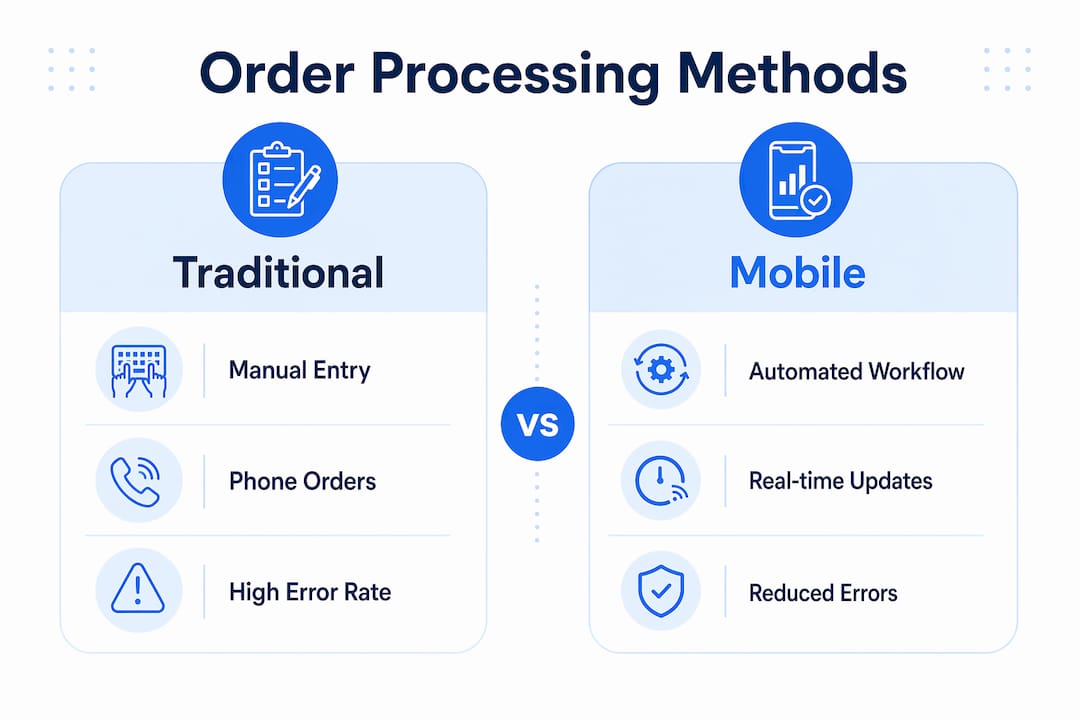
The operational gap between manual and automated order processing becomes clear when you compare them directly across the dimensions that matter most to a hospitality manager.
| Factor | Traditional order processing | Mobile order processing |
|---|---|---|
| Order entry | Manual, staff-dependent, error-prone | Automated, customer-entered, validated digitally |
| Modifier accuracy | Relies on verbal relay or handwriting | Full modifier detail travels with the order digitally |
| Channel consolidation | Separate handling per channel | Single OMS dashboard across all channels |
| Payment timing | At counter or on delivery | Pre-authorised before order reaches kitchen |
| Upsell rate | Dependent on staff prompting | Consistent digital prompts at every order |
| Staff workload | High transaction handling per order | Reduced manual intervention per order |
The upsell figure deserves particular attention. Mobile ordering achieves a 71% suggestive selling rate, compared to 58% at drive-thru and 61% on-premises. This means a well-configured mobile app consistently outperforms your most experienced counter staff at prompting add-ons, simply because the prompt appears at the right moment in the ordering flow every single time.
The benefits of mobile order management extend beyond the customer-facing experience:
- Unified order visibility. Managers see all orders across mobile app, kiosk, and counter in one dashboard, making it possible to spot bottlenecks in real time rather than after service.
- Reduced payment handling. Pre-authorised mobile payments remove cash and card transactions from the counter, cutting queue time and reducing the risk of payment errors.
- Scalable throughput. Integrated workflows maintain continuous order processing from mobile apps directly to kitchen displays without manual input, which means volume increases do not require proportional increases in front-of-house staff.
- Accurate reporting. Every order is logged digitally from placement to completion, giving you clean data on popular items, peak times, and fulfilment performance.
For a café or quick-service restaurant running high volumes across multiple channels, the advantages of mobile processing are not marginal. They are structural. The mobile POS integration that ties these channels together is what makes the difference between a venue that scales and one that hits a ceiling.
How to implement mobile order processing in your hospitality venue
Getting mobile order processing right requires decisions across technology, configuration, and staff training. The following steps reflect what works in practice for UK hospitality venues.
- Choose an OMS and POS with native integration. Your OMS and POS must share a live data connection, not a periodic sync. If your POS updates the menu at midnight and your mobile app still shows yesterday’s items at 11pm, you will generate orders for unavailable items. Look for systems where menu changes in the POS reflect immediately in the mobile ordering interface.
- Synchronise payment workflows. Payment authorisation must happen before the order routes to the kitchen. This prevents confirmed kitchen work on orders that subsequently fail at payment, which wastes preparation time and creates awkward customer interactions.
- Configure kitchen display systems by station. Set up your kitchen order screens to receive only the items relevant to each station. A drinks station does not need to see the full food order. Focused displays reduce cognitive load on kitchen staff and speed up preparation.
- Define and communicate the pickup process. Customers need a clear, visible collection point with signage that matches what the app tells them. Ambiguity at the handoff moment is the most common source of negative feedback in otherwise well-run mobile ordering operations.
- Train staff on exception handling. Mobile ordering reduces routine workload but increases the importance of staff judgement when something goes wrong. Train your team on how to handle a missing order, a failed payment, or a modifier that did not print correctly.
- Monitor on-time readiness as your primary metric. Track the percentage of orders ready when the customer arrives, not just order volume or average preparation time. This single metric captures the health of your entire mobile order management workflow.
Key takeaways
Mobile order processing succeeds when operational reliability matches the convenience of the ordering experience, with every stage from validation to kitchen routing configured and maintained deliberately.
| Point | Details |
|---|---|
| Define the full workflow | Mobile order processing spans app placement, backend validation, OMS routing, and kitchen fulfilment. |
| Reliability drives satisfaction | Satisfaction drops from 97% to 76% when orders are not ready on time, per Intouch Insight. |
| Routing configuration is critical | Misaligned kitchen routing causes bottlenecks; audit KDS rules regularly as menus change. |
| Mobile upsells outperform staff | Mobile apps achieve a 71% suggestive selling rate, higher than drive-thru or on-premises channels. |
| Integration must be real-time | OMS and POS must share live data to prevent orders for unavailable items and payment failures. |
The handoff moment is where most venues lose the plot
I have reviewed mobile ordering setups across a wide range of hospitality venues, and the pattern is consistent. Managers invest heavily in the customer-facing app and almost nothing in what happens between the order confirmation and the customer picking up their food. The technology at the front end works. The operational discipline at the back end is where things fall apart.
The handoff moment, the point where a completed order moves from kitchen to customer, is the most underestimated variable in mobile order management. A customer who ordered smoothly on their phone and then stood at the wrong end of the counter for four minutes while their coffee went cold will not remember the slick app. They will remember the wait and the confusion.
What I find most interesting about the 2026 Intouch Insight data is that only 38% of orders were ready on time in inefficient operations. That is not a technology failure. That is a workflow and training failure. The technology was present. The operational alignment was not. Venues that boost efficiency through mobile ordering treat it as a back-of-house project as much as a front-of-house one.
My honest recommendation: before you launch mobile ordering, walk the order journey yourself as a customer. Place an order, watch it move through your system, and collect it. Do this during a busy service period. You will find the gaps faster than any audit report.
— John
How Ezeepos supports mobile order processing for UK venues
Ezeepos builds Android-based POS systems specifically for UK hospitality venues, from independent cafés to fast-casual chains, with native support for mobile order integration, kitchen display routing, and unified order management.

The Ezeepos platform connects your mobile ordering channel directly to your POS and kitchen display systems, routing orders by station with full modifier detail and real-time menu synchronisation. There are no tiered pricing restrictions on features, and UK-based installation and support mean your configuration is set up correctly from day one. If you are evaluating how to bring mobile order processing into your venue without the operational risk, Ezeepos offers a practical starting point built for the realities of UK hospitality service.
FAQ
What is mobile order processing in simple terms?
Mobile order processing is the automated workflow that takes a customer’s order placed on a mobile app or website and routes it through payment validation and kitchen systems to fulfilment, without manual staff re-entry.
How does mobile ordering work in a restaurant or café?
A customer places an order via a mobile app, the system validates payment and item availability in real time, and the confirmed order routes automatically to the appropriate kitchen station via a KDS or printer.
What are the main benefits of mobile order management?
The primary benefits include reduced order errors, faster service, pre-authorised payments, unified order visibility across channels, and a higher upsell rate. Mobile apps achieve a 71% suggestive selling rate compared to 61% on-premises.
Why do mobile orders sometimes cause operational problems?
The most common cause is misaligned kitchen routing configuration, where orders reach the wrong station or arrive without modifier details. Late orders reduce customer satisfaction significantly and increase total in-store time by 2.5 times.
What technology do I need for mobile order processing?
You need a mobile ordering app or web interface, a cloud-based OMS to consolidate and route orders, a POS system with real-time integration, and kitchen display screens or printers configured by station.
Recent Comments