
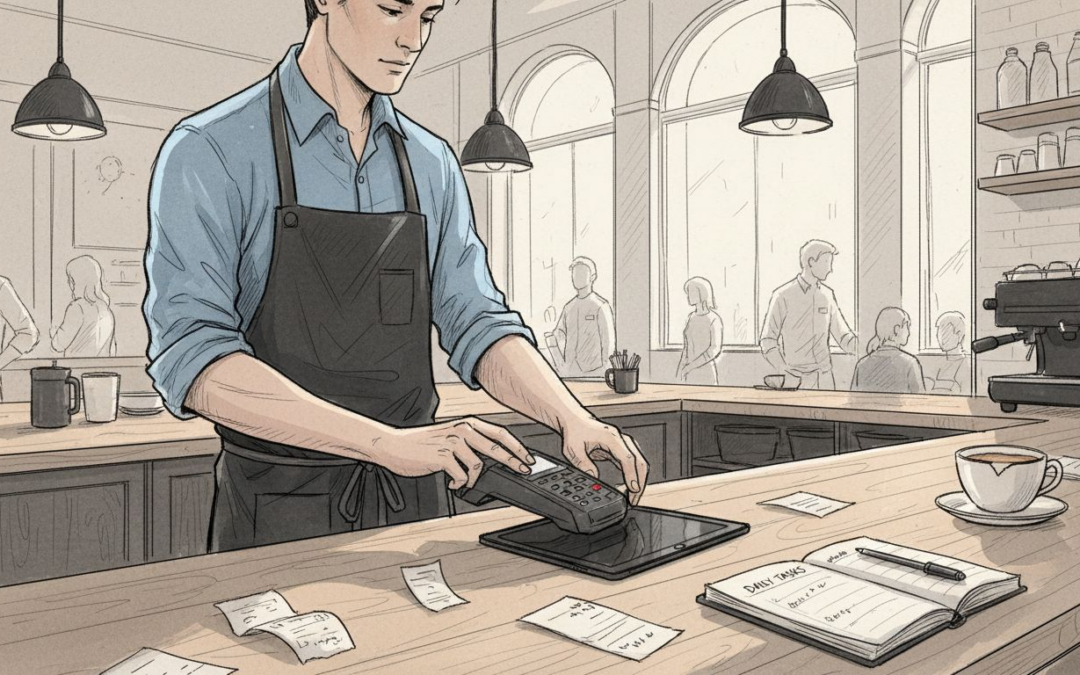
An order comes in just as another table signals for the bill, and the queue at the counter grows longer. For many United Kingdom restaurant and café owners, those peak times highlight how much depends on efficient systems. Choosing a mobile POS solution can transform the way you handle orders, payments, and communication across your team. This guide walks you through the essential steps to select, configure, and optimise mobile POS technology so your venue runs smoother and customers leave satisfied.
Table of Contents
- Step 1: Select Mobile Pos Hardware And Software
- Step 2: Configure Venue Layout And Service Modes
- Step 3: Integrate Payment Providers And Inventory Systems
- Step 4: Train Staff On Order And Management Functions
- Step 5: Test Transactions And Verify System Reliability
Quick Summary
| Key Point | Explanation |
|---|---|
| 1. Choose suitable mobile POS hardware and software | Select lightweight, durable devices that support multiple service modes for improved efficiency and customer experience. |
| 2. Configure venue layout for optimal workflow | Digitally map your physical space to enhance staff operations and customer interactions with accurate table tracking and service mode adaptability. |
| 3. Integrate payment and inventory systems | Link financial transactions with real-time stock management to ensure accurate tracking and reduce waste through automatic inventory updates. |
| 4. Conduct comprehensive staff training | Tailor training programmes to various roles, emphasising practical scenarios that enhance speed and accuracy in using the mobile POS. |
| 5. Test the system thoroughly before launch | Perform reliability checks on the mobile POS to identify issues and ensure system performance under peak conditions, minimising downtime. |
Step 1: Select mobile POS hardware and software
Selecting the right mobile POS hardware and software is critical for streamlining your hospitality venue’s operations. Your choice will directly impact transaction speed, staff efficiency, and customer experience. When exploring mobile POS solutions for UK hospitality, you will need to consider several key factors that match your specific venue requirements.
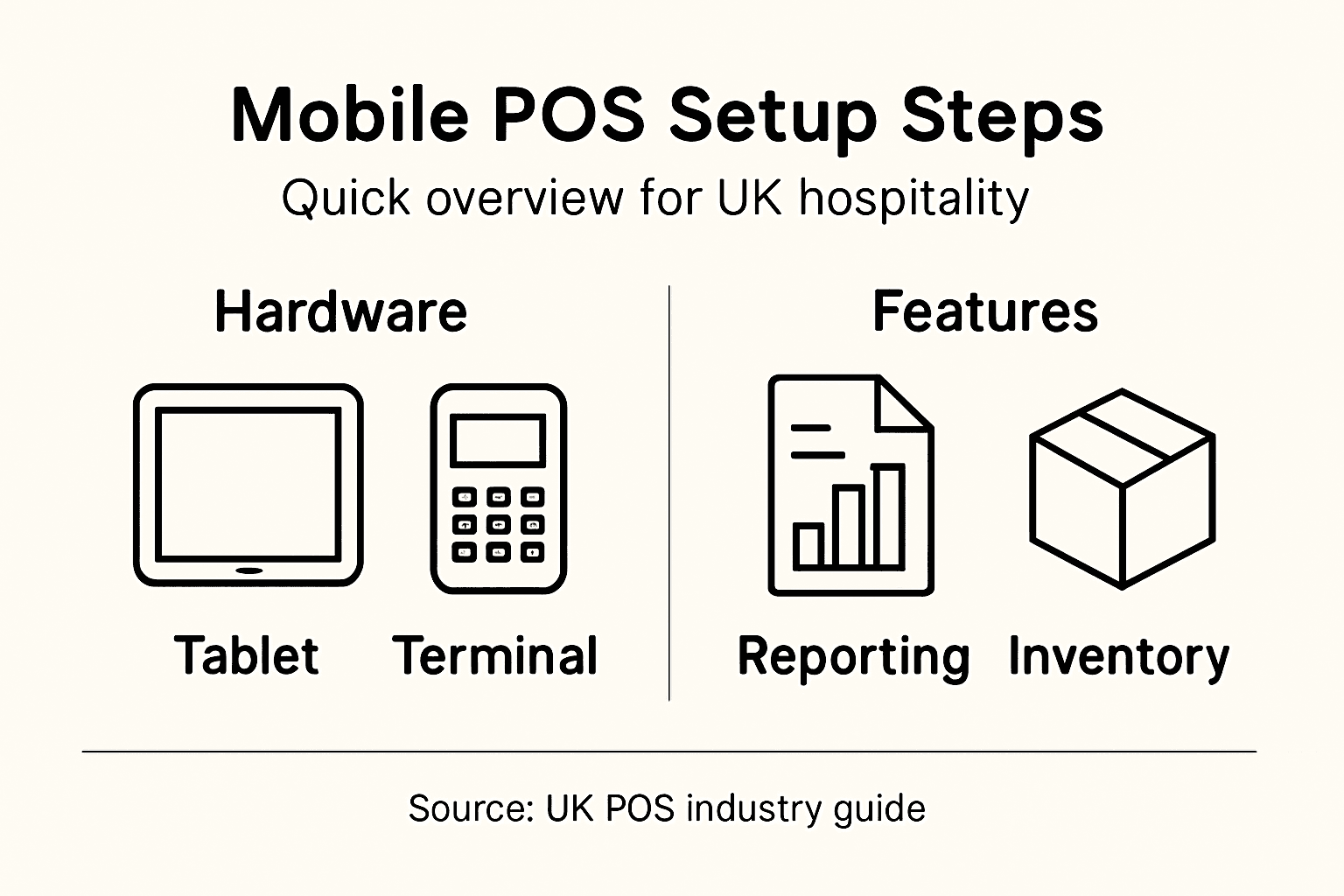
Start by assessing your operational environment. For restaurants and cafés, portable tablets or handheld terminals work best. Consider devices that are lightweight, durable, and have sufficient battery life to handle busy service periods. Look for systems supporting multiple service modes such as table ordering, counter service, and mobile payments. Android-based platforms often provide the most flexibility, allowing integration with various payment processors and inventory management tools.
Prioritise systems that offer comprehensive features beyond basic transaction processing. The ideal mobile POS should provide real-time reporting, staff performance tracking, and seamless kitchen order management. Check for cloud-based back office capabilities that allow remote monitoring and quick system updates. Compatibility with existing payment providers and the ability to handle different service styles will ensure smooth operational transitions.
Here is a quick reference table outlining the most impactful features to prioritise in a mobile POS for hospitality venues:
| Feature | Description | Example Benefit |
|---|---|---|
| Real-time Reporting | Immediate access to sales and analytics | Spots trends, optimises staffing |
| Multi-mode Service | Supports table, counter, and mobile ordering | Adapts to varied operations |
| Inventory Automation | Automatic stock deduction after each sale | Prevents over-ordering, saves cost |
| Role-based Access | Custom staff permissions and controls | Increases data security |
| Cloud Management | Remote updates and monitoring | Enables swift troubleshooting |
Expert tip: Always request a live demonstration of the mobile POS system in an environment similar to your venue to understand its practical performance and user experience.
Step 2: Configure venue layout and service modes
Configuring your mobile POS system’s venue layout and service modes is crucial for creating a smooth operational workflow. This step transforms your digital platform into a tailored solution that matches your specific hospitality environment. Hospitality POS systems provide flexible tools to map out your entire service infrastructure and optimise customer interactions.
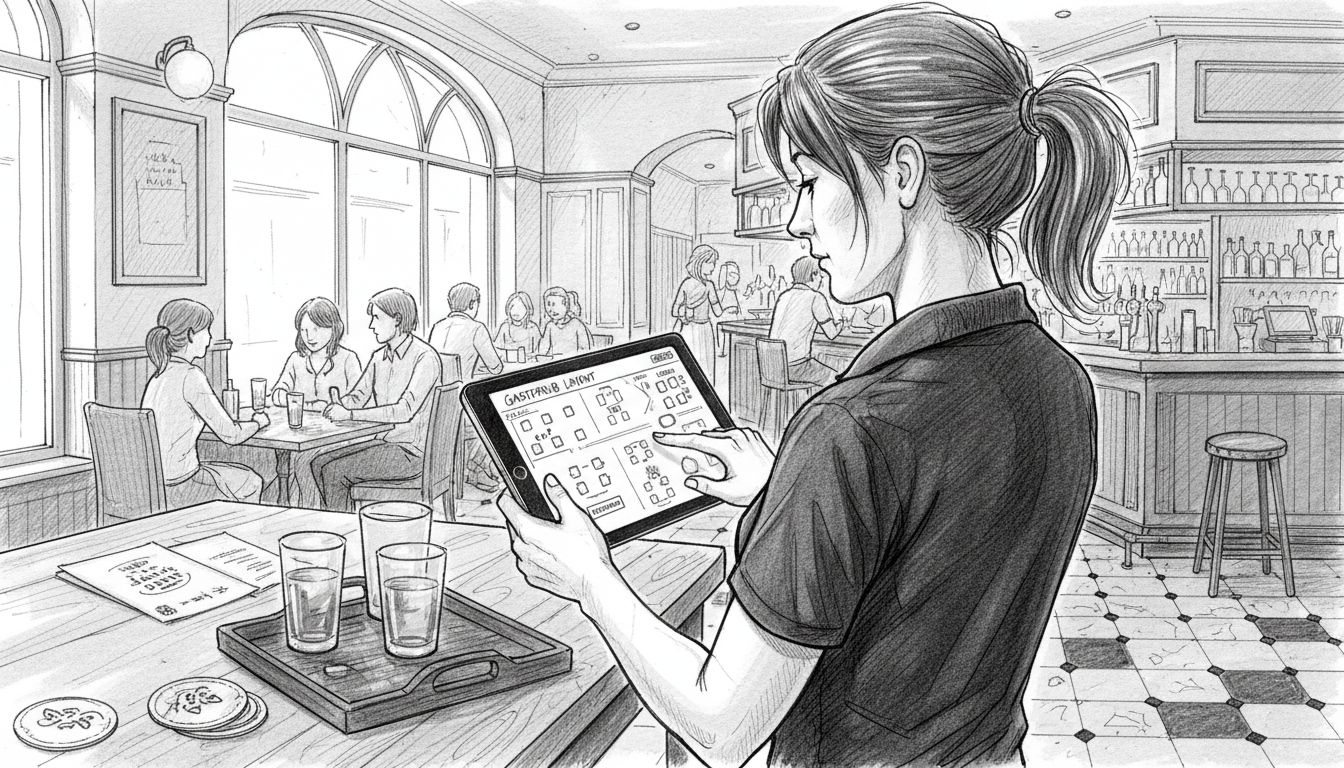
Begin by digitally recreating your physical venue layout within the POS system. This involves mapping table locations, defining seating capacities, and establishing zones for different service styles such as bar, dining area, and outdoor spaces. For restaurants and cafés, ensure your digital floor plan accurately reflects the physical arrangement, allowing staff to track table statuses, manage reservations, and monitor wait times efficiently. Pay special attention to creating flexible configurations that support multiple service modes like full table service, counter ordering, and mobile payment processing.
Next, configure your service modes to match your venue’s specific operational needs. This includes setting up menu categories, pricing structures, and communication protocols between front of house and kitchen staff. Implement real-time order tracking capabilities that enable seamless communication and rapid meal preparation. Consider adding features like table reservation management, split billing options, and customisable staff access levels to enhance overall operational flexibility.
Expert tip: Conduct a comprehensive staff training session to ensure every team member understands how to navigate and utilise the new digital floor plan and service mode configurations.
Step 3: Integrate payment providers and inventory systems
Integrating payment providers and inventory systems is a critical step in creating a seamless operational ecosystem for your mobile POS solution. This process connects your financial transactions with real-time stock management, ensuring accurate tracking and reporting for your hospitality venue. Credit card integration represents the foundational element of this comprehensive system approach.
Start by selecting payment providers that offer direct integration with your mobile POS platform. Look for solutions supporting multiple payment methods, including contactless cards, mobile wallets, and traditional card payments. Ensure the integration allows for instant transaction processing, secure data handling, and detailed financial reporting. When connecting your inventory management system, focus on creating real-time links between sales transactions and stock levels. This enables automatic deduction of ingredients or products as they are sold, providing instantaneous insights into your venue’s consumption patterns and remaining inventory.
Carefully configure your system to synchronise sales data with inventory tracking, allowing for automatic reorder alerts and precise stock management. Set up threshold notifications that trigger when specific items reach low stock levels, helping you maintain optimal inventory without manual intervention. Consider implementing features that track ingredient usage across different menu items, enabling more sophisticated cost control and menu planning strategies.
Expert tip: Regularly perform reconciliation checks between your payment records and inventory system to identify and resolve any discrepancies quickly.
Step 4: Train staff on order and management functions
Training your staff effectively on the mobile POS system is crucial for smooth operational performance and customer satisfaction. A comprehensive training approach ensures your team can confidently navigate the new technology and leverage its full potential. Employee POS training represents a critical investment in your venue’s operational efficiency.
Begin by developing a structured training programme that segments learning based on individual staff roles and responsibilities. Front of house staff will require different skill sets compared to kitchen personnel, so customise your training modules accordingly. Create hands-on scenarios that simulate real world service situations, allowing staff to practice order taking, payment processing, and menu modifications in a supportive environment. Focus on practical demonstrations that build muscle memory for system navigation, emphasising speed and accuracy in transactions.
Implement a multi-stage learning approach that includes initial group training sessions, followed by one-on-one coaching and periodic skills refreshers. Develop comprehensive training materials such as quick reference guides, video tutorials, and printed cheat sheets that staff can consult during their learning process. Encourage team members to practice with the system during quieter periods, gradually building confidence and technical proficiency. Ensure that staff understand not just the technical aspects of the mobile POS, but also how these tools can enhance overall customer service and venue efficiency.
Expert tip: Designate a confident and tech-savvy team member as your internal POS system champion who can provide ongoing peer support and answer day-to-day operational questions.
Step 5: Test transactions and verify system reliability
Testing your mobile POS system thoroughly ensures seamless performance during actual service operations. This critical validation process helps identify potential issues before they impact your venue’s customer experience. POS system testing represents a fundamental step in guaranteeing operational excellence.
Begin by conducting comprehensive functional tests that simulate various real world scenarios your staff will encounter. This includes processing different payment types, splitting bills, applying promotional discounts, and handling complex order modifications. Test each transaction pathway systematically, ensuring smooth interactions between hardware devices, software interfaces, and payment gateways. Pay special attention to performance under peak service conditions, checking system response times and transaction processing speeds during simulated busy periods.
Expand your testing approach to cover critical integration points between your POS system and other operational components. Verify inventory tracking accuracy by processing multiple transactions and confirming that stock levels update correctly in real time. Check payment gateway connections to ensure secure and instantaneous transaction processing. Document any irregularities or performance bottlenecks, and work closely with your system provider to address potential vulnerabilities. Create a structured testing checklist that covers functional reliability, security compliance, and seamless data synchronisation across all system modules.
Expert tip: Schedule periodic system reliability tests during off peak hours to continuously monitor and maintain your mobile POS performance without disrupting regular service.
The table below summarises how each mobile POS implementation step directly benefits hospitality operations:
| Step | Operational Focus | Key Business Impact |
|---|---|---|
| Hardware & Software Selection | Device suitability and features | Faster transactions, enhanced customer experience |
| Venue Layout & Service Mode Configuration | Digital mapping of space and workflows | Improved staff efficiency, reduced errors |
| Payment & Inventory Integration | Linking finance and stock systems | Real-time tracking, reduced waste |
| Staff Training | Tailored learning per role | Higher accuracy, faster order handling |
| System Testing | Scenario-based reliability checks | Minimsed downtime, better security |
Discover the Perfect Mobile POS Solution for Your UK Hospitality Venue
Setting up a mobile POS system can be challenging when you need seamless hardware and software integration, reliable payment processing, and staff-friendly operation that enhances customer experience. If you want to avoid common pain points like slow transactions, complicated inventory tracking, or insufficient service mode flexibility, EZEEPos offers a specialised Android-based platform tailored specifically for hospitality venues across the UK. Our system supports varied service models including table ordering, mobile POS for catering, and self-service kiosks to suit your unique operational needs.

Explore our comprehensive range of integrated hardware options such as handheld tablets and EFT terminals that ensure fast and secure payments. With cloud-based back office management, robust inventory control, and easy team training built in, you can simplify setup and enjoy ongoing human support from accredited UK providers. Don’t wait to transform your venue’s efficiency and customer satisfaction. Visit EZEEPos today and see how we empower hospitality businesses with a fully integrated POS system that delivers enterprise-level functionality with local support.
Start your journey now by discovering our Retail solutions designed to handle fast-paced hospitality environments effortlessly.
Frequently Asked Questions
What hardware should I choose for a mobile POS in my hospitality venue?
Selecting lightweight, durable tablets or handheld terminals is ideal for hospitality venues. Ensure the devices have sufficient battery life and support multiple service modes, such as table ordering and mobile payments. Test various options to find the most suitable fit for your operations.
How can I configure the layout of my venue in the mobile POS system?
You should digitally recreate your venue’s physical layout in the mobile POS system. Map out table locations and zones for different service styles to improve staff efficiency and customer interactions. Use this configuration to track table statuses and manage reservations effectively.
What payment methods should I integrate into my mobile POS?
Integrate payment providers that support a variety of methods, including contactless cards and mobile wallets. This ensures instant transaction processing and secure data handling, which enhances customer satisfaction. Aim for a solution that allows for seamless payments across different configurations and service modes.
How can I train my staff effectively on the new mobile POS system?
Develop a structured training programme tailored to different roles within your team. Use hands-on scenarios and practical demonstrations to build confidence and proficiency. Schedule periodic refresher sessions to ensure your staff stay updated with the system’s functionalities.
What steps should I take to test my mobile POS system before launch?
Conduct comprehensive tests that simulate various real-world service scenarios. Focus on processing different payment types, handling order modifications, and ensuring system reliability under peak conditions. Document your findings and adjust settings as needed to ensure a smooth operational launch.
How often should I review and update my mobile POS system?
Regularly review your mobile POS system, ideally monthly, to ensure it meets current operational needs. Perform reconciliation checks to confirm data accuracy and make necessary updates based on staff feedback and system performance. This practice will help minimise potential issues and improve overall efficiency.
Recent Comments