
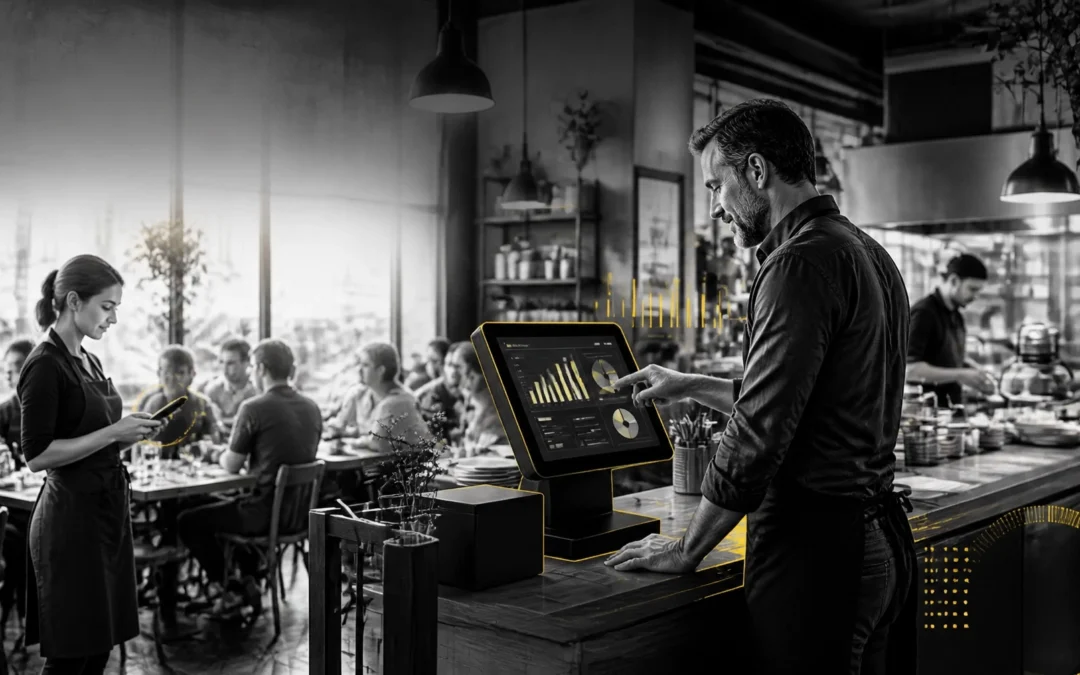
A hospitality EPOS system is no longer just a digital till. It now controls the flow of orders, payments, stock, kitchen communication, staff permissions and management information.
That makes an EPOS upgrade one of the few investments that can improve revenue, labour efficiency, stock margin and customer experience at the same time.
For UK cafés, restaurants, pubs, bars, takeaways and mobile caterers, the question is not whether modern EPOS technology has value. The question is whether your current system is quietly costing you more than its replacement.
Table of contents
- Why EPOS upgrades affect your entire operation
- Where the return on investment comes from
- What to look for in a modern UK hospitality EPOS
- How to calculate your EPOS upgrade ROI
- How to implement an upgrade without disrupting service
- My take on EPOS investment in 2026
- Frequently asked questions
Why EPOS upgrades affect your entire operation
Many operators compare EPOS systems by monthly subscription price. That is the wrong starting point.
The real cost of an outdated system appears in slow ordering, incorrect bills, missed modifiers, poor stock visibility, manual reporting and payment delays. These costs rarely appear as one obvious invoice. They are distributed across your profit and loss account.
A modern hospitality EPOS system in the UK connects the following functions:
- Front-of-house ordering
- Card and contactless payments
- Kitchen printing or kitchen display systems
- Stock and inventory control
- Staff permissions and activity logs
- Cloud-based reporting
- Promotions and pricing
- Multi-site management
- Self-service kiosks and mobile ordering
When these systems share data, a sale does more than record revenue. It can update stock, route the order to the correct preparation area, record the payment method and feed live information into management reports.
That removes manual handoffs. Every removed handoff is an opportunity to save time or prevent an error.

A properly integrated system also gives you a clearer operational picture. You can see which products sell, which staff permissions are being used, where voids occur and how sales change by hour or site. The integrated EPOS guide from eZeepos explains why this connection matters in busy hospitality environments.
Where the return on investment comes from
1. Faster service and higher throughput
Speed is directly linked to revenue in hospitality.
If staff can take an order at the table, send it instantly to the kitchen and process payment without returning to a fixed till, the venue can handle more demand with the same footprint.
That can mean:
- Shorter queues
- Faster table turns
- Fewer abandoned purchases
- More productive peak periods
- Better customer satisfaction
For a takeaway, a clear order screen and accurate kitchen workflow reduce the risk of remakes. For a pub, a fast till and reliable tab management keep service moving during the busiest trading periods.
Read more about kitchen printing and order accuracy for busy takeaways.
2. Better control of labour costs
Labour is one of the largest controllable costs in hospitality. An EPOS upgrade does not replace good management, but it gives managers better evidence for decisions.
Use sales data to identify:
- Your busiest day-parts
- Quiet periods that are overstaffed
- The hours when additional floor cover produces the greatest return
- Differences between planned and actual trading performance
- Sales per labour hour
This supports demand-led scheduling rather than rota planning based on habit. The eZeepos guide to using POS data for staff scheduling covers this approach in more detail.
It also reduces administration. Cloud reporting replaces manual spreadsheet work and allows managers to review performance away from the venue.
3. Reduced waste and stronger stock margin
An outdated till may tell you what you sold. A modern EPOS system should help you understand what those sales mean for stock and margin.
Use inventory tools to monitor:
- Product movement
- Stock variances
- Write-offs
- Purchase orders
- Stock transfers
- Best and worst performers
- Selling price against cost price
For food-led venues, recipe-linked stock control can reveal whether rising food costs are caused by supplier pricing, portion control, waste or incorrect menu pricing.
For pubs and bars, accurate product depletion helps identify unexplained variance. A small improvement in wet margin can have a material impact over a full year.
The right system also creates a more disciplined reconciliation process. Managers can compare EPOS takings, payment settlements, cash declarations and accounting exports without rebuilding the numbers manually.
4. More reliable payments
Payment friction damages both revenue and customer confidence.
An upgraded system should support the payment methods your customers actually use, including:
- Contactless cards
- Mobile wallets
- Chip and PIN
- Split bills
- Table-side payments
- Integrated card terminals
- Offline or fallback procedures where supported
The eZeepos guide to contactless payments in UK hospitality outlines the operational considerations for venues.
Do not accept a provider’s claim that payments are “seamless” without testing it. Disconnect the internet during a demonstration and ask exactly what happens to open orders, card payments and reconciliation. Preparation beats reaction.
5. Better upselling and menu decisions
A modern restaurant POS software platform in the UK should make it easier to sell strategically.
Use reporting and menu configuration to identify:
- High-margin products
- Popular add-ons
- Underperforming dishes
- Discount leakage
- Sales by service period
- Product combinations
- Promotional performance
Staff should not rely on memory to offer extras. Configure the system to present relevant modifiers, sides or upgrades at the right point in the order flow.
This is not about forcing customers to spend more. It is about making profitable choices visible and ensuring staff do not miss natural opportunities.
What to look for in a modern UK hospitality EPOS
A good upgrade starts with operational requirements, not a long feature list.
| Requirement | Why it matters | Test it this way |
|---|---|---|
| Cloud-based back office | Gives managers live access to data and configuration | Change a menu price remotely and verify the terminal sync |
| Offline resilience | Protects trading during connectivity issues | Disconnect the network mid-demo |
| Inventory control | Reduces waste, variance and emergency purchasing | Process a sale and confirm the stock movement |
| Payment integration | Reduces re-keying and speeds reconciliation | Run a split bill and compare the settlement record |
| Kitchen integration | Prevents lost or misread orders | Send modifiers and special instructions to the kitchen |
| User permissions | Controls discounts, voids and sensitive functions | Test manager approval workflows |
| Multi-site reporting | Provides central oversight as you grow | Compare two locations from one dashboard |
| UK-based support | Provides help when service is under pressure | Ask who answers at 7pm on a Saturday |
An affordable hospitality POS is not necessarily the system with the lowest subscription. It is the system that delivers the required controls without forcing you to buy unnecessary modules or duplicate tools.
Check the total cost of ownership. Include hardware, installation, training, payment processing, support, data migration and contract terms.
How to calculate your EPOS upgrade ROI
Use a simple model before you speak to suppliers.
Step 1: Record the current cost of inefficiency
Measure four weeks of:
- Order errors and remakes
- Voids and discounts
- Labour hours spent on reports
- Stock write-offs
- Payment failures
- Lost sales during queues
- Time spent on manual reconciliation
Do not estimate these figures casually. Use till reports, purchase records, rota data and manager observations.
Step 2: Define measurable targets
Set targets such as:
- Reduce order errors by a defined percentage
- Cut weekly reporting time
- Improve stock variance
- Reduce payment delays
- Increase average transaction value
- Improve sales per labour hour
Step 3: Apply the payback calculation
Use:
Payback period = Total upgrade cost ÷ monthly financial benefit
For example, if an upgrade costs £4,000 and produces a verified monthly benefit of £1,000 through saved labour, reduced waste and recovered sales, the indicative payback period is four months.
This is a planning model, not a guaranteed result. Your provider should help you identify which benefits are measurable in your venue.
Pro Tip: Ask for a live demonstration using your actual menu, modifiers, VAT rules, service charges and payment workflow. A generic demo proves very little. Your own peak-service scenario is the real test.
How to implement an upgrade without disrupting service
Implementation failure is usually a process problem, not a technology problem.
Follow a controlled rollout:
- Document your current workflows. Record how orders, refunds, voids, payments, stock and end-of-day reconciliation work today.
- Clean your product data. Remove duplicate buttons, obsolete prices and unclear modifiers before migration.
- Set permissions properly. Separate staff, supervisor and manager access from day one.
- Test integrations. Verify payment terminals, printers, kitchen displays, accounting exports and reporting.
- Train by role. Bar staff, servers, kitchen teams and managers need different training.
- Run a simulated service. Test a busy period with split bills, refunds, cancelled items and network loss.
- Keep the old process available briefly. Maintain a documented fallback without allowing staff to switch between systems casually.
- Review performance after launch. Audit errors, voids, stock variances and staff questions during the first four weeks.
Choose a provider that includes installation, configuration, training and ongoing UK support. The eZeepos help centre provides examples of the practical setup and operating guidance a hospitality team needs.
My take on EPOS investment in 2026
I have seen operators spend heavily on décor, advertising and menu changes while continuing to run the business through an ageing till that cannot provide reliable data.
That is backwards.
Your EPOS touches almost every customer transaction and many of your most important operating decisions. If it is slow, disconnected or difficult to report from, the weakness spreads across the venue.
My recommendation is simple: upgrade when you can identify the operational losses, not when a salesperson shows you a fashionable feature.
Choose a cloud based EPOS for hospitality that your team can learn quickly, that managers can control remotely and that has clear fallback procedures. Then measure the result against your starting position.
For a practical discussion about your venue, contact eZeepos on 01924 438238, email sales@ezeepos.co.uk, or visit www.ezeepos.co.uk.
Frequently asked questions
What is a hospitality EPOS system?
A hospitality EPOS system processes sales and payments while connecting ordering, kitchen operations, stock, reporting and staff controls. It is designed for the workflows used by cafés, restaurants, pubs, bars, takeaways and other food-service businesses.
Is a cloud-based EPOS suitable for a small independent venue?
Yes, provided the system is simple to operate and has appropriate connectivity and fallback procedures. Cloud access allows owners and managers to review reports, prices and settings without being physically present at the venue.
What is the ROI of upgrading restaurant POS software in the UK?
ROI depends on your current inefficiencies, transaction volume and upgrade cost. Measure improvements in labour time, order accuracy, stock variance, payment reliability and average transaction value. Use those figures to calculate your payback period.
Is the cheapest hospitality POS the best option?
No. Compare the full cost of ownership, including hardware, payment fees, support, installation, training, data migration and contract terms. A low monthly price is poor value if the system causes errors or lacks essential controls.
How can an EPOS system reduce food waste?
Inventory features can connect sales to stock movement, helping managers compare expected usage with actual counts. This highlights over-portioning, spoilage, incorrect recipes, purchasing problems and unexplained variance.
What should happen if the internet goes down?
The answer depends on the provider and payment setup. Ask whether orders can continue, whether payments can be processed, how data synchronises afterwards and how batch-processed transactions appear during reconciliation. Test this before signing a contract.
How long does it take to train hospitality staff on a new EPOS?
Basic staff training can be completed quickly when the interface is intuitive and the menu is configured properly. Managers need additional training covering permissions, refunds, reporting, stock and reconciliation. Always practise during a quiet period before launch.
Can one EPOS system support multiple venues?
Yes. A suitable multi-site EPOS can centralise menus, pricing, permissions and reporting while allowing each location to retain operational flexibility. Confirm how conflict resolution works when sites make changes while temporarily offline.
Recent Comments