
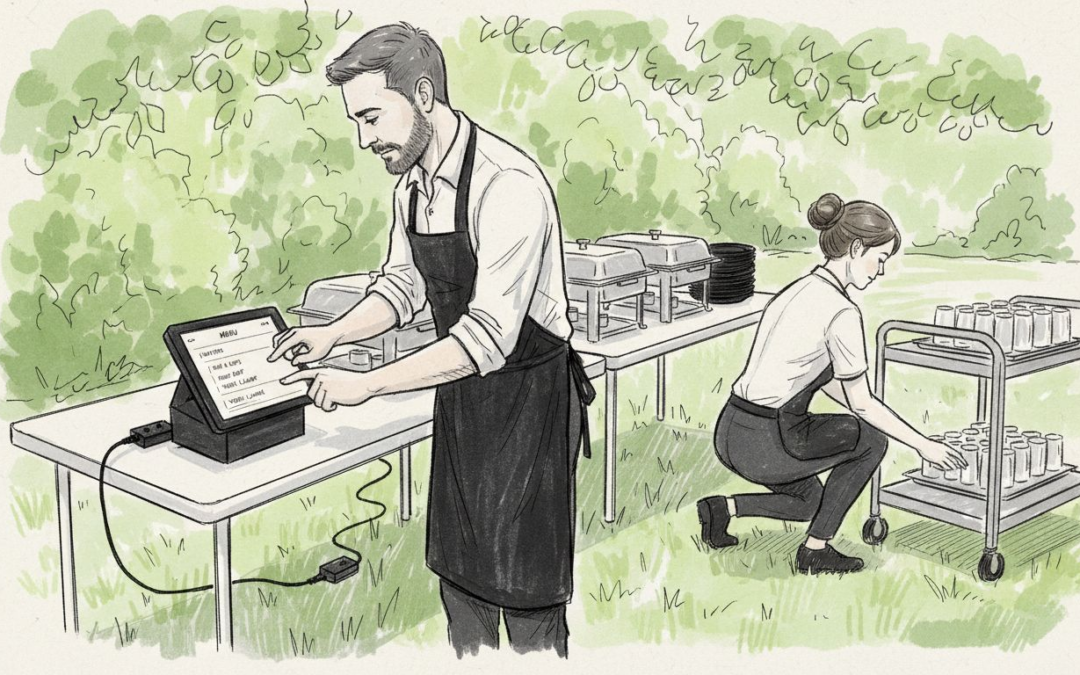
Anyone running a catering business in the United Kingdom knows the headache of managing sales across multiple venues, from London city halls to Scottish country weddings. Flexibility is non-negotiable when each event brings new challenges. With mobile POS systems built for catering, you gain the ability to accept payments anywhere, handle multi-site operations, and track allergen information—all from a tablet or smartphone. This introduction offers insight into choosing the right solution to simplify workflow and legal compliance, so every event runs smoothly.
Table of Contents
- Mobile POS Systems In UK Catering
- Types And Key Features For Caterers
- How Mobile POS Works At Events
- Legal Compliance And VAT Obligations
- Costs, Common Mistakes, And Alternatives
Key Takeaways
| Point | Details |
|---|---|
| Mobile POS Enhances Flexibility | Catering businesses benefit from mobile POS systems that allow for payment processing and order management anywhere, making them ideal for varied event types and locations. |
| Compliance and VAT Management | A capable mobile POS system automatically handles VAT calculations and allergen tracking, ensuring legal compliance and reducing the risk of costly errors. |
| Ease of Use and Training | Modern mobile POS systems are user-friendly, enabling staff to learn quickly, typically within minutes, which improves operational efficiency at events. |
| Cost Considerations | Understanding the total cost of ownership, including subscription fees and transaction costs, is crucial for making informed decisions about mobile POS systems in catering. |
Mobile POS Systems in UK Catering
Mobile POS has transformed how UK catering businesses operate at events, outdoor venues, and off-site locations. Gone are the days of manual till systems or clunky fixed checkout counters limiting your service capacity. A mobile POS system lets you take payment, manage orders, and track inventory from tablets or smartphones, right where your customers are.
Unlike traditional restaurant setups, catering demands flexibility. You might be serving a corporate lunch in Manchester one day and a wedding reception in Edinburgh the next. Your POS system needs to follow you, not anchor you to one location. Mobile solutions handle multi-site operations, cashless payments, and real-time reporting without requiring complicated setup or IT expertise.
What makes mobile POS different for catering?
- Accepts payments anywhere, indoors or outdoors
- Manages multiple venues from a single dashboard
- Works offline, syncing data automatically when connectivity returns
- Tracks allergen information and special dietary requirements
- Supports various service styles: counter orders, table service, or self-service
- Provides instant reporting for final event reconciliation
Contractors managing contract catering operations across education, healthcare, or corporate clients benefit from systems that handle VAT management, allowances, and compliance for different sectors seamlessly. When you’re juggling multiple contracts and venues, having one unified platform reduces errors and saves staff training time.
The mobility aspect isn’t just convenience. It’s about capturing every sale, managing queues better during peak service times, and keeping your team organised. You control stock from the tablet, see what’s selling in real-time, and adjust pricing or portions instantly if needed.
Mobile POS systems for catering eliminate paper records, reduce cash handling delays, and give you immediate visibility into what’s actually happening during service.
Many catering businesses hesitate because they worry about complexity or cost. The reality is simpler modern systems run on Android tablets with straightforward interfaces. Staff learn in minutes, not hours. Updates happen automatically, and support is available when you need it.
Pro tip: Start with a single event or venue to test your new mobile POS before rolling it out across all operations, giving your team confidence and revealing any workflow adjustments needed.
Types and Key Features for Caterers
Not all mobile POS systems work the same way. Different catering operations demand different setups depending on your service style, venue type, and customer volume. Understanding which type suits your business prevents costly mistakes and ensures smooth operations from day one.
Cloud-based mobile POS systems are the most popular choice for UK caterers. Your data syncs to secure servers, accessible from any tablet or smartphone with internet connectivity. You get real-time reporting, automatic backups, and updates happen without disrupting service. If your Wi-Fi drops temporarily, the system continues working offline and syncs when connection returns.
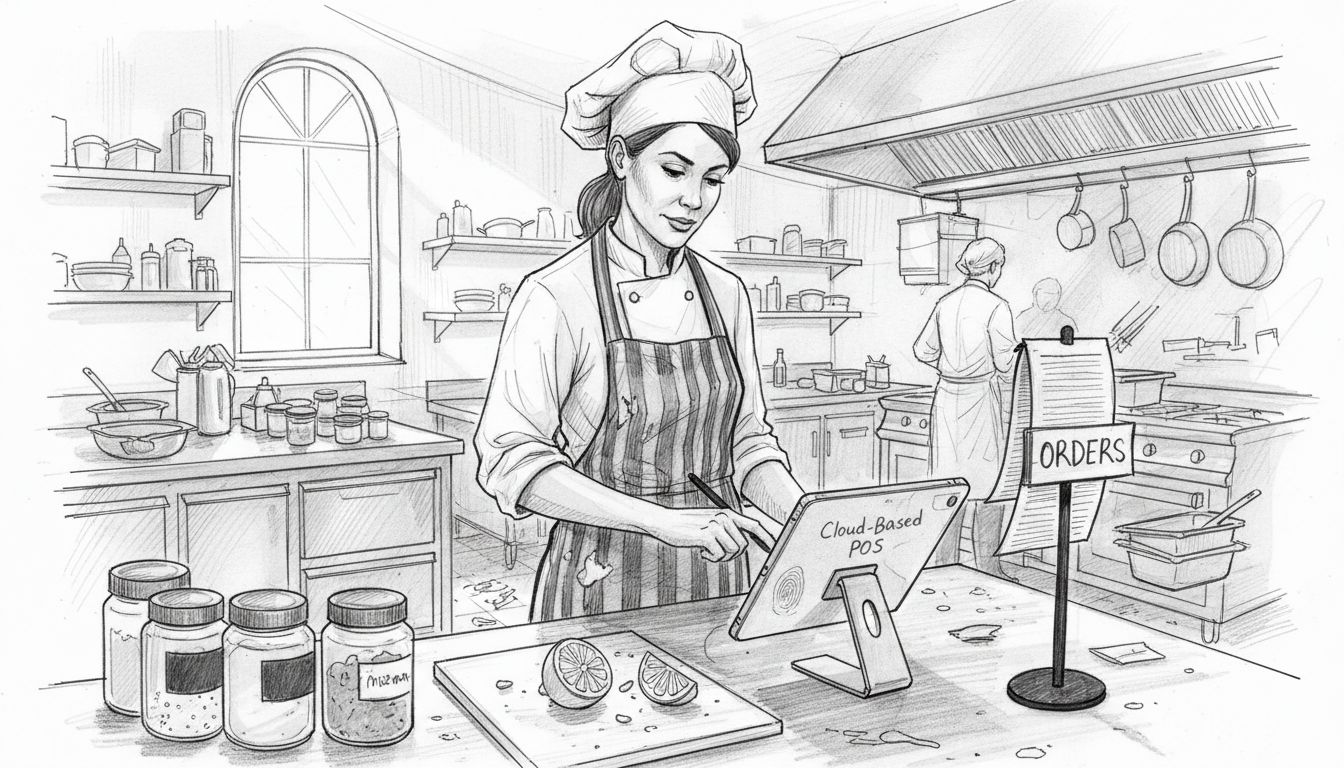
Standalone tablet systems work independently without requiring constant internet. Perfect for outdoor events or venues with poor connectivity. Data stores locally on the device, then uploads later when needed. Ideal for small operations or single-event caterers who value simplicity over advanced reporting.
Integrated hardware setups combine tablets with payment terminals, kitchen screens, and receipt printers. This approach centralises your entire operation on one platform. Staff see orders instantly in the kitchen, customers receive printed receipts immediately, and nothing gets lost in translation between front-of-house and back-of-house.
To help clarify the options, here’s a comparison of mobile POS system types for UK catering:
| System Type | Ideal Venue or Scale | Data Handling | Notable Advantages |
|---|---|---|---|
| Cloud-based Mobile | Multi-site, large events | Real-time sync, cloud | Automatic updates, remote access |
| Standalone Tablet | Single events, outdoor | Local storage, upload later | Reliable offline, simple interface |
| Integrated Hardware | High-volume, complex venues | Centralised, immediate | Full kitchen and receipt integration |
Key features for catering POS include:
- Offline functionality so you work anywhere without internet dependencies
- Allergen tracking to manage dietary requirements and compliance
- Multi-site management controlling inventory and sales across multiple venues
- Real-time reporting showing what sold and when during service
- Flexible payment options accepting cards, cash, and contactless payments
- Service model adaptability supporting counter service, table orders, or self-serve setups
When selecting a system, consider modern catering facility design including power management, Wi-Fi security, traffic flow, and hardware placement. These factors directly impact how smoothly your POS operates during busy service periods.
Android-based systems dominate catering because they’re affordable, reliable, and staff already know how to use tablets. No specialist training required. The interface matches what people use at home, reducing onboarding time and errors.
The best POS system matches your specific service style and venue constraints, not the other way around.
Don’t get tempted by systems packed with features you’ll never use. A simpler system your team actually understands beats complex software that confuses everyone. Focus on core functionality: taking payments, tracking stock, and capturing sales data accurately.
Pro tip: Test your POS system at a smaller event first to identify any feature gaps or workflow issues before committing to it across all your catering contracts.
How Mobile POS Works at Events
When you arrive at an event venue with a mobile POS system, you’re not hauling heavy till machines or wrestling with tangled cables. Instead, you carry tablets and a portable card reader. The entire operation runs from devices light enough to hold in one hand, yet powerful enough to handle hundreds of transactions.
Here’s the practical flow during a typical event:
-
Setup – Arrive early and position your tablet(s) where staff can easily reach them. Activate the system and connect to the venue’s Wi-Fi or your mobile hotspot. Inventory syncs automatically, showing exactly what stock you brought to the event.
-
During service – Staff take orders directly into the tablet. Customers can pay immediately via card, contactless, or cash. The system calculates change, applies any discounts, and records the sale instantly.
-
Kitchen coordination – Orders print in the kitchen automatically, or display on a kitchen screen if you brought one. Chefs see exactly what to prepare without confusion or shouted orders.
-
Real-time tracking – Watch sales happen live as items move. See which dishes sell fastest, adjust portions if needed, and identify what’s running low.
Key operational advantages include:
- No paper tickets that get lost or misread
- Instant payment processing rather than collecting cash at the end
- Automatic reconciliation eliminating manual counting and errors
- Staff accountability since every transaction logs who took it
- Customer satisfaction because service moves faster
When exploring mobile POS systems for streamlining UK events, you’ll notice the technology adapts to your specific event type. A corporate lunch operates differently from a wedding reception or outdoor festival.
The offline capability matters enormously at events. If Wi-Fi drops mid-service, you keep processing sales. The system queues transactions locally, then uploads them automatically when connectivity returns. Your team never stops working.
Mobile POS at events shifts you from managing chaos to managing data, transforming how you see what’s actually happening during service.
Power management becomes practical once you understand typical event durations. Most tablets run 6-8 hours on a single charge. Bring a portable charger as backup. Position charging cables away from customer areas.
Staff training takes minutes, not hours. Show them how to select items, take payment, and handle common scenarios. They’ll be productive within their first event.
Pro tip: Charge all devices completely the evening before your event, and bring backup portable chargers positioned safely away from foot traffic and water service areas.
Legal Compliance and VAT Obligations
VAT is non-negotiable in UK catering. Get it wrong, and you face penalties, fines, or worse. Your mobile POS system must handle VAT calculations automatically, removing human error from every transaction. This isn’t optional—it’s fundamental to running legally.
Every sale requires correct VAT treatment. Standard-rated food like hot takeaway meals faces 20% VAT. Some items, like certain bakery products, are zero-rated. Cold pre-packaged meals have different rules. Your staff won’t remember all these distinctions during a busy event. A capable POS system handles it automatically based on what you’ve configured.
Inaccurate VAT reporting creates serious problems. HMRC expects precise records. Manual calculations invite mistakes. Digital systems create an audit trail showing exactly what was sold, when, and at what tax rate. This transparency protects you during any inspection.
Contract catering adds complexity. When managing VAT compliance and allowances in contract catering, you might invoice clients differently than normal retail. Some clients receive subsidised meals. Others pay full price. Your POS needs to track these distinctions without confusing staff.
Key compliance features your mobile POS should include:
- Automatic VAT calculation based on product type
- Detailed transaction records with VAT shown separately
- Multi-rate support for standard, reduced, and zero-rated items
- Allowance tracking for subsidised or complimentary meals
- End-of-day reconciliation matching physical stock to sales records
- Audit-ready reporting exportable for accountants or inspectors
Cashless payments strengthen compliance. Every card transaction creates an electronic record. Cash sales require more diligence—record them immediately in your POS rather than later. The longer you wait, the easier details slip away.
Allergen tracking ties directly to legal obligations. You must know what’s in every dish served. Your POS should flag allergen information to staff and customers. This prevents serious health incidents and protects you legally.
Compliance isn’t a burden if your POS handles it automatically—it becomes invisible, working behind the scenes while you focus on delivering great service.
Keep records for at least six years. Cloud-based systems handle this automatically with secure backups. You’re never one hardware failure away from losing critical information.
Talk to your accountant about your specific VAT situation before choosing a POS system. Some catering businesses qualify for VAT exemptions or special schemes. Your POS must accommodate your unique tax position.
Pro tip: Configure your POS VAT settings before your first paid event, test them thoroughly on a practice run, and have your accountant verify the settings match your tax obligations.
Costs, Common Mistakes, and Alternatives
Mobile POS pricing isn’t one-size-fits-all. You’ll encounter subscription models, hardware costs, transaction fees, and support charges. Understanding what you’re actually paying prevents nasty surprises later.
Subscription costs typically range from £50 to £300 monthly depending on features and user accounts. Basic systems cost less. Advanced setups with inventory management, multiple locations, and detailed reporting cost more. There’s no wasted premium tier—you pay for what you use.
Hardware expenses vary widely. A single tablet costs £200–£500. A card reader adds £50–£150. Kitchen screens, receipt printers, and backup devices multiply costs. Budget £800–£2,000 for a complete single-venue setup.
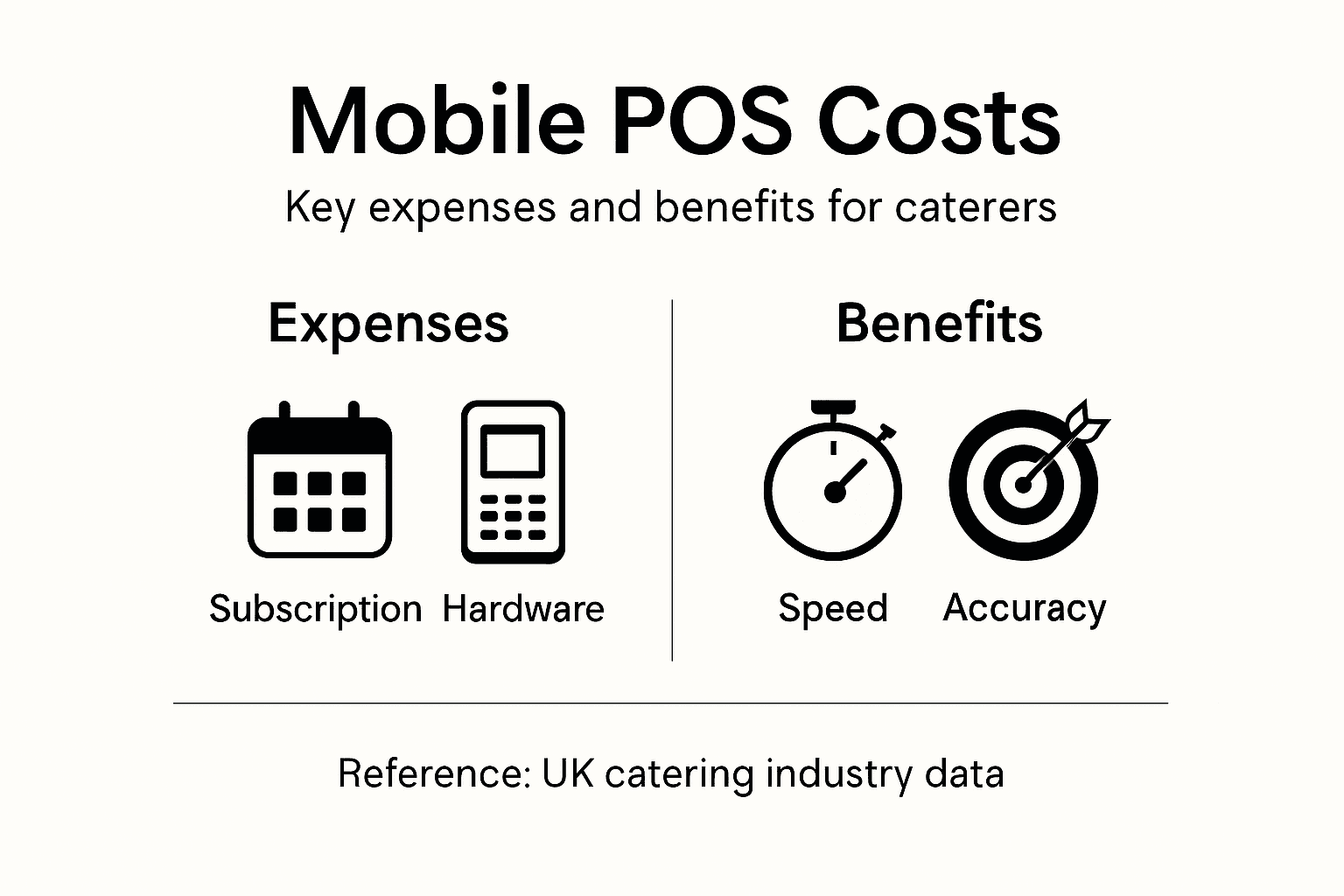
For a clearer overview, here is a summary of typical mobile POS costs and alternatives in catering:
| Expense/Approach | Typical Outlay | Main Benefit | Potential Drawback |
|---|---|---|---|
| Monthly Subscription | £50–£300 per month | Predictable budgeting | Fees add up for larger operations |
| Hardware Setup | £800–£2,000 per venue | Flexible, scalable | Upfront investment required |
| Card Transaction Fees | 1.5–2.5% per transaction | Faster payments, digital records | Long-term cost for high volume |
| Manual Paper Approach | Minimal upfront cost | No tech needed | Compliance risk, slow reconciliation |
Transaction fees matter when you process hundreds of payments daily. Card processing typically costs 1.5–2.5% per transaction. Over a year, this adds up considerably. Calculate your expected transaction volume before committing.
Common pitfalls derail catering businesses regularly. Many choose systems lacking GDPR-compliant security for customer data, exposing sensitive information to breaches. Others select inflexible solutions that won’t integrate with their accounting software or inventory systems, creating duplicate data entry and manual reconciliation work.
Mistakes to avoid:
- Picking the cheapest option without checking security or features
- Ignoring integration needs with your accounting or back-office systems
- Underestimating training time required for your specific team
- Not testing offline functionality before relying on it at events
- Forgetting about scalability as your business grows
- Choosing systems with poor UK support when issues arise
Alternatives exist, though they come with trade-offs. Traditional fixed tills are familiar but immobile and expensive to repair. Manual paper systems cost almost nothing upfront but create compliance risks and time-consuming reconciliation. Generic tablet apps are cheap but lack catering-specific features like allergen tracking or multi-site management.
Hybrid models combine cloud-based platforms with offline-capable tablets. This approach offers flexibility and security. You get the best of both worlds if budget allows.
Calculating total cost of ownership matters more than monthly subscription price—factor in hardware, training, support, and transaction fees.
Don’t cheap out on security. A data breach costs far more than a quality POS system. GDPR fines reach £20 million or 4% of turnover. Invest in systems with proper encryption and compliance certifications.
Request demonstrations from multiple providers. See how their systems actually work during busy service. Ask about hidden fees or limits on transaction volume. Read contracts carefully before signing.
Pro tip: Calculate your specific total cost of ownership by adding monthly subscription, hardware amortised over three years, transaction fees based on your volume, and support costs—then compare at least three providers before deciding.
Enhance Your Catering Efficiency with EZEEPos Mobile POS Solutions
Managing catering events across multiple venues demands a POS system that is flexible, reliable and tailored to your unique challenges. The article highlights crucial pain points such as the need for offline functionality, effortless VAT compliance, real-time stock tracking and easy staff training. If your team is struggling with disconnected hardware or complicated systems that slow down service, EZEEPos delivers a seamless experience designed specifically for UK hospitality and catering businesses.
Our Android-based platform supports mobile POS for catering, integrating effortlessly with tablets, kitchen screens and EFT terminals while providing a unified dashboard for multi-site management. With features like allergen tracking, instant reporting and cloud back-office support, EZEEPos empowers you to eliminate errors, reduce cash handling and boost customer satisfaction every single event.
Discover how our proven hospitality solutions can help you confidently adapt to any catering scenario with simplicity and full UK-based support. Start turning your mobile service into a well-oiled machine today by exploring our Point Of Sale solution, browsing our Hospitality category, or learning more about integrated EFT Terminals.

Ready to transform your catering operations with an efficient, scalable mobile POS tailored to your needs Visit EZEEPos now to schedule a demo and take the first step towards effortless event management.
Frequently Asked Questions
What are the key features of a mobile POS system for catering?
Key features include offline functionality, allergen tracking, multi-site management, real-time reporting, flexible payment options, and adaptability to various service models like counter service or table orders.
How does a mobile POS system improve efficiency during catering events?
A mobile POS system improves efficiency by enabling staff to take orders and process payments on-the-spot, reducing wait times, automating order printing to the kitchen, and providing real-time sales tracking to manage inventory effectively.
What types of mobile POS systems are available for catering operations?
The main types are cloud-based mobile POS systems, which offer real-time data syncing; standalone tablet systems, which function offline; and integrated hardware setups that combine tablets with other devices like payment terminals and kitchen screens.
How do mobile POS systems handle VAT compliance for catering services?
Mobile POS systems automatically calculate VAT based on the type of product sold, manage detailed transaction records that include VAT information, and support multi-rate VAT for different food items, ensuring compliance with legal obligations.
Recent Comments