
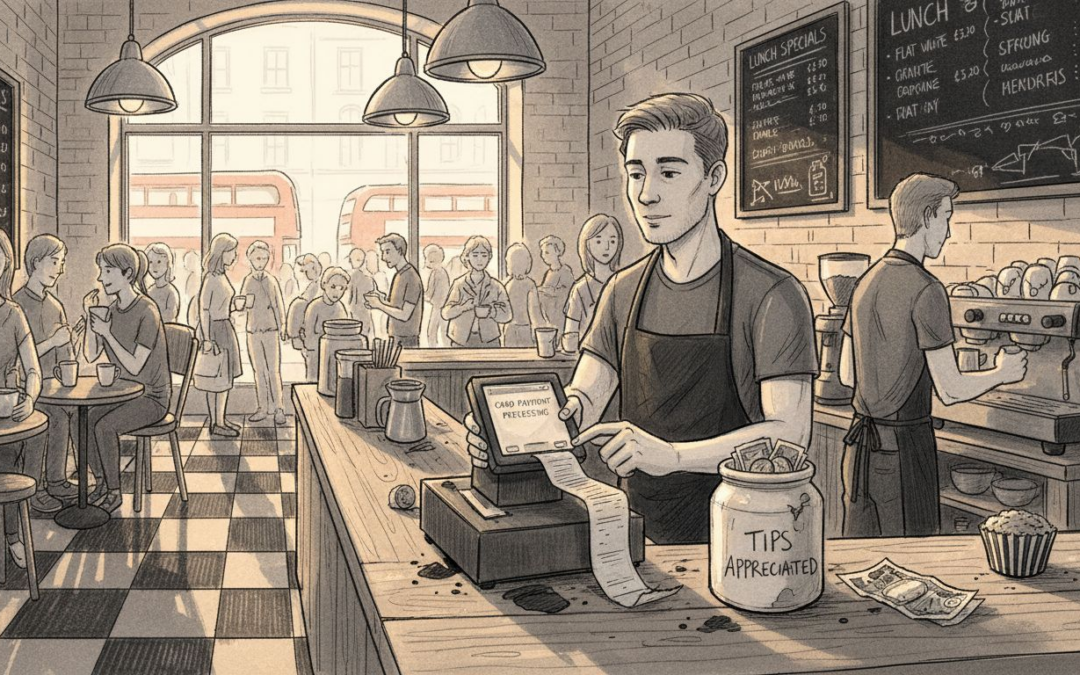
Running a busy café or restaurant in the United Kingdom means juggling orders, stock, and payments all day long. For managers and owners, finding a system that ties everything together can feel like chasing moving targets. A modern point of sale system acts as your operational nerve centre, bringing multiple payment methods and real-time tracking into one user-friendly hub. This guide explains how integrated POS technology helps hospitality venues run smoother, train staff faster, and make smarter decisions every shift.
Table of Contents
- What Is A Point Of Sale System?
- Types Of POS Systems For Hospitality Venues
- Essential Features And How POS Works
- Legal Compliance And UK Data Security Standards
- Staff Training And User Adoption Strategies
- Costs, Pitfalls, And Common Mistakes To Avoid
Key Takeaways
| Point | Details |
|---|---|
| Integrated Operations | A modern POS system centralises payment processing, inventory management, and customer data, enabling real-time insights for informed decision-making. |
| Customisation for Venues | Tailor your POS system to match specific service models, ensuring it aligns with operational realities of different hospitality venues. |
| Compliance and Security | Ensure your POS provider follows GDPR, PCI DSS, and NIS Directive for legal obligations regarding data security in the UK hospitality sector. |
| Training and Adoption | Invest in thorough training for staff to ensure successful adoption and optimisation of the POS system, enhancing overall operational efficiency. |
What Is a Point of Sale System?
A point of sale system is far more than a cash register or payment terminal. Think of it as the operational nerve centre of your café or restaurant, where transactions meet inventory management, customer data, and real-time reporting all in one place. At its core, a POS system combines hardware (such as touch screens, card readers, and kitchen displays) with software that captures every sale, tracks stock levels, and generates the insights you need to run your business efficiently. Modern systems have evolved significantly from the mechanical tills of yesteryear—today’s platforms manage everything from table orders and counter service to self-service kiosks and mobile ordering, depending on how your venue operates.
What makes a contemporary POS system genuinely valuable for UK hospitality venues is its integrated approach to operations. Rather than juggling separate systems for payments, inventory, and staff management, you get multiple payment methods alongside real-time sales tracking, stock management, and customer relationship tools all working together. When a customer orders an espresso and a pastry at your counter, your POS doesn’t just record the transaction. It updates your milk stock, logs the sale against that product category, captures the customer interaction, and feeds data into reports that show you what’s selling and when. This interconnected approach means you’re not making business decisions based on guesswork or month-old spreadsheets. You’re making them based on what’s actually happening in your venue right now.
For busy UK hospitality operators, the practical difference is significant. Your staff no longer needs training on three different systems. Managers can see real-time sales and inventory from their phone. You can identify your top-selling items, spot bottlenecks during peak service, and adjust pricing or promotions instantly. Whether you’re running a coffee-focussed independent café, a gastropub serving food all day, or a fast-casual concept, a well-designed POS adapts to your specific service style—not the other way around. This flexibility, combined with the ability to integrate with your existing payment providers and hardware infrastructure, means you’re not ripping out everything you’ve built to adopt new technology.
Pro tip: When evaluating a POS system for your venue, prioritise solutions that offer full feature access without tiered pricing restrictions and come with hands-on local UK support—this saves you from paying extra for features you’ll eventually need and ensures you get help when issues arise during service.
Types of POS Systems for Hospitality Venues
Not every hospitality business operates the same way, and neither should their POS system. A bustling café with counter service has completely different needs from a fine dining restaurant managing multiple tables, and those needs differ again from a gastropub serving both walk-up orders and seated guests. The POS you choose must fit your operational reality, not force you to reshape your business around the software. That’s why the market offers different hospitality systems configured to match specific service models, each with distinct capabilities designed for how you actually run your venue.
Consider the differences in practice. A table service restaurant needs robust table management, course timing, and the ability to split bills across multiple diners. Your staff spends half their shift managing reservations, seating arrangements, and ensuring orders flow smoothly from table to kitchen. By contrast, a quick-service café prioritises speed, simplicity, and transaction volume. Orders come rapidly, customers often pay immediately, and inventory management for high-turnover items like coffee and pastries takes centre stage. A mobile catering operation requires something entirely different: portable hardware, offline capability, and the ability to process payments anywhere. A hotel might need integration with their property management system to charge rooms directly or track guest expenditure across multiple outlets. These aren’t minor variations. They’re fundamental differences in how the POS system must function.
Within these broad categories, systems also differ in supporting features. Some offer comprehensive loyalty programmes to encourage repeat business. Others excel at online ordering and third-party delivery integration, essential if you’re competing with app-based platforms. Table management features, staff scheduling tools, automated inventory tracking, and multi-location support vary significantly between solutions. The system that works brilliantly for a standalone café might frustrate an owner running three locations across town. Payment method flexibility matters too. Modern venues expect to accept contactless cards, mobile payments, and even QR code transactions alongside traditional card readers. The best POS systems adapt to your venue type and grow with your ambitions, rather than boxing you into a pre-determined operational model.
The following table compares POS requirements for different UK hospitality venue types:
| Venue Type | Key POS Needs | Hardware Priorities | Software Features |
|---|---|---|---|
| Independent Café | Speed, high transaction volume | Tablet, card reader | Simple menu edits, inventory alerts |
| Gastropub | Mixed order methods | Integrated terminals | Table splitting, loyalty programmes |
| Fine Dining Restaurant | Table management, split bills | Touchscreen, kitchen display | Course timing, reservation integration |
| Mobile Catering | Portable payments, offline use | Mobile terminal, 4G-enabled device | Offline capability, quick setup |
| Hotel Restaurant | Room charge, reporting | All-in-one system | PMS integration, multi-location support |
Pro tip: Before choosing a POS system, map out your specific service style (table service, counter service, hybrid, mobile) and list the three features that would save your team the most time daily—then match those against what each system actually delivers rather than what marketing claims it can do.
Essential Features and How POS Works
A POS system only becomes truly useful when it’s built around the features that actually matter to your daily operations. Stop and think about what slows your team down right now. Is it manually entering menu items into an outdated till? Struggling to find what’s in stock during service? Having no clue which items make you money and which ones don’t? The best POS systems address these pain points directly. At their core, modern systems require easy menu management so you can update prices, remove sold-out items, or add specials without waiting for technical support. You need intuitive interfaces that your staff can learn in minutes rather than weeks. And you need visibility into what’s happening in real time, not buried in reports you’ll read next month when the moment has passed.
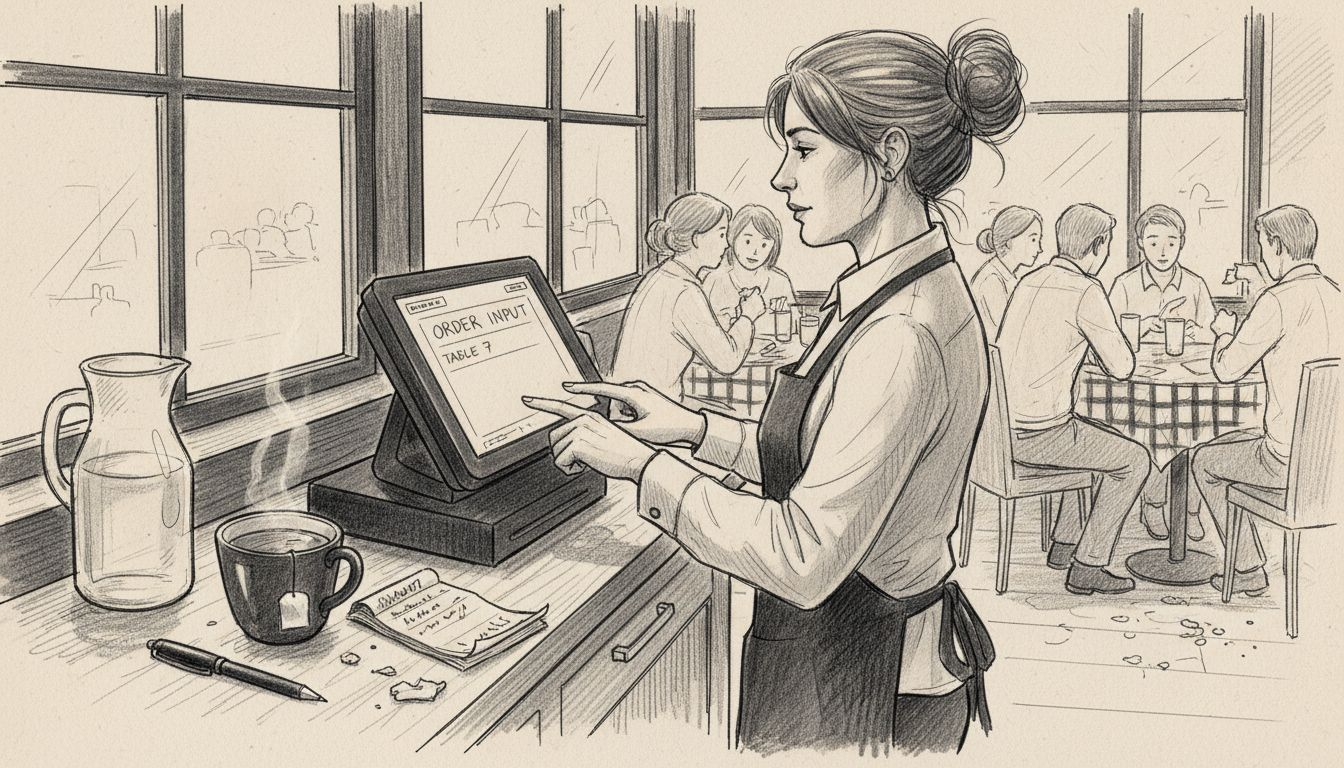
Here’s how the operational flow actually works in practice. A customer walks up to your counter, a server takes their order on a tablet, and that order instantly appears on your kitchen screen with preparation times and any special requests. As items are prepared, they’re marked complete, and the order flows back to the point of sale for payment. Behind the scenes, your inventory is being updated automatically. That cappuccino just sold? Your milk count drops by your configured portion. Simultaneously, your system tracks this sale against your reporting data, showing you that cappuccinos are your top seller between 8 and 10 am on weekday mornings. When the customer pays, whether by card, contactless, or cash, the transaction records and feeds into your till reconciliation. Multiple staff members can be working simultaneously across different terminals without conflicts. All of this happens in the seconds between ordering and payment.
What separates good POS systems from merely adequate ones is the depth of what they do beyond basic transactions. You get customisable reporting that actually answers your business questions rather than just showing transaction logs. Marketing tools like loyalty programmes and targeted promotions help you turn one-time customers into regulars. Staff management features track who’s working, monitor their performance, and flag training needs. Hardware flexibility means you’re not locked into one supplier’s expensive equipment. Your system works with Android tablets, dedicated screens, kitchen displays, and mobile units depending on your setup. This modular approach means you scale up without tearing everything out and starting over. The system learns your business patterns and gives you the data to make smarter decisions about staffing, inventory, and pricing.
Pro tip: Start by listing your top five operational frustrations right now, then during POS demos specifically ask how each system addresses those exact pain points rather than getting distracted by features that sound impressive but don’t solve your real problems.
Legal Compliance and UK Data Security Standards
If you’re running a UK hospitality venue, data security isn’t optional. It’s a legal obligation that carries real penalties if you get it wrong. Your POS system handles customer payment information, personal details from loyalty programmes, booking records, and staff data. That makes it a prime target for criminals and a critical compliance responsibility for you. The framework you need to understand covers three main areas. GDPR requires you to protect personal data and gives customers rights over their information. PCI DSS is specifically about payment card security and sets strict standards for how card data must be handled. The NIS Directive applies to essential services and certain critical sectors, ensuring operational resilience against cyber threats. These aren’t separate concerns you can tackle one at a time. They overlap, interact, and collectively define what “secure” means for your business.
Here’s where many UK hospitality owners hit a wall. Compliance challenges in hospitality persist because small operators lack dedicated IT staff or cybersecurity expertise. You’re stretched thin already, managing rotas, food costs, and customer service. Adding compliance to that list feels overwhelming, especially when guidance feels technical and disconnected from real operations. Yet the consequences of poor security are severe. A data breach can result in fines reaching 4 per cent of your annual turnover under GDPR. You face reputational damage, customer distrust, and potential criminal liability. Your POS system is where transactions happen, making it a natural target for hackers. If your system has weak password policies, unencrypted card storage, or unpatched security vulnerabilities, you’re creating the exact conditions criminals exploit.
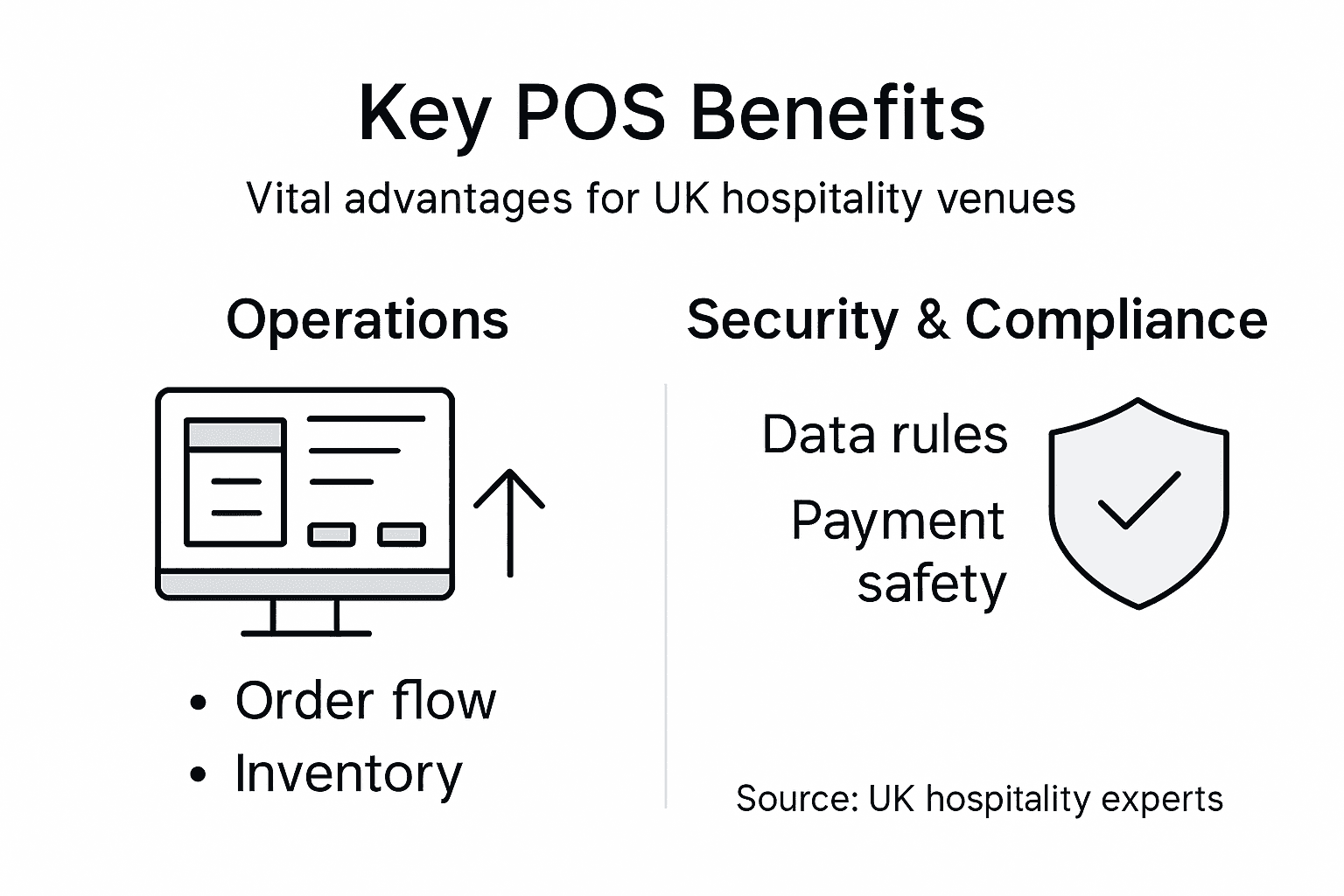
The practical path forward isn’t about becoming a security expert yourself. It’s about choosing a POS provider that takes security seriously and takes these responsibilities off your shoulders. Your system should encrypt data both in transit and at rest. It should comply with PCI DSS requirements for payment processing. It should have regular security updates and patches deployed automatically. Your provider should offer training on basic cybersecurity practices because your staff are often the first line of defence against breaches. Network segmentation, strong password enforcement, and incident planning sound technical, but they translate into practical protections: keeping customer data separate from public wifi, ensuring staff can’t easily guess login credentials, and knowing exactly what to do if something goes wrong. When evaluating a POS system, ask directly about their compliance certifications, their security audit history, and what support they provide for your ongoing obligations.
Here’s a summary of UK legal standards for POS systems and what each means for your business:
| Compliance Standard | What It Covers | Your Responsibility | Impact on Daily Operations |
|---|---|---|---|
| GDPR | Personal data | Secure storage & handling | Staff must follow strict procedures |
| PCI DSS | Payment card security | Using compliant hardware/software | POS provider must meet requirements |
| NIS Directive | Operational resilience | Incident planning & reporting | Network and system security measures |
Pro tip: Request your POS provider’s latest security audit report or compliance certification before signing a contract, then discuss specifically which compliance responsibilities they handle versus which fall to you—this clarity prevents nasty surprises later.
Staff Training and User Adoption Strategies
A brilliant POS system means nothing if your team refuses to use it or uses it incorrectly. Implementation failures rarely stem from the technology itself. They happen because staff weren’t properly trained, didn’t understand why the change mattered, or found workarounds that felt easier than learning something new. You’ve probably seen it before in hospitality: a new system arrives, gets installed, and then your experienced till operator goes back to writing orders on paper because that’s what they’ve always done. That’s not laziness. That’s a signal that the training didn’t stick or the system made their job harder instead of easier. The difference between a POS system that transforms your operations and one that gathers dust in a corner comes down entirely to how you introduce it to your team and support them through adoption.
Start before you even install the system. Your staff need to understand the why, not just the how. When your team knows that the new POS will reduce their shift paperwork by 40 minutes, help them spot mistakes before they reach the kitchen, and give them faster payment processing, they’re motivated to learn it properly. Frame it around their reality, not your spreadsheets. A till operator cares about speed and accuracy. A kitchen porter cares about clearer order information. A manager cares about scheduling flexibility. Tailor your communication to show each group how this system makes their specific role easier. Then, invest in proper hands-on training. Generic online modules where people click through slides accomplish almost nothing. You need someone walking your team through actual scenarios: taking orders during simulated rush periods, processing refunds, handling payment failures. Let them practice on a test system before going live. Your POS provider should support this fully, providing training materials, videos, and ideally an accredited trainer who understands hospitality workflows, not just software clicks.
After launch, your support structure matters enormously. Assign one person as your internal POS champion, someone your team trusts and can ask questions without feeling stupid. This person gets deeper training and becomes your first line of support before escalating to your POS provider. Create quick reference guides for common scenarios and post them beside terminals. Monitor adoption during the first two weeks closely. Spot problems early. If half your staff are still writing orders on paper, something’s wrong with the training or the system, and you need to address it immediately, not hope it resolves itself. Regular refresher training prevents bad habits from creeping back in. Every three months, run a 15-minute session on one specific feature, keeping skills sharp without overwhelming anyone. When staff feel supported and confident, they become advocates for the system rather than reluctant users.
Pro tip: Assign your most respected long-serving staff member as your POS champion and give them a small bonus for training others properly—they carry credibility your team already trusts, making adoption faster and more genuine than relying solely on external trainers.
Costs, Pitfalls, and Common Mistakes to Avoid
Most hospitality owners who end up frustrated with their POS system didn’t choose badly because good options don’t exist. They chose badly because they skipped the groundwork. The mistake starts before you ever contact a vendor. You rush to purchase based on price alone, or because a competitor uses something, or because a salesperson promised it would solve every problem. You skip the crucial step of actually mapping out what your venue needs. Different venues need radically different capabilities, and picking the wrong fit costs far more than any monthly licence fee. You might invest in a system brilliant at table management when your operation is entirely counter service. You might choose something with minimal reporting when your growth plans depend on data insights. Common POS mistakes damage operations long after the initial purchase, manifesting as lost sales, staff frustration, and operational chaos that cost thousands more than the system itself.
Integration failures represent another expensive pitfall. You already have payment processors, loyalty software, accounting systems, delivery platforms, or booking systems running your business. A POS that doesn’t talk to these creates duplicate work, data inconsistencies, and manual entry errors that multiply during busy service. Your accounting software shows different numbers than your POS. Your loyalty programme doesn’t track purchases correctly. You end up with staff manually entering data into multiple systems because the integration either doesn’t exist or was implemented half-heartedly. Ask every vendor explicitly how their system integrates with your specific existing tools. Don’t accept vague promises. Get technical documentation. Talk to other UK venues using their system with your exact setup. Scalability gets overlooked until it becomes a crisis. You choose a system perfect for your current single location, then expand to a second café and discover the system doesn’t support multi-location management, cloud syncing, or centralised reporting. You’re now trapped with a system you’ve already invested in but can’t grow with, forcing an expensive migration later.
Cost considerations extend beyond the monthly licence. Hardware isn’t always included in quoted prices. Integration work might cost thousands. Training provision varies dramatically. Some providers include comprehensive onboarding and ongoing support in their fees. Others charge separately for everything beyond the basic software license. Get itemised quotes showing exactly what’s included and what costs extra. Factor in realistic implementation costs, staff training time, and the productivity dip during transition. Avoid the false economy of choosing the cheapest option when a slightly more expensive system solves more of your actual problems. The real cost isn’t the lowest bid. It’s the total cost of ownership including hidden expenses, staff time, and opportunity cost of delayed implementation. When evaluating systems, involve your actual operational staff in selection. Your experienced till operator will spot usability issues a manager wouldn’t. Your kitchen team will identify workflow problems. Their input prevents costly mistakes because they work with the system daily.
Pro tip: Create a spreadsheet listing your top 10 operational needs ranked by importance, then use it to score each POS option against your actual requirements rather than getting swayed by flashy features you don’t need or impressive sales pitches that don’t address your real pain points.
Unlock Your Hospitality Venue’s Potential with a Flexible UK POS Solution
Managing your hospitality venue means juggling multiple challenges from streamlining orders to ensuring secure payment processing and effective staff training. The article highlights common pain points such as confusing multiple systems, slow service during peak hours, and the need for real-time data to make informed decisions. With the right point of sale system, you can tackle these challenges head on by integrating sales, inventory, reporting and staff management into one easy-to-use platform designed specifically for UK hospitality needs.
Experience a POS system that adapts to your service style whether you operate a café, gastropub, fine dining restaurant or mobile catering business. Our Point Of Sale – EZEEPos Solution delivers full feature access with no tiered restrictions, local UK installation, and comprehensive staff training support. Combining tablet, countertop and kitchen screens with seamless integration to multiple payment methods like EFT Terminals – EZEEPos Solution, it ensures faster transactions and reliable security compliance so you can focus on what matters most – delivering great customer experiences.

Ready to simplify your operations and empower your team with an intuitive, scalable, and secure POS platform? Visit https://ezeepos.co.uk today to discover how EZEEPos transforms hospitality businesses across the UK. Get tailored advice and a personalised demo to see your venue thrive with real-time insights and streamlined processes.
Frequently Asked Questions
What is a point of sale (POS) system?
A point of sale system is an integrated solution that manages sales transactions, inventory, customer data, and reporting, combining both hardware and software to streamline operations in hospitality venues.
How can a POS system benefit my restaurant or café?
A POS system can improve efficiency by tracking real-time sales and inventory, streamlining payment processes, and providing valuable insights into customer preferences and operational performance.
What types of POS systems are available for different hospitality venues?
There are various POS systems tailored to specific service styles, including those designed for table service restaurants, quick-service cafés, mobile catering operations, and hotel restaurants, each with unique features and capabilities.
How do I choose the right POS system for my business needs?
To select the right POS system, you should evaluate your specific operational requirements, prioritise essential features that will streamline your daily processes, and ensure the system can integrate with your existing tools and grow alongside your business.
Recent Comments